
ActiveCampaign
Trial Reminder Email
single column CTA
 Emailify
 Browse our collection of ActiveCampaign-inspired email components. Each component is fully responsive and ready to use in your email designs.
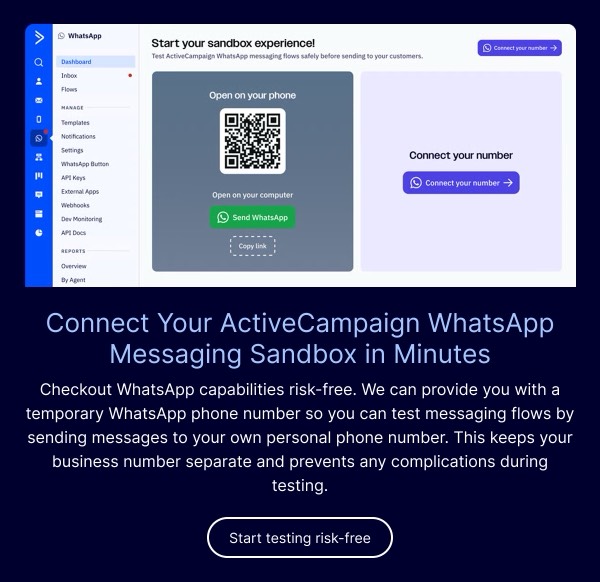
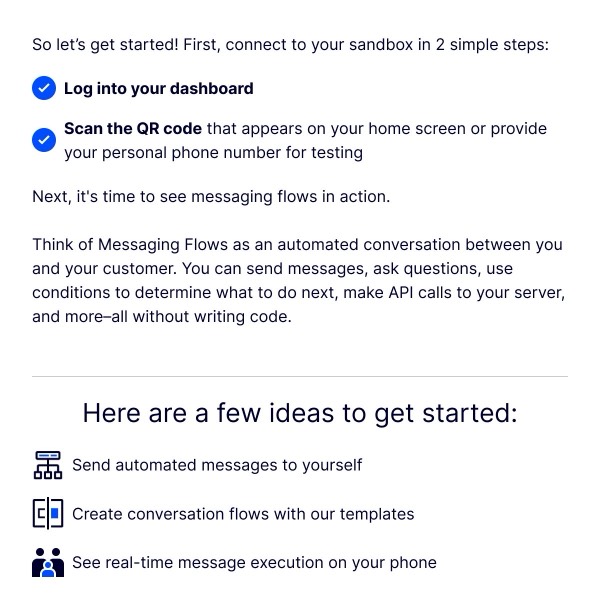
ActiveCampaign, as a leading email marketing automation platform, practices what they preach with sophisticated, conversion-optimized email design. Their emails showcase advanced personalization, clean segmentation-friendly layouts, and strategic automation workflows. Each communication demonstrates best practices in email marketing with professional layouts that balance educational content with product promotion.
Their design approach emphasizes clarity and conversion optimization. ActiveCampaign emails feature well-structured content hierarchies, prominent CTAs, and design patterns that marketers can learn from and emulate. The brand’s signature blue and modern aesthetic create professional, trustworthy communications that resonate with marketing professionals.
Browse the collection above to explore feature announcement blocks, educational content sections, multi-step workflow diagrams, and high-converting CTA patterns—all inspired by ActiveCampaign’s marketing-first email design.
Each component is available in Figma and can be copied directly into your designs. They’re built with email-safe HTML and CSS, ensuring compatibility across all major email clients and optimized for marketing automation platforms.
Click the "Copy Figma Component" button on any ActiveCampaign component, then paste it directly into your Figma design file using Cmd+V (Mac) or Ctrl+V (Windows). The component will be ready to customize.
Yes, all ActiveCampaign email components are fully responsive and work across all major email clients including Gmail, Outlook, Apple Mail, and mobile devices.
Absolutely! Once copied into Figma, you can customize colors, fonts, spacing, images, and all other design elements to match your brand.
These components are designed to work seamlessly with the Emailify Figma plugin, which converts your designs to production-ready HTML email code. You can use them in Figma for free, and use Emailify when you're ready to export.