
Feature List Email Components

Explore feature list designs from top brands. Perfect for product announcements, updates, and benefit highlights.
18 components
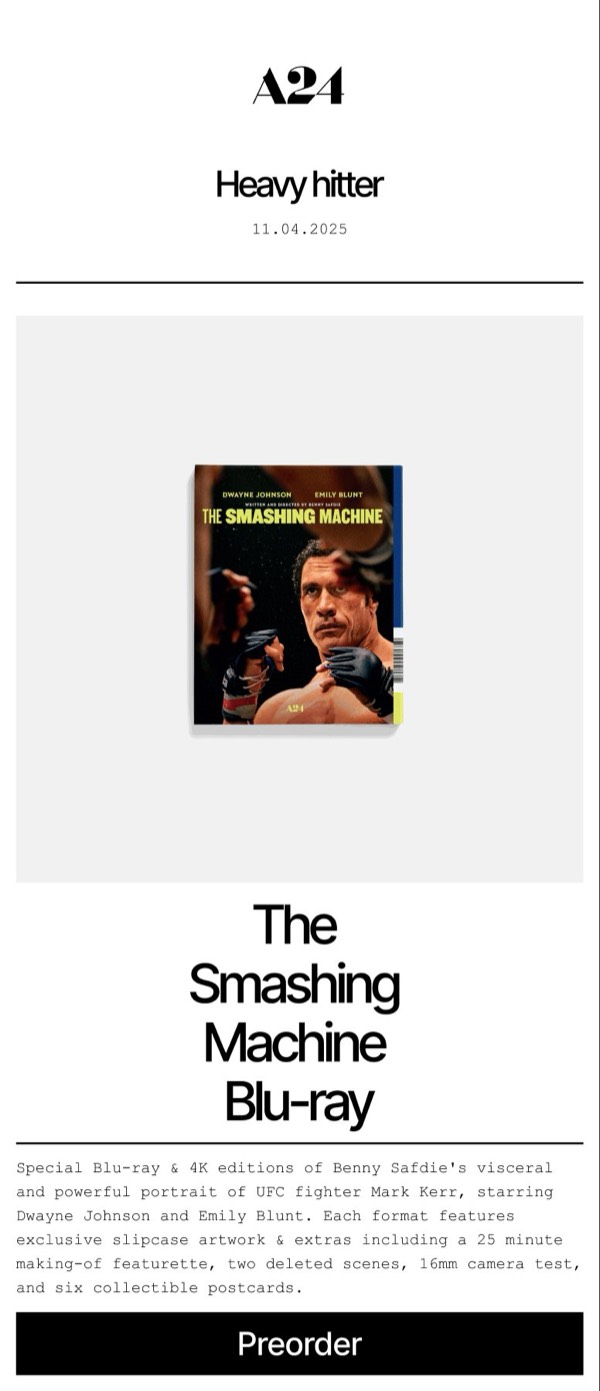
Smashing Machine Blu-ray - A24 Feature List email component
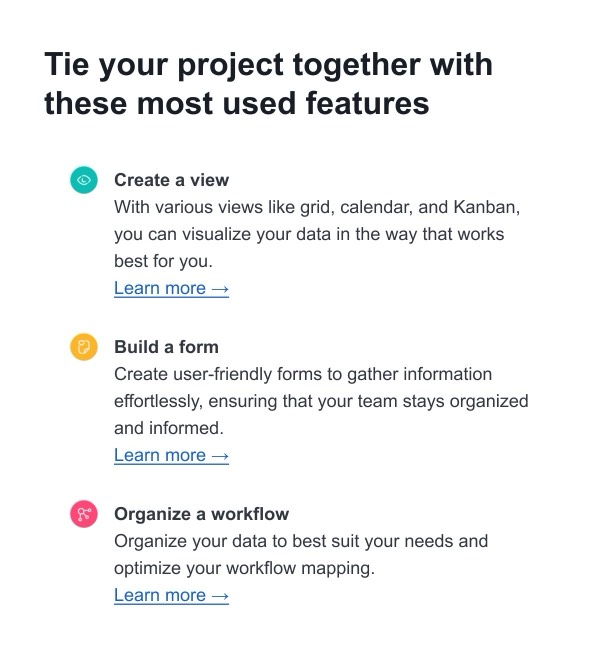
Project Features Overview - Airtable Feature List email component
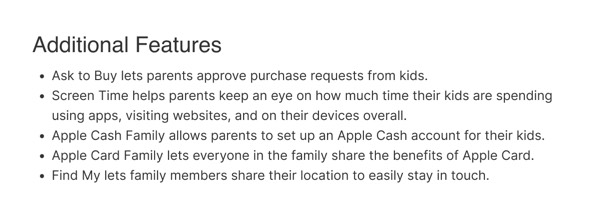
Additional Features - Apple Feature List email component
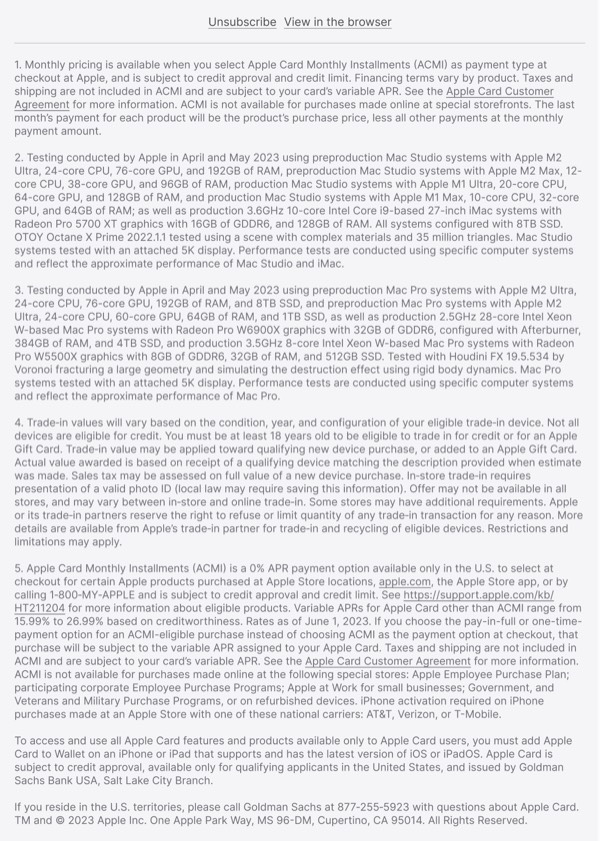
Payment Options and Trade-In - Apple Feature List email component
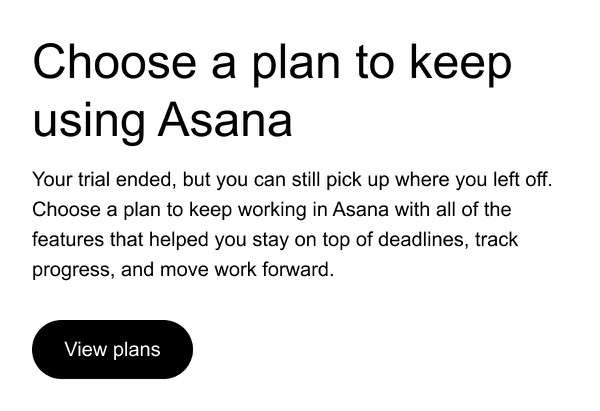
Choose a Plan Email - Asana Feature List email component
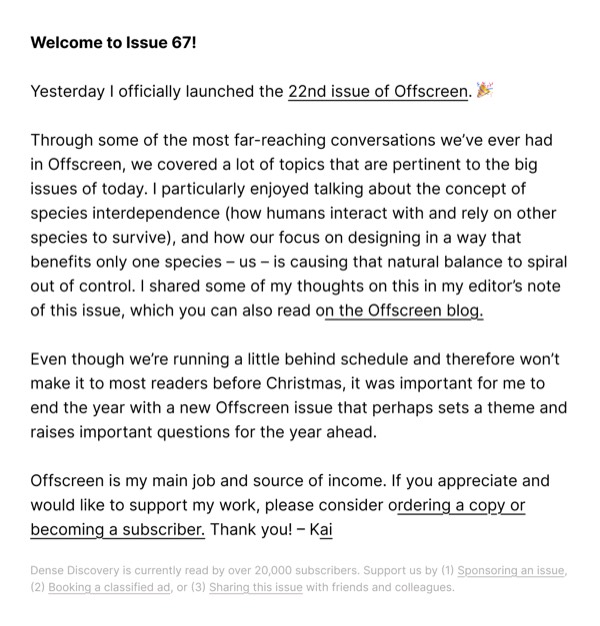
Issue Launch Update - Dense Discovery Feature List email component
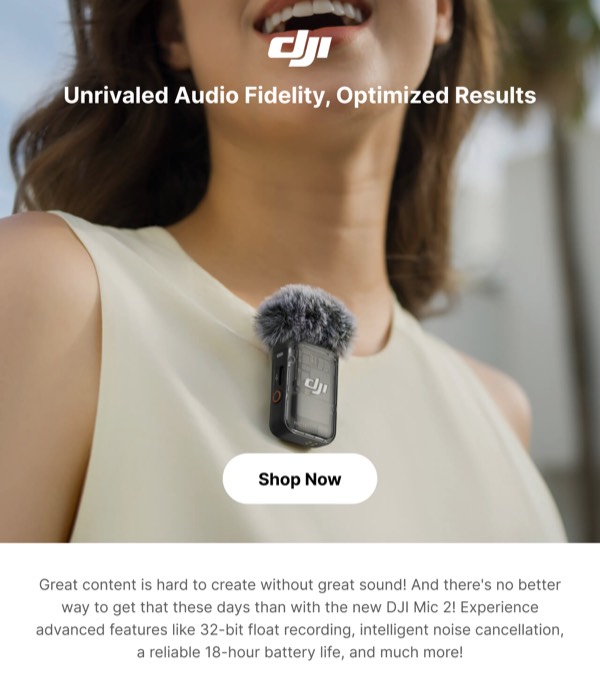
Audio Equipment Promotion - DJI Feature List email component
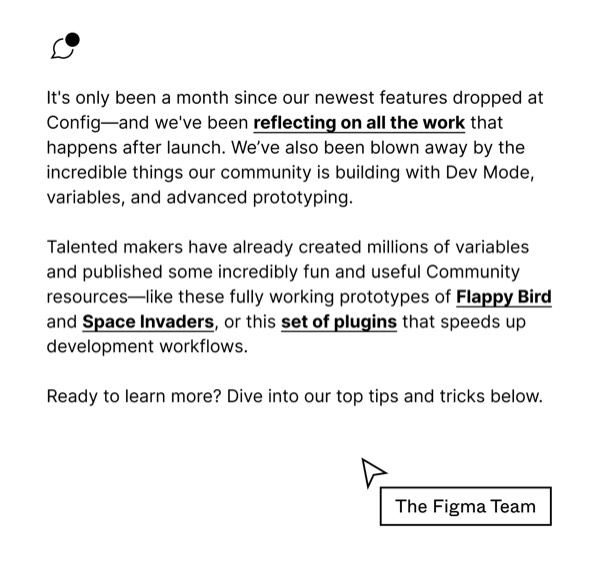
Recent Features Announcement - Figma Feature List email component
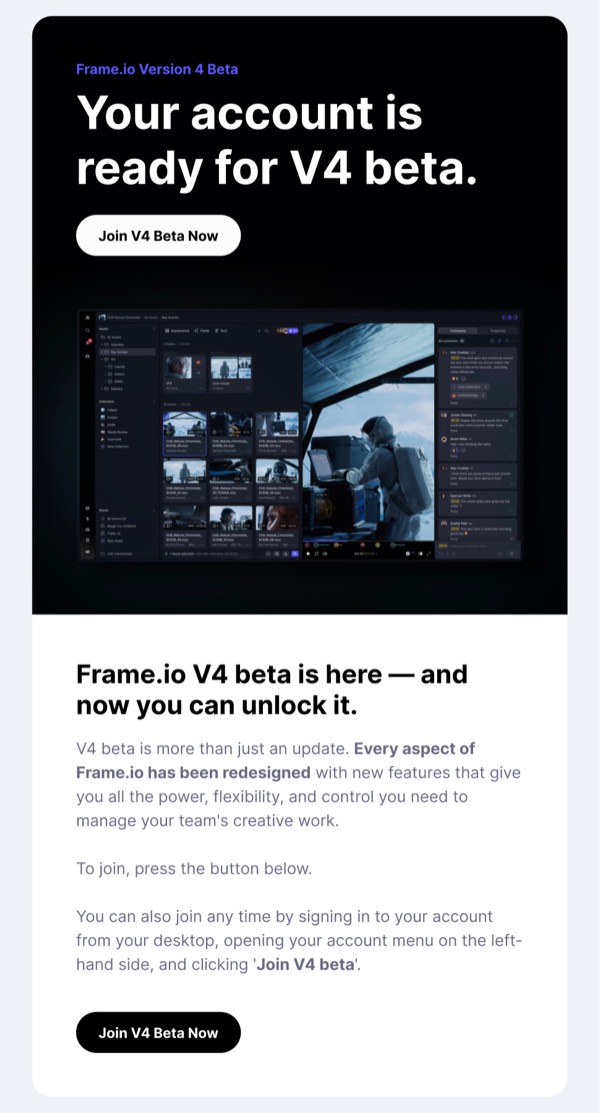
Your Account is Ready for V4 Beta - Frame.io Feature List email component
Dinosaur Model Promotion - LEGO Feature List email component
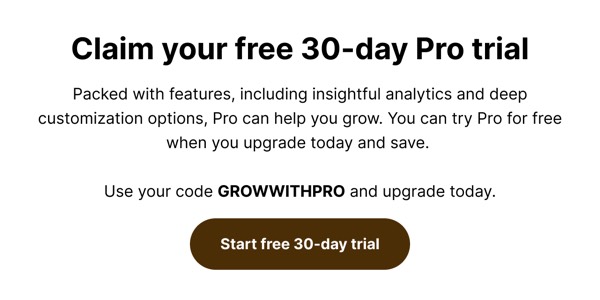
Free Trial Promotion - Linktree Feature List email component
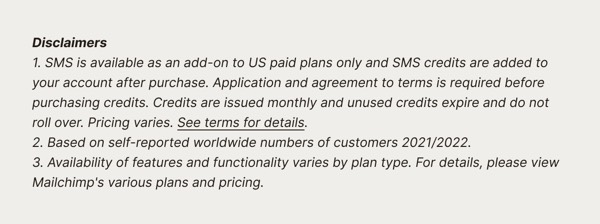
Disclaimer Text Area - Mailchimp Feature List email component
Nintendo Email Footer - Nintendo Feature List email component
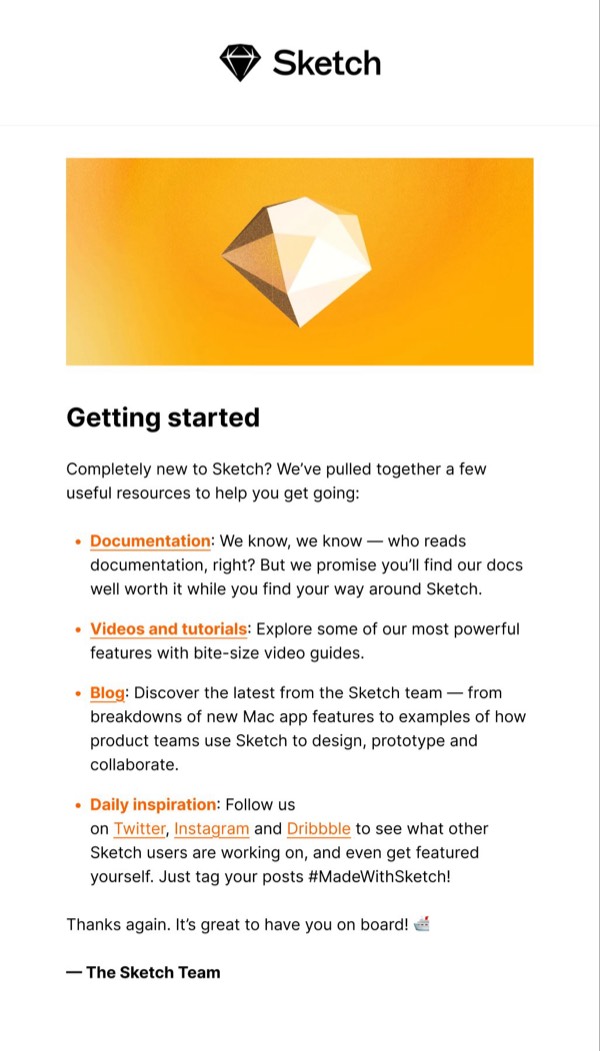
Getting Started Email - Sketch Feature List email component
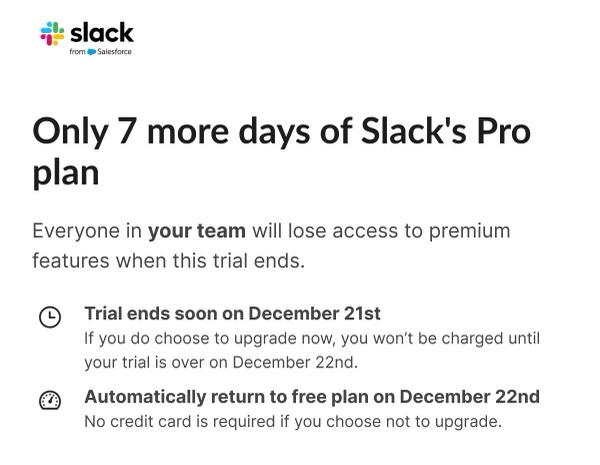
Trial Expiration Reminder - Slack Feature List email component
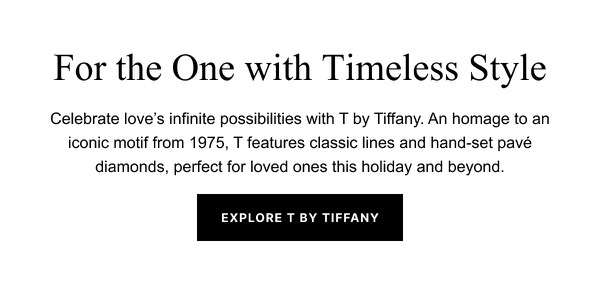
Timeless Style Announcement - Tiffany & Co. Feature List email component
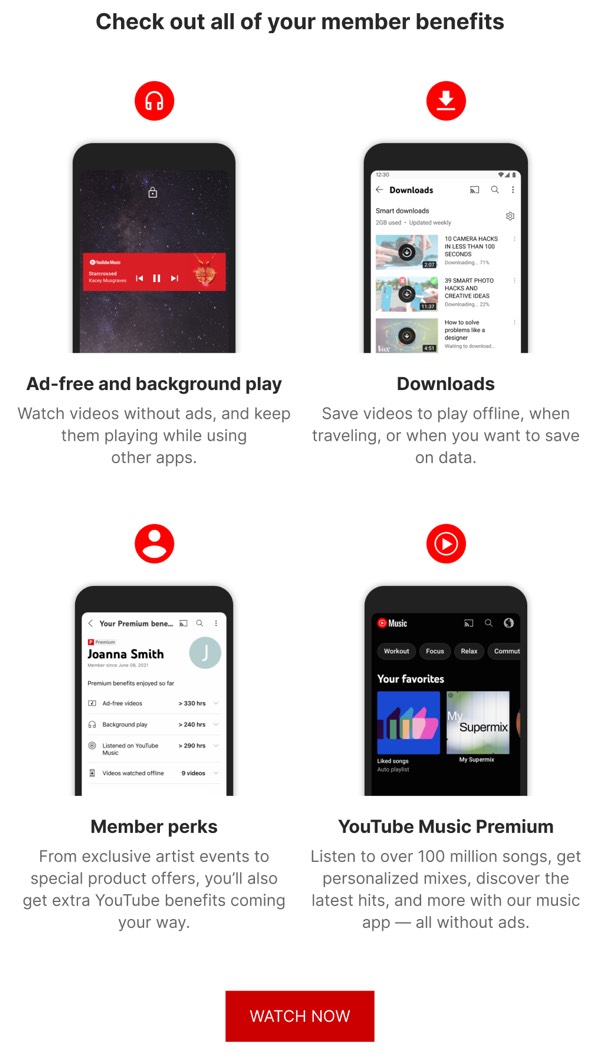
Member Benefits Overview - YouTube Feature List email component
YouTube Kids Uninterrupted - YouTube Feature List email component

Feature List Email Design Guide

Feature list components are essential for communicating product capabilities, benefits, and value propositions in a clear, scannable format. These layouts help potential customers quickly understand what your product offers and why it matters.

Essential Elements

  • Clear headlines: Each feature has a descriptive, benefit-focused title
  • Supporting details: Brief explanations that add context and value
  • Visual markers: Icons or imagery that enhance quick comprehension
  • Logical organization: Features grouped or ordered by importance

Design Principles

Clarity and Scannability

Feature lists should be easy to digest:

  • Use consistent formatting for each feature item
  • Include white space between features for breathing room
  • Employ visual hierarchy to distinguish titles from descriptions
  • Add icons or illustrations to enhance visual scanning

Benefit-Focused Messaging

Your feature list should emphasize value:

  • Focus on benefits rather than just technical specifications
  • Use customer-centric language that resonates with users
  • Include social proof or metrics when available
  • Connect features to user pain points or goals

Feature List Types

Browse the components above to see different approaches:

  • Icon-based lists: Visual icons paired with feature descriptions
  • Image-supported lists: Screenshots or illustrations showing features
  • Comparison lists: Before/after or competitor comparisons
  • Tiered lists: Features organized by plan or subscription level
  • Expandable lists: Progressive disclosure for detailed features

Best Practices

  1. Prioritize strategically: Lead with your strongest, most compelling features
  2. Keep descriptions brief: 1-2 sentences per feature for optimal scanning
  3. Use consistent structure: Maintain similar length and format across items
  4. Include CTAs: Guide users to learn more or take action
  5. Test on mobile: Ensure icons and text remain readable when stacked

Frequently Asked Questions

What are Feature List email components?

Feature List email components are pre-designed, production-ready email sections focused on feature list content. They're optimized for email clients and ready to customize in Figma.

How do I use Feature List components in my emails?

Click "Copy Figma Component" on any Feature List component, then paste it into your Figma file. Customize the design, then use the Emailify plugin to export production-ready HTML email code.

Are Feature List components mobile-friendly?

Yes, all Feature List components are fully responsive and tested across mobile, tablet, and desktop email clients including Gmail, Outlook, Yahoo Mail, and Apple Mail.

Can I customize the Feature List components?

Absolutely! Once in Figma, you have full control to modify colors, fonts, spacing, images, copy, and layout to match your brand guidelines.