Email Hero Components

Discover hero layouts from top brands. Perfect for newsletters, promotional emails, and transactional messages.

4 components
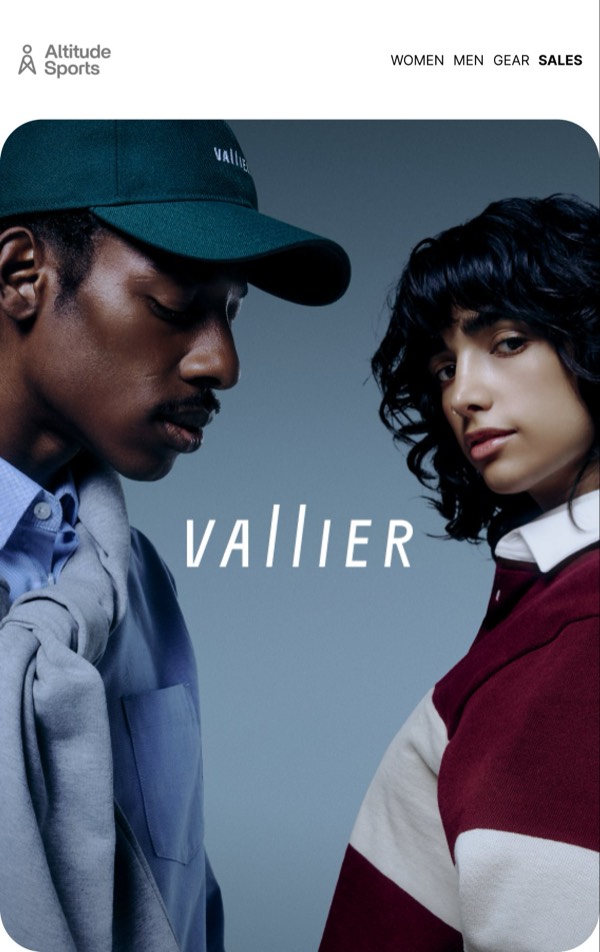
Stylish Clothing Campaign - Altitude email component (hero layout)
Innovative Customer Solutions - Ferrari email component (hero layout)
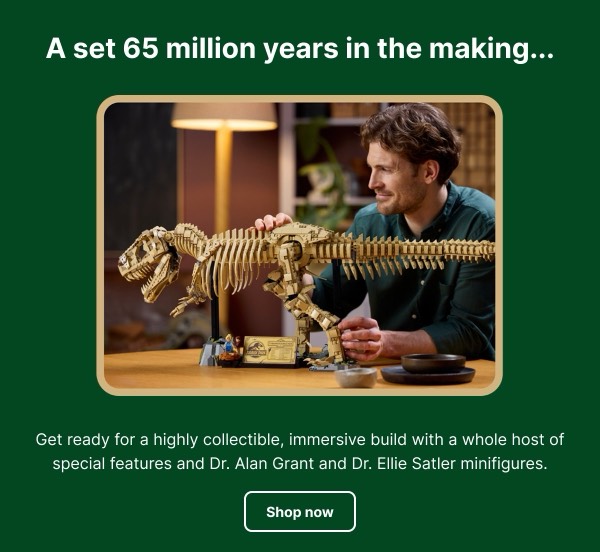
Dinosaur Model Promotion - LEGO email component (hero layout)
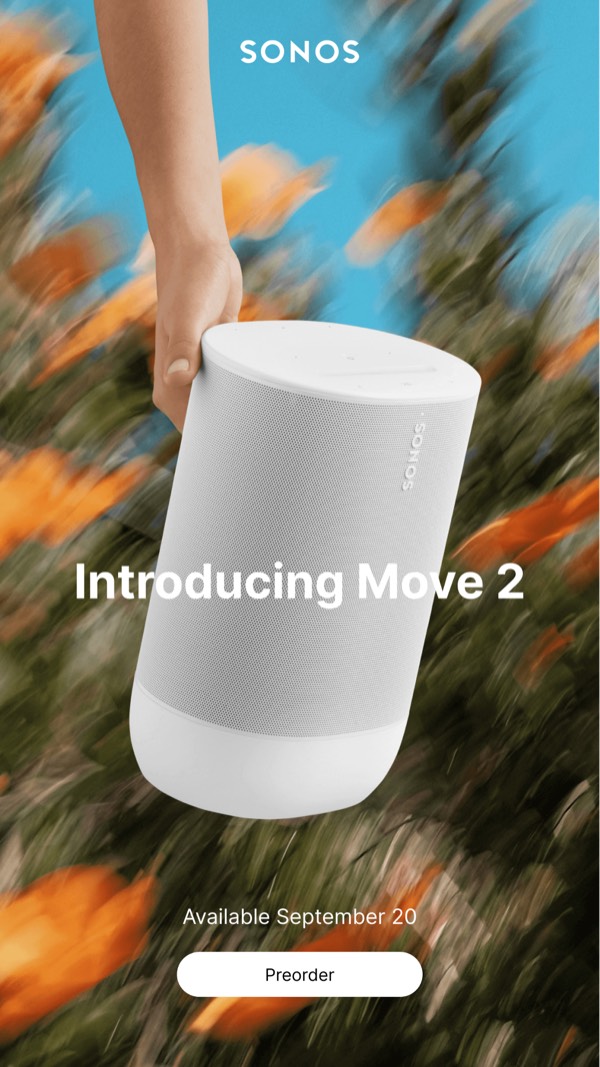
Introducing Move 2 - Sonos email component (hero layout)

Email Hero Design Guide

Hero sections are the focal point of your email, designed to capture attention immediately and communicate your primary message. A well-crafted hero combines striking visuals with clear messaging to drive engagement.

Essential Elements

  • Impactful imagery: High-quality visuals that support your message
  • Clear headline: Bold, concise text that communicates the main value
  • Compelling CTA: Action-oriented button or link that drives conversions
  • Supporting copy: Brief description that adds context to the headline

Design Considerations

Mobile Optimization

Hero sections must look stunning on all devices:

  • Responsive images that scale appropriately
  • Text overlays that remain readable at any size
  • Touch-friendly CTAs (44x44px minimum)
  • Proper fallbacks for background images

Visual Hierarchy

Your email hero should guide the reader’s attention:

  • Use size and contrast to emphasize the headline
  • Position CTAs prominently within the visual flow
  • Balance image and text for optimal readability
  • Maintain brand consistency with colors and typography

Hero Types

Browse the components above to see different hero approaches:

  • Image-focused heroes: Large background images with text overlay
  • Split heroes: Image on one side, content on the other
  • Minimal heroes: Clean design with bold typography and subtle imagery
  • Animated heroes: GIF or video content for dynamic engagement

Implementation Tips

  1. Use live text: Avoid text-heavy images for better accessibility
  2. Optimize images: Compress without sacrificing quality
  3. Include alt text: Describe images for accessibility and blocked images
  4. Test background images: Not all email clients support them equally
  5. Keep CTAs clear: Use high-contrast buttons that stand out

Frequently Asked Questions

What is a hero email layout?

A hero layout is a structured email design pattern commonly used for organizing content in email marketing. These components provide tested, responsive structures that work across all major email clients.

How do I copy these hero components to Figma?

Simply click the "Copy Figma Component" button on any component card, then paste it into your Figma file using Cmd+V (Mac) or Ctrl+V (Windows). The component will be ready to customize immediately.

Are hero layouts responsive?

Yes, all hero layouts are fully responsive and optimized for desktop, tablet, and mobile email clients including Gmail, Outlook, and Apple Mail.

Can I mix different layout types in one email?

Absolutely! You can combine multiple layout types within a single email design. Mix hero layouts with other patterns to create unique, engaging email experiences.