
Social Email Components
Explore social email designs from top brands. Perfect for connecting subscribers to your social presence and encouraging sharing.
23 components
Browse by
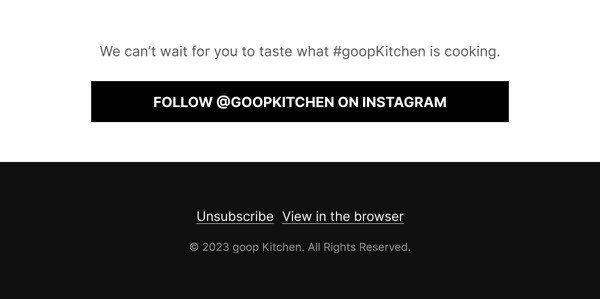
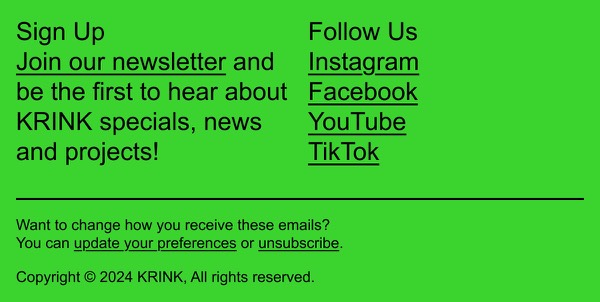
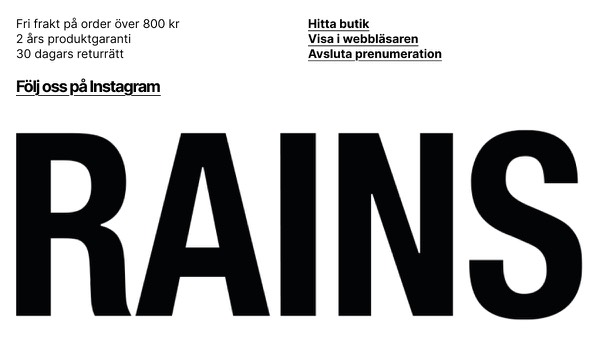
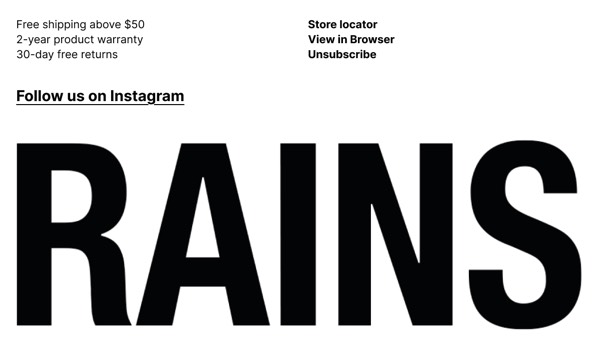
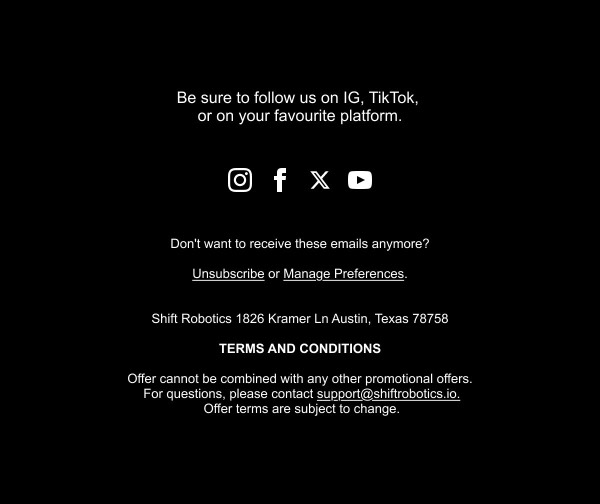

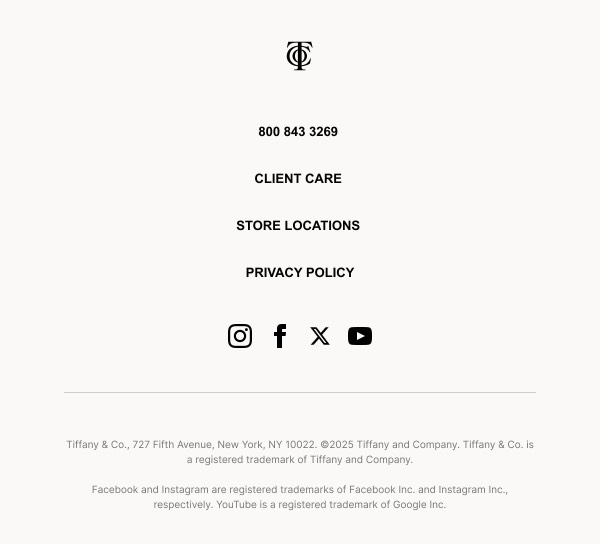

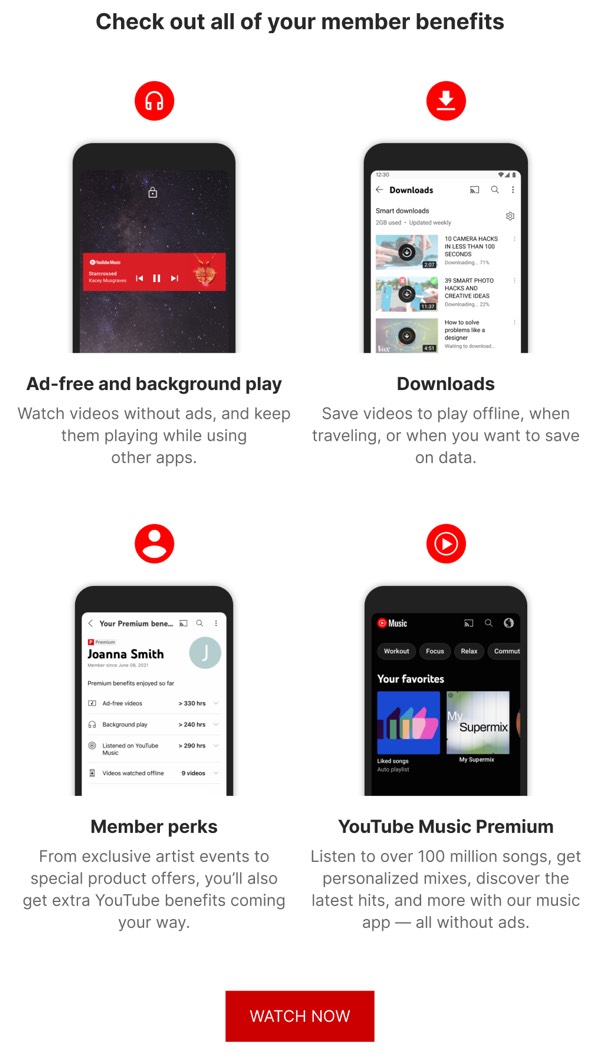
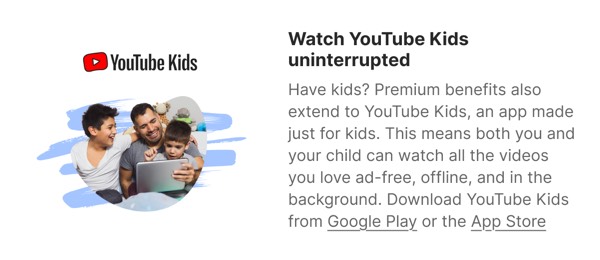
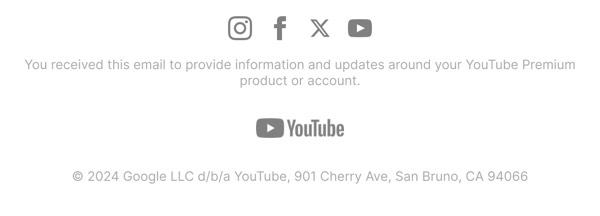
Social Email Components Guide
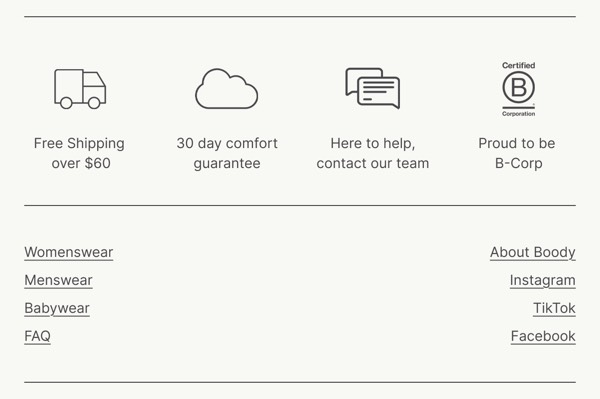
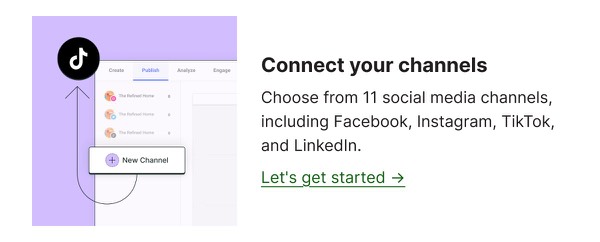
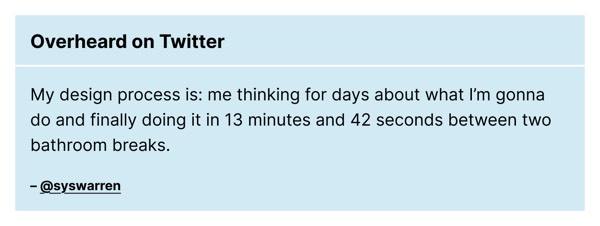
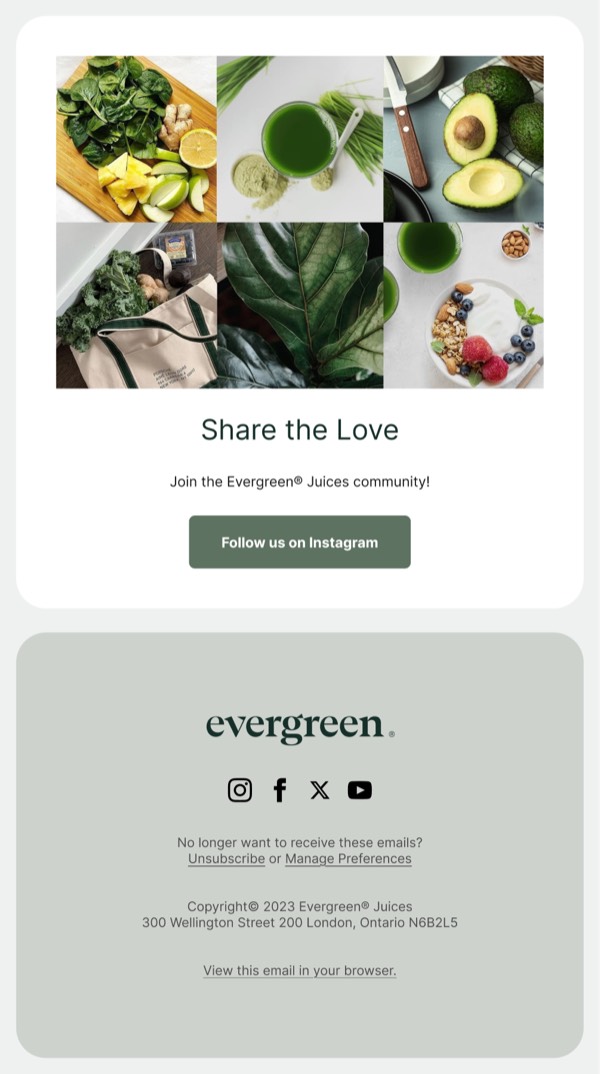
Social email components help bridge your email marketing with social media presence, enabling subscribers to connect with your brand across platforms and share content with their networks. Well-designed social elements encourage engagement without cluttering your message.
Essential Elements
- Social media icons: Clear, recognizable links to your profiles
- Share buttons: Easy ways for subscribers to share content
- Social proof: Follower counts or engagement metrics
- User-generated content: Customer photos or testimonials from social
Design Principles
Strategic Placement
Social elements should enhance, not distract:
- Include social icons in header or footer consistently
- Add share buttons near valuable content worth sharing
- Feature social proof where credibility matters
- Use subtle styling that complements overall design
Platform Selection
Focus on platforms that matter:
- Only include active social channels
- Prioritize platforms where your audience engages
- Consider platform-specific content types
- Link to platform-appropriate landing pages
Social Component Types
Browse the components above to see different approaches:
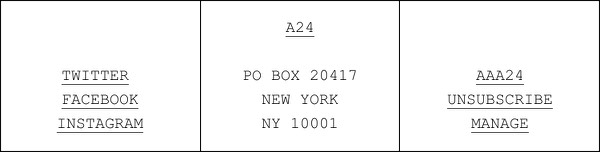
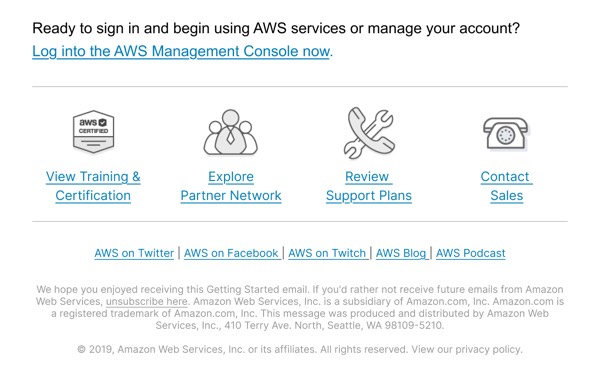
- Icon bars: Horizontal rows of social media icons
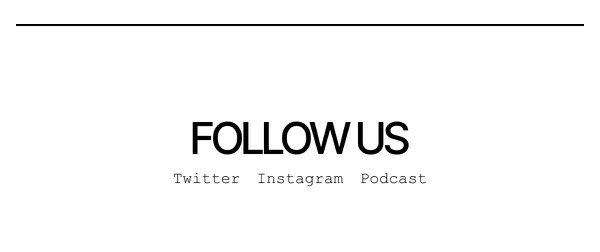
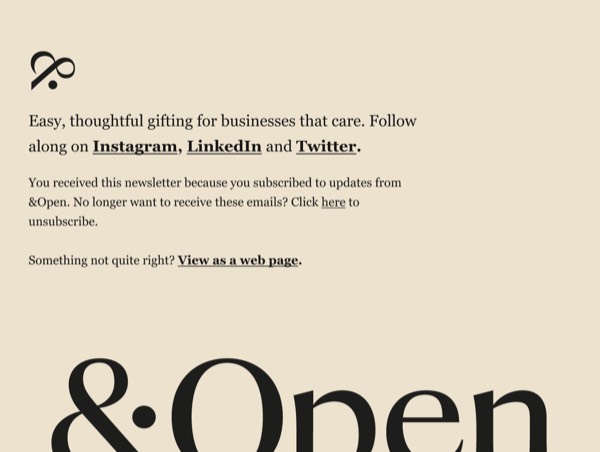
- Follow CTAs: Dedicated sections encouraging social follows
- Share buttons: Enable forwarding to social platforms
- Social feeds: Display recent posts or content from social
- Social proof badges: Showcase follower counts or ratings
- User-generated galleries: Customer photos from social media
- Social contests: Promote contests or campaigns
Popular Social Platforms
Primary Platforms:
- Instagram: Visual brands, lifestyle, products
- Facebook: Community building, broad demographics
- Twitter/X: News, updates, customer service
- LinkedIn: B2B, professional content, thought leadership
- YouTube: Video content, tutorials, entertainment
- TikTok: Short-form video, younger demographics
- Pinterest: Visual discovery, DIY, recipes, design
Platform-Specific Strategies:
- Instagram: Share product photos, behind-the-scenes
- LinkedIn: Professional insights, company updates
- Twitter: Quick updates, customer conversations
- YouTube: Link to latest videos or subscribe prompts
- Pinterest: Drive traffic to blog posts or products
- TikTok: Share viral content or challenges
Social Icon Design Approaches
Icon Styles:
- Official brand colors: Recognizable platform colors
- Monochrome: Grayscale for subtle, unified look
- Brand-colored: Icons in your brand colors
- Outlined: Simple outlines for modern aesthetic
- Rounded squares: Contained in circular or rounded backgrounds
Sizing and Spacing:
- Icons typically 32-40px for adequate tappability
- Maintain 10-15px spacing between icons
- Align icons horizontally for scanability
- Include “Follow us” or platform name labels when helpful
Implementation Tips
Social Links:
- Link to profiles: Direct links to your active profiles
- Use tracking: Add UTM parameters to measure traffic
- Keep updated: Remove inactive platforms regularly
- Test links: Verify all social links work correctly
Share Functionality:
- Make it easy: One-click sharing when possible
- Pre-populate content: Include headline or description
- Include image: Ensure social cards display properly
- Track shares: Monitor which content gets shared most
Social Proof:
- Keep current: Update follower counts regularly
- Show growth: Highlight if you’ve reached milestones
- Feature engagement: Share popular posts or testimonials
- Use real content: Authentic social content builds trust
Best Practices:
- Don’t overwhelm: 3-5 key platforms maximum
- Match your brand: Style icons to fit overall design
- Be consistent: Use same icons/placement across emails
- Mobile-friendly: Ensure icons are tappable (44x44px min)
- Include alt text: Describe icons for accessibility
- Consider dark mode: Ensure icons work in both modes
Frequently Asked Questions
What makes an email component "Social"?
Social email components share a common social design style or attribute. These components are tagged to help you quickly find designs that match specific visual or functional characteristics.
How do I copy Social components to Figma?
Click the "Copy Figma Component" button on any Social component card, then paste directly into your Figma design file using Cmd+V (Mac) or Ctrl+V (Windows).
Can I combine Social components with other styles?
Yes! Social components work seamlessly alongside components with other style tags. Mix and match to create your perfect email design.
Are Social components tested across email clients?
All Social components are tested and optimized for major email clients including Gmail, Outlook, Apple Mail, Yahoo Mail, and mobile devices.