Email Header Components

Discover header layouts from top brands. Perfect for newsletters, promotional emails, and transactional messages.

33 components
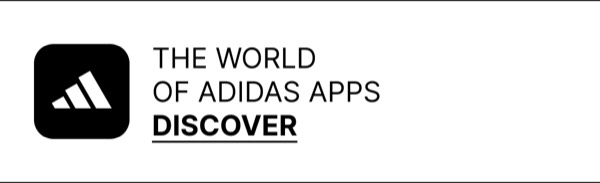
App Discovery Section - Adidas email component (header layout)
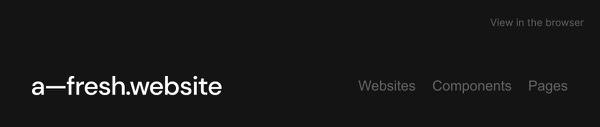
Email Header Section - Afresh email component (header layout)
Email Header with Trial CTA - Asana email component (header layout)
Email Header Component - Boody email component (header layout)
Email Header Component - Braze email component (header layout)
Clean Email Header - Brevo email component (header layout)
Simple Logo Header - Buffer email component (header layout)
Simple Email Header - Buffer email component (header layout)
Email Header - Calendly email component (header layout)
Design Tool Email Header - Canva email component (header layout)
Simple Email Header - Claude email component (header layout)
Email Header with CTA - Cowboy email component (header layout)
Brand Partnership Header - DoorDash email component (header layout)
Email Header - Drip email component (header layout)
Etsy Email Header - Etsy email component (header layout)
Simple Email Header - Figma email component (header layout)
Minimal Email Header - Frame.io email component (header layout)
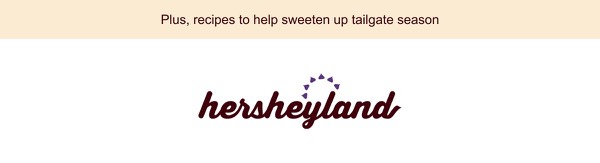
Tailgate Season Promotion - Hersheyland email component (header layout)
Email Header Links - Heyday email component (header layout)
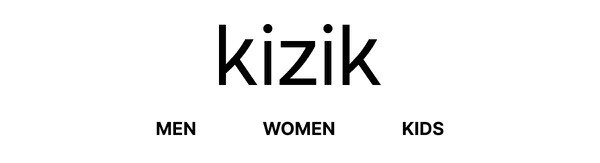
Simple Category Navigation - Kizik email component (header layout)
Email Header - Miro email component (header layout)
Nintendo News Email - Nintendo email component (header layout)
Simple Email Header - Opal email component (header layout)
Email Header - OpenAI email component (header layout)
Simple Navigation Bar - Rains email component (header layout)
Bold Brand Logo Header - Shift email component (header layout)
App Benefits Header - Starbucks email component (header layout)
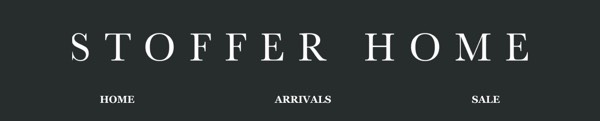
Simple Navigation Header - Stoffer email component (header layout)
Icon-Based Header - Threads email component (header layout)
Simple Navigation Bar - Trade email component (header layout)
Newsletter Header - Tripadvisor email component (header layout)
Email Header - Webflow email component (header layout)
Email Header - Zapier email component (header layout)

Email Header Design Guide

The email header is the first thing subscribers see when they open your message. A well-designed header establishes brand identity, provides navigation, and sets the tone for the rest of the email.

Essential Elements

  • Logo placement: Typically left-aligned or centered for brand recognition
  • Navigation links: Quick access to key sections (web-view preferred)
  • Preheader text: Supporting text that appears after the subject line
  • Social links: Optional connections to social media profiles

Design Considerations

Mobile Optimization

Headers must be responsive and readable on small screens. Consider:

  • Larger tap targets for mobile (44x44px minimum)
  • Simplified navigation for smaller viewports
  • Logo sizing that works across devices

Brand Consistency

Your email header should align with your website and app:

  • Use consistent logos and brand colors
  • Match typography styles when possible
  • Maintain visual hierarchy from other channels

Header Layouts

Browse the components above to see different header approaches:

  • Simple branding: Logo only, minimal distraction
  • Navigation headers: Include key links for easy browsing
  • Promotional headers: Feature announcements or offers
  • Utility headers: Transaction-focused, clear and functional

Implementation Tips

  1. Keep it light: Headers should be ~100-150px tall on desktop
  2. Use web-safe fonts: Fallbacks ensure consistent rendering
  3. Include alt text: For logo images, always provide descriptive alt text
  4. Test thoroughly: Verify rendering in dark mode and across email clients

Frequently Asked Questions

What is a header email layout?

A header layout is a structured email design pattern commonly used for organizing content in email marketing. These components provide tested, responsive structures that work across all major email clients.

How do I copy these header components to Figma?

Simply click the "Copy Figma Component" button on any component card, then paste it into your Figma file using Cmd+V (Mac) or Ctrl+V (Windows). The component will be ready to customize immediately.

Are header layouts responsive?

Yes, all header layouts are fully responsive and optimized for desktop, tablet, and mobile email clients including Gmail, Outlook, and Apple Mail.

Can I mix different layout types in one email?

Absolutely! You can combine multiple layout types within a single email design. Mix header layouts with other patterns to create unique, engaging email experiences.