Airbnb
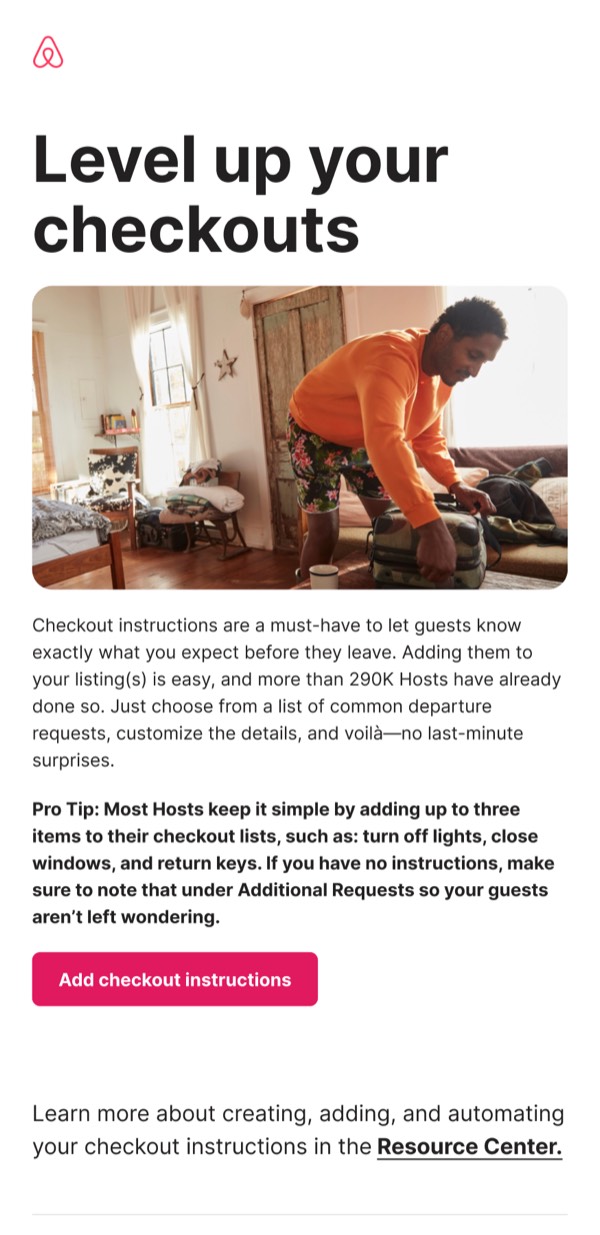
Checkout Instructions
single column LightMuted Image CTA
 Emailify
 Browse our collection of Airbnb-inspired email components. Each component is fully responsive and ready to use in your email designs.
Airbnb has become known for their clean, user-friendly email designs that prioritize beautiful imagery and clear calls-to-action. Their emails focus on inspiring travel while maintaining excellent usability across all email clients.
Browse the collection above to find headers, hero sections, property cards, and more—all inspired by Airbnb’s email design system.
Each component is available in Figma and can be copied directly into your designs. They’re built with email-safe HTML and CSS, ensuring compatibility across all major email clients.
Click the "Copy Figma Component" button on any Airbnb component, then paste it directly into your Figma design file using Cmd+V (Mac) or Ctrl+V (Windows). The component will be ready to customize.
Yes, all Airbnb email components are fully responsive and work across all major email clients including Gmail, Outlook, Apple Mail, and mobile devices.
Absolutely! Once copied into Figma, you can customize colors, fonts, spacing, images, and all other design elements to match your brand.
These components are designed to work seamlessly with the Emailify Figma plugin, which converts your designs to production-ready HTML email code. You can use them in Figma for free, and use Emailify when you're ready to export.