
CTA Email Components

Explore call-to-action designs from top brands. Perfect for driving clicks, conversions, and user engagement.
76 components
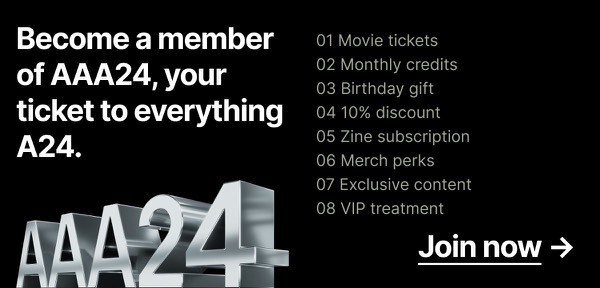
Join AAA24 Membership - A24 CTA email component
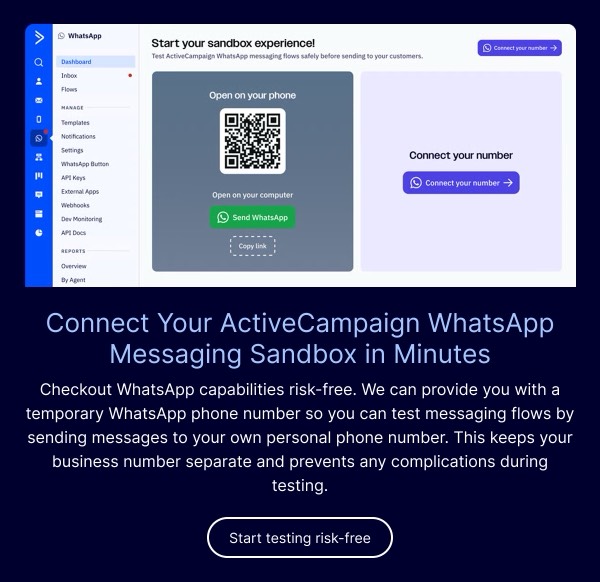
Connect Your ActiveCampaign WhatsApp Sandbox - ActiveCampaign CTA email component
Call to Action Section - ActiveCampaign CTA email component
Cold Weather Essentials Promotion - AllTrails CTA email component
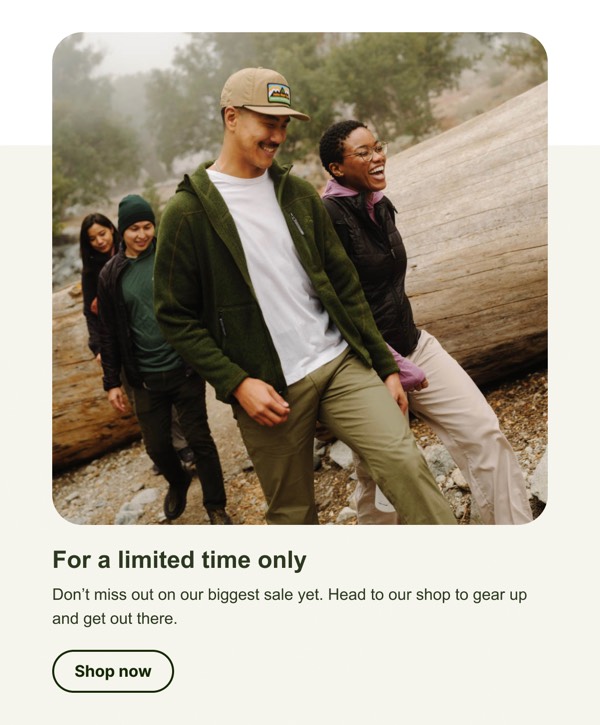
Limited Time Sale Announcement - AllTrails CTA email component
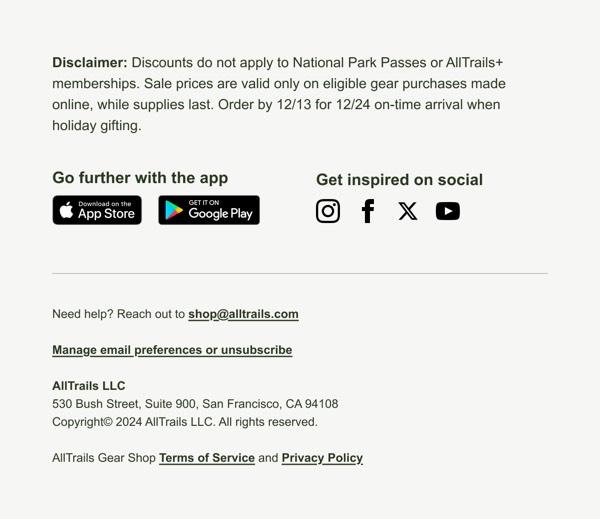
Email Footer Information - AllTrails CTA email component
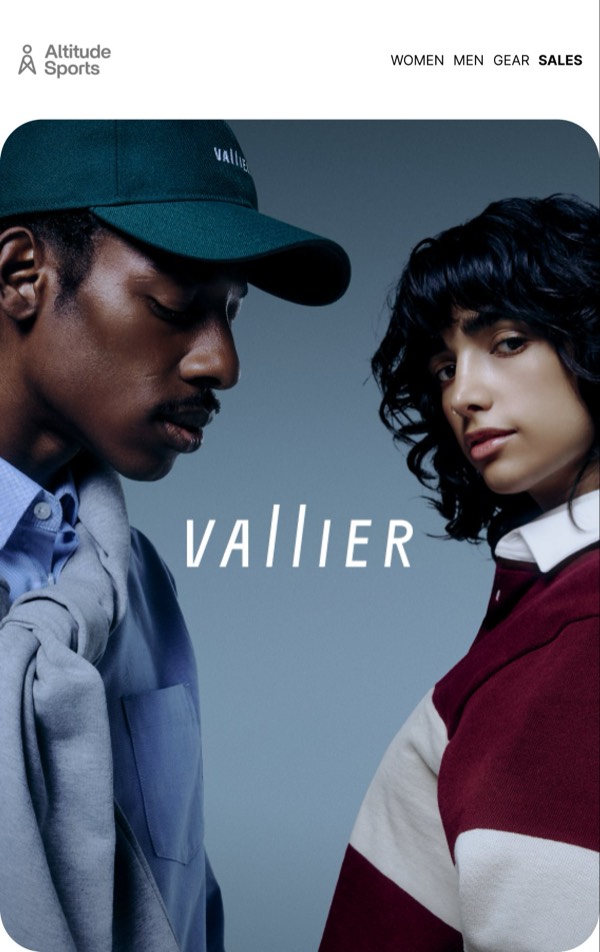
Stylish Clothing Campaign - Altitude CTA email component
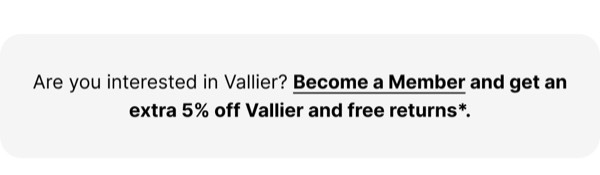
Membership Offer Email Component - Altitude CTA email component
Lifetime Membership Offer - Altitude CTA email component
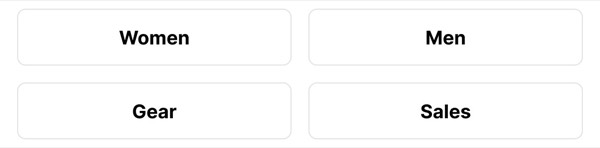
Category Selection Buttons - Altitude CTA email component
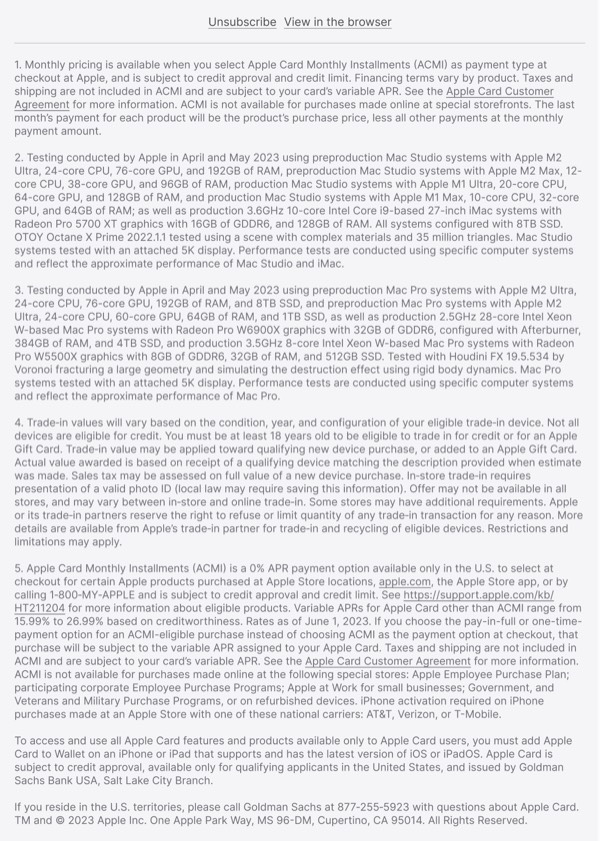
Payment Options and Trade-In - Apple CTA email component
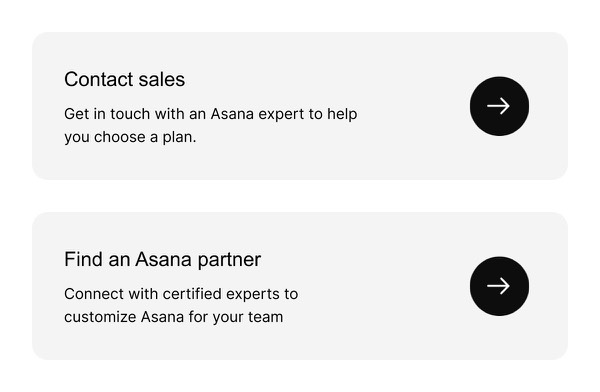
Contact Us Options - Asana CTA email component
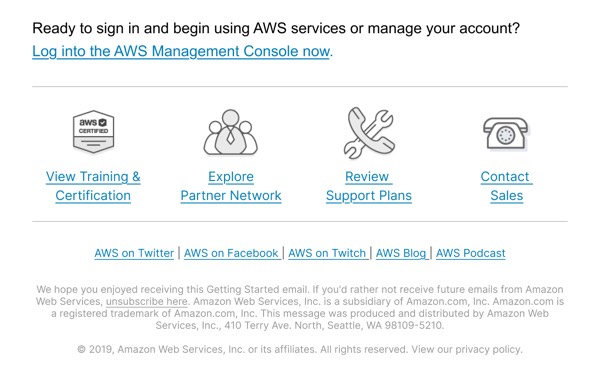
Account Sign-in and Resources - AWS CTA email component
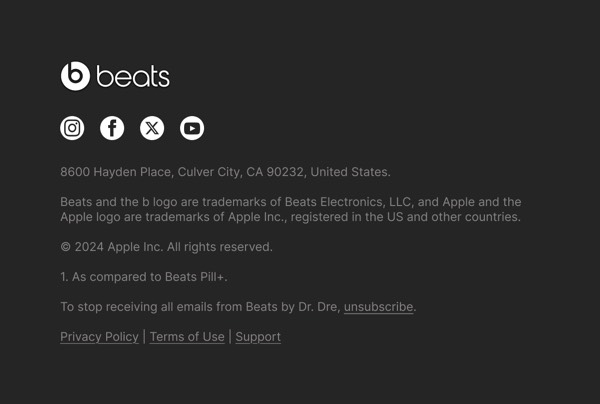
Footer with Contact Info - Beats CTA email component
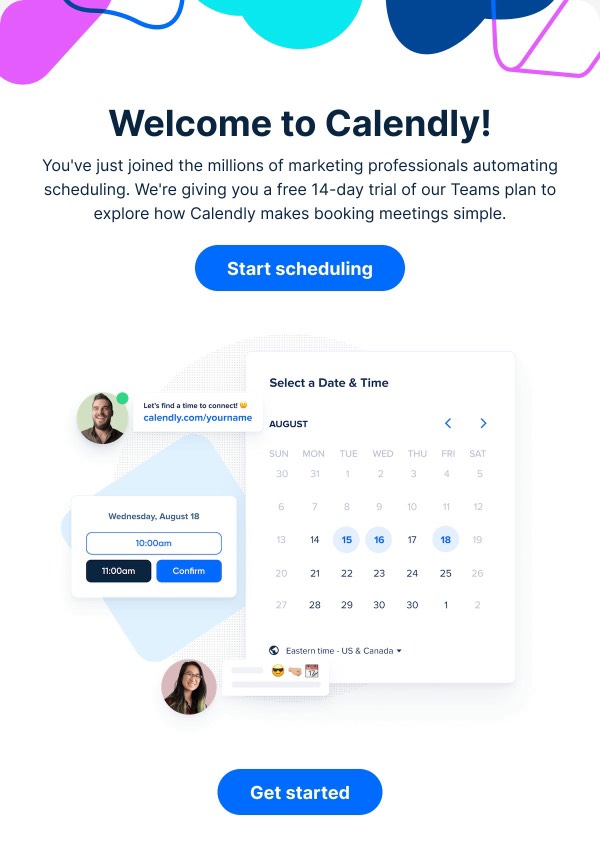
Scheduling Invitation Email - Calendly CTA email component
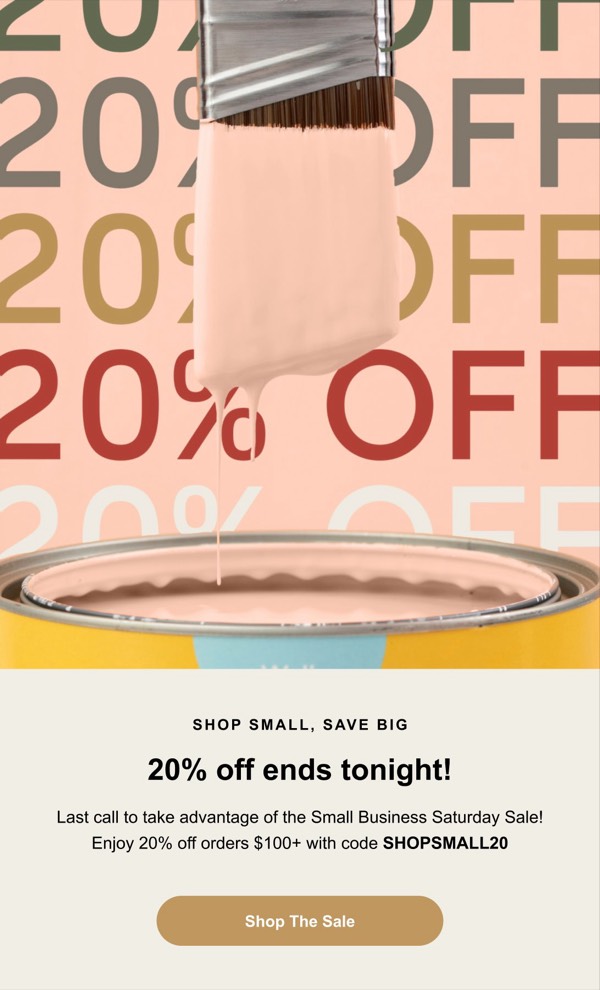
20% Off Sale Announcement - Clare CTA email component
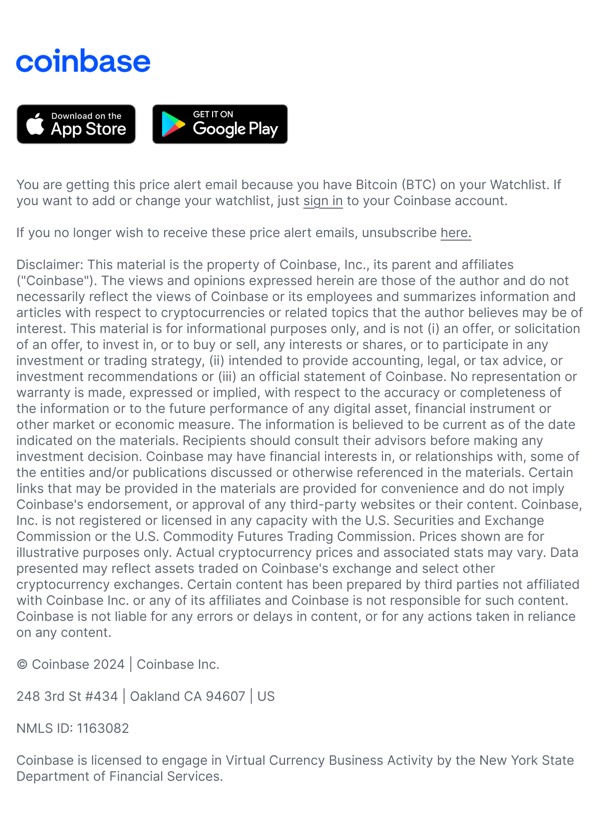
Bitcoin Price Alert - Coinbase CTA email component
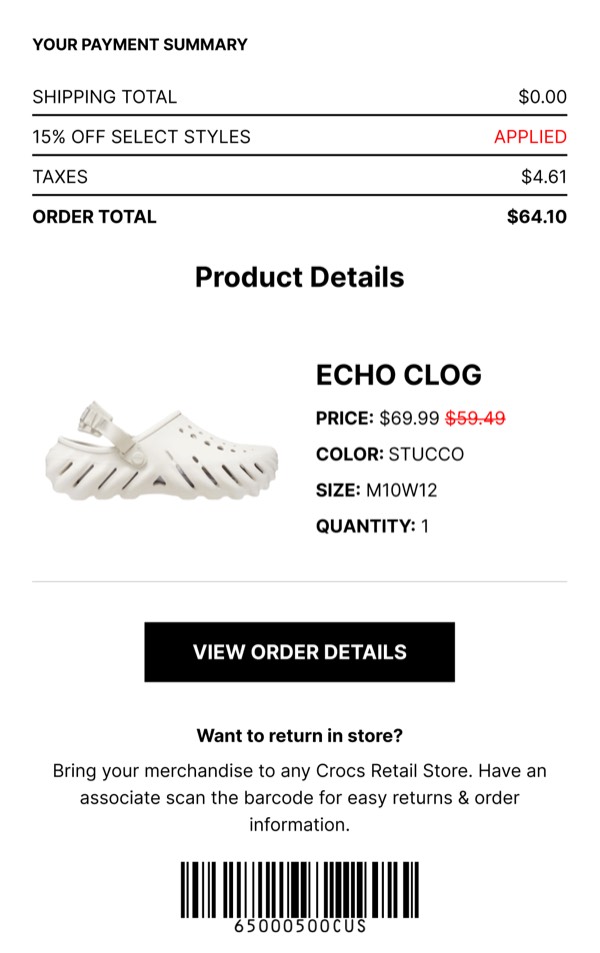
Payment Summary and Details - Crocs CTA email component
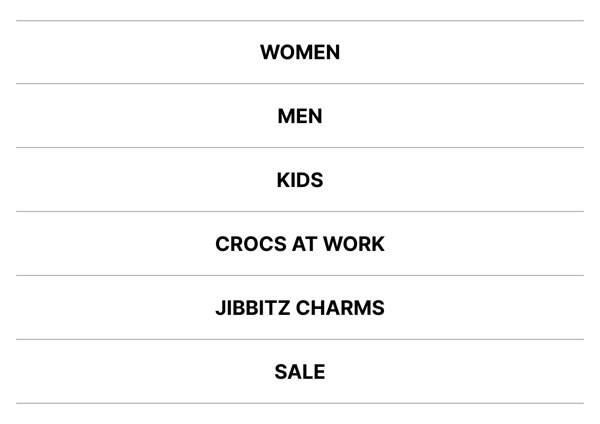
Product Category Display - Crocs CTA email component
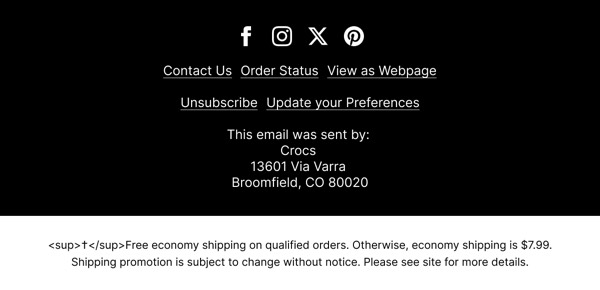
Email Footer - Crocs CTA email component
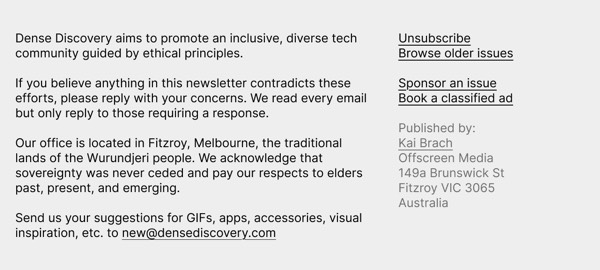
Community Principles and Contact Info - Dense Discovery CTA email component
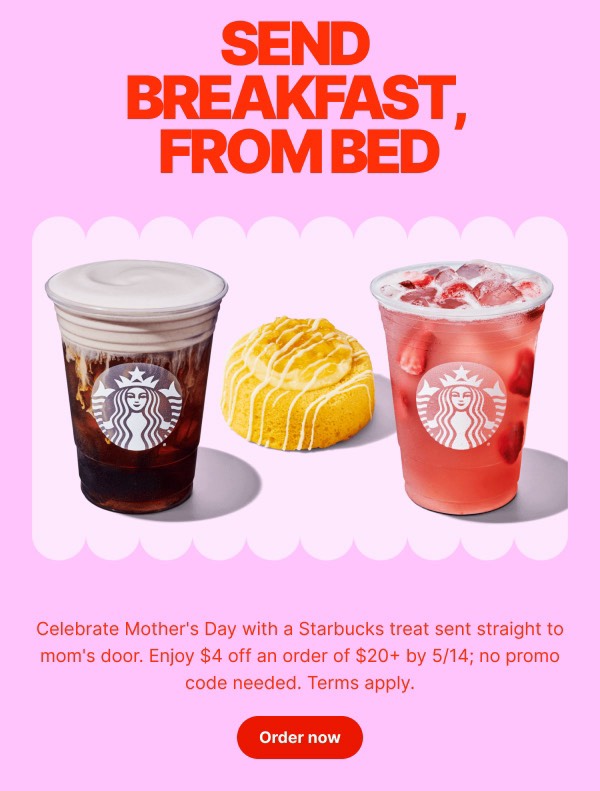
Mother's Day Breakfast Offer - DoorDash CTA email component
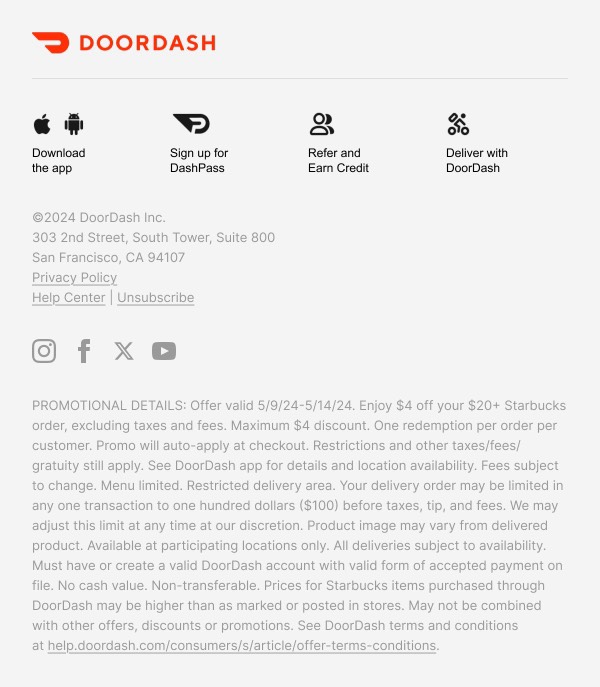
Promotional Email Footer - DoorDash CTA email component
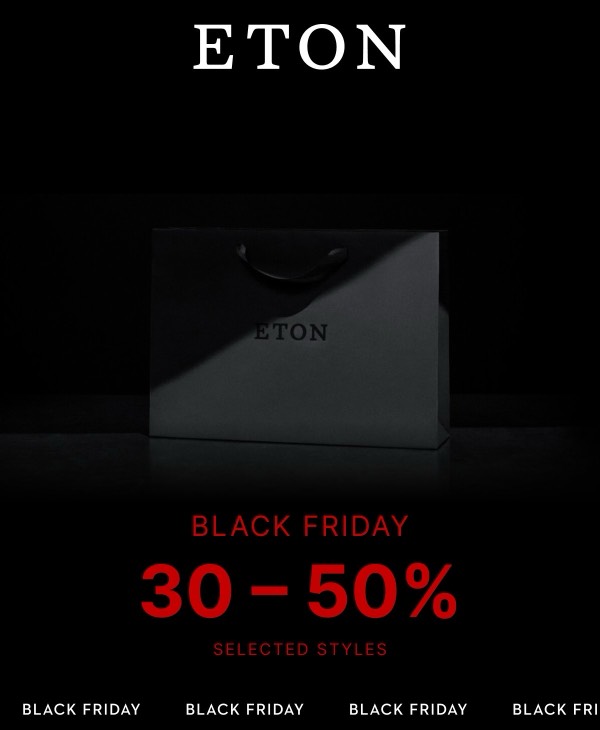
Black Friday Sale - Eton CTA email component
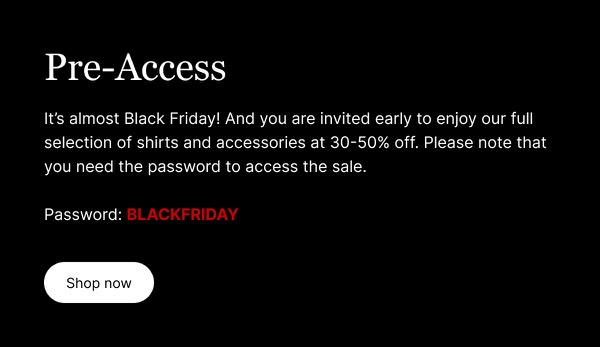
Pre-Access Offer Email - Eton CTA email component
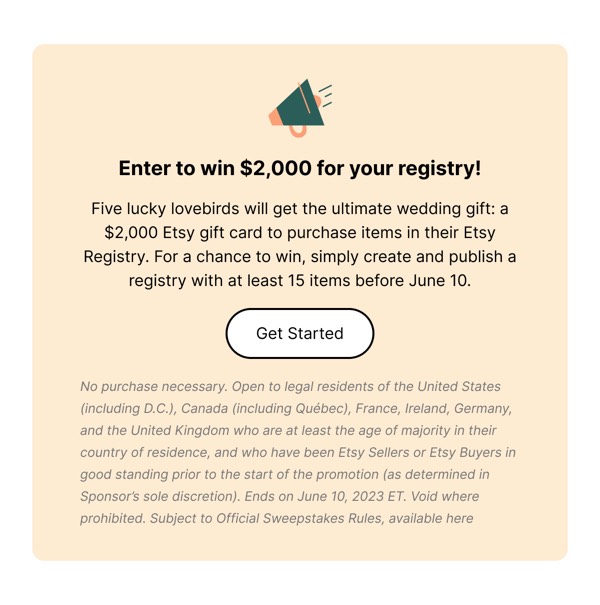
Win $2,000 for Your Registry - Etsy CTA email component
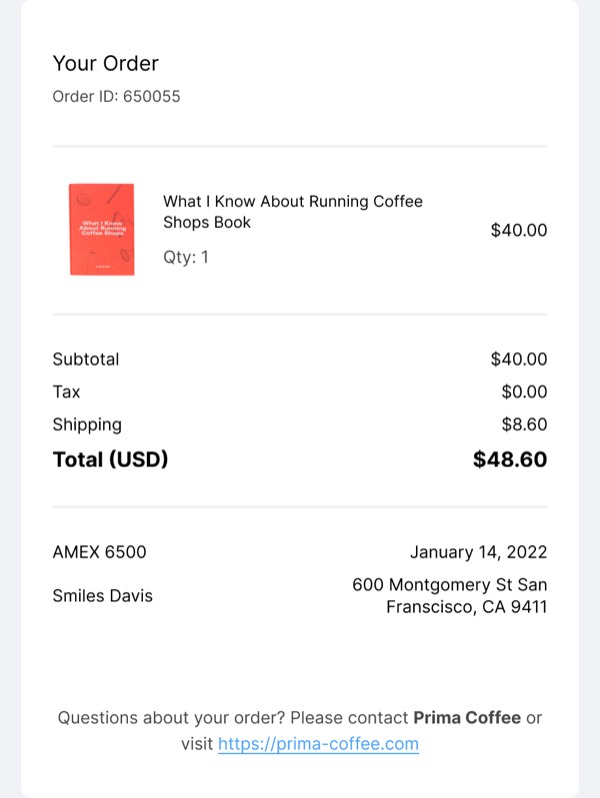
Order Details Summary - Fast CTA email component
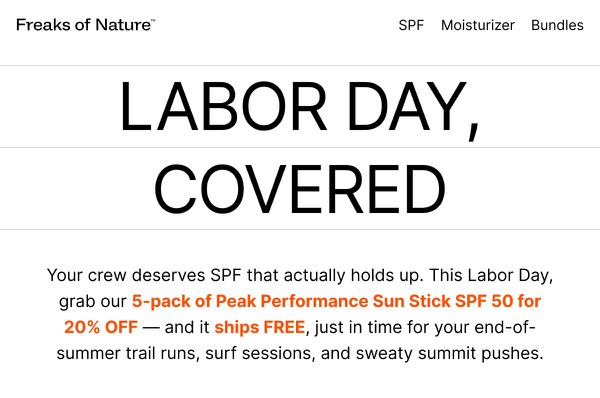
Labor Day Covered Offer - Freaks of Nature CTA email component
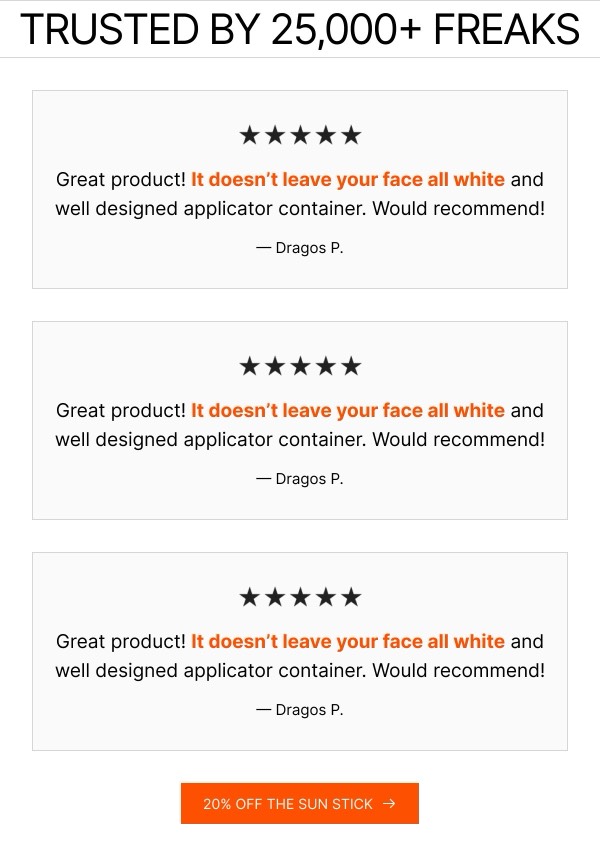
Customer Reviews and Discount - Freaks of Nature CTA email component
Event Updates and Signup - GitHub CTA email component
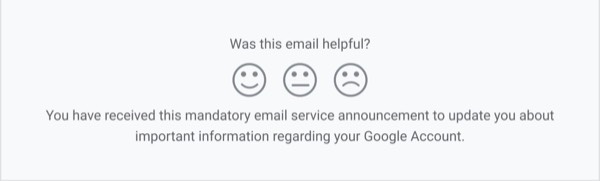
Email Helpfulness Feedback - Gmail CTA email component
Sustainability Statement - Google CTA email component
Conference Registration Details - Google Cloud CTA email component
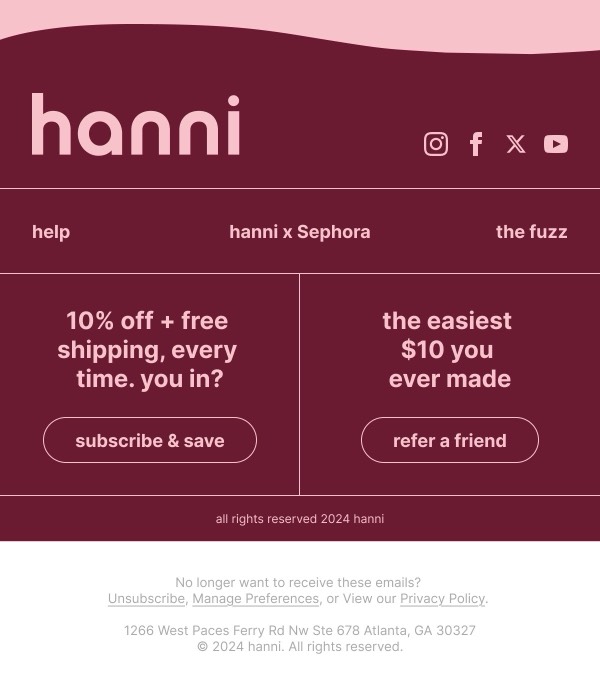
Limited Time Discount Offer - Hanni CTA email component
Promotional Email Section - Hanni CTA email component
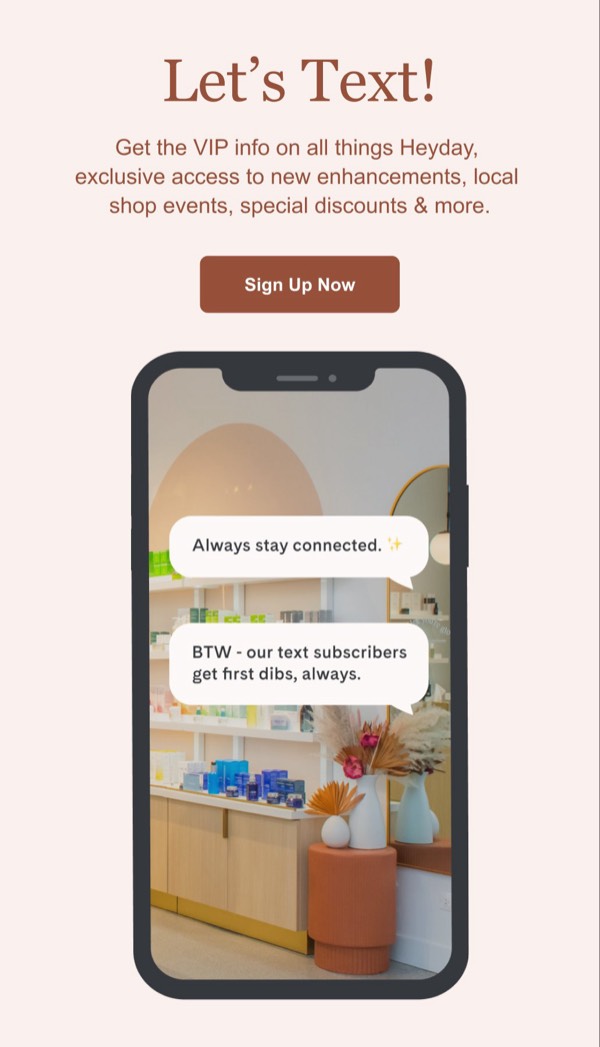
Text Signup Invitation - Heyday CTA email component
Main Navigation Links - Jimmy Choo CTA email component
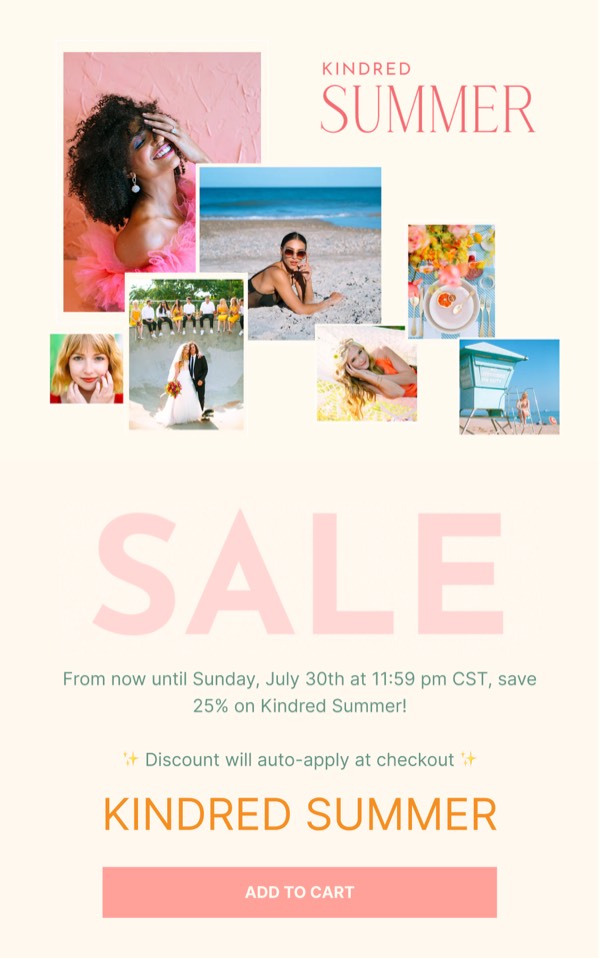
Summer Sale Announcement - Kindred CTA email component
Follow Us and Preferences - LEGO CTA email component
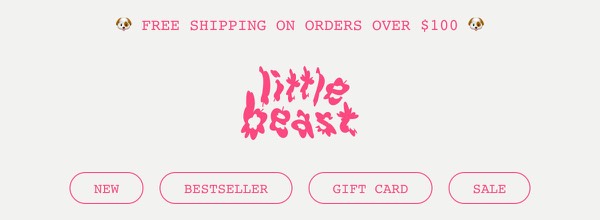
Free Shipping Announcement - Little Beast CTA email component
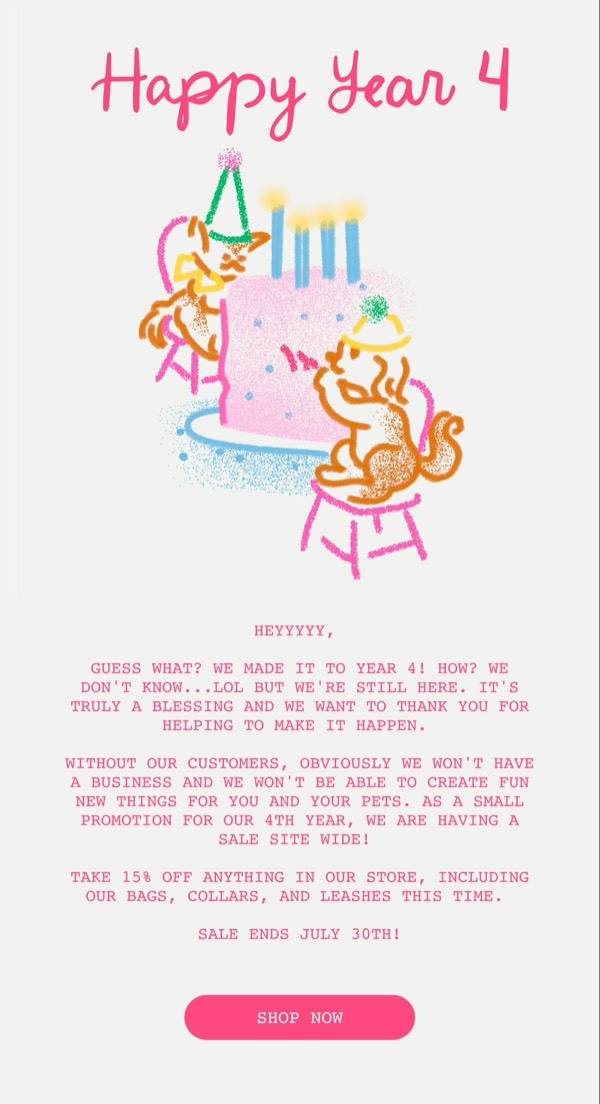
Happy Year 4 Email - Little Beast CTA email component
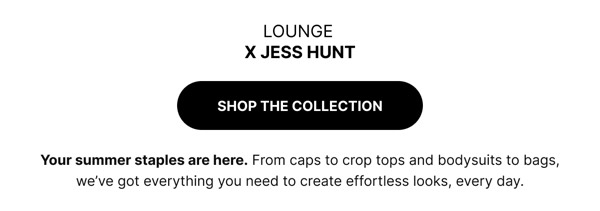
Lounge Collection Announcement - Lounge CTA email component
Learning from the Best - MasterClass CTA email component
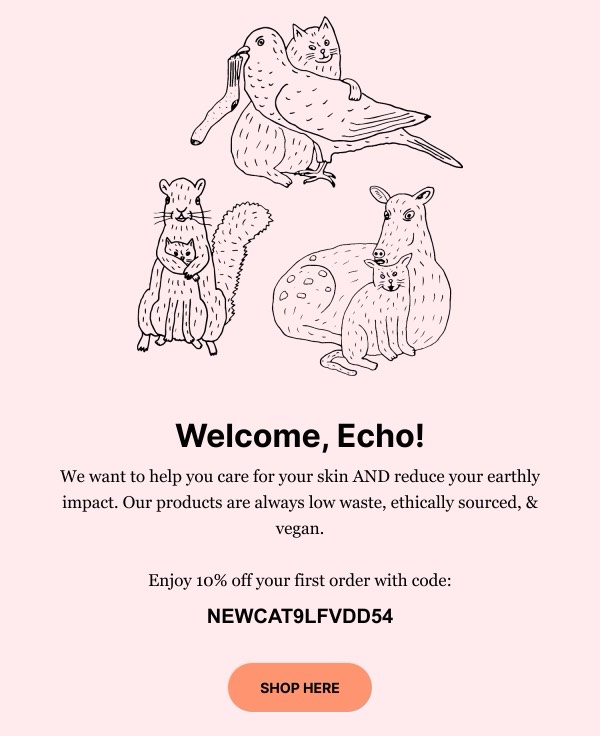
Welcome Email Message - Meow Meow CTA email component
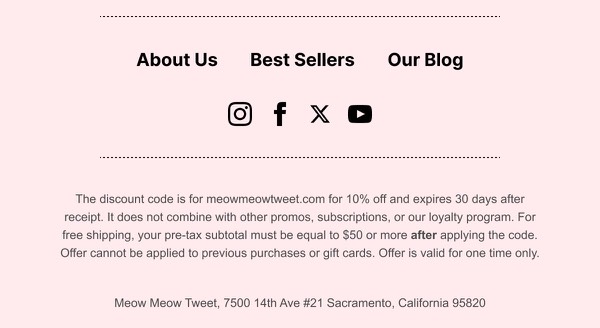
Discount Offer and Details - Meow Meow CTA email component
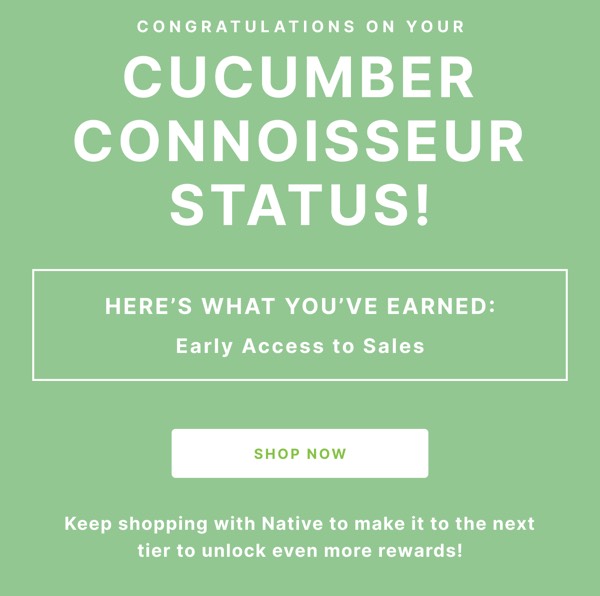
Cucumber Connoisseur Status Update - Native CTA email component
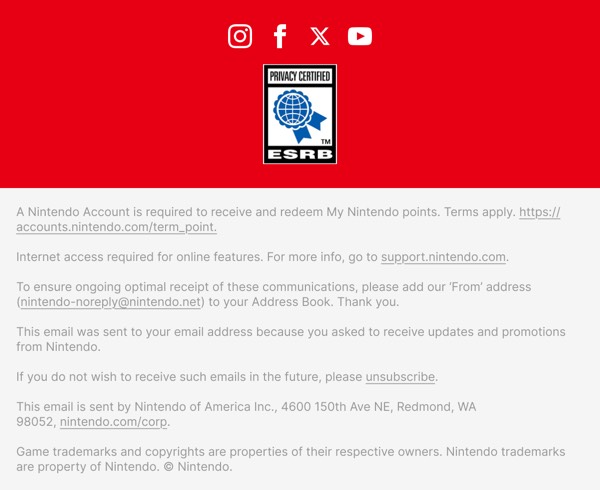
Nintendo Email Footer - Nintendo CTA email component
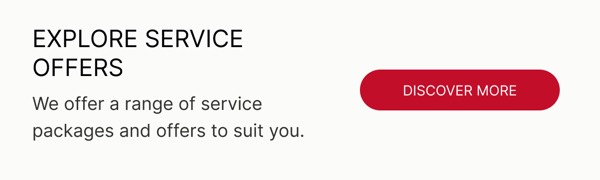
Explore Service Offers - Nissan CTA email component
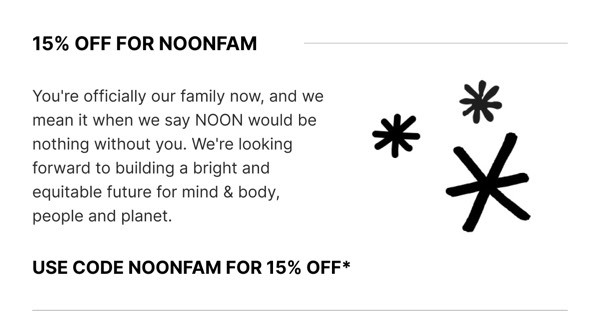
15% Off for Noonfam - Noon CTA email component
Email Footer - Noon CTA email component
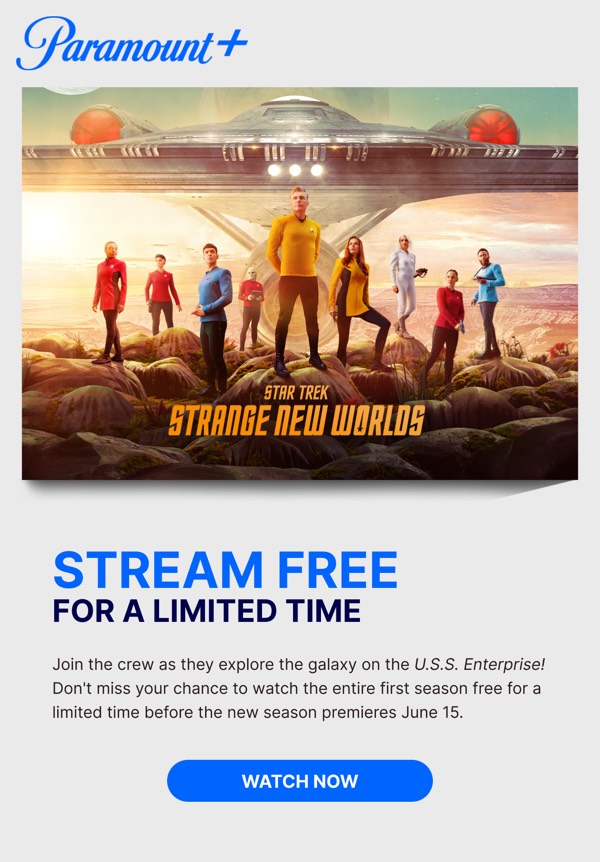
Free Streaming Offer - Paramount CTA email component
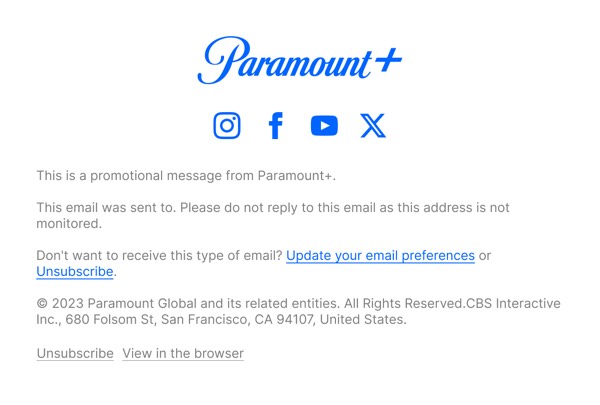
Email Footer Information - Paramount CTA email component
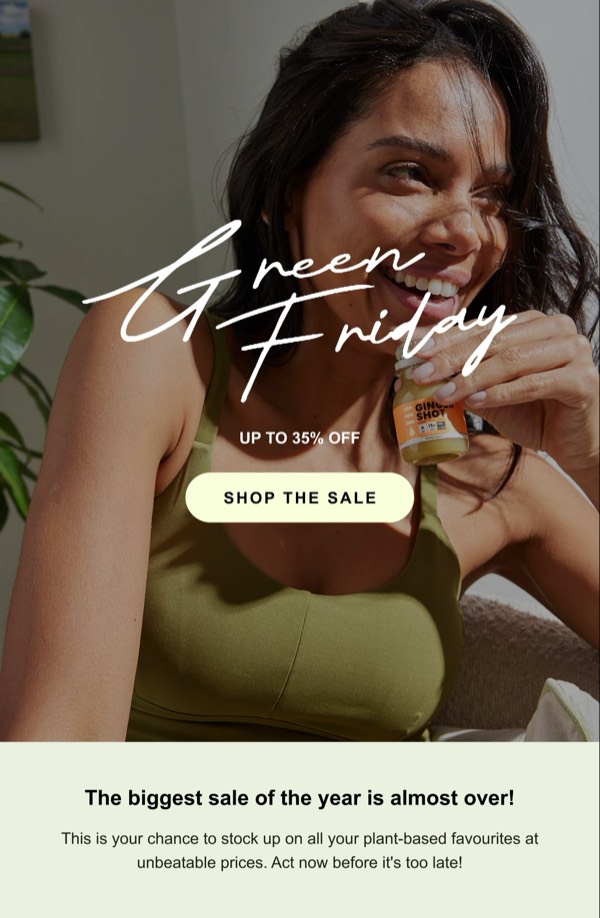
Green Friday Promotional Email - Press CTA email component
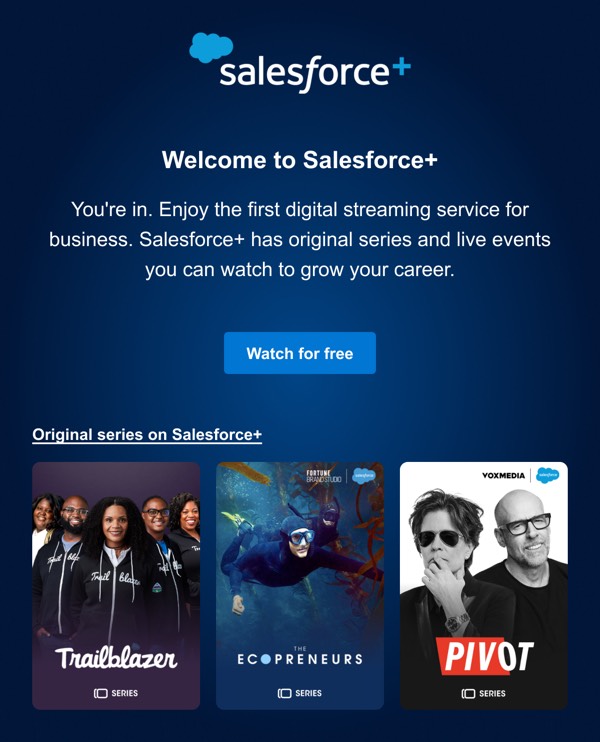
Welcome to Streaming Service - Salesforce CTA email component
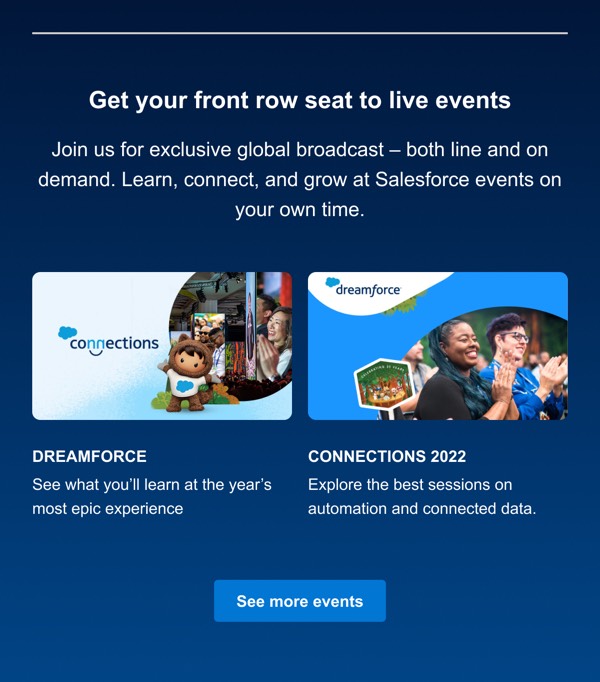
Live Events Announcement - Salesforce CTA email component
Footer with Contact Details - Samsung CTA email component
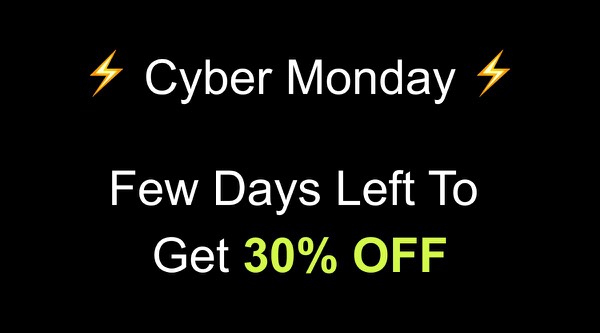
Exclusive Cyber Monday Offer - Shift CTA email component
Footer with Social Links - Shift CTA email component
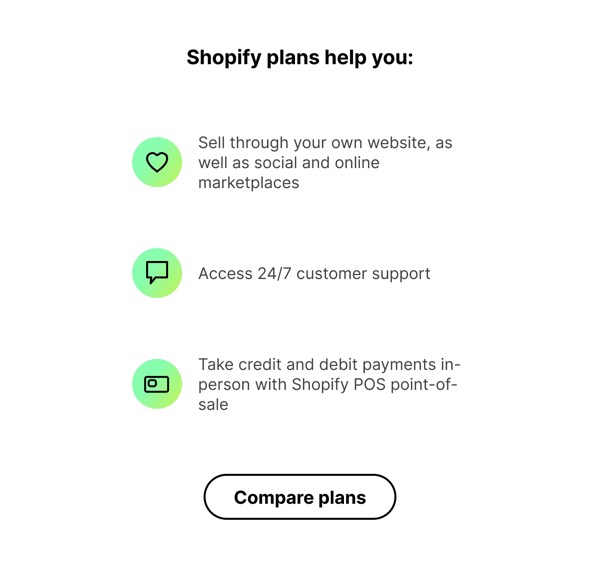
Shopify Plans Help You - Shopify CTA email component
Limited Time Discount Offer - Skillshare CTA email component
Email Promotion Banner - Skillshare CTA email component
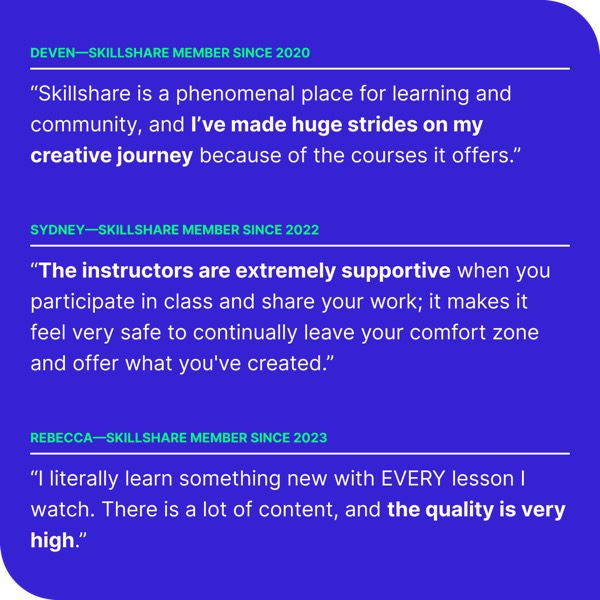
User Testimonials - Skillshare CTA email component
Promotion Banner - Skillshare CTA email component
Email Footer Section - Skillshare CTA email component
Simple Email Footer - Slack CTA email component
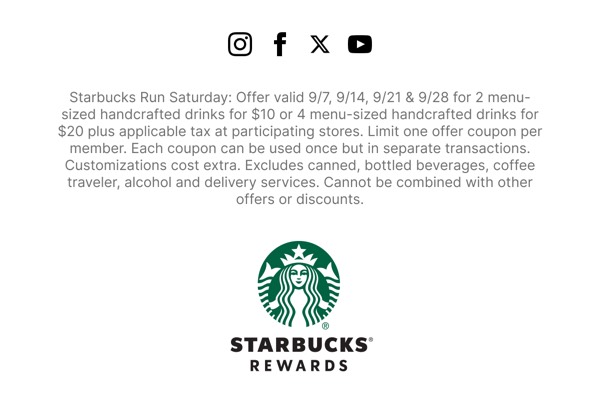
Limited Time Drink Offer - Starbucks CTA email component
Simple Navigation Header - Stoffer CTA email component
Scent Event Invitation - Stoffer CTA email component
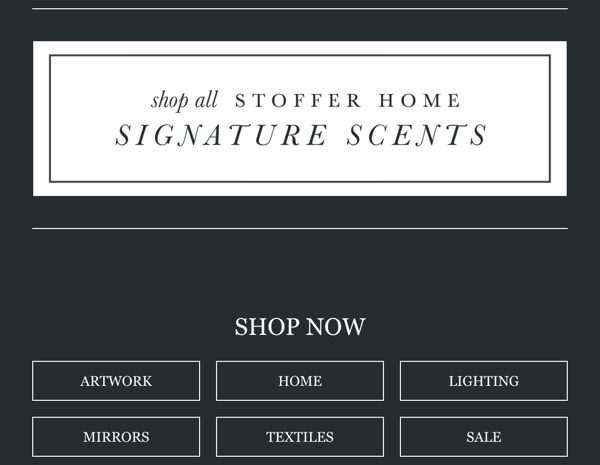
Signature Scents Promotion - Stoffer CTA email component
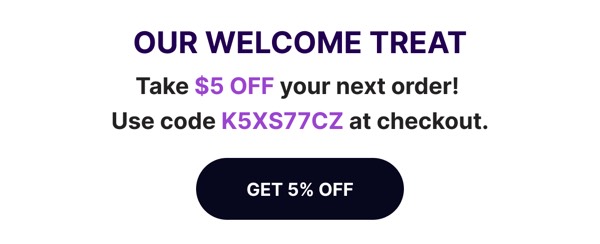
Welcome Discount Email - Suds CTA email component
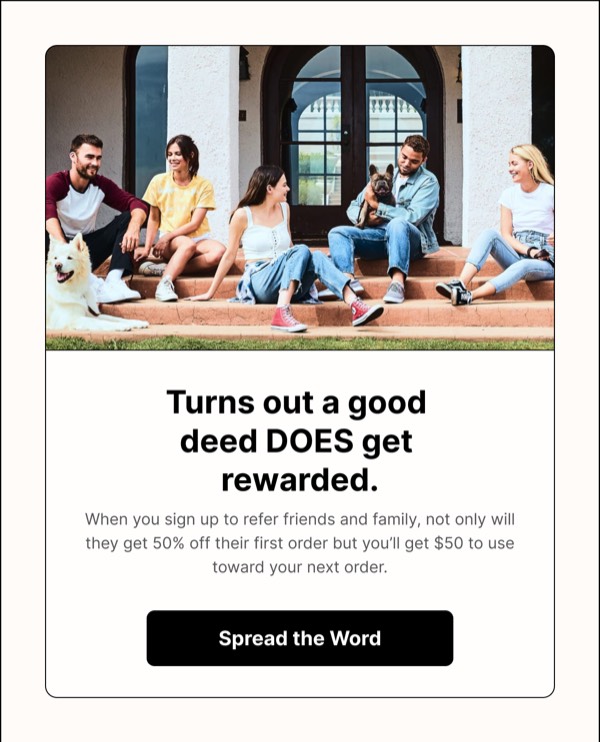
Referral Reward Announcement - Sundays CTA email component
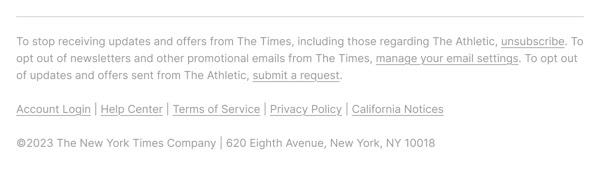
Email Footer - The New York Times CTA email component
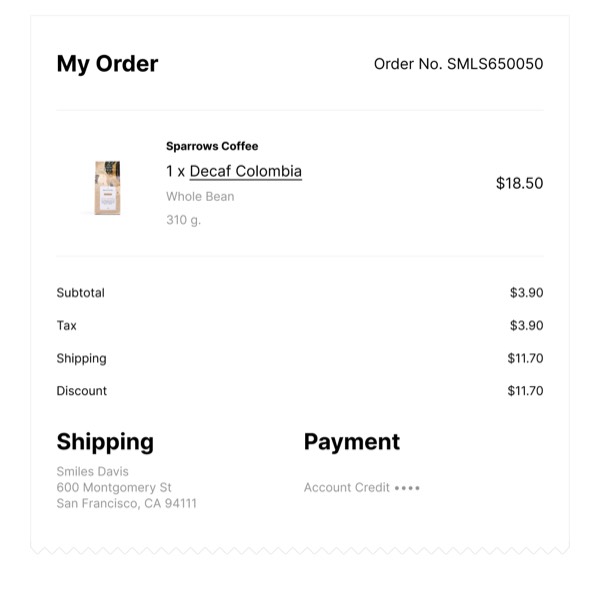
My Order Summary - Trade CTA email component
Promotional Email Footer - Uber CTA email component
Promotional Email Footer - Vimeo CTA email component
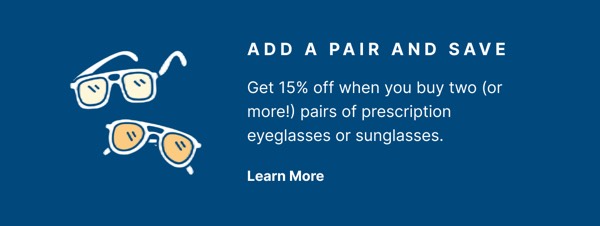
Add a Pair and Save - Warby Parker CTA email component

Email CTA Design Guide

Call-to-action components are the critical conversion points in your emails. Well-designed CTAs combine compelling copy, strategic placement, and visual prominence to drive the actions you want subscribers to take.
Essential Elements

  • Action-oriented copy: Clear verbs that tell users exactly what to do
  • Visual prominence: High contrast colors and adequate size for visibility
  • Strategic placement: Positioned where users are ready to act
  • Touch-friendly sizing: Minimum 44x44px for mobile taps

Design Principles

Clarity and Urgency

CTAs should communicate action clearly:

  • Use first-person language (“Get My Discount” vs “Get Your Discount”)
  • Include urgency when appropriate (“Shop Now” vs “Shop”)
  • Be specific about what happens next
  • Keep button text concise (2-5 words typically)

Visual Hierarchy

Your CTA should stand out from surrounding content:

  • Use high-contrast colors that pop from the background
  • Add adequate white space around buttons
  • Make primary CTAs larger than secondary ones
  • Use consistent styling for similar actions

CTA Types

Browse the components above to see different approaches:

  • Primary buttons: Main conversion action with bold styling
  • Secondary buttons: Supporting actions with subtle styling
  • Text links: Inline or standalone text-based CTAs
  • Ghost buttons: Outlined buttons for secondary actions
  • Button groups: Multiple related actions presented together
  • Smart CTAs: Personalized based on user behavior or data

CTA Copy Best Practices

Strong CTA Examples:

  • “Start Free Trial” (clear value and action)
  • “Get My 20% Off” (personal and benefit-focused)
  • “Show Me How” (conversational and curious)
  • “Reserve Your Spot” (creates urgency and exclusivity)
  • “Claim Your Gift” (enticing and ownership-focused)

Weak CTA Examples:

  • “Click Here” (not specific or benefit-focused)
  • “Submit” (transactional and uninspiring)
  • “Learn More” (vague, no clear value)
  • “Continue” (where are we going?)

Implementation Tips

  1. Use button elements: Actual buttons are more accessible than linked images
  2. Ensure sufficient contrast: WCAG AA standard requires 4.5:1 ratio
  3. Make them tappable: 44x44px minimum for mobile interaction
  4. Add hover states: Visual feedback improves user confidence
  5. Test extensively: Verify CTAs work across all email clients
  6. Use action colors: Red, orange, or green often perform well
  7. Include alt text: For image-based buttons, describe the action
  8. Limit choices: Too many CTAs reduces conversion rates

Frequently Asked Questions

What makes an email component "CTA"?

CTA email components share a common cta design style or attribute. These components are tagged to help you quickly find designs that match specific visual or functional characteristics.

How do I copy CTA components to Figma?

Click the "Copy Figma Component" button on any CTA component card, then paste directly into your Figma design file using Cmd+V (Mac) or Ctrl+V (Windows).

Can I combine CTA components with other styles?

Yes! CTA components work seamlessly alongside components with other style tags. Mix and match to create your perfect email design.

Are CTA components tested across email clients?

All CTA components are tested and optimized for major email clients including Gmail, Outlook, Apple Mail, Yahoo Mail, and mobile devices.