Light Mode Email Design Guide
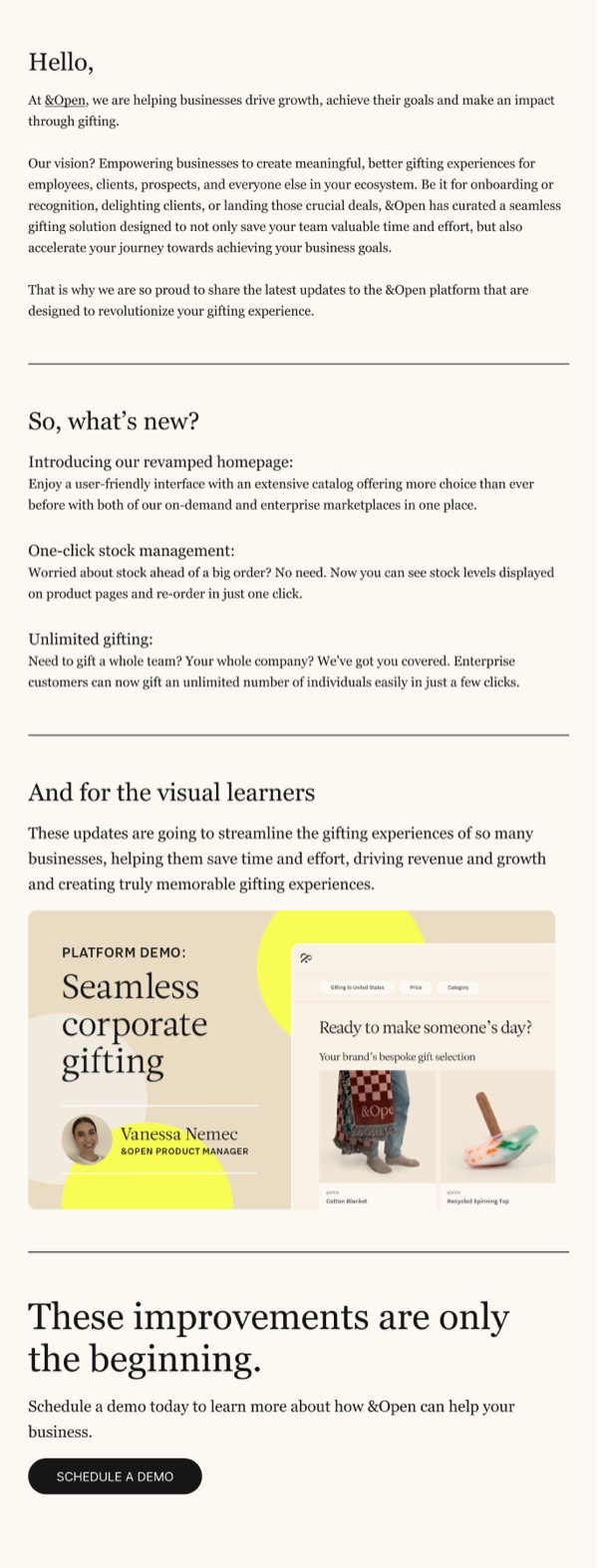
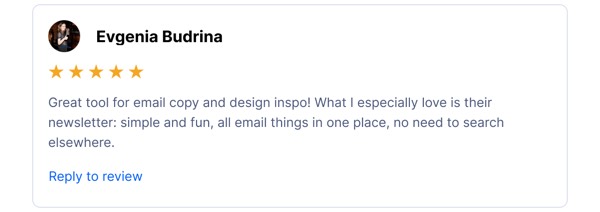
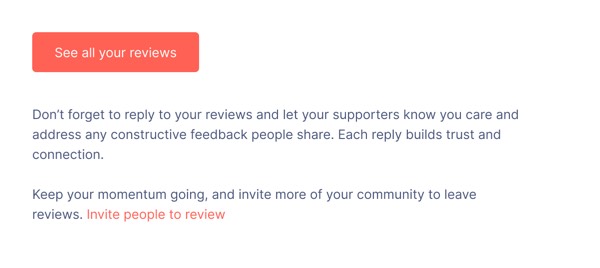
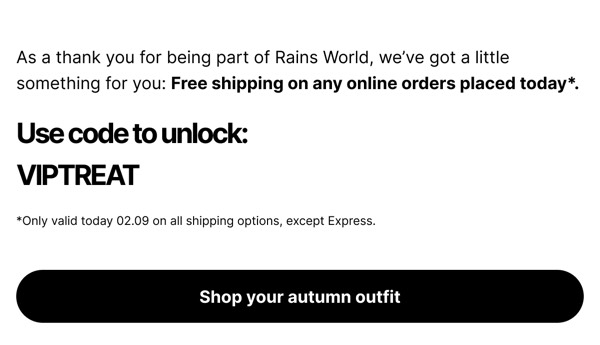
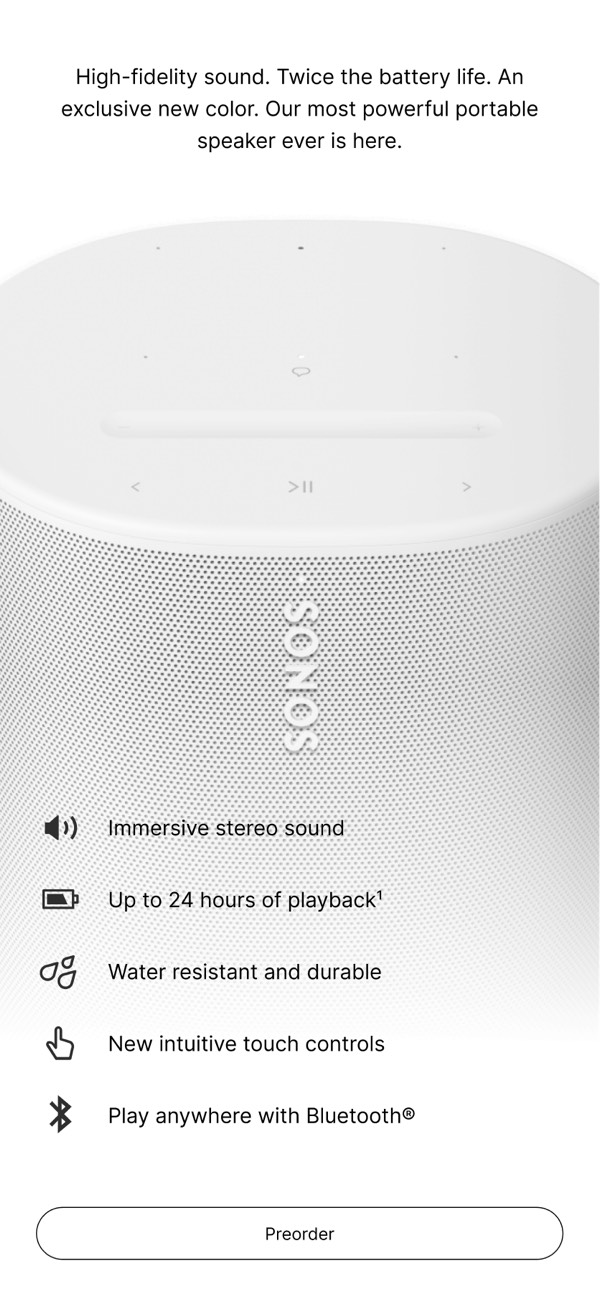
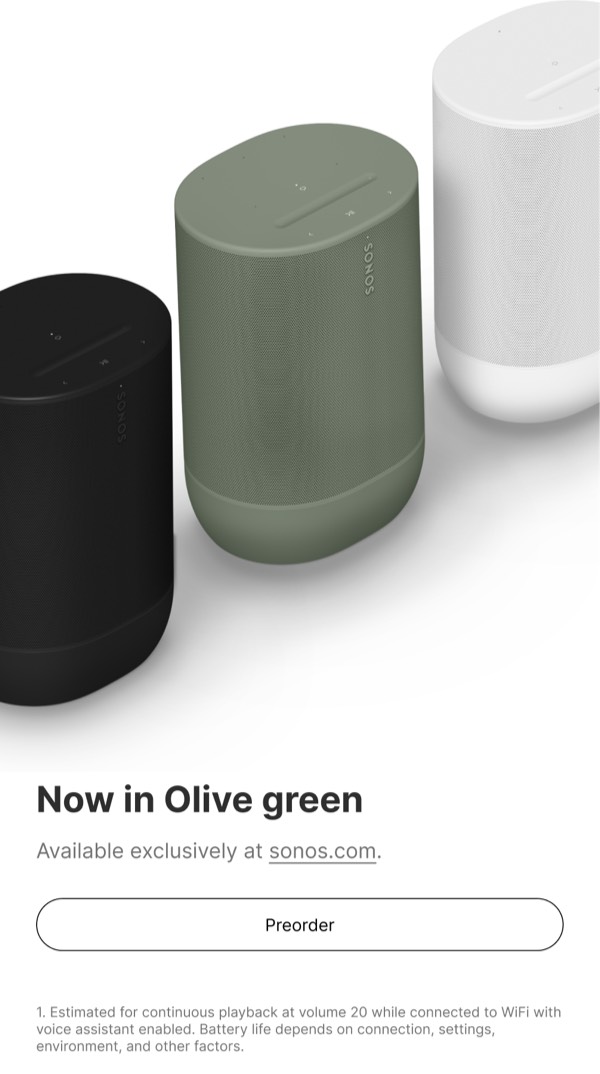
Light mode email components feature bright backgrounds with dark text, creating clean, classic designs that work universally across all email clients and user preferences. This traditional approach remains the most widely compatible and accessible option for email design.
Essential Elements
- Light backgrounds: White, off-white, or light brand colors
- Dark text: High-contrast text for optimal readability
- Clear hierarchy: Typography and spacing that guides the eye
- Versatile imagery: Photos and graphics that pop on light backgrounds
Design Principles
Readability and Clarity
Light designs prioritize effortless reading:
- Use dark text (#000000 - #333333) on light backgrounds
- Maintain minimum 4.5:1 contrast ratio for body text
- Provide ample white space for visual breathing room
- Use clear typography hierarchy for scannable content
Universal Compatibility
Light emails work everywhere:
- Compatible with all email clients by default
- No special dark mode considerations needed
- Consistent rendering across platforms
- Accessible to users with visual impairments
- Prints well on paper
Light Design Approaches
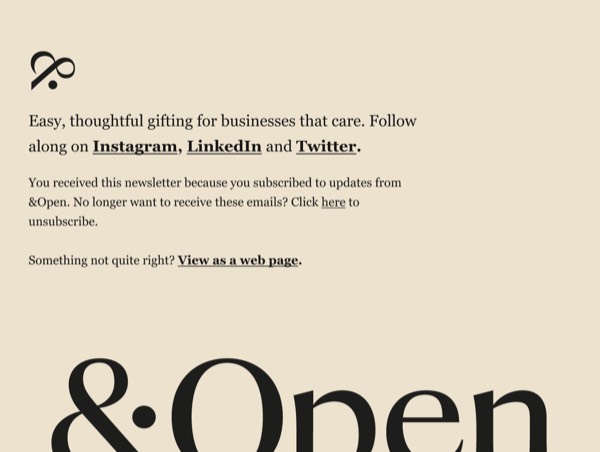
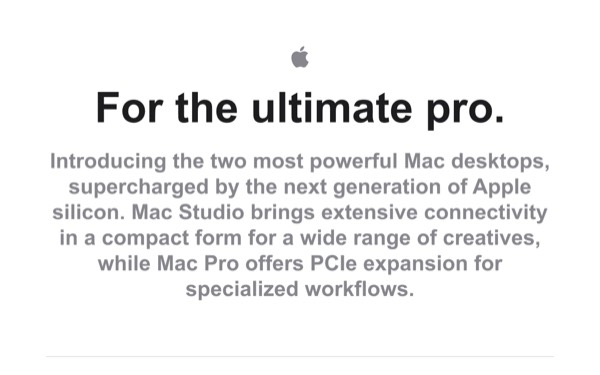
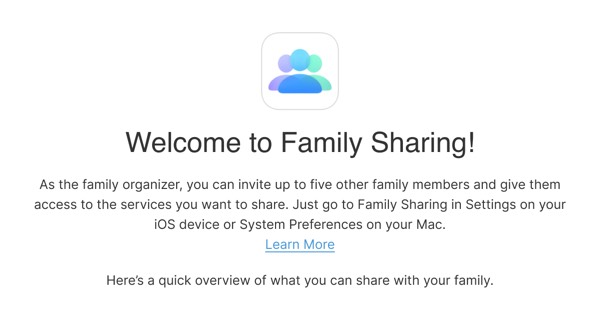
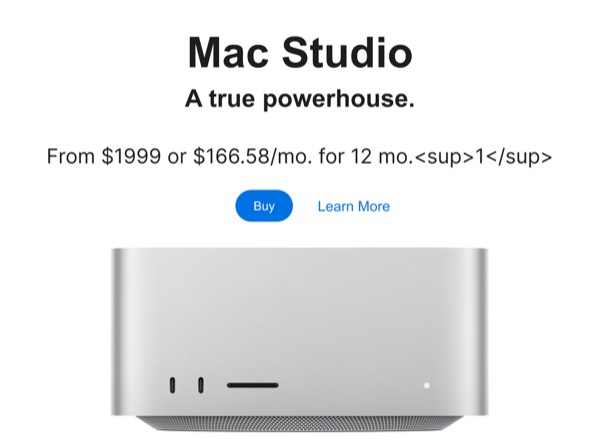
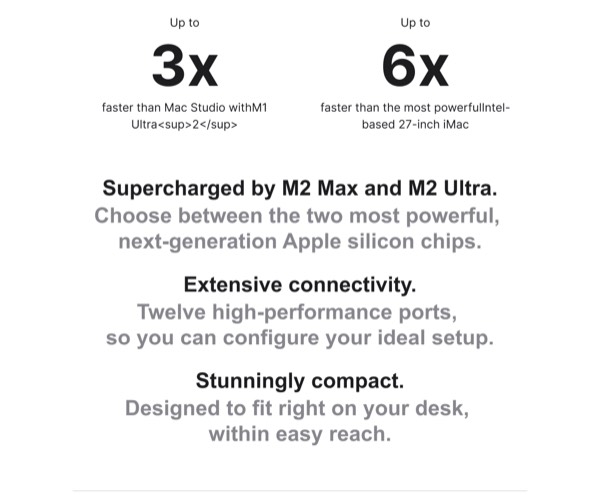
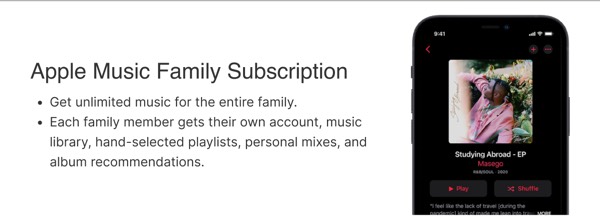
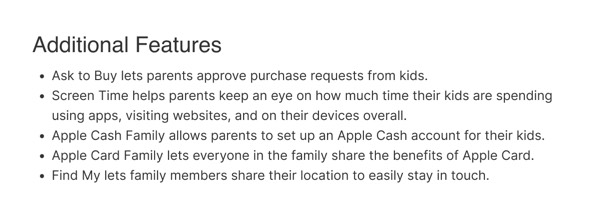
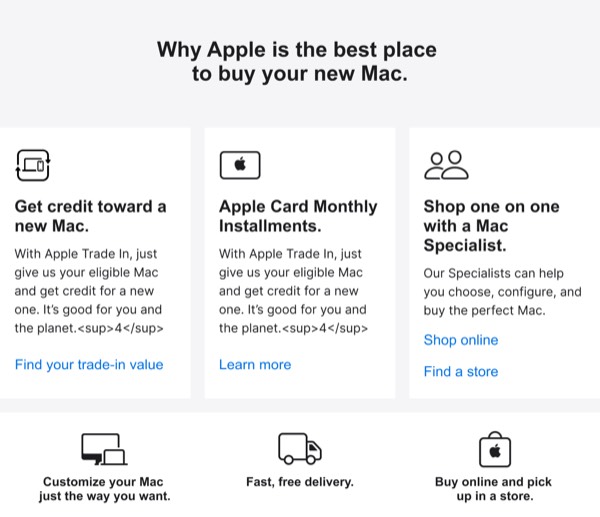
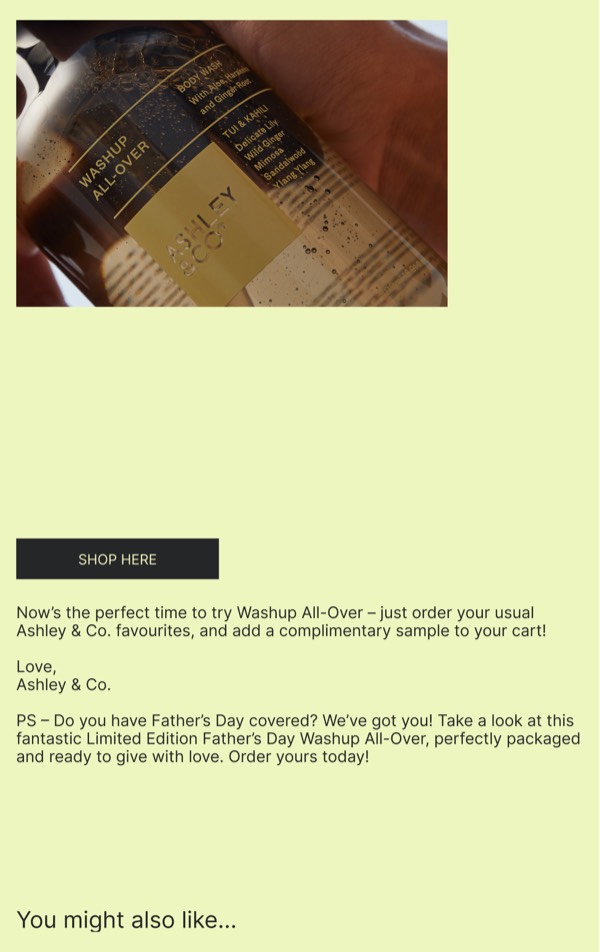
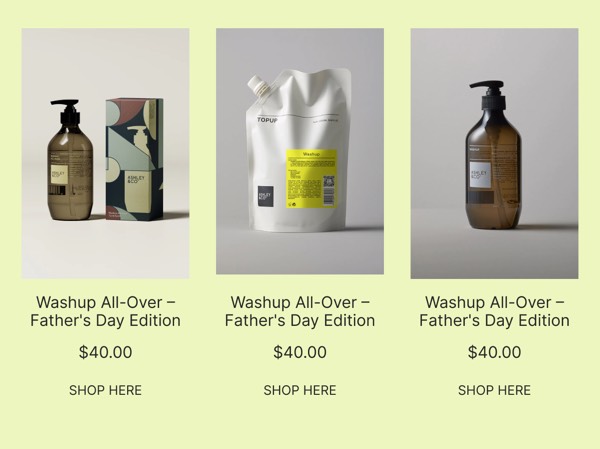
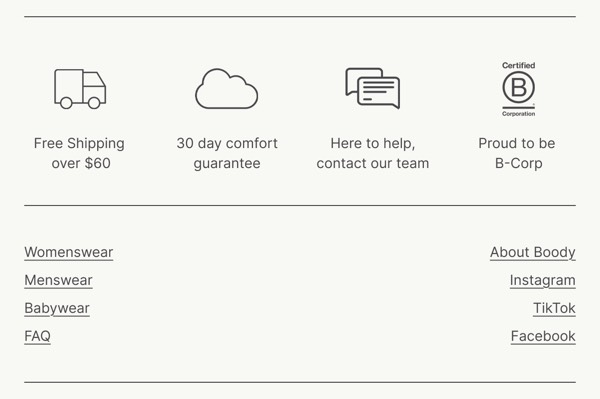
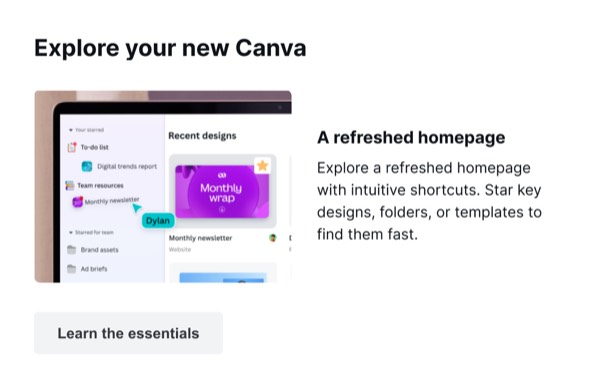
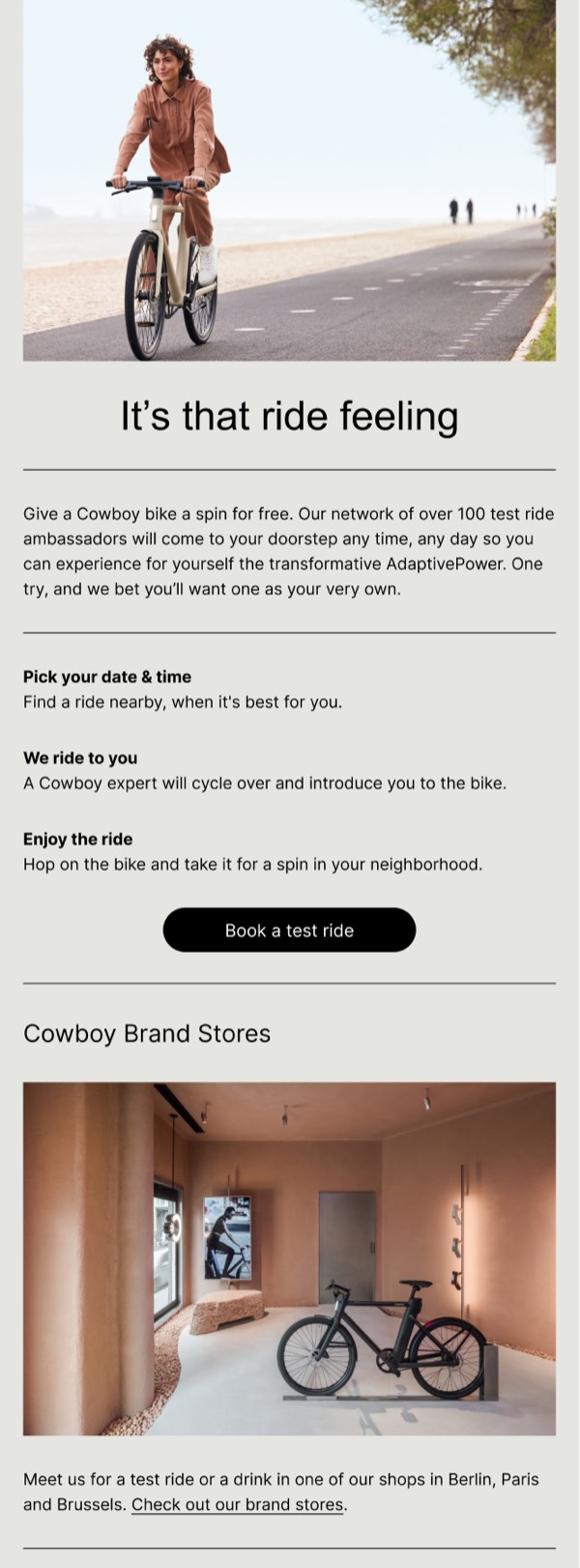
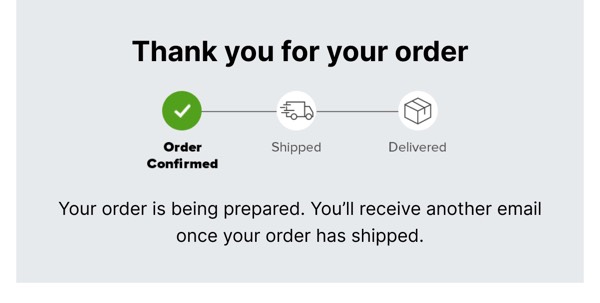
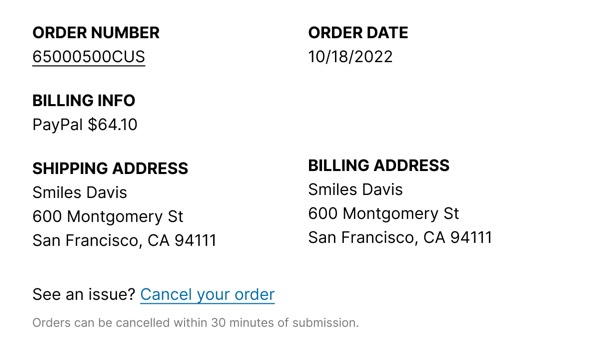
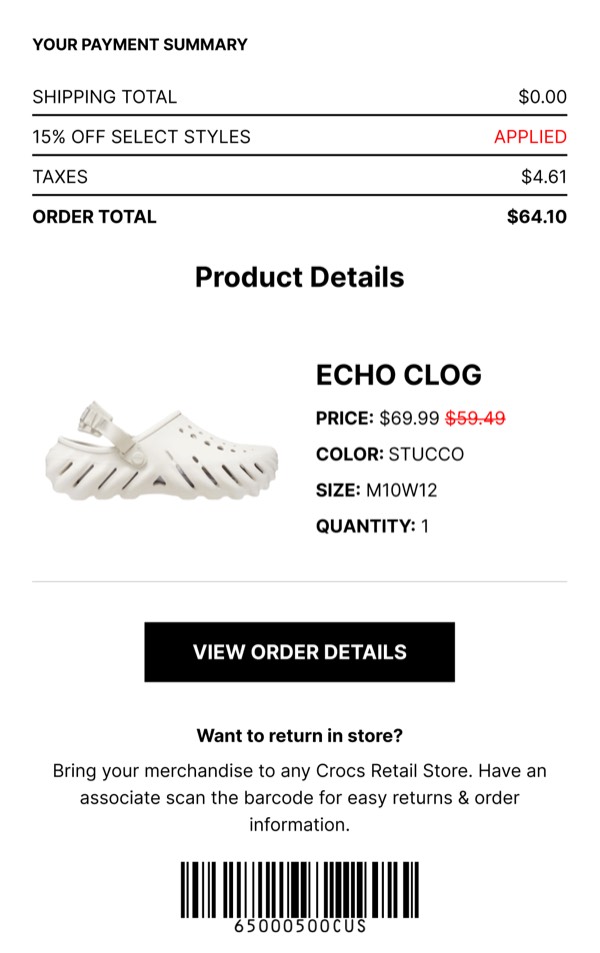
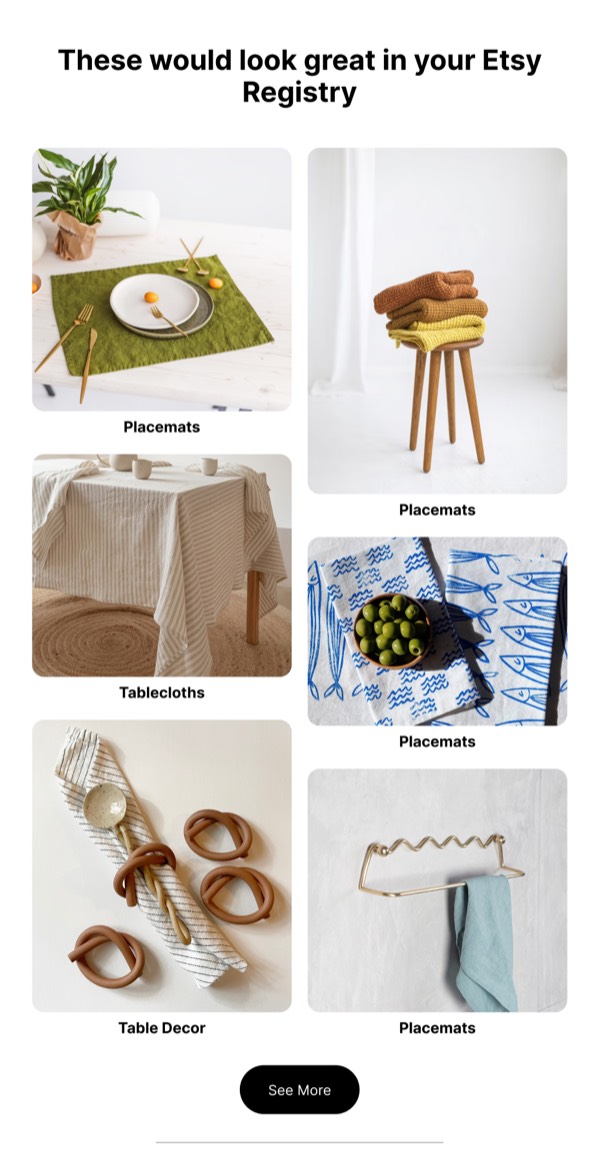
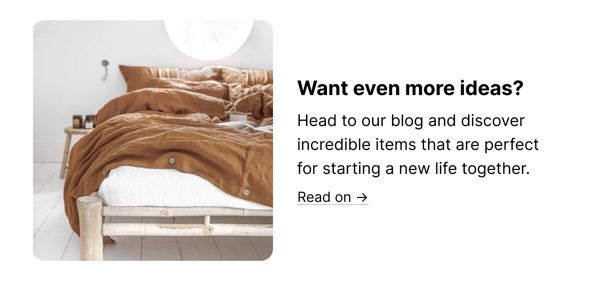
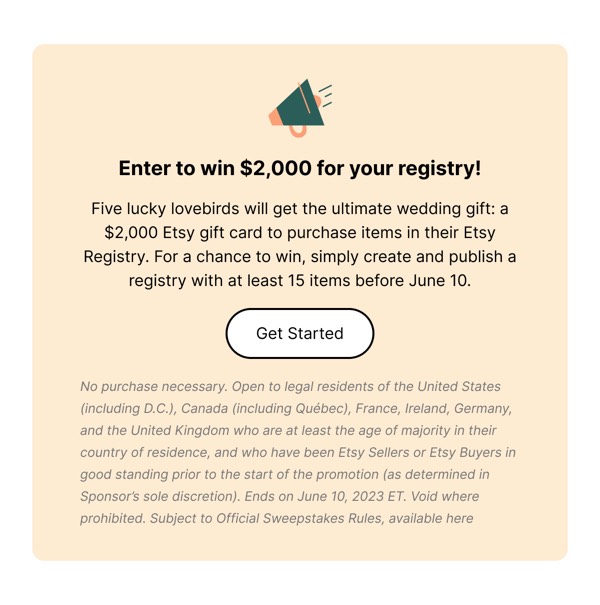
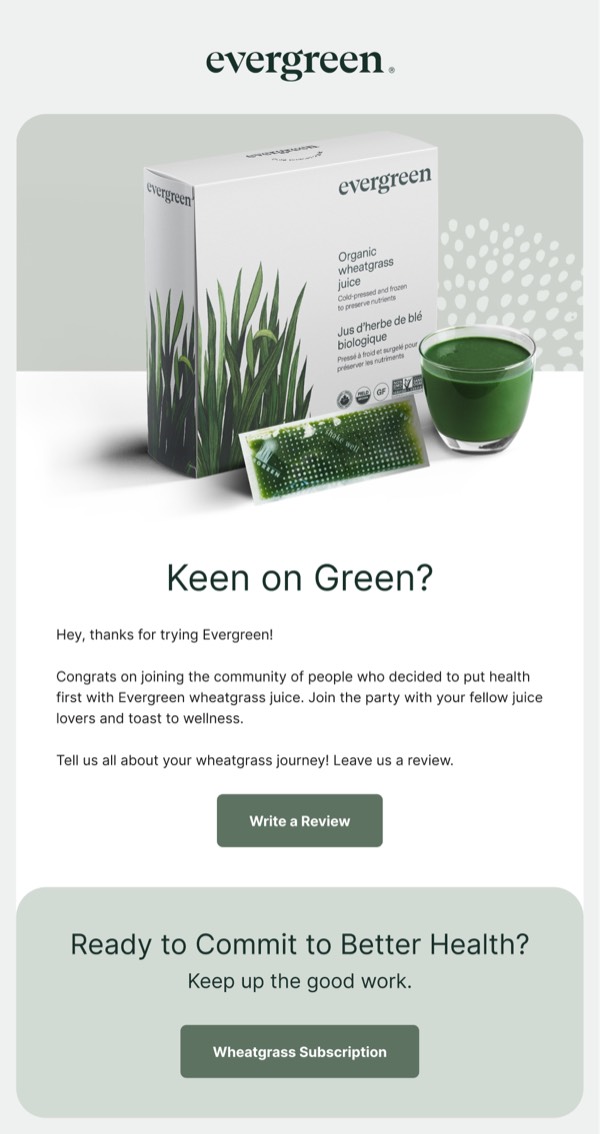
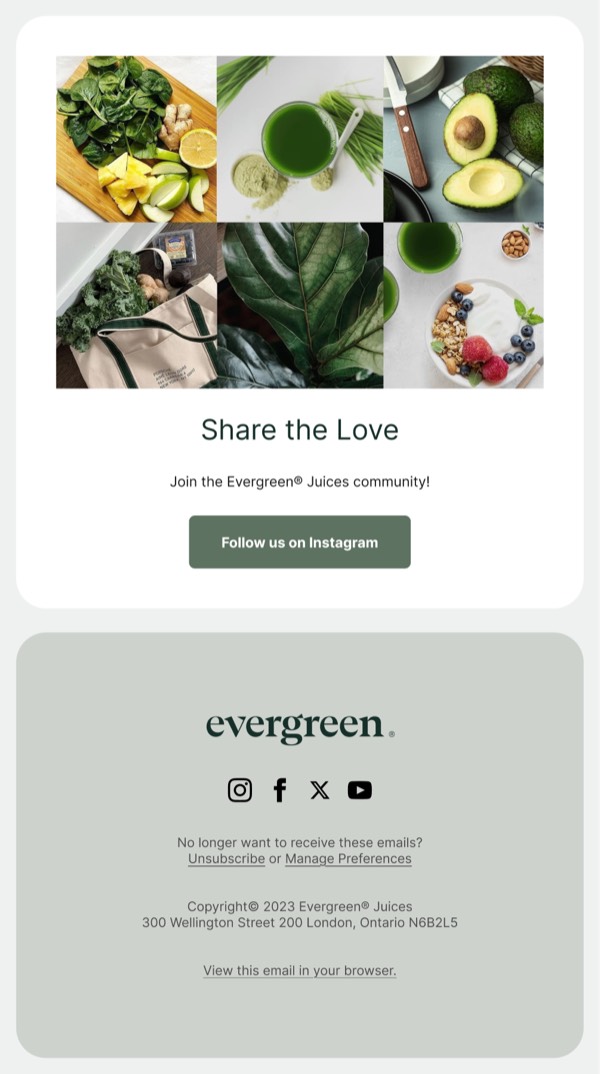
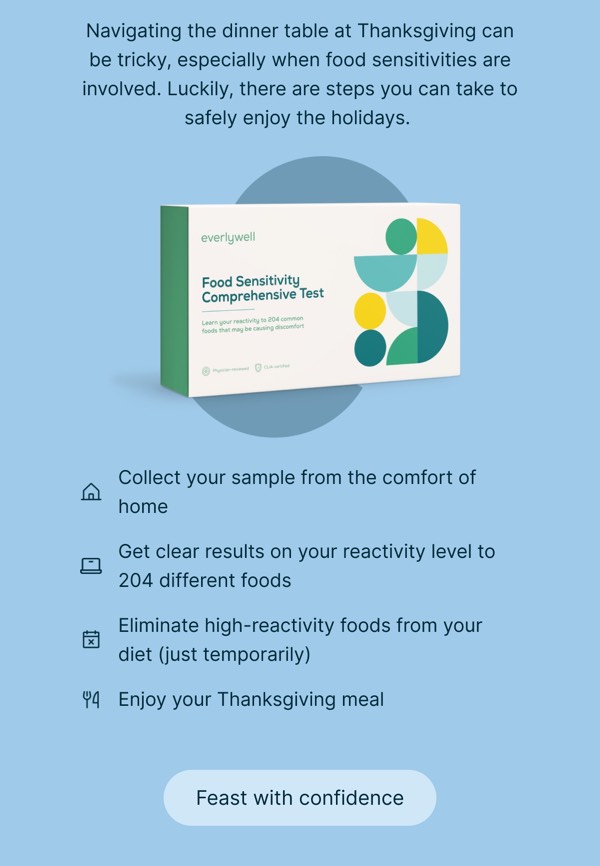
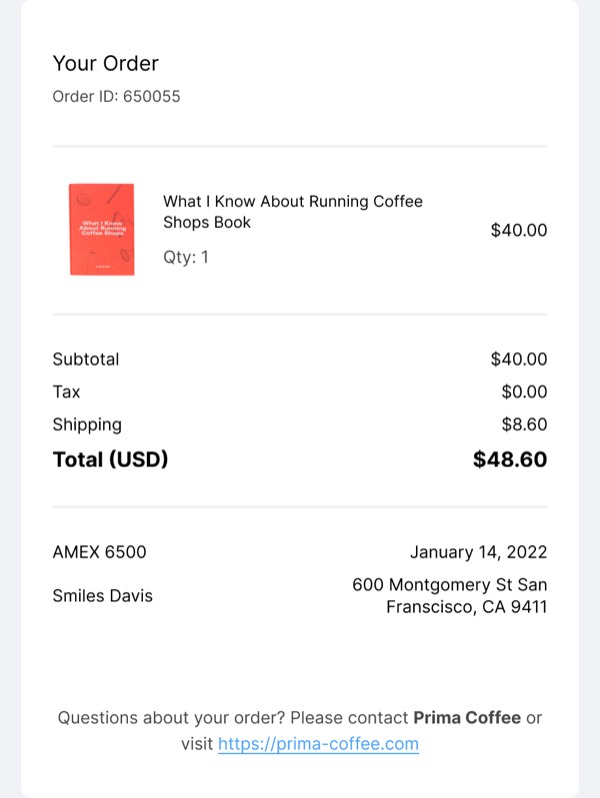
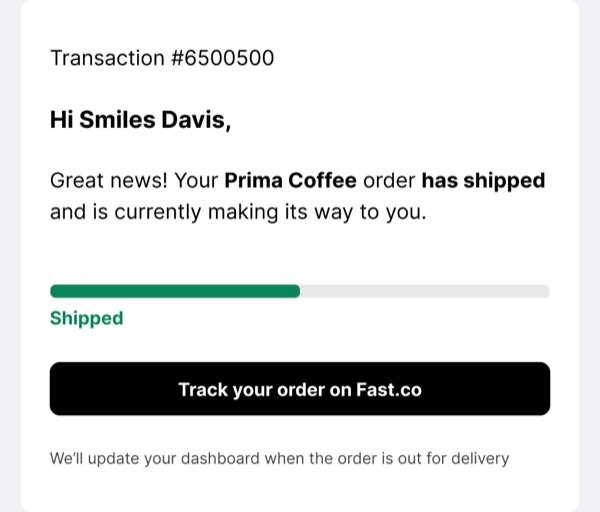
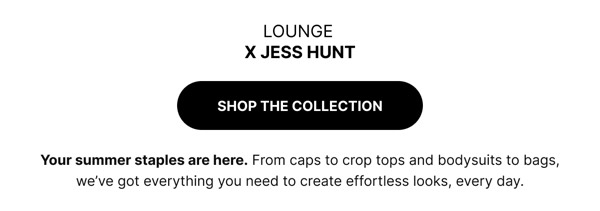
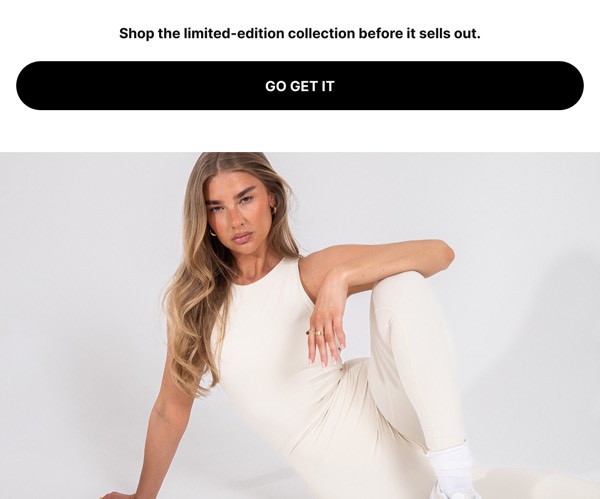
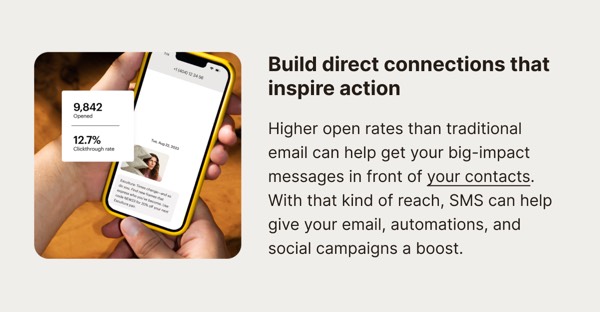
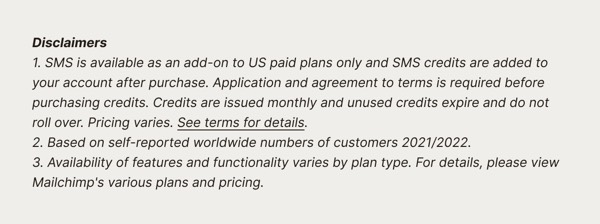
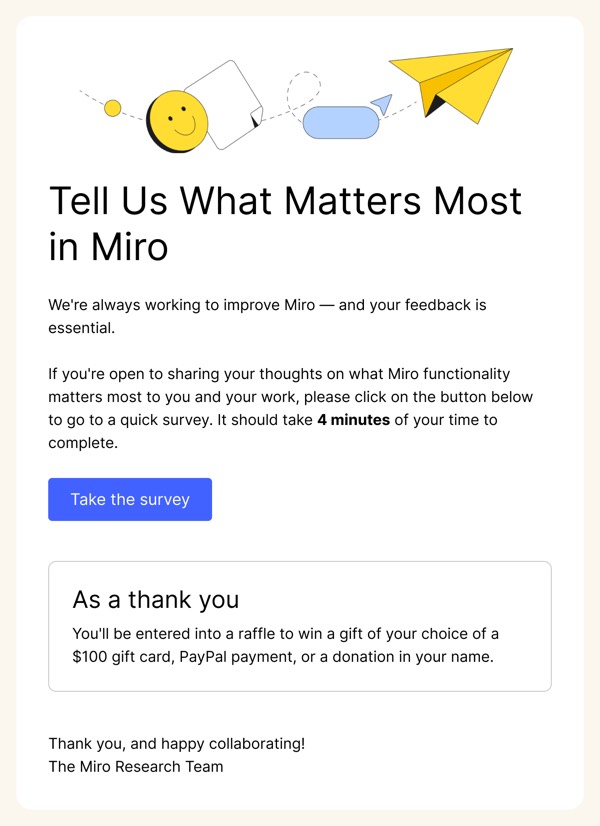
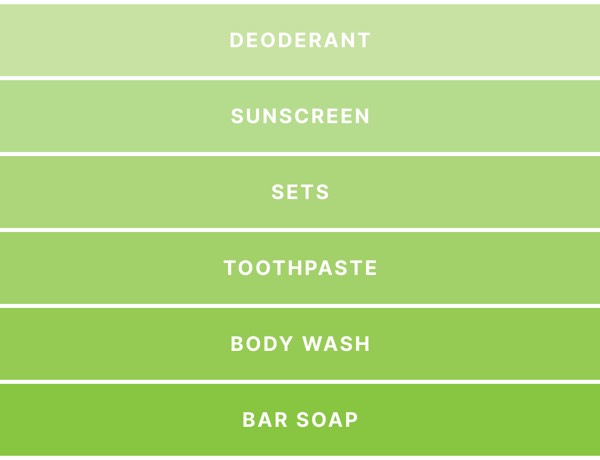
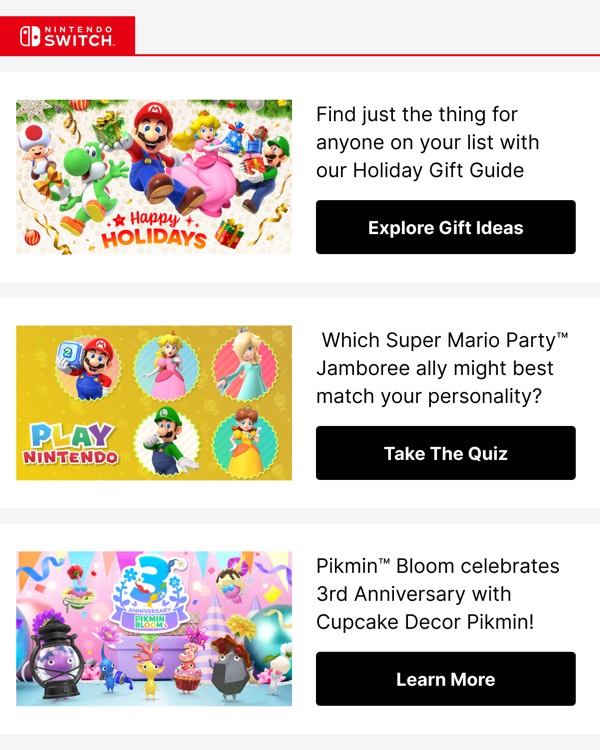
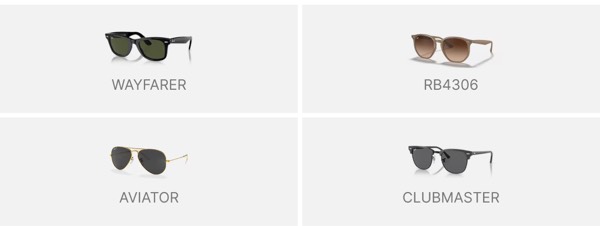
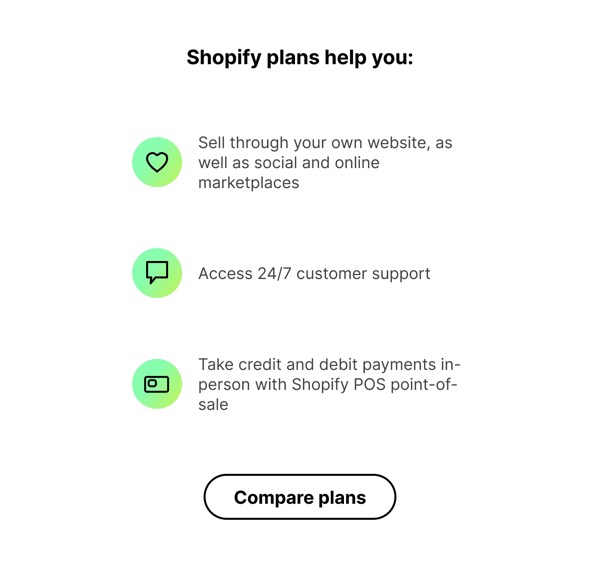
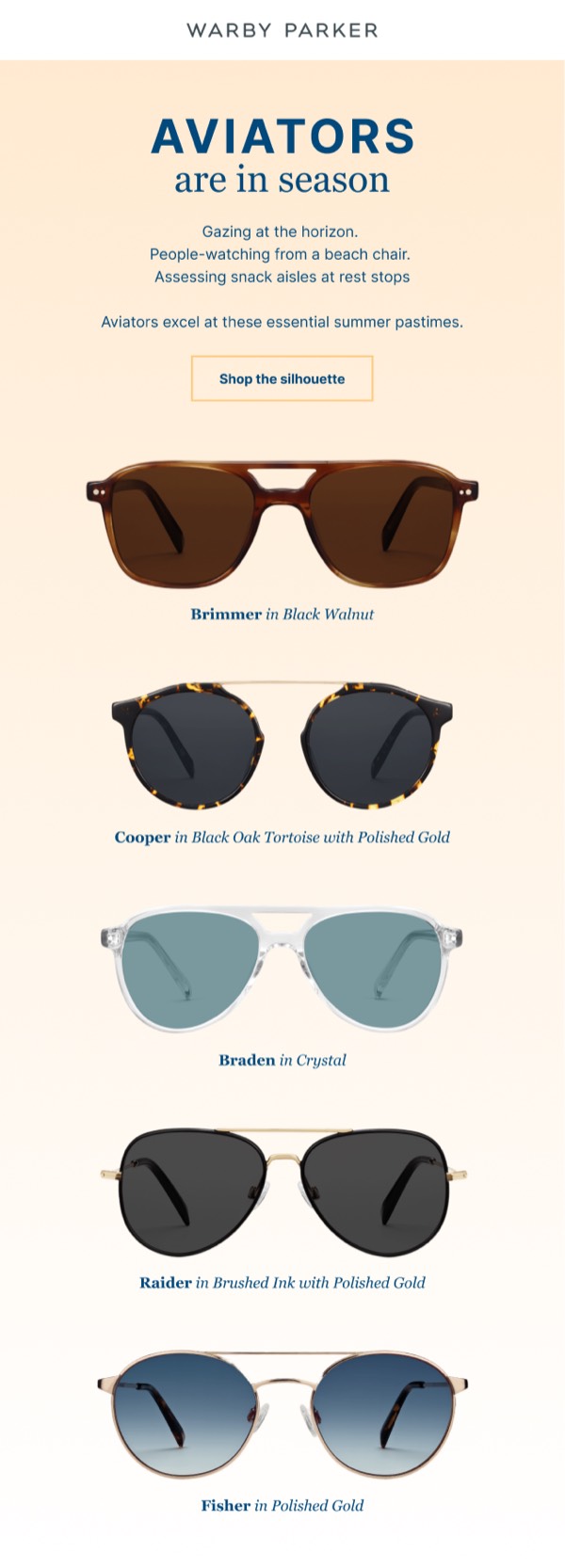
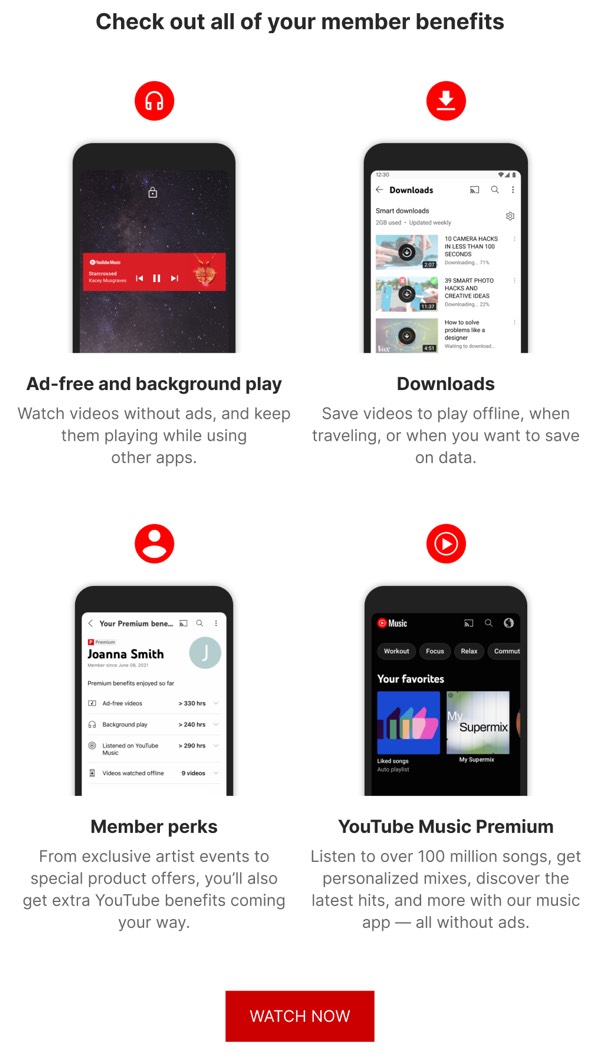
Browse the components above to see different approaches:
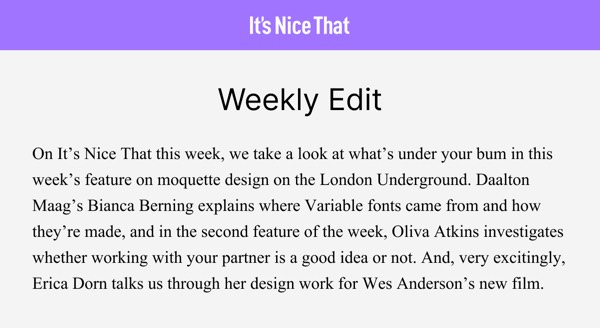
- Pure white: Clean #FFFFFF backgrounds for minimalism
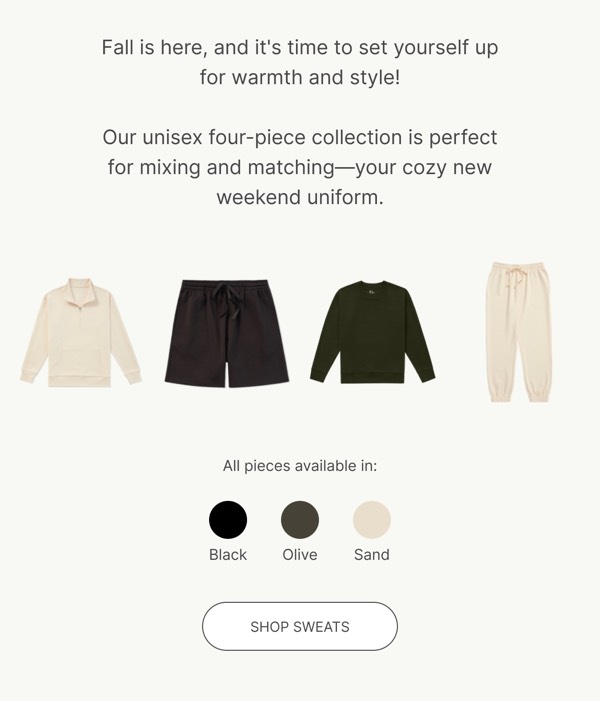
- Off-white: Warmer backgrounds (#F5F5F5 - #FAFAFA)
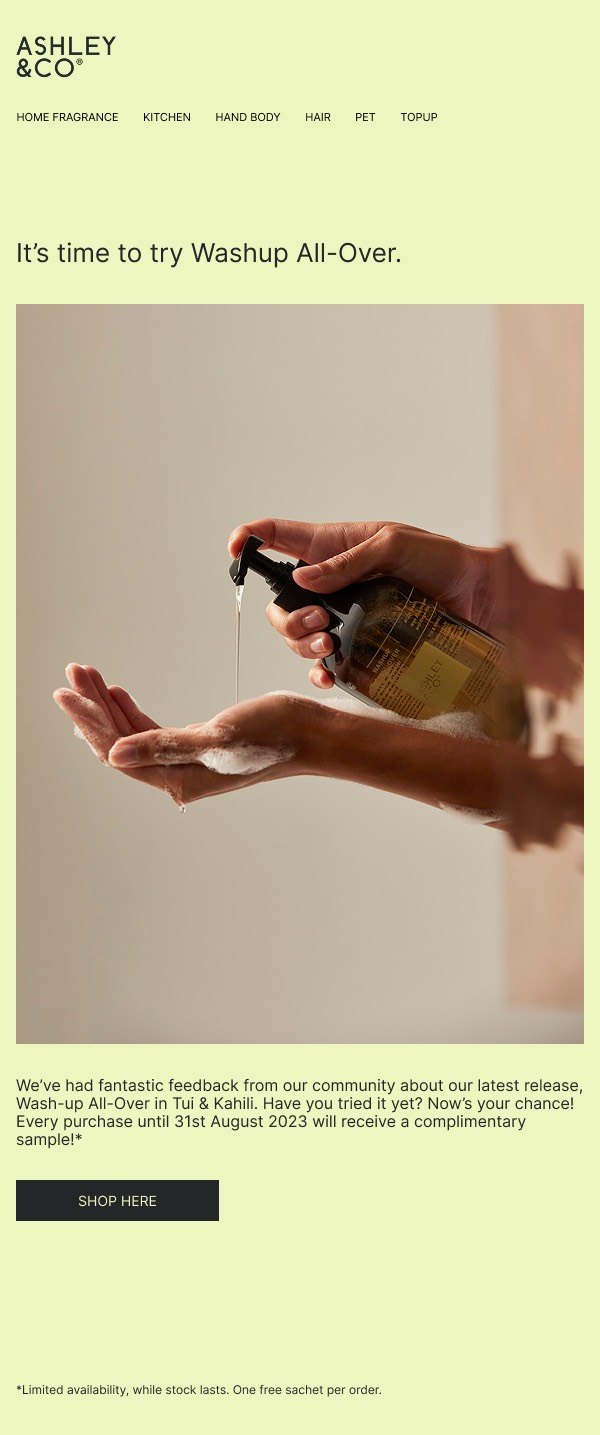
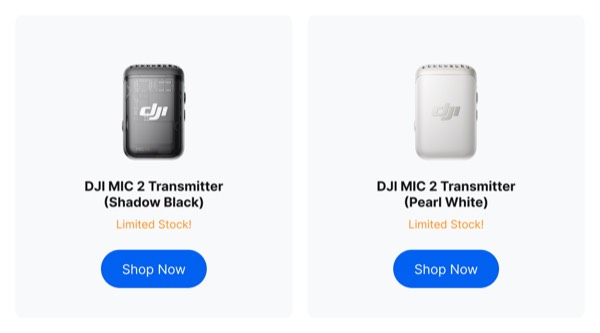
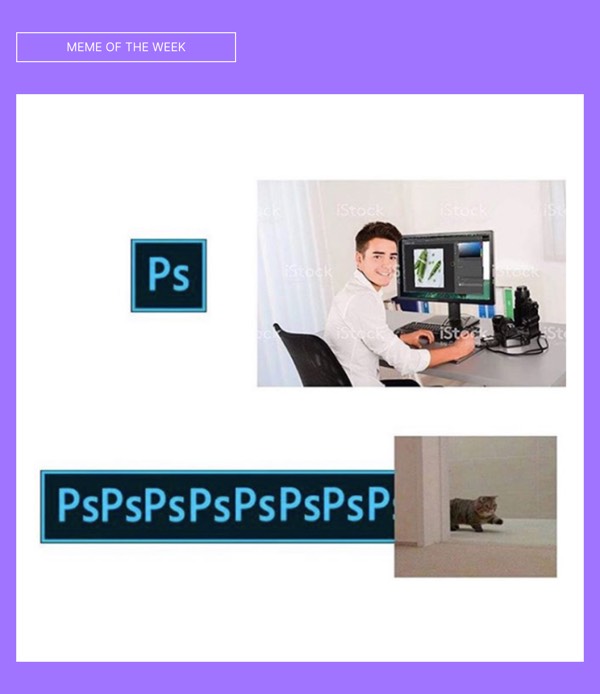
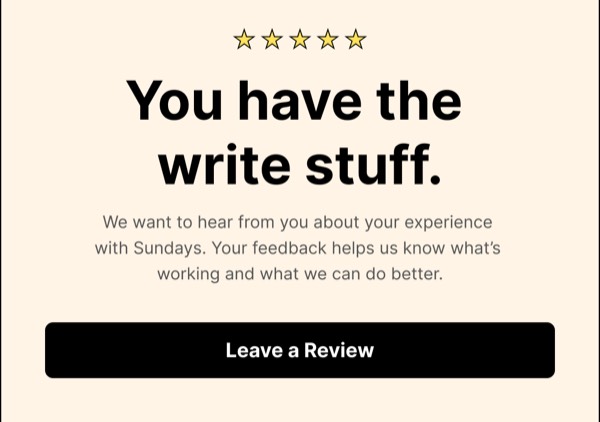
- Colored backgrounds: Soft pastels or light brand colors
- Subtle patterns: Textured or patterned light backgrounds
- Section variations: Alternating white and light gray sections
- Light gradients: Soft gradient backgrounds for depth
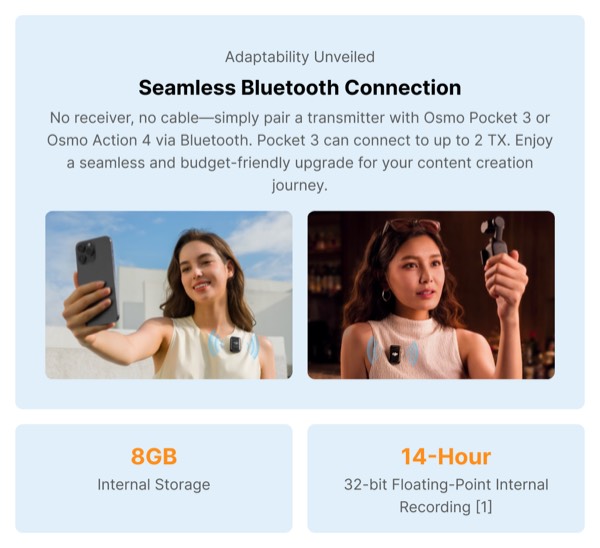
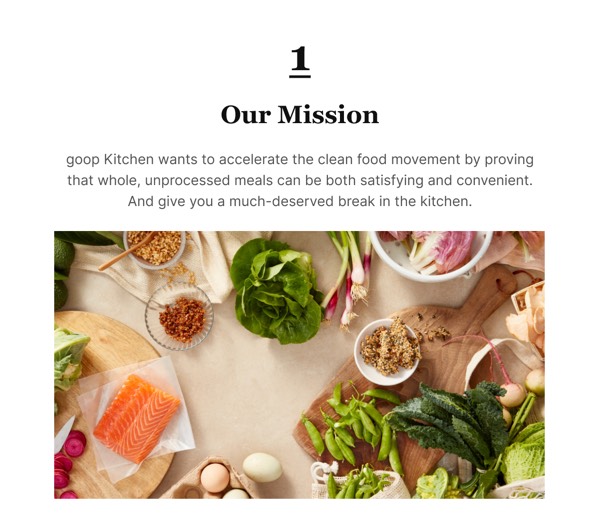
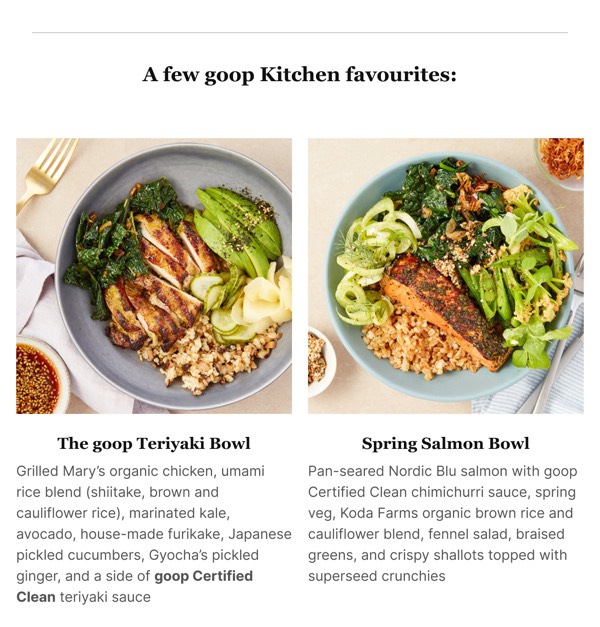
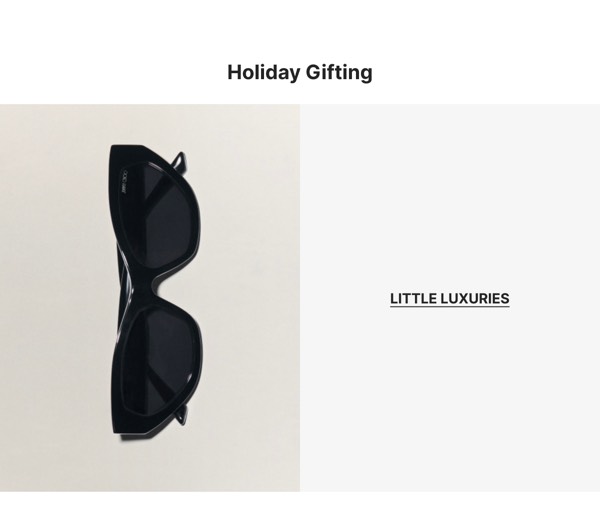
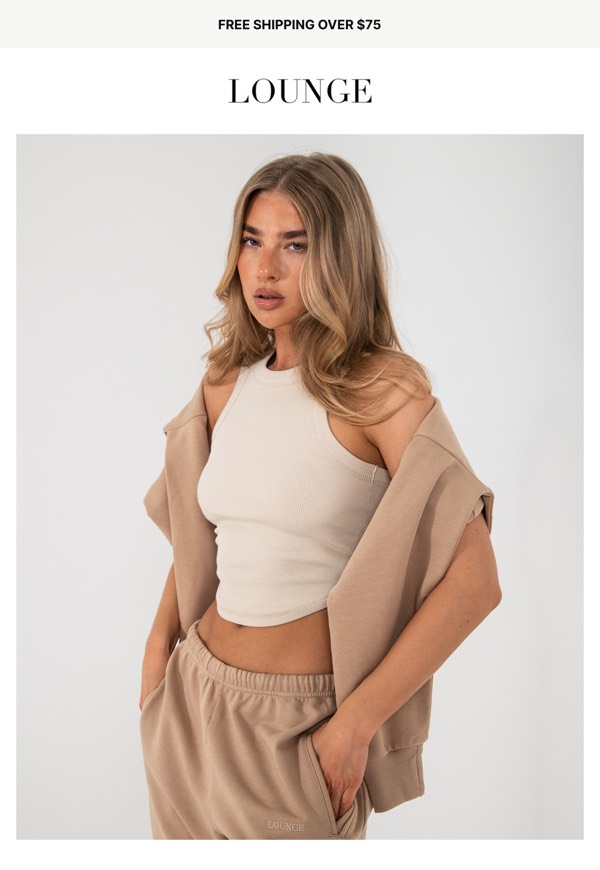
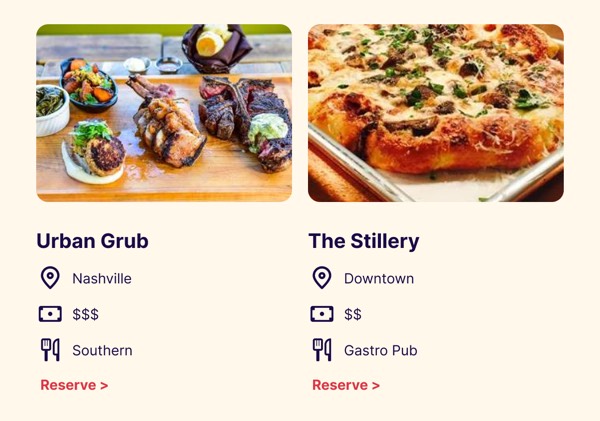
- Image-rich: Light backgrounds that showcase photography
Color Palettes for Light Mode
Text Colors:
- Primary text: #000000 - #333333 (black to dark gray)
- Secondary text: #666666 - #808080 (medium gray)
- Disabled text: #AAAAAA - #CCCCCC (light gray)
Background Colors:
- Primary background: #FFFFFF (pure white)
- Secondary background: #F5F5F5 - #FAFAFA (off-white)
- Section dividers: #E0E0E0 - #F0F0F0 (light gray)
Accent Colors:
- Bold, saturated colors work well as accents
- Use brand colors at full saturation
- High-contrast CTAs (blue, green, red, orange)
Best Practices for Light Mode
Typography:
- Use dark text for maximum readability
- Line height of 1.5-1.6 for body text
- Font size minimum 14-16px for body content
- Bold weights for emphasis and hierarchy
Imagery:
- Photos and graphics naturally pop on light backgrounds
- Use subtle shadows for depth and separation
- Ensure images have adequate resolution
- Consider borders for images that blend with background
Layout:
- Generous padding and margins throughout
- Use subtle borders or shadows to define sections
- Alternate background tones for visual interest
- Keep content width around 600px for readability
Implementation Tips
- Start with white: #FFFFFF is the safest, most compatible choice
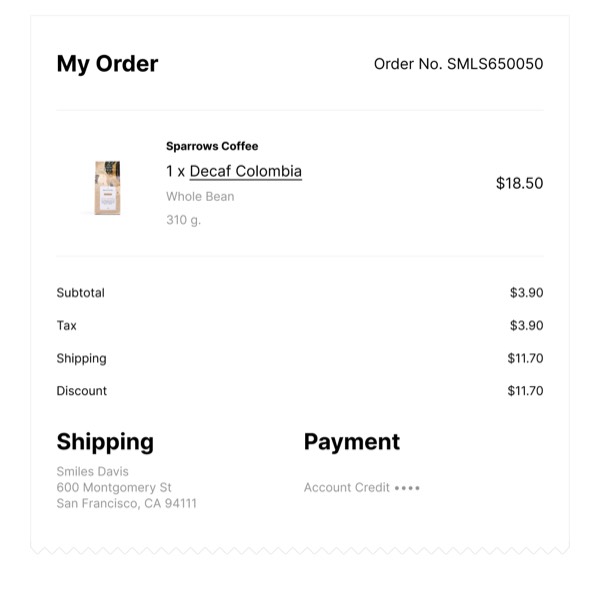
- Add subtle variations: Light gray sections for visual interest
- Use shadows sparingly: Subtle shadows add depth without clutter
- Test contrast: Ensure all text meets WCAG standards
- Optimize images: Compress for fast loading without quality loss
- Include borders: Help define sections and components
- Use white space: Don’t fear empty space—it improves readability
- Keep it simple: Light backgrounds work best with clean designs

 Emailify