
Gallery Email Components

Explore gallery designs from top brands. Perfect for product showcases, portfolios, and visual storytelling.
8 components
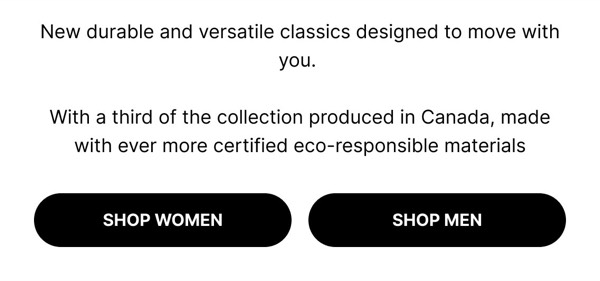
Shop New Versatile Classics - Altitude Gallery email component
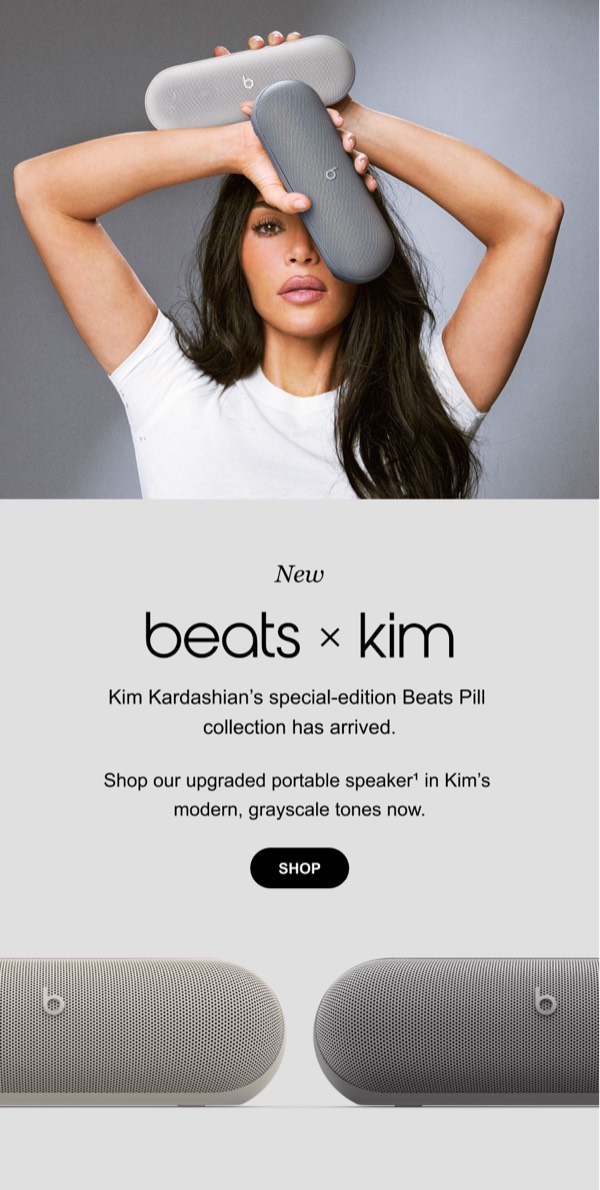
New Beats x Kim Collection - Beats Gallery email component
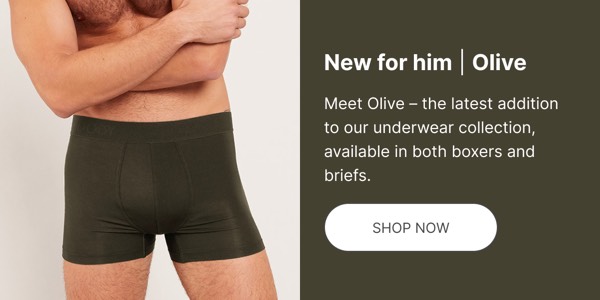
New Underwear Collection Launch - Boody Gallery email component
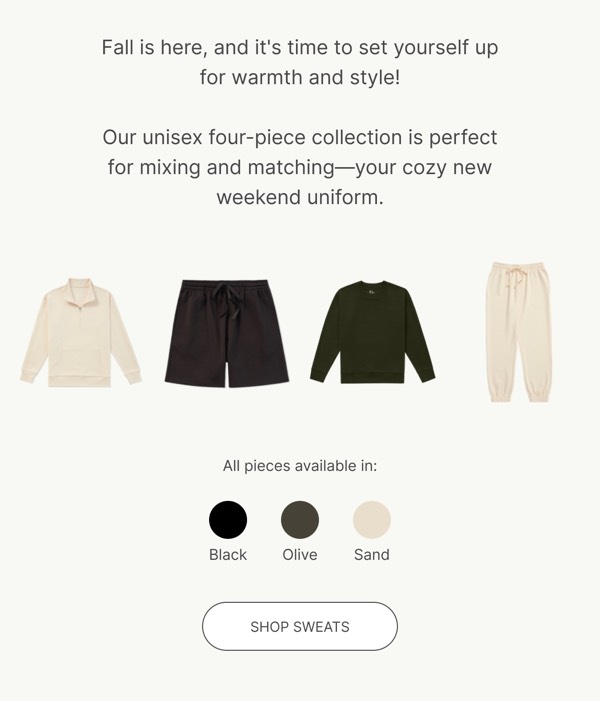
Fall Collection Offer - Boody Gallery email component
New Product Launch Email - Kindred Gallery email component
Lounge Collection Announcement - Lounge Gallery email component
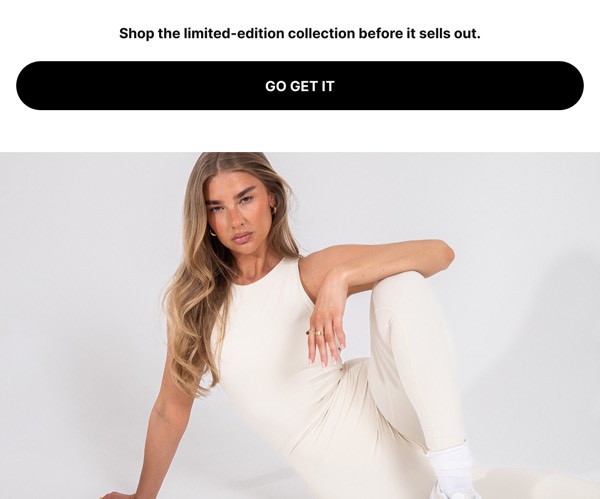
Limited Edition Collection Email - Lounge Gallery email component
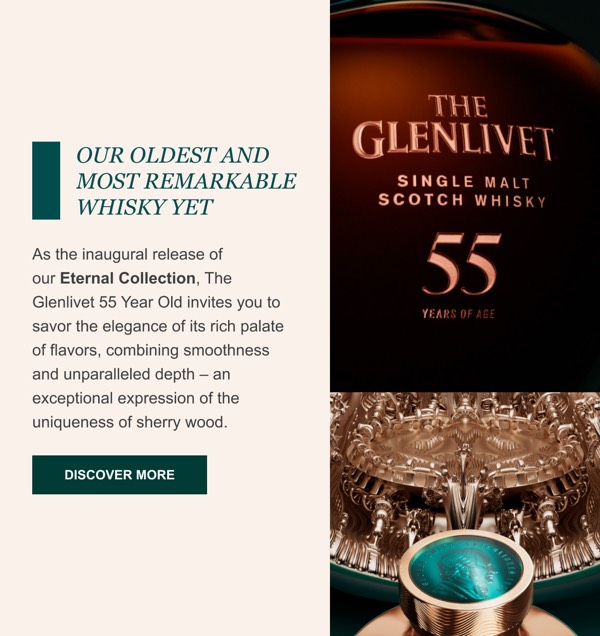
Luxury Whisky Advertisement - The Glenlivet Gallery email component

Gallery components transform your emails into visual experiences, perfect for showcasing products, portfolio work, or telling stories through images. Well-designed galleries balance aesthetic appeal with functionality and performance.

Essential Elements

  • High-quality imagery: Crisp, well-composed photos that represent your brand
  • Consistent styling: Uniform image treatment, sizing, and spacing
  • Clear navigation: Easy way to view more or access individual items
  • Responsive layout: Graceful adaptation across screen sizes

Design Principles

Visual Balance

Gallery layouts should be harmonious and engaging:

  • Use consistent aspect ratios for professional appearance
  • Maintain equal spacing (gutters) between images
  • Consider asymmetric layouts for visual interest
  • Balance image density with white space

Performance Optimization

Galleries can be image-heavy, so optimize carefully:

  • Compress images without sacrificing quality
  • Use appropriate dimensions (typically 600px max width)
  • Consider progressive loading or selective image display
  • Include descriptive alt text for accessibility

Browse the components above to see different approaches:

  • Grid galleries: Equal-sized images in uniform rows and columns
  • Masonry galleries: Varied sizes creating dynamic layouts
  • Featured galleries: Hero image with supporting thumbnails
  • Slider galleries: Sequential viewing with navigation (use carefully)
  • Product collections: Multiple items with titles and pricing

Best Practices

  1. Optimize images: Keep file sizes under 200KB per image when possible
  2. Include alt text: Describe images for accessibility and when images are blocked
  3. Link strategically: Make images clickable to relevant landing pages
  4. Test loading times: Ensure galleries don’t delay email rendering
  5. Consider mobile: Verify images stack or resize appropriately
  6. Use captions: Add context with brief descriptions or titles

Frequently Asked Questions

What are Gallery email components?

Gallery email components are pre-designed, production-ready email sections focused on gallery content. They're optimized for email clients and ready to customize in Figma.

How do I use Gallery components in my emails?

Click "Copy Figma Component" on any Gallery component, then paste it into your Figma file. Customize the design, then use the Emailify plugin to export production-ready HTML email code.

Are Gallery components mobile-friendly?

Yes, all Gallery components are fully responsive and tested across mobile, tablet, and desktop email clients including Gmail, Outlook, Yahoo Mail, and Apple Mail.

Can I customize the Gallery components?

Absolutely! Once in Figma, you have full control to modify colors, fonts, spacing, images, copy, and layout to match your brand guidelines.