
Video Email Components
Explore video email designs from top brands. Perfect for engaging subscribers with dynamic video content.
23 components
Browse by


Video Email Components Guide
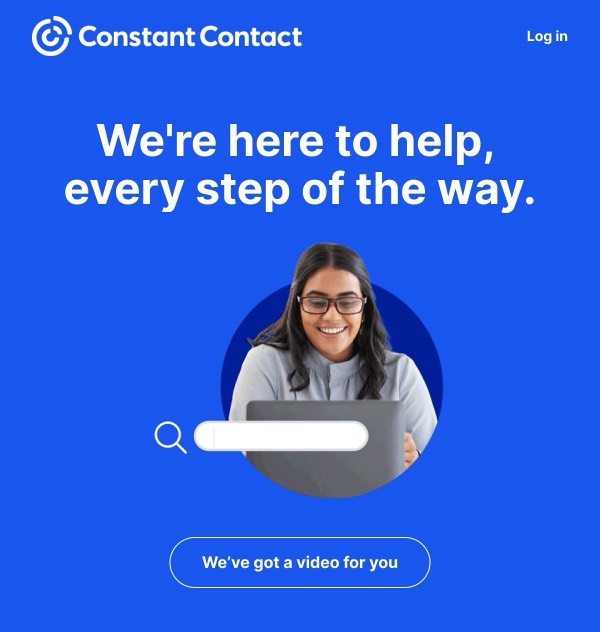
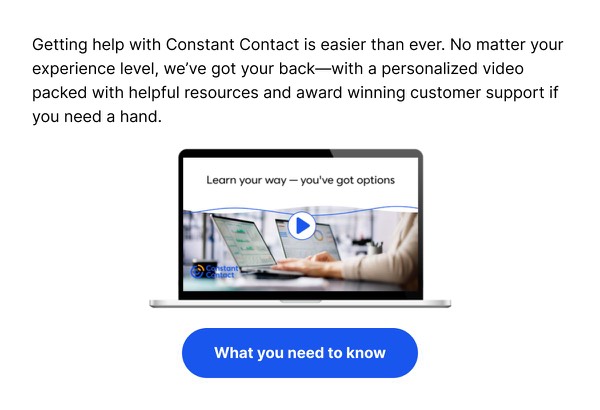
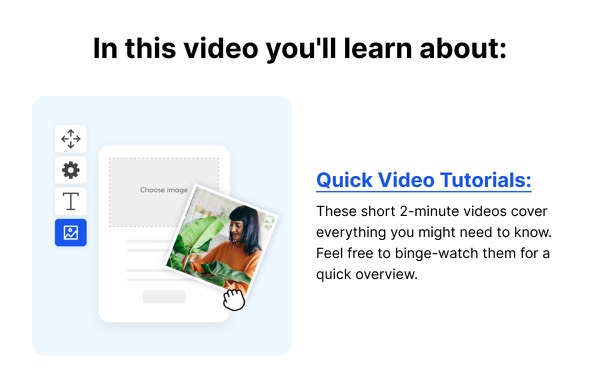
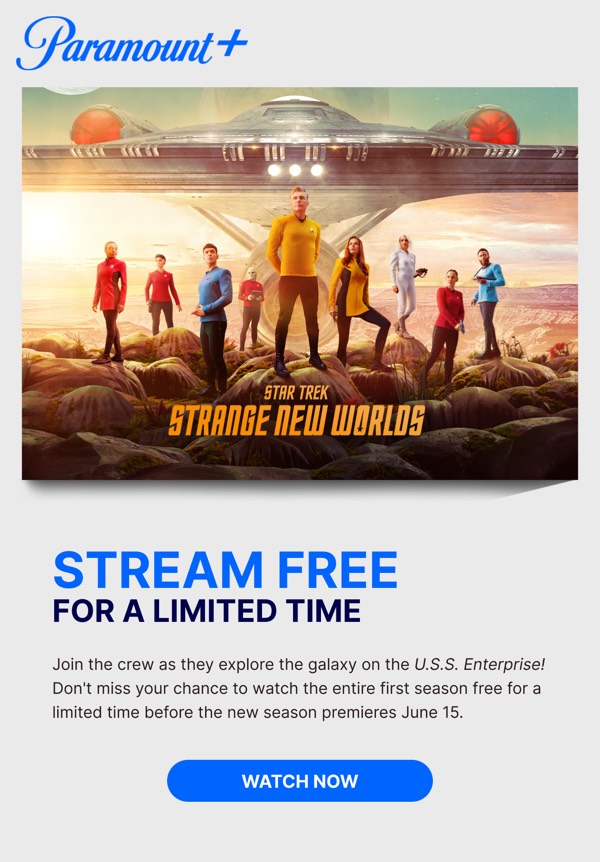
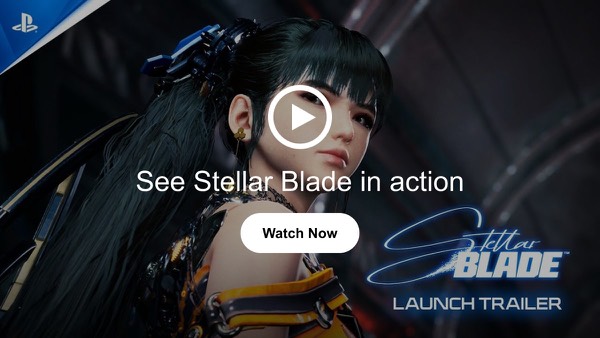
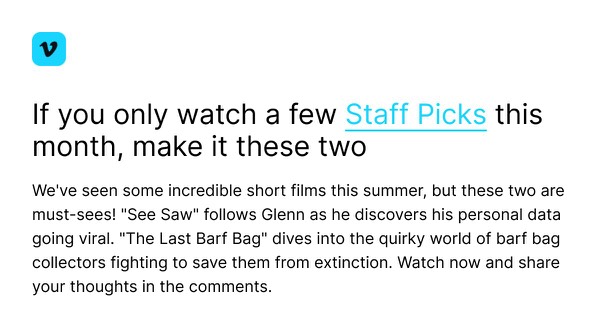
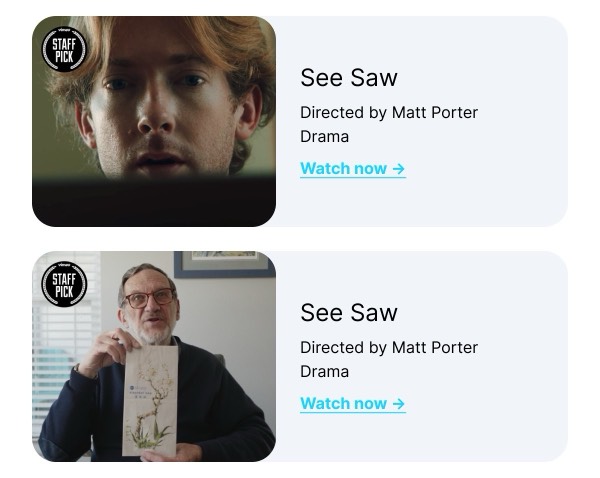
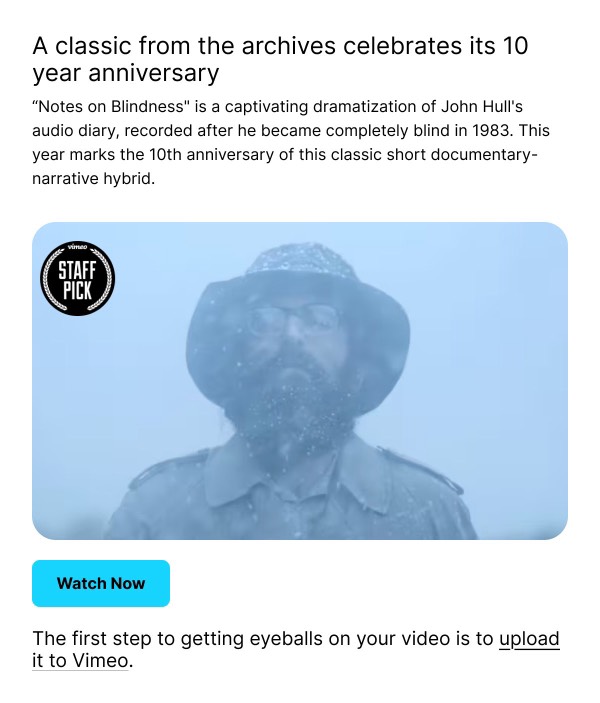
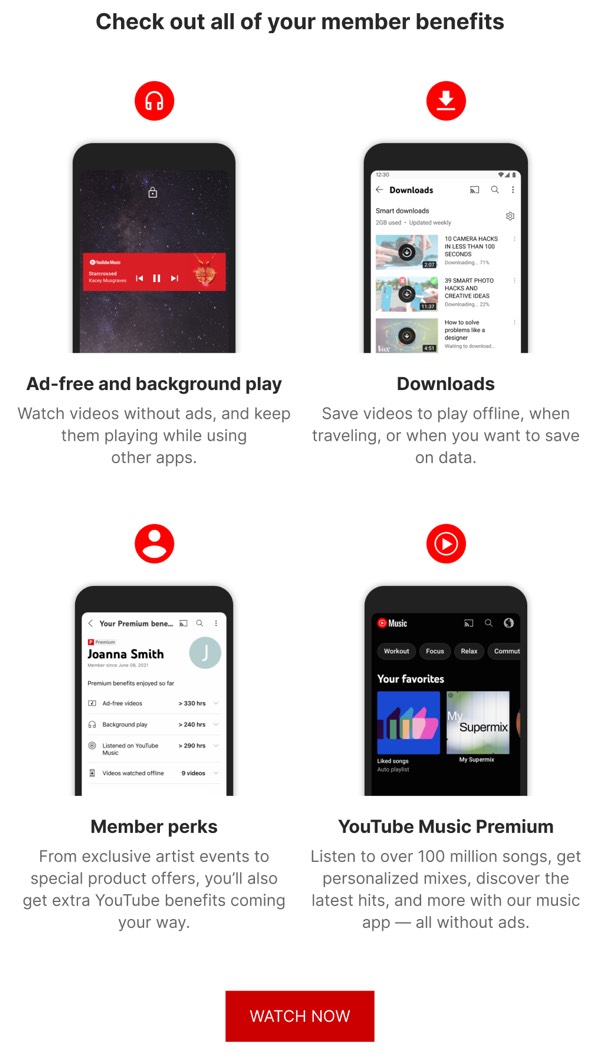
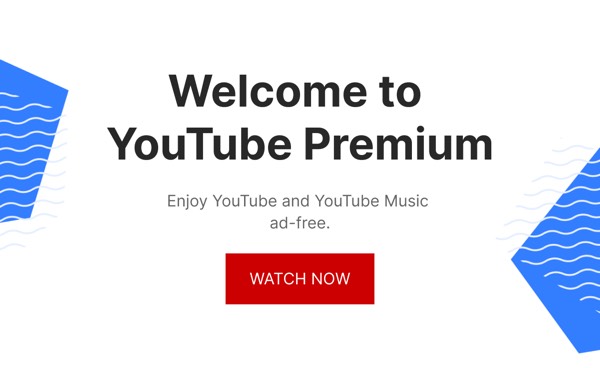
Video email components help you incorporate video content into email campaigns, despite limited email client support for embedded video playback. Smart design techniques use video thumbnails with play buttons that link to hosted video content, creating engaging experiences that drive clicks.
Essential Elements
- Compelling thumbnail: Eye-catching still image from the video
- Clear play button: Prominent indicator that content is video
- Context and caption: Brief description of video content
- Click-through link: Takes users to hosted video player
Design Principles
Technical Limitations
Understanding email and video:
- Most email clients don’t support embedded video playback
- Apple Mail is one exception, but inconsistent across versions
- Best practice: Use video thumbnail images that link to landing page
- Consider GIF animations as lightweight alternative
Engagement Optimization
Your video component should drive clicks:
- Use an engaging frame from the video as thumbnail
- Add a clear, prominent play button overlay
- Include descriptive caption that entices viewing
- Create urgency or curiosity to encourage clicks
Video Component Approaches
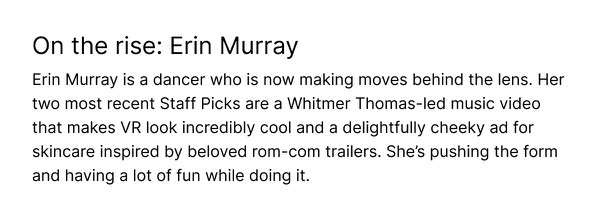
Browse the components above to see different approaches:
- Hero video: Large, prominent video as email focal point
- Video thumbnails: Grid of multiple video options
- GIF previews: Short animated loops as teasers
- Video playlist: Series of related video links
- Video testimonials: Customer video reviews or stories
- Tutorial videos: How-to or educational content
- Product demos: Video showcasing product features
- Event recordings: Webinar or conference content
Video Thumbnail Best Practices
Choosing the Right Frame:
- Select a compelling, clear moment from the video
- Show faces when possible (increases engagement)
- Avoid blurry or transitional frames
- Include text overlay if it adds context
- Ensure thumbnail represents video content accurately
Play Button Design:
- Large enough to be obvious (80-120px)
- High contrast with thumbnail background
- Classic triangle icon is universally understood
- Consider rounded circle background for polish
- Add subtle shadow or glow for prominence
Adding Context:
- Include video title or description
- Show video duration to set expectations
- Add category or series information
- Include call-to-action (“Watch Now”, “Learn More”)
Implementation Techniques
Method 1: Static Image + Link
Most reliable approach:
- Create compelling thumbnail image with play button
- Add thumbnail as clickable image in email
- Link to landing page or video hosting platform
- Include alt text describing the video
Method 2: Animated GIF
More engaging but larger file size:
- Create short GIF (2-5 seconds) showing video preview
- Add play button overlay if not obvious
- Link GIF to full video
- Keep file size under 1MB if possible
Method 3: HTML5 Video (Apple Mail Only)
Limited compatibility:
- Use HTML5 video tag with fallback image
- Only works in Apple Mail on iOS and macOS
- Requires careful testing and fallback planning
- Not recommended unless audience is Apple-heavy
Video Hosting Considerations
YouTube:
- Free hosting and reliable playback
- Recognizable platform increases trust
- Can customize player appearance
- Provides analytics and engagement data
Vimeo:
- Professional appearance and quality
- Privacy options for exclusive content
- Clean player without ads
- Good for portfolio or brand content
Wistia:
- Marketing-focused with lead capture
- Detailed analytics and A/B testing
- Custom branding options
- Higher cost but powerful features
Native Landing Page:
- Complete control over experience
- Can capture leads before/after viewing
- Custom design matching brand
- Requires development resources
Best Practices
- Optimize thumbnails: Compress images without losing quality
- Add play buttons: Make it obvious content is video
- Test across clients: Verify thumbnails display correctly
- Track clicks: Use UTM parameters or tracking pixels
- Keep videos short: 60-90 seconds ideal for email-promoted videos
- Mobile-optimize: Ensure thumbnails and pages work on mobile
- Include captions: Make video accessible with subtitles
- Fast-loading pages: Video landing pages should load quickly
- Provide alternatives: Include text summary for those who can’t watch
- A/B test: Try different thumbnails, play buttons, and CTAs
Frequently Asked Questions
What makes an email component "Video"?
Video email components share a common video design style or attribute. These components are tagged to help you quickly find designs that match specific visual or functional characteristics.
How do I copy Video components to Figma?
Click the "Copy Figma Component" button on any Video component card, then paste directly into your Figma design file using Cmd+V (Mac) or Ctrl+V (Windows).
Can I combine Video components with other styles?
Yes! Video components work seamlessly alongside components with other style tags. Mix and match to create your perfect email design.
Are Video components tested across email clients?
All Video components are tested and optimized for major email clients including Gmail, Outlook, Apple Mail, Yahoo Mail, and mobile devices.