Email Banner Components

Discover banner layouts from top brands. Perfect for newsletters, promotional emails, and transactional messages.

10 components
Shipping Promotion Banner - Clare email component (banner layout)
Free Shipping Announcement - Crocs email component (banner layout)
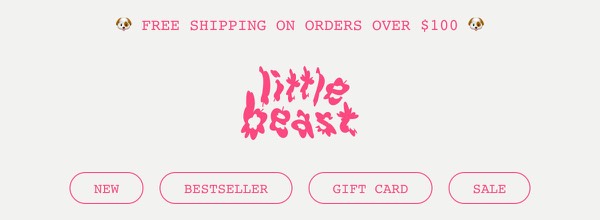
Free Shipping Announcement - Little Beast email component (banner layout)
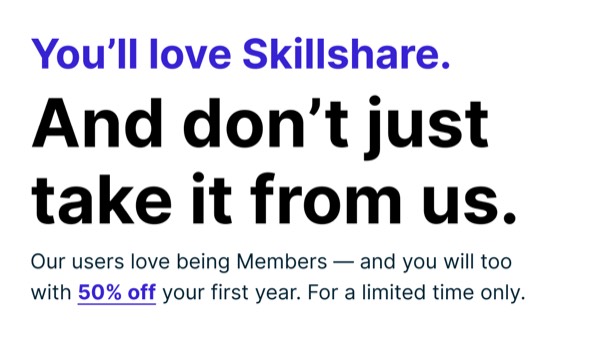
Limited Time Discount Offer - Skillshare email component (banner layout)
Email Promotion Banner - Skillshare email component (banner layout)
Promotion Banner - Skillshare email component (banner layout)
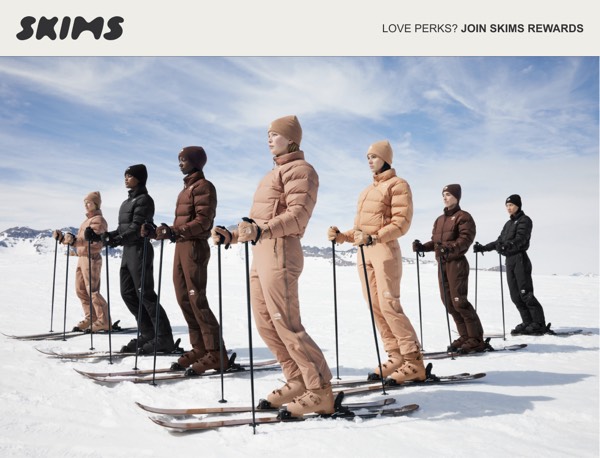
Ski Apparel Promotion - SKIMS email component (banner layout)
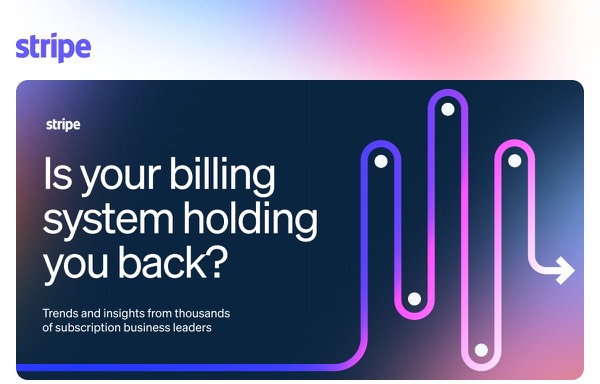
Billing System Insight - Stripe email component (banner layout)
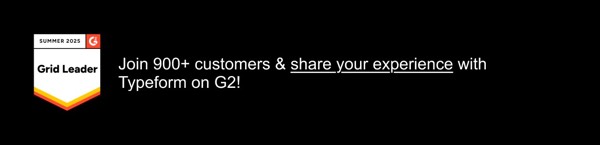
Customer Review Invitation - Typeform email component (banner layout)
YouTube Premium Banner - YouTube email component (banner layout)

Email Banner Design Guide

Email banners are powerful tools for capturing attention and communicating important messages at the top of your emails. A well-designed banner can highlight promotions, announcements, or urgent information without overwhelming the main content.

Essential Elements

  • Clear messaging: Concise text that communicates the key message instantly
  • Visual hierarchy: Bold typography and contrasting colors for emphasis
  • Compelling CTAs: Action-oriented language that drives engagement
  • Brand alignment: Consistent with overall brand identity and email design

Design Considerations

Mobile Optimization

Banners must be readable and impactful on small screens. Consider:

  • Responsive text sizing that scales appropriately
  • Touch-friendly buttons (44x44px minimum)
  • Simplified layouts for mobile viewports
  • Adequate spacing for readability

Visual Impact

Your email banner should grab attention without being disruptive:

  • Use contrasting colors to stand out from main content
  • Balance bold design with overall email aesthetics
  • Include supporting visuals when appropriate
  • Maintain accessibility with sufficient color contrast

Browse the components above to see different banner approaches:

  • Promotional banners: Feature sales, discounts, or special offers
  • Announcement banners: Share company news or product launches
  • Urgency banners: Highlight time-sensitive information or deadlines
  • Informational banners: Provide helpful tips or important updates

Implementation Tips

  1. Keep it concise: Banners should communicate one primary message
  2. Use strategic placement: Top of email for maximum visibility
  3. Test color contrast: Ensure text is readable across email clients
  4. Include dismissible options: For persistent banners, consider user control

Frequently Asked Questions

What is a banner email layout?

A banner layout is a structured email design pattern commonly used for organizing content in email marketing. These components provide tested, responsive structures that work across all major email clients.

How do I copy these banner components to Figma?

Simply click the "Copy Figma Component" button on any component card, then paste it into your Figma file using Cmd+V (Mac) or Ctrl+V (Windows). The component will be ready to customize immediately.

Are banner layouts responsive?

Yes, all banner layouts are fully responsive and optimized for desktop, tablet, and mobile email clients including Gmail, Outlook, and Apple Mail.

Can I mix different layout types in one email?

Absolutely! You can combine multiple layout types within a single email design. Mix banner layouts with other patterns to create unique, engaging email experiences.