Dark Mode Components

Explore dark email designs from top brands. Perfect for modern aesthetics and dark mode compatibility.

48 components
Cold Weather Essentials Promotion - AllTrails Dark email component
Footer with Contact Info - Beats Dark email component
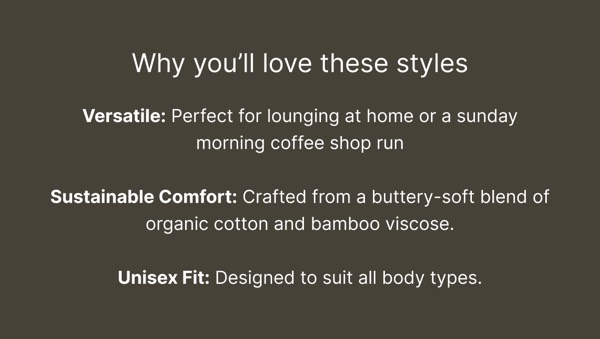
Why You’ll Love These Styles - Boody Dark email component
Email Footer - Crocs Dark email component
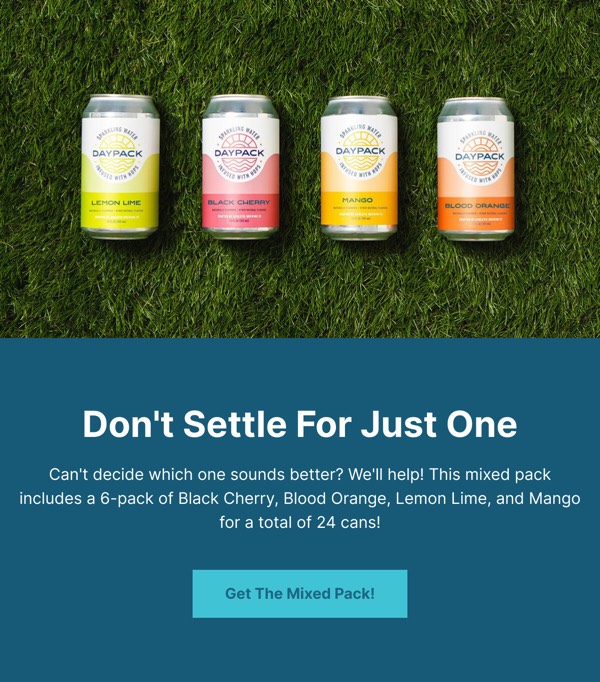
Get The Mixed Pack! - Daypack Dark email component
GitHub Universe 2023 Invite - GitHub Dark email component
Event Updates and Signup - GitHub Dark email component
Email Footer - GitHub Dark email component
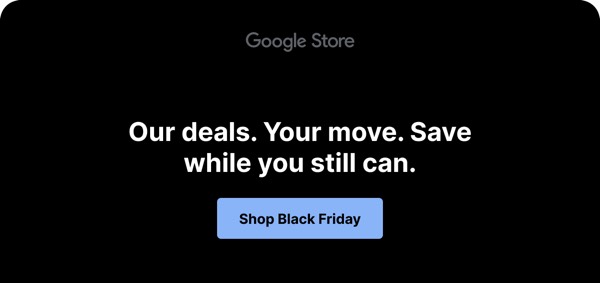
Black Friday Deal Alert - Google Dark email component
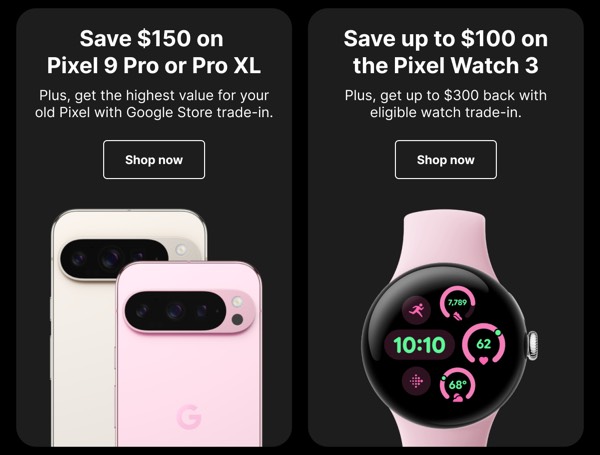
Smartphone and Watch Deals - Google Dark email component
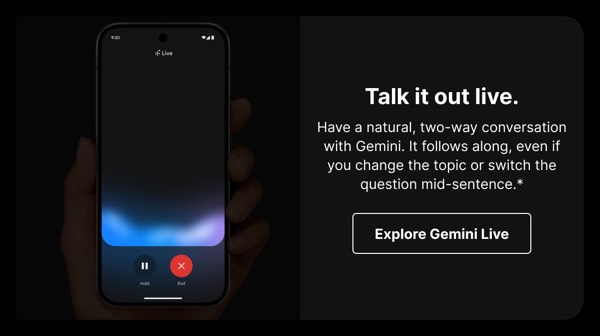
Live Conversation Feature - Google Dark email component
Sustainability Statement - Google Dark email component
Email Footer - HubSpot Dark email component
Contact and Social Links - Jimmy Choo Dark email component
Booking Confirmation - Lido Dark email component
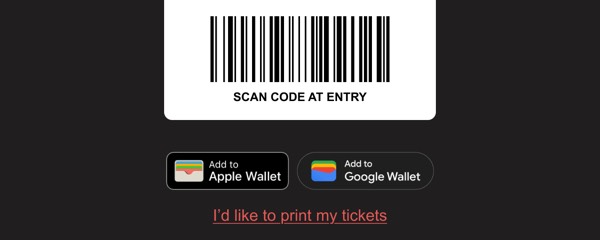
Ticket Scan Component - Lido Dark email component
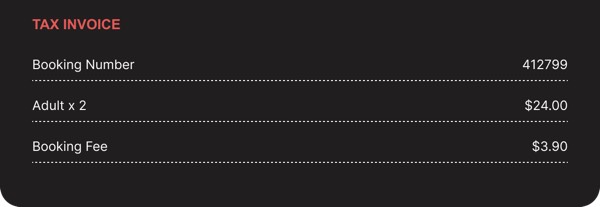
Tax Invoice Display - Lido Dark email component
Simple Email Footer - Lido Dark email component
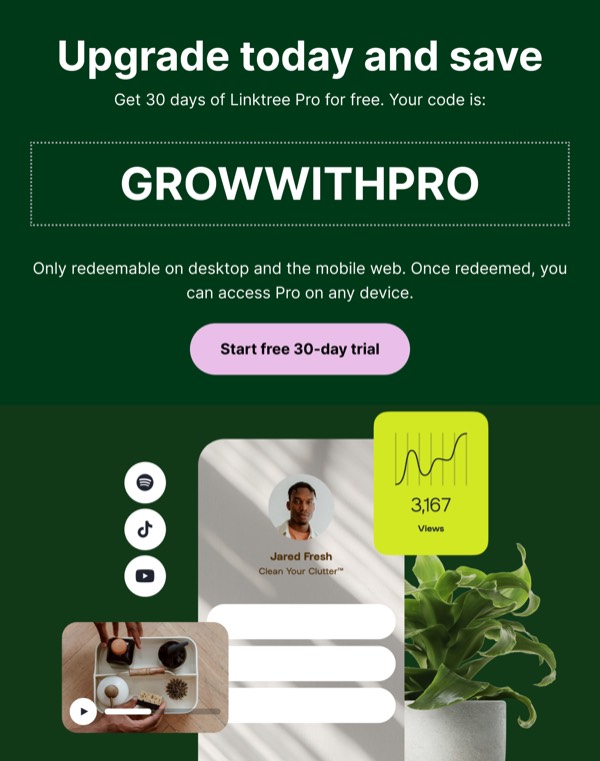
Upgrade Offer Email - Linktree Dark email component
Footer with Links and Info - Louis Vuitton Dark email component
Promotional Email Footer - Lounge Dark email component
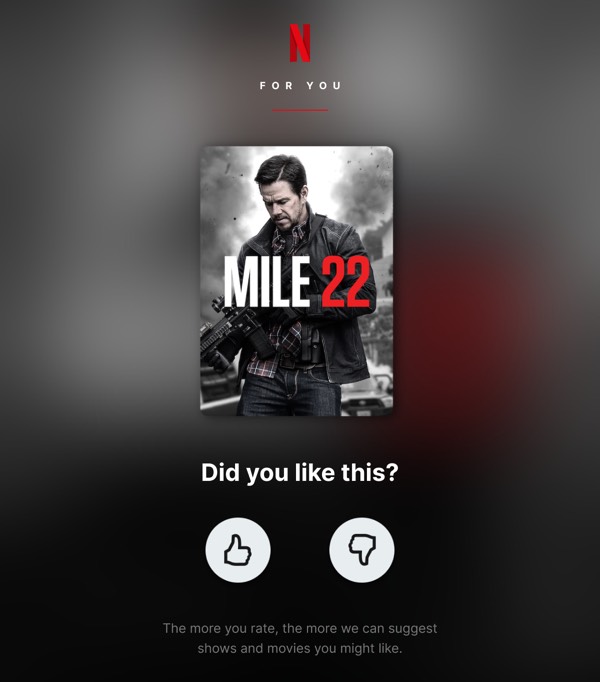
Movie Feedback Request - Netflix Dark email component
Email Footer Information - Netflix Dark email component
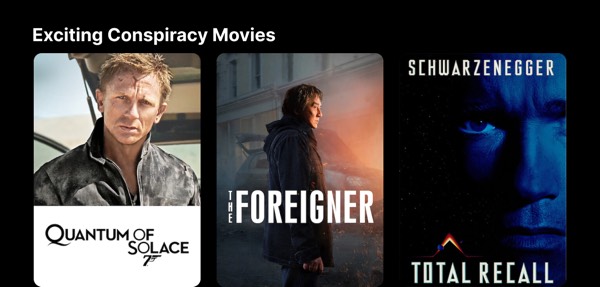
Exciting Conspiracy Movies - Netflix Dark email component
Nintendo News Email - Nintendo Dark email component
Summer Car Booking - Nissan Dark email component
Simple Email Header - Opal Dark email component
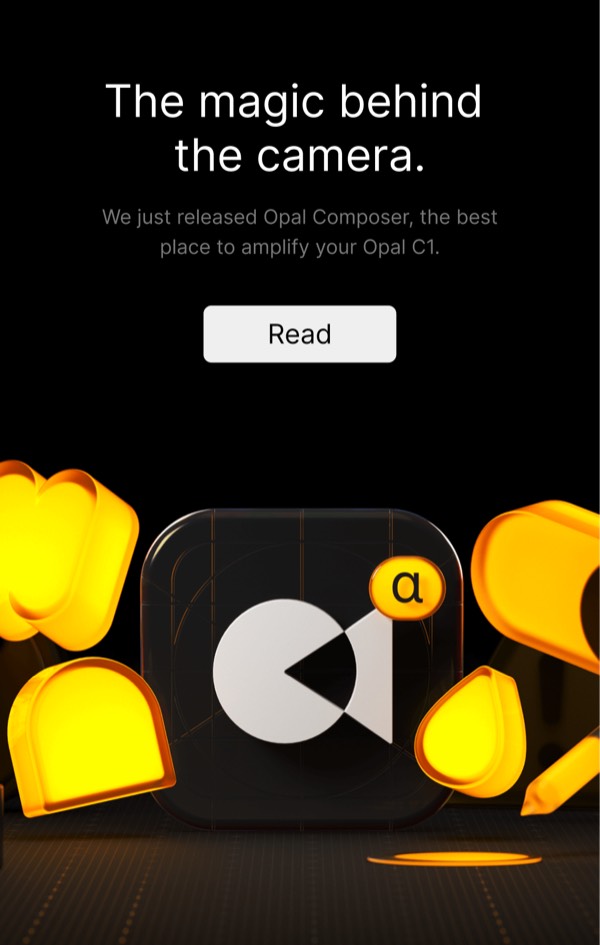
Camera Amplification Announcement - Opal Dark email component
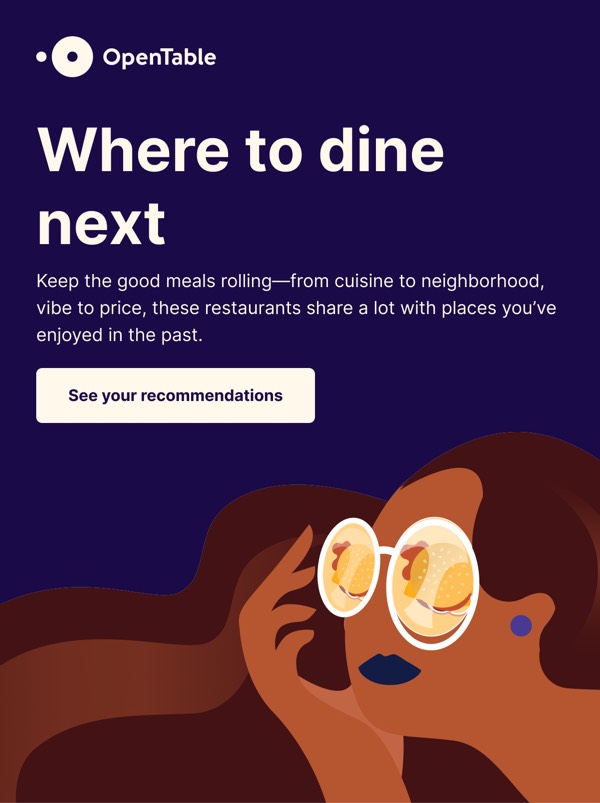
Where to Dine Next - OpenTable Dark email component
Personalized Recommendations - OpenTable Dark email component
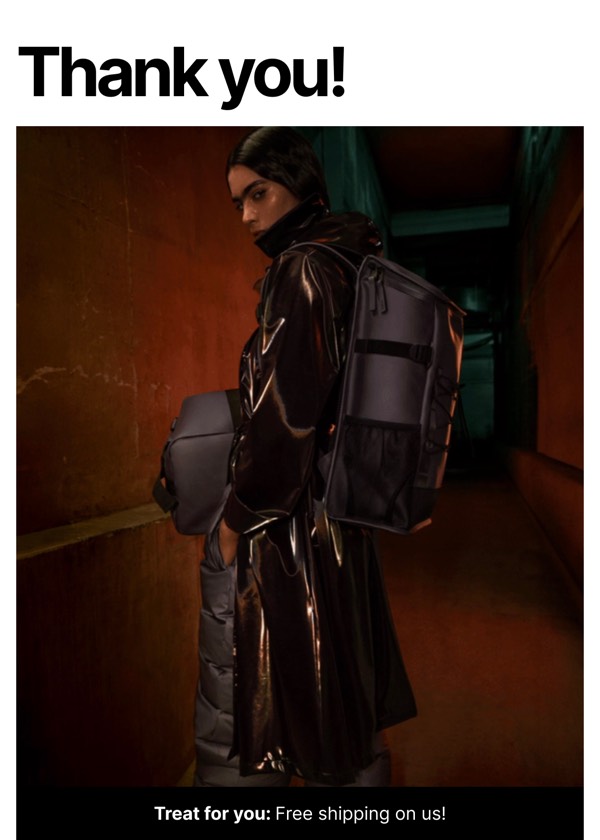
Thank You Note - Rains Dark email component
Welcome to Streaming Service - Salesforce Dark email component
Live Events Announcement - Salesforce Dark email component
Email Login Section - Shopify Dark email component
Email Footer - Shopify Dark email component
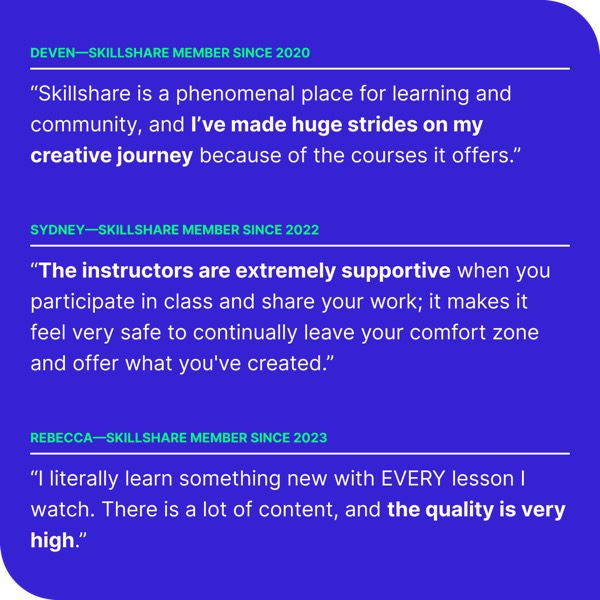
User Testimonials - Skillshare Dark email component
Email Footer Section - Skillshare Dark email component
Service Highlight Section - Starbucks Dark email component
Simple Navigation Header - Stoffer Dark email component
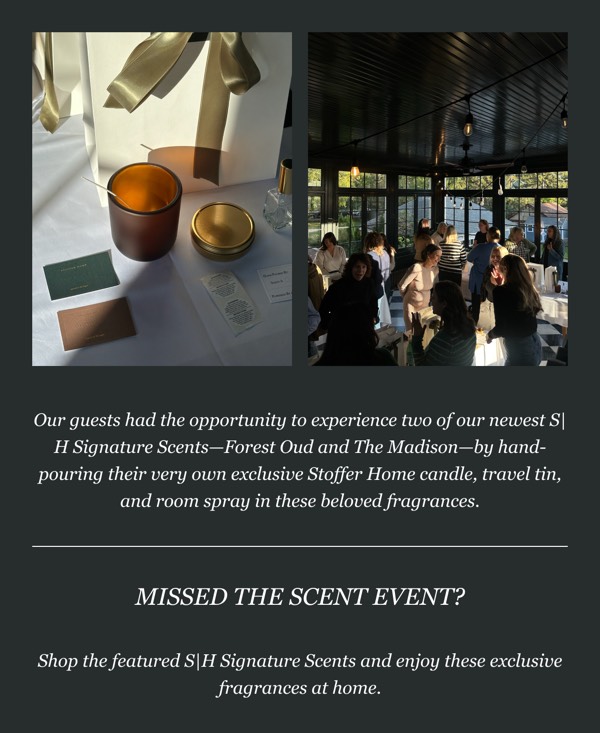
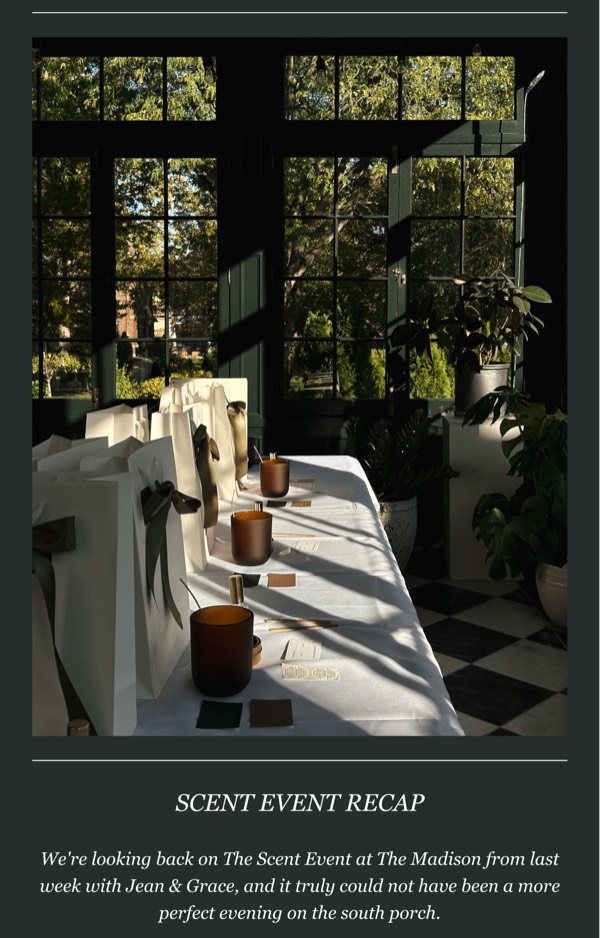
Scent Event Recap - Stoffer Dark email component
Scent Event Invitation - Stoffer Dark email component
Contact and Social Links - Stoffer Dark email component
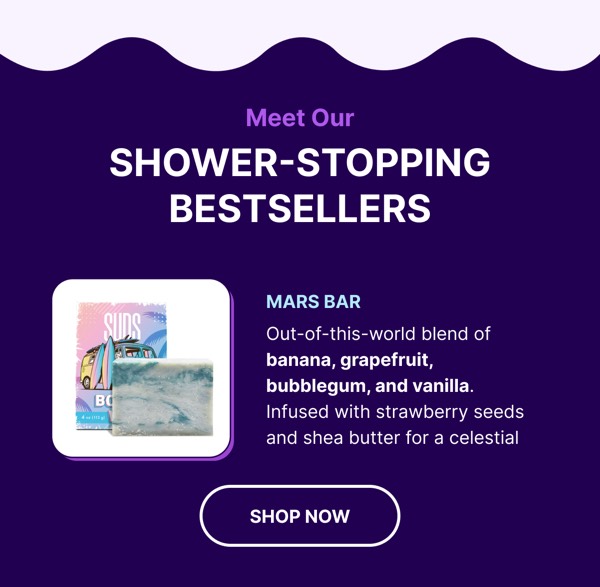
Shower-Stopping Bestsellers - Suds Dark email component
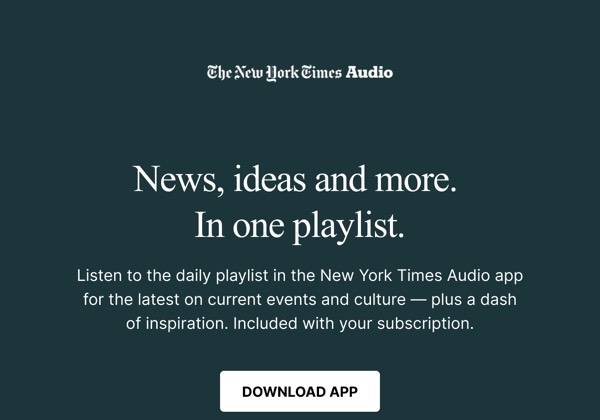
Audio Playlist Offer - The New York Times Dark email component
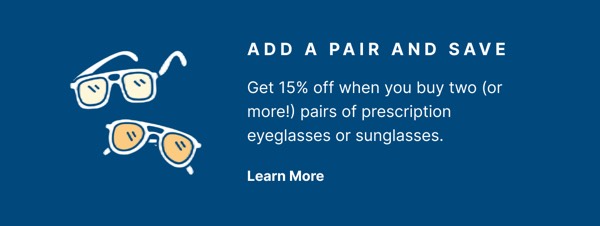
Add a Pair and Save - Warby Parker Dark email component
New Products from Zencastr - Zencastr Dark email component
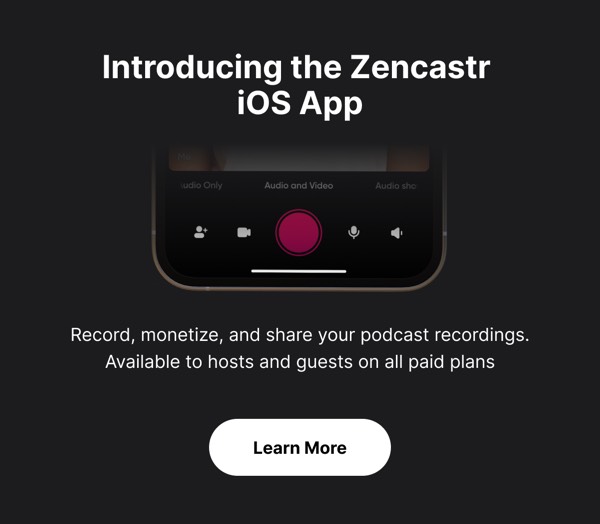
iOS App Launch Overview - Zencastr Dark email component
Social Media Links - Zencastr Dark email component

Dark Mode Email Design Guide

Dark mode email components feature dark backgrounds with light text, creating sophisticated, modern designs that reduce eye strain and work seamlessly with user preferences. As more email clients support dark mode, designing for both light and dark contexts is increasingly important.

Essential Elements

  • Dark backgrounds: Deep grays, blacks, or dark brand colors
  • Light text: High-contrast text for optimal readability
  • Adjusted imagery: Images that work well on dark backgrounds
  • Inverted UI elements: Buttons and components adapted for dark context

Design Principles

Readability and Contrast

Dark designs must maintain excellent legibility:

  • Use light text (white or light gray) on dark backgrounds
  • Maintain minimum 7:1 contrast ratio for body text
  • Avoid pure white (#FFFFFF) which can cause eye strain
  • Use off-white (#E0E0E0 - #F5F5F5) for better readability

Dark Mode Considerations

Your dark email should work across contexts:

  • Design for both light and dark modes from the start
  • Test how email clients transform your design automatically
  • Use transparent PNGs for logos that adapt to background
  • Consider using CSS to define explicit dark mode styles

Dark Design Approaches

Browse the components above to see different approaches:

  • True dark: Near-black backgrounds (#0A0A0A - #1A1A1A)
  • Dark gray: Softer dark backgrounds (#2A2A2A - #3A3A3A)
  • Colored dark: Dark brand colors as background base
  • Dark gradients: Subtle gradients in dark tones
  • Dark with accents: Dark base with vibrant accent colors
  • Mixed sections: Alternating light and dark sections
  • Dark hero sections: Dark header with lighter content

Color Considerations for Dark Mode

Text Colors:

  • Primary text: #FFFFFF or #F5F5F5 (off-white)
  • Secondary text: #B0B0B0 - #D0D0D0 (gray)
  • Disabled text: #808080 - #909090 (medium gray)

Background Colors:

  • Primary background: #0A0A0A - #1A1A1A (near-black)
  • Secondary background: #2A2A2A - #3A3A3A (dark gray)
  • Elevated surfaces: #3A3A3A - #4A4A4A (lighter gray)

Accent Colors:

  • Increase saturation and brightness slightly in dark mode
  • Neon and vibrant colors work exceptionally well
  • Use glow effects for futuristic feel

Implementation Tips

  1. Test in multiple clients: Dark mode rendering varies by email client
  2. Design for auto-conversion: Many clients automatically invert colors
  3. Use semantic HTML: Helps email clients apply dark mode correctly
  4. Include media queries: Define explicit dark mode styles when possible
  5. Optimize images: Use images with transparent backgrounds or dark versions
  6. Avoid pure black: #000000 can be too harsh; use #0A0A0A instead
  7. Test button contrast: Ensure CTAs remain prominent in dark mode
  8. Consider borders: Use subtle light borders to define sections
  9. Use color strategically: Bright accents pop beautifully on dark backgrounds

Frequently Asked Questions
What makes an email component "Dark"?

Dark email components share a common dark design style or attribute. These components are tagged to help you quickly find designs that match specific visual or functional characteristics.

How do I copy Dark components to Figma?

Click the "Copy Figma Component" button on any Dark component card, then paste directly into your Figma design file using Cmd+V (Mac) or Ctrl+V (Windows).

Can I combine Dark components with other styles?

Yes! Dark components work seamlessly alongside components with other style tags. Mix and match to create your perfect email design.

Are Dark components tested across email clients?

All Dark components are tested and optimized for major email clients including Gmail, Outlook, Apple Mail, Yahoo Mail, and mobile devices.