Email Grid Components

Discover grid layouts from top brands. Perfect for newsletters, promotional emails, and transactional messages.
20 components
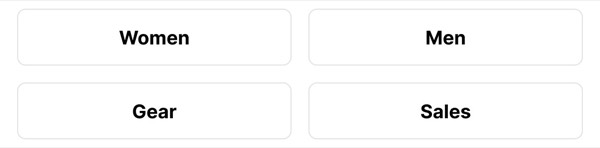
Category Selection Buttons - Altitude email component (grid layout)
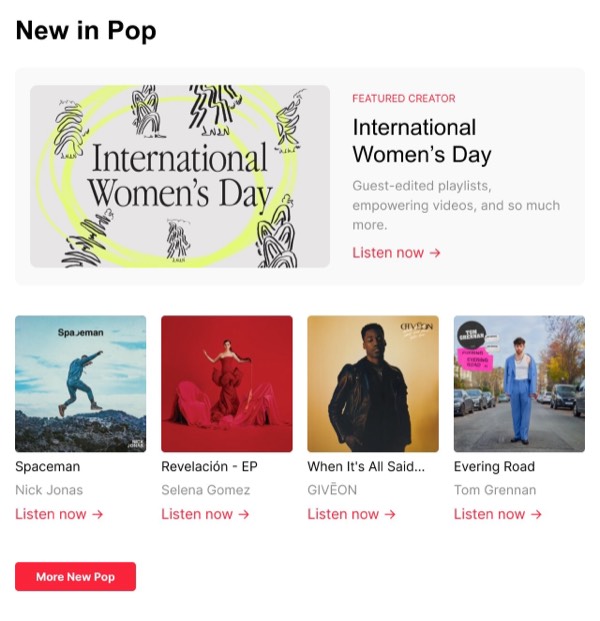
New in Pop - Apple Music email component (grid layout)
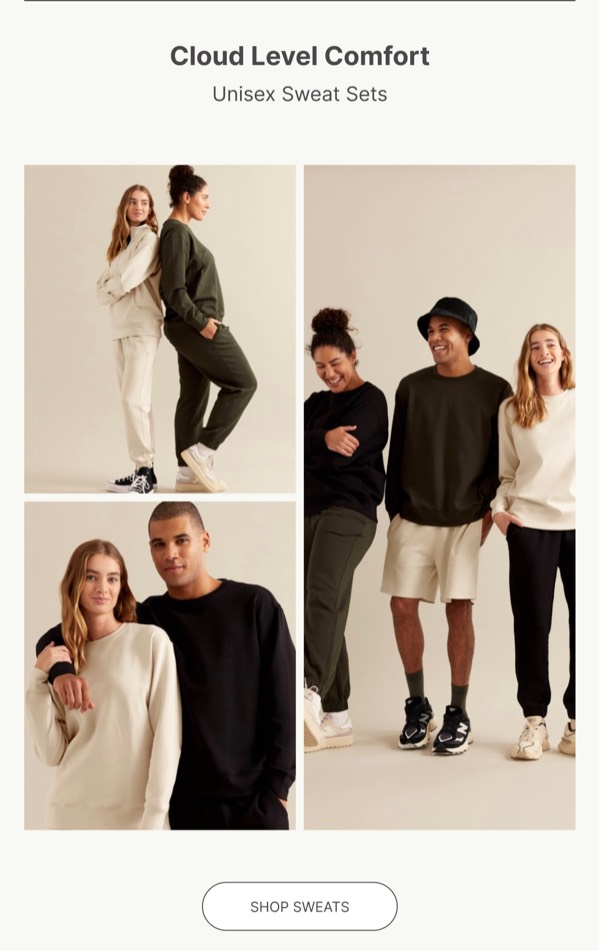
Unisex Sweat Sets - Boody email component (grid layout)
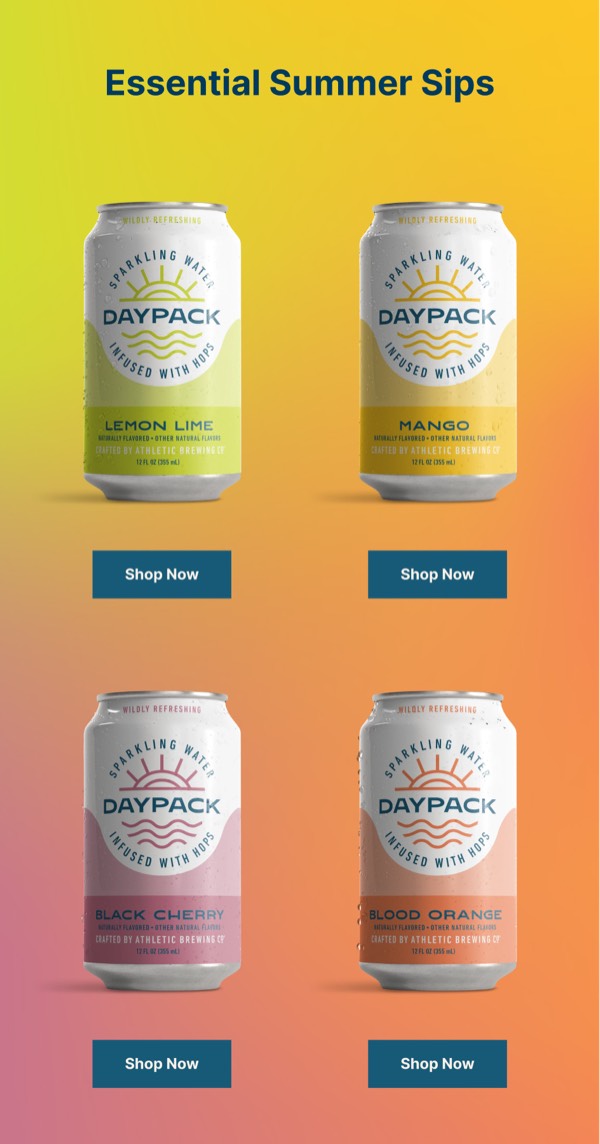
Essential Summer Sips - Daypack email component (grid layout)
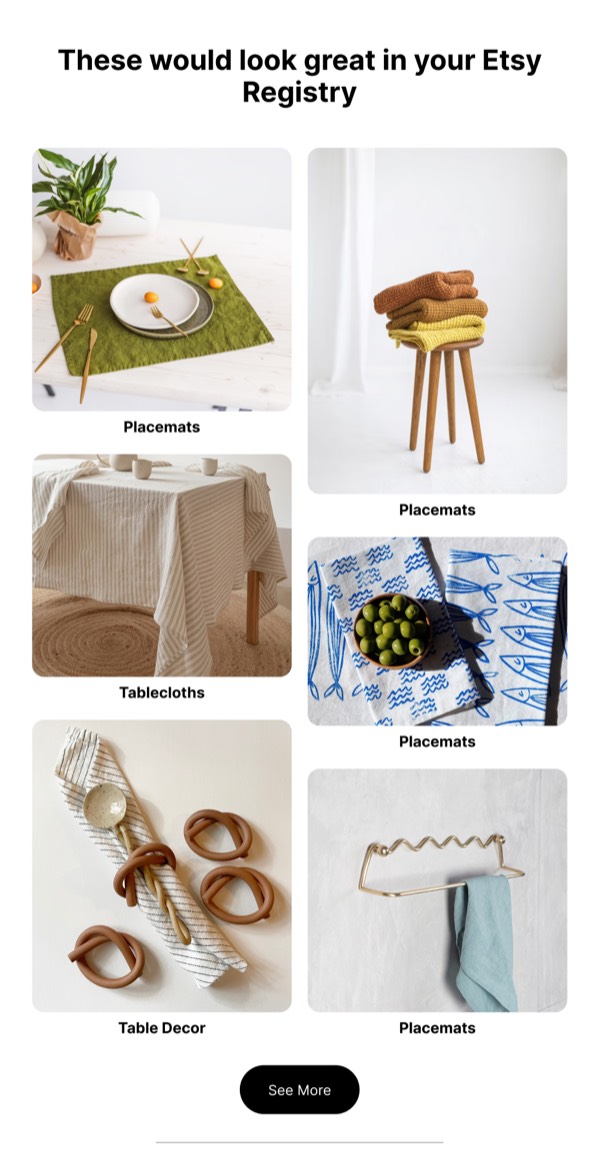
Product Recommendation Gallery - Etsy email component (grid layout)
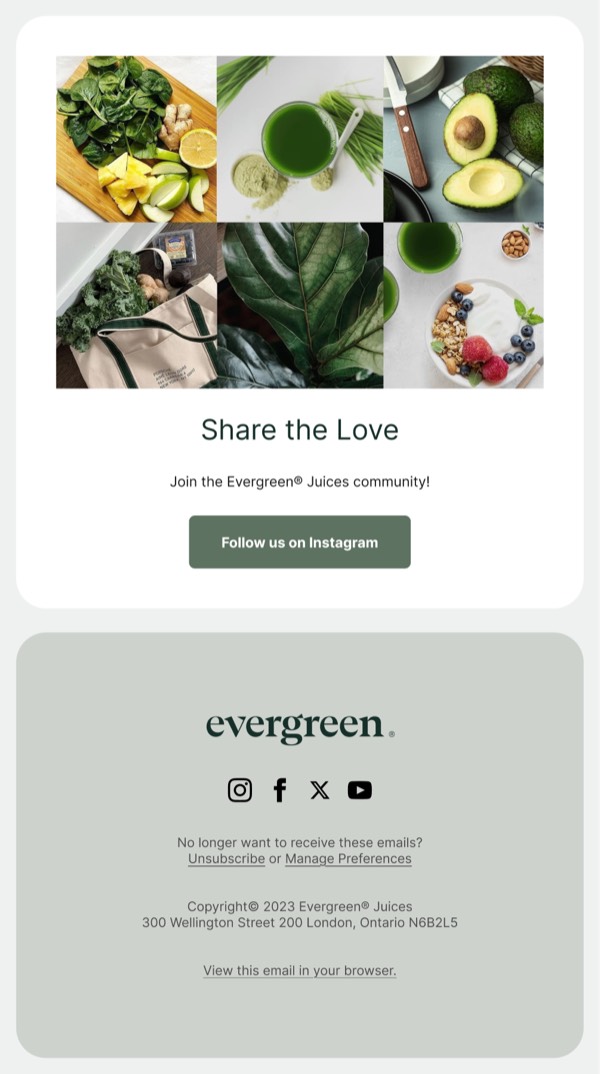
Share the Love Email - Evergreen email component (grid layout)
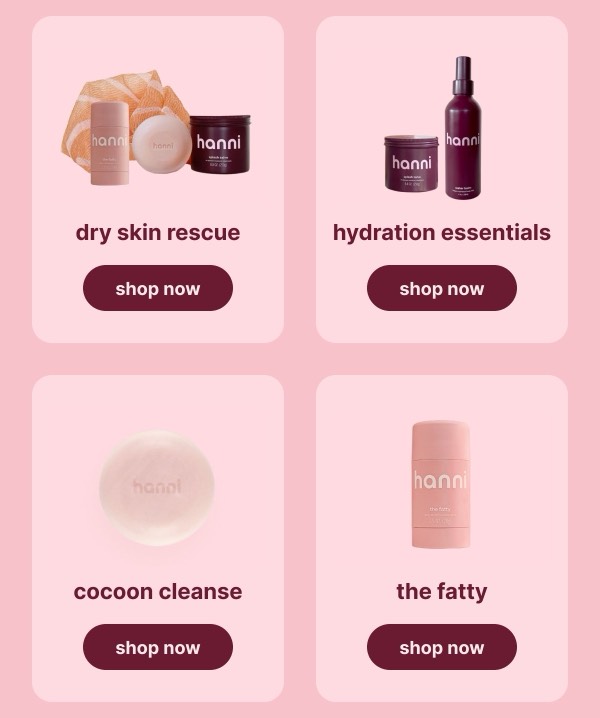
Featured Product Listings - Hanni email component (grid layout)
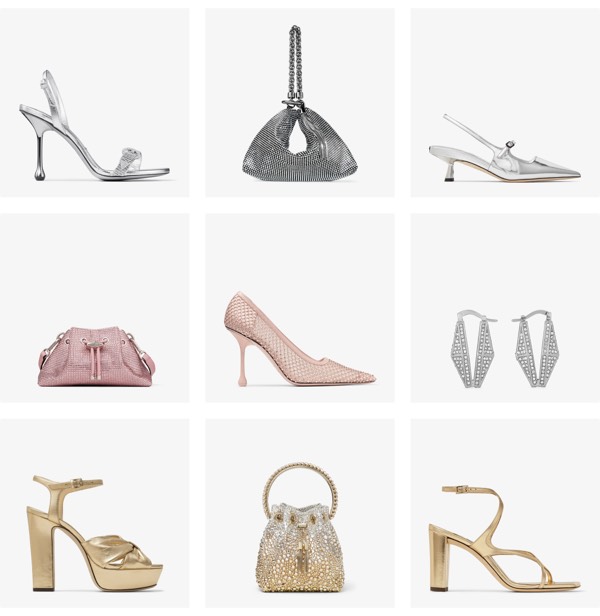
Stylish Footwear and Accessories - Jimmy Choo email component (grid layout)
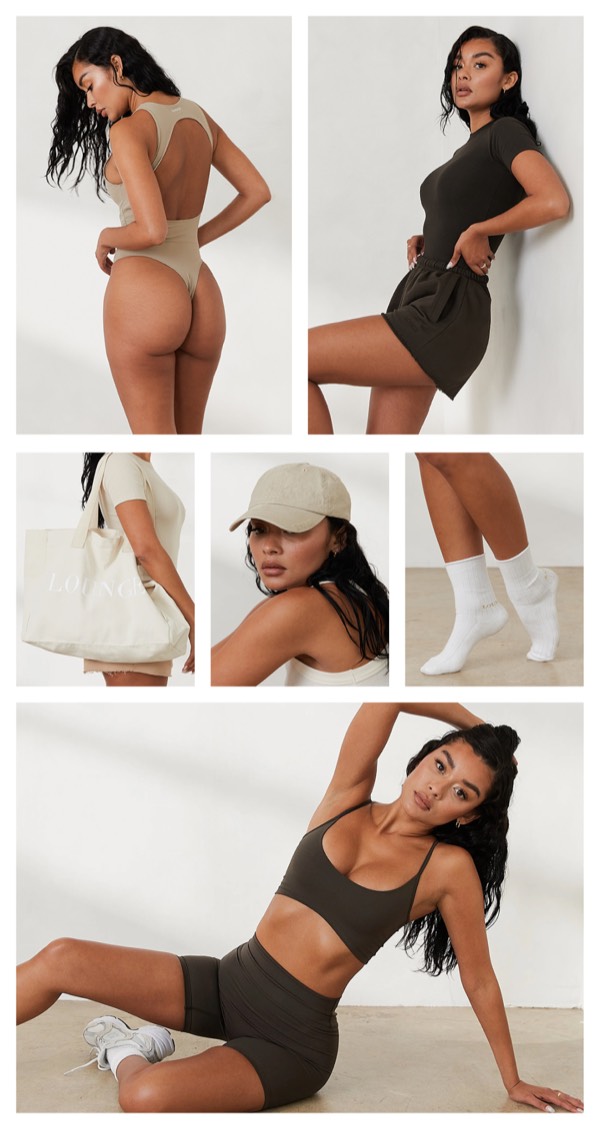
Stylish Product Showcase - Lounge email component (grid layout)
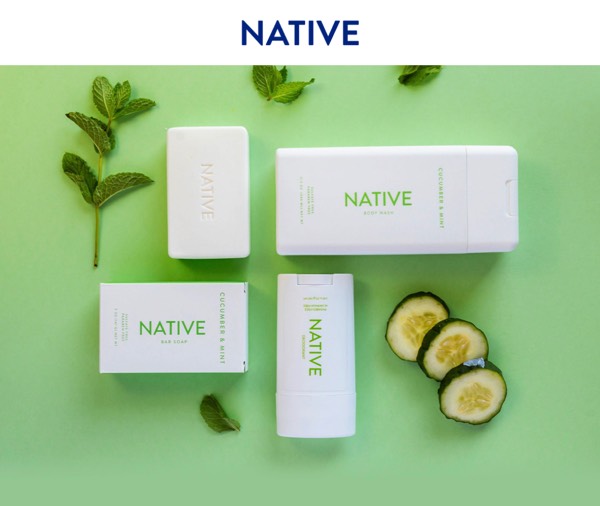
Product Display with Branding - Native email component (grid layout)
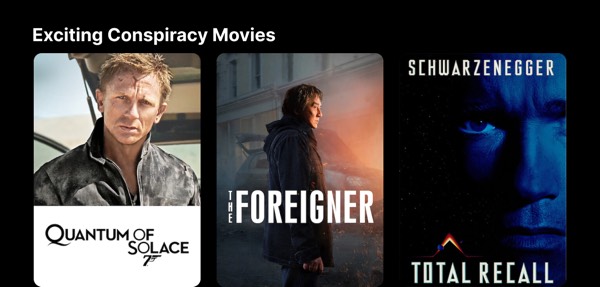
Exciting Conspiracy Movies - Netflix email component (grid layout)
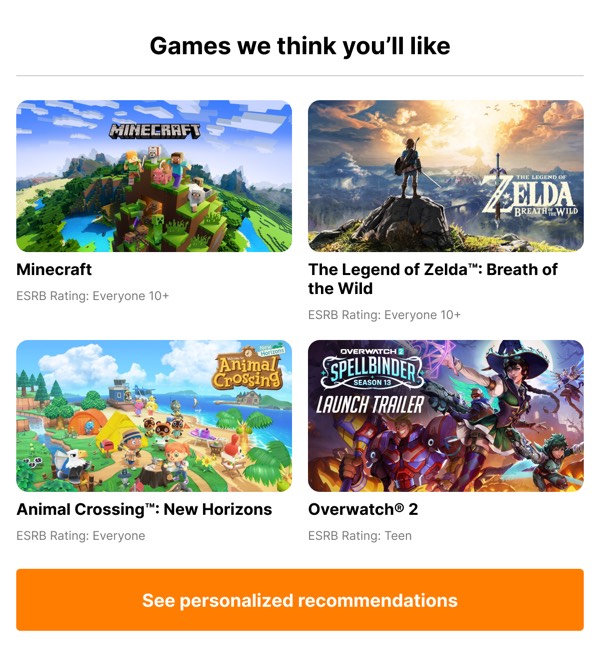
Personalized Game Suggestions - Nintendo email component (grid layout)
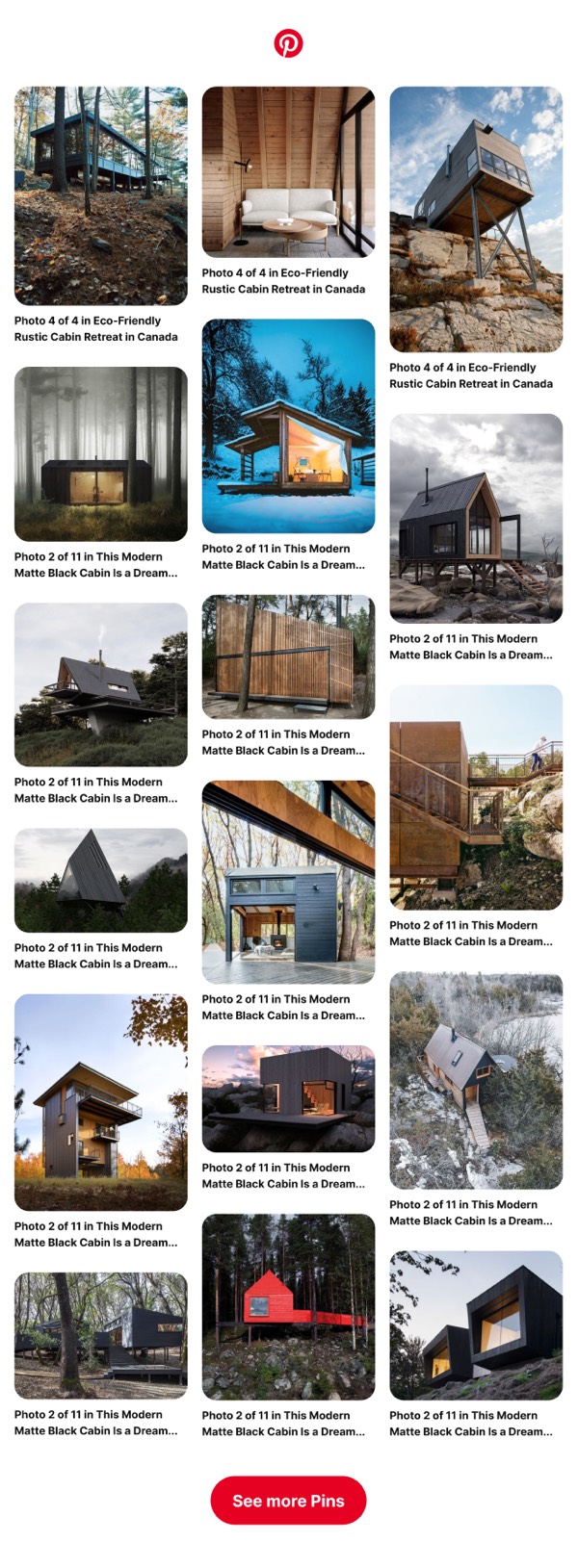
Cabin Design Gallery - Pinterest email component (grid layout)
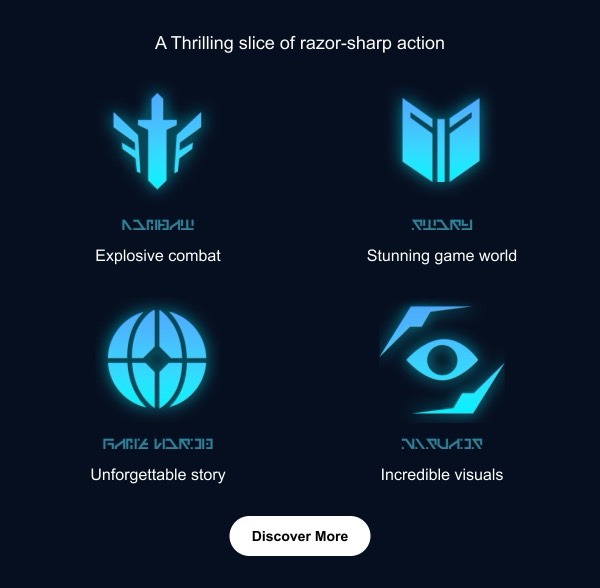
Thrilling Game Highlights - PlayStation email component (grid layout)
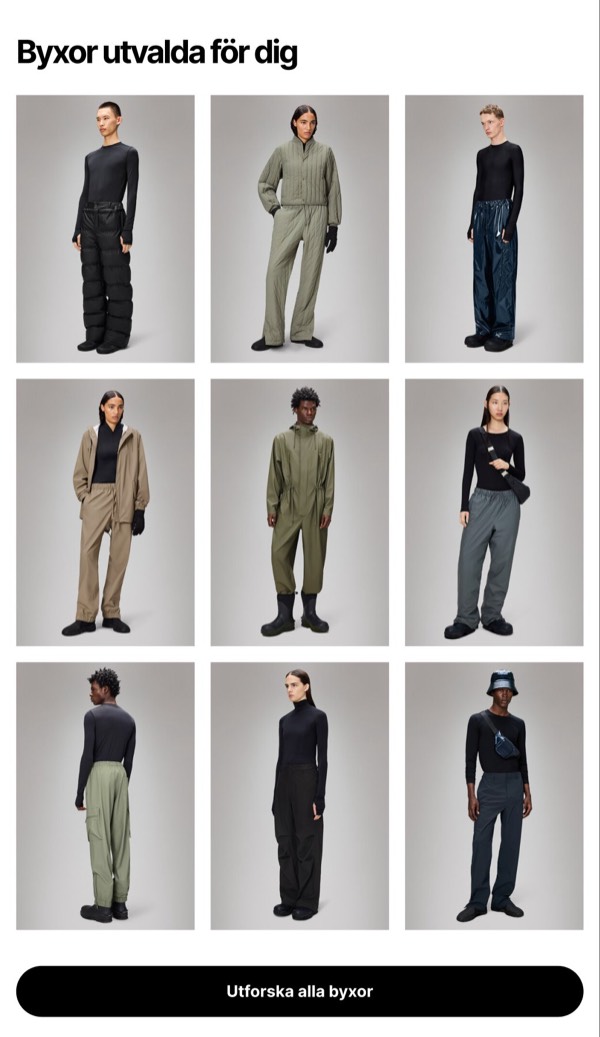
Pants Selected for You - Rains email component (grid layout)
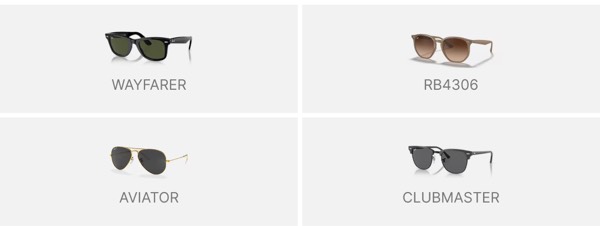
Sunglasses Product Display - Ray-Ban email component (grid layout)
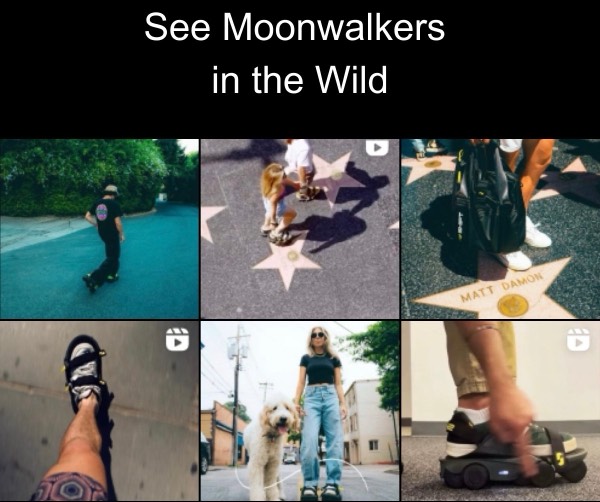
See Moonwalkers in Action - Shift email component (grid layout)
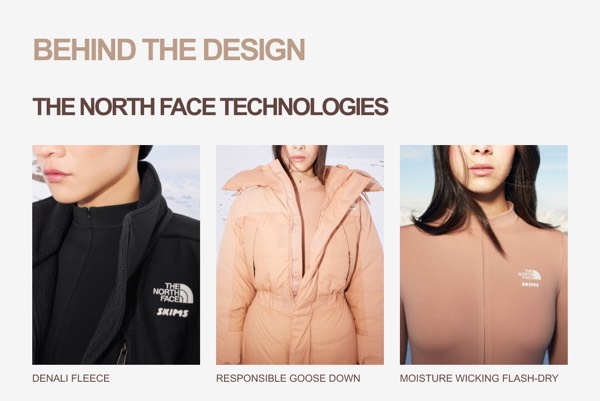
Technologies Behind the Design - SKIMS email component (grid layout)
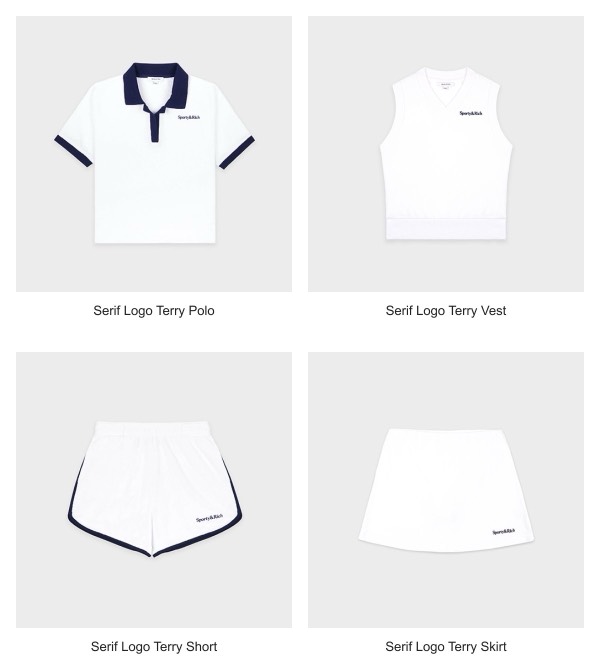
Clothing Product Showcase - Sporty & Rich email component (grid layout)
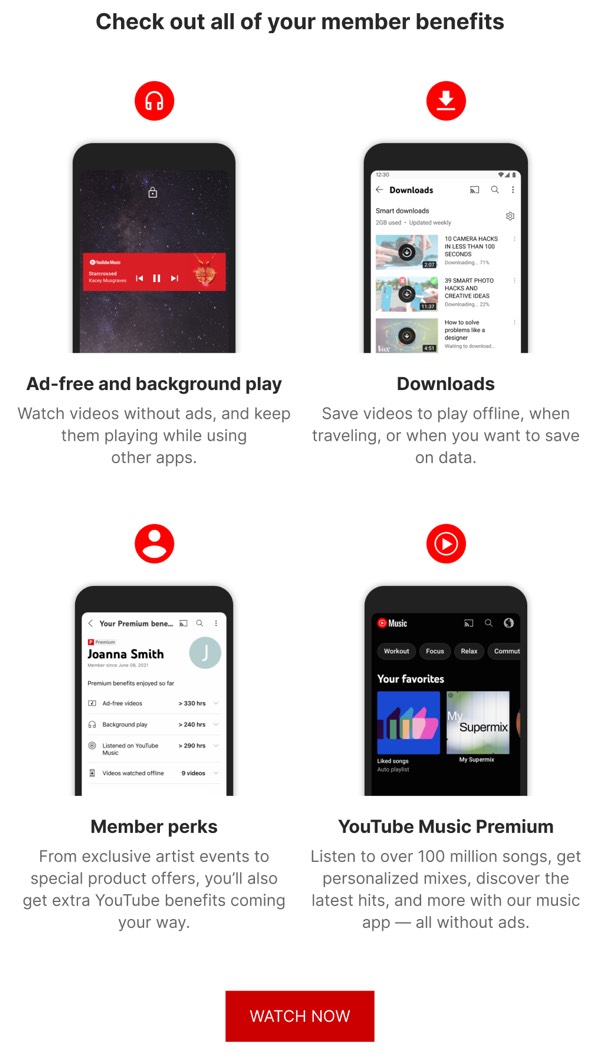
Member Benefits Overview - YouTube email component (grid layout)

Email Grid Design Guide

Grid layouts enable you to present multiple items or pieces of content in an organized, scannable format. Well-designed grids help users quickly browse products, features, or information while maintaining visual balance.

Essential Elements

  • Consistent spacing: Equal gutters between grid items for visual harmony
  • Responsive behavior: Stacks appropriately on mobile devices
  • Visual balance: Even distribution of content across grid cells
  • Clear hierarchy: Each grid item has clear focus and purpose

Design Considerations

Mobile Optimization

Grids must adapt gracefully to smaller screens:

  • Stack columns vertically on mobile (typically 2-column becomes 1-column)
  • Maintain adequate spacing between stacked items
  • Ensure images and text remain readable when resized
  • Test tap targets for buttons within grid items

Content Balance

Your email grid should present information evenly:

  • Keep similar content lengths across grid items
  • Use consistent image aspect ratios
  • Align text and visual elements within cells
  • Maintain visual weight distribution

Grid Types

Browse the components above to see different grid approaches:

  • Product grids: Showcase multiple products with images and pricing
  • Feature grids: Highlight key features or benefits with icons
  • Content grids: Display blog posts, articles, or resources
  • Image grids: Gallery-style layouts for visual content

Implementation Tips

  1. Use table-based layouts: Most reliable for email client compatibility
  2. Set max-width constraints: Prevent grids from becoming too wide
  3. Include fallback stacking: Ensure mobile responsiveness
  4. Test extensively: Verify rendering in Outlook, Gmail, and Apple Mail
  5. Optimize images: Keep file sizes small for faster loading

Frequently Asked Questions

What is a grid email layout?

A grid layout is a structured email design pattern commonly used for organizing content in email marketing. These components provide tested, responsive structures that work across all major email clients.

How do I copy these grid components to Figma?

Simply click the "Copy Figma Component" button on any component card, then paste it into your Figma file using Cmd+V (Mac) or Ctrl+V (Windows). The component will be ready to customize immediately.

Are grid layouts responsive?

Yes, all grid layouts are fully responsive and optimized for desktop, tablet, and mobile email clients including Gmail, Outlook, and Apple Mail.

Can I mix different layout types in one email?

Absolutely! You can combine multiple layout types within a single email design. Mix grid layouts with other patterns to create unique, engaging email experiences.