
AllTrails
Cold Weather Essentials Promotion
single column CTADark Image CTA
 Emailify
 Browse our collection of AllTrails-inspired email components. Each component is fully responsive and ready to use in your email designs.
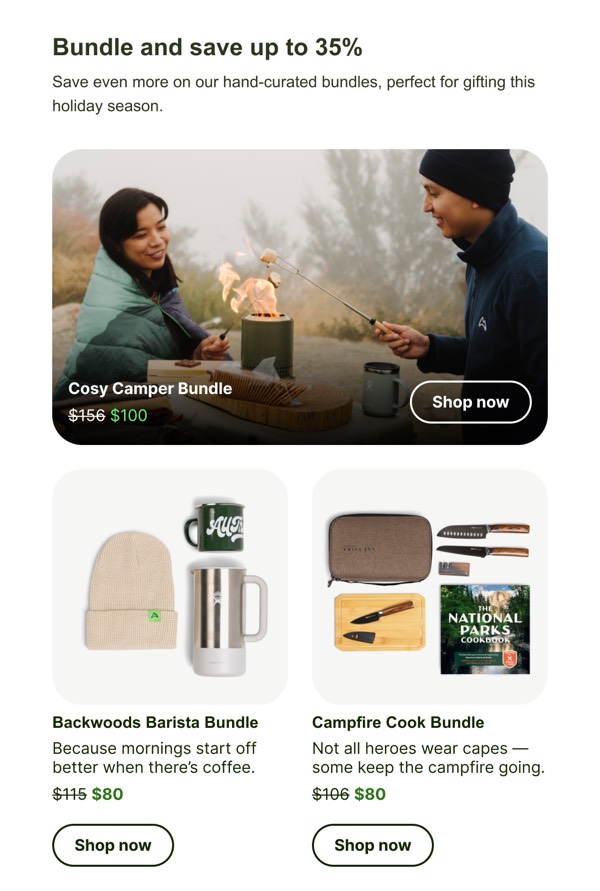
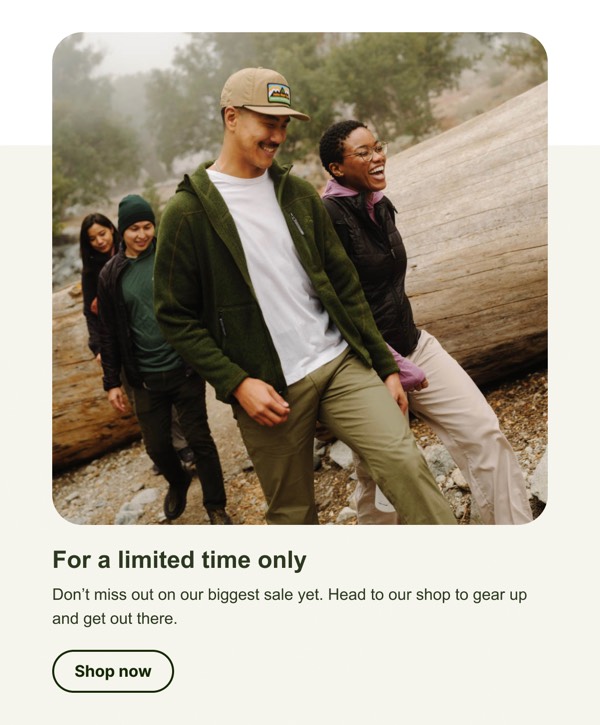
AllTrails brings the beauty of outdoor exploration to email design with nature-inspired layouts featuring stunning trail photography and map visualizations. Their emails capture the spirit of hiking and outdoor adventure through expansive landscape imagery, clean information design, and their signature green brand color that evokes forests and trails. Each email inspires users to get outside while providing practical trail recommendations.
Their email design balances inspirational outdoor photography with functional trail information. AllTrails emails feature location-based trail suggestions, difficulty ratings, user reviews, and map previews—all presented in clean, scannable layouts that help hikers plan their next adventure. The design reflects both the app’s utility and the emotional pull of nature.
Browse the collection above to explore trail recommendation cards, map preview sections, seasonal roundup layouts, and location-based hero images—all inspired by AllTrails’s outdoor-focused email design.
Each component is available in Figma and can be copied directly into your designs. They’re built with email-safe HTML and CSS, ensuring compatibility across all major email clients while capturing the spirit of outdoor adventure.
Click the "Copy Figma Component" button on any AllTrails component, then paste it directly into your Figma design file using Cmd+V (Mac) or Ctrl+V (Windows). The component will be ready to customize.
Yes, all AllTrails email components are fully responsive and work across all major email clients including Gmail, Outlook, Apple Mail, and mobile devices.
Absolutely! Once copied into Figma, you can customize colors, fonts, spacing, images, and all other design elements to match your brand.
These components are designed to work seamlessly with the Emailify Figma plugin, which converts your designs to production-ready HTML email code. You can use them in Figma for free, and use Emailify when you're ready to export.