AWS
Start building with AWS
single column LightMuted Image CTA
 Emailify
 Browse our collection of AWS-inspired email components. Each component is fully responsive and ready to use in your email designs.
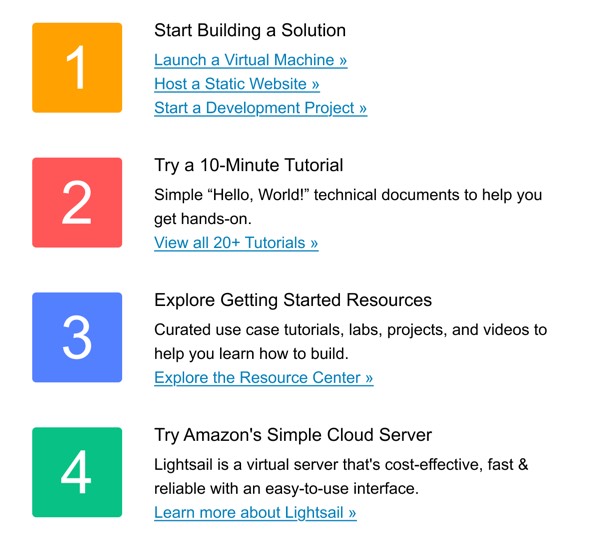
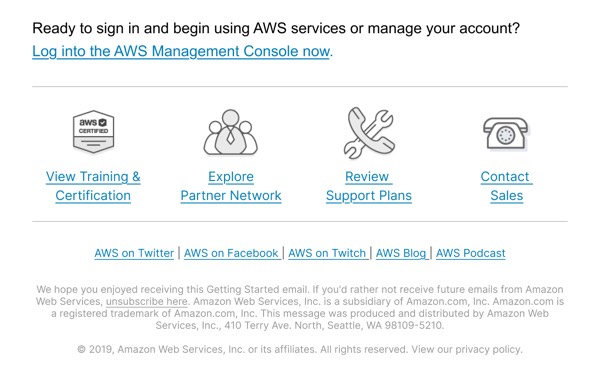
Amazon Web Services brings enterprise-grade clarity to email communications with a design system built for technical audiences. Their emails emphasize information architecture, clear service announcements, and educational content delivery. The design reflects AWS’s position as a cloud infrastructure leader with professional, data-driven layouts that prioritize technical accuracy and actionable information.
AWS emails balance technical depth with visual accessibility. They use structured layouts, clear service categorization, and their signature orange accent color strategically to guide developers and IT professionals through complex cloud service updates, feature announcements, and technical resources.
Browse the collection above to explore service announcement blocks, feature comparison tables, technical resource sections, and structured CTAs—all inspired by AWS’s enterprise email design system.
Each component is available in Figma and can be copied directly into your designs. They’re built with email-safe HTML and CSS, ensuring compatibility across all major email clients including enterprise environments.
Click the "Copy Figma Component" button on any AWS component, then paste it directly into your Figma design file using Cmd+V (Mac) or Ctrl+V (Windows). The component will be ready to customize.
Yes, all AWS email components are fully responsive and work across all major email clients including Gmail, Outlook, Apple Mail, and mobile devices.
Absolutely! Once copied into Figma, you can customize colors, fonts, spacing, images, and all other design elements to match your brand.
These components are designed to work seamlessly with the Emailify Figma plugin, which converts your designs to production-ready HTML email code. You can use them in Figma for free, and use Emailify when you're ready to export.