
Calendly
Email Header
header Image
 Emailify
 Browse our collection of Calendly-inspired email components. Each component is fully responsive and ready to use in your email designs.
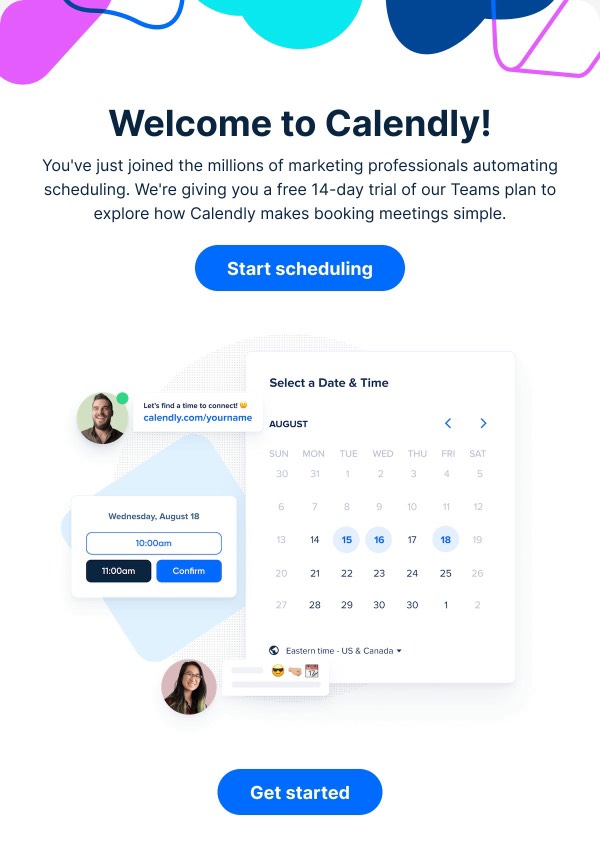

Calendly, the scheduling automation platform, brings effortless simplicity to email design with clean, calendar-focused layouts that emphasize time-saving and efficiency. Their emails feature the signature blue and white color scheme, intuitive scheduling visualizations, and clear value propositions around eliminating back-and-forth. Each email demonstrates how design can make scheduling feel simple and professional.
The brand’s email design prioritizes clarity and conversion. Calendly emails use calendar UI elements, time-slot visualizations, and integration showcases that help users understand the platform’s value instantly. Their design balances B2B professionalism with consumer-friendly simplicity, appealing to everyone from solopreneurs to enterprise teams.
Browse the collection above to explore scheduling interface previews, integration showcase sections, time-saving metric displays, and conversion-focused CTAs—all inspired by Calendly’s efficiency-driven email design.
Each component is available in Figma and can be copied directly into your designs. They’re built with email-safe HTML and CSS, ensuring compatibility across all major email clients.
Click the "Copy Figma Component" button on any Calendly component, then paste it directly into your Figma design file using Cmd+V (Mac) or Ctrl+V (Windows). The component will be ready to customize.
Yes, all Calendly email components are fully responsive and work across all major email clients including Gmail, Outlook, Apple Mail, and mobile devices.
Absolutely! Once copied into Figma, you can customize colors, fonts, spacing, images, and all other design elements to match your brand.
These components are designed to work seamlessly with the Emailify Figma plugin, which converts your designs to production-ready HTML email code. You can use them in Figma for free, and use Emailify when you're ready to export.