Daypack
Summer Sparkler Promotion
single column LightMuted Image CTA
 Emailify
 Browse our collection of Daypack-inspired email components. Each component is fully responsive and ready to use in your email designs.
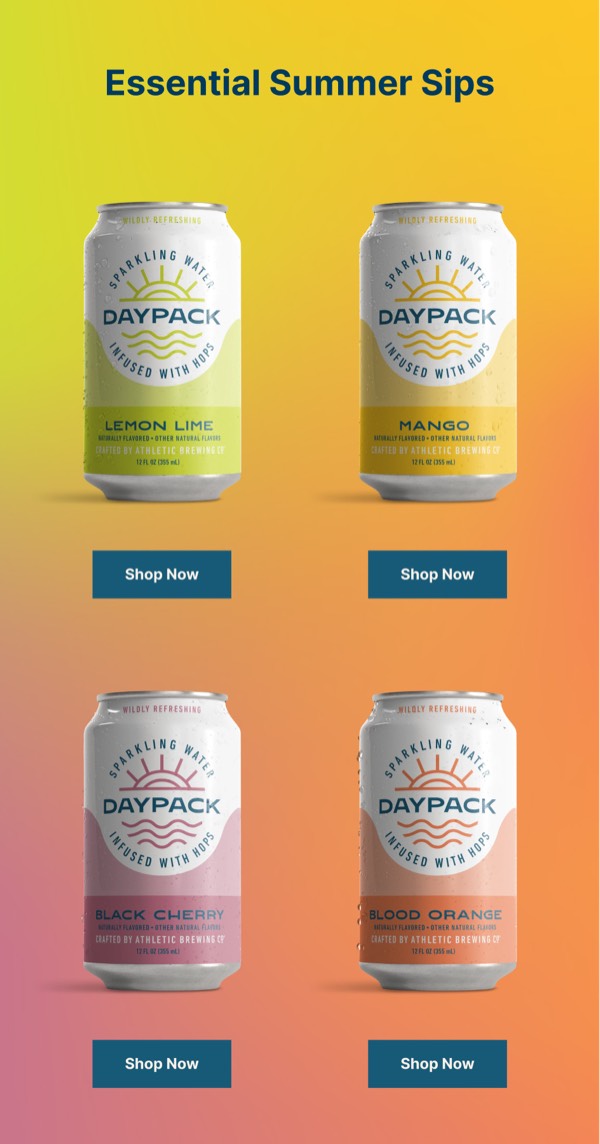
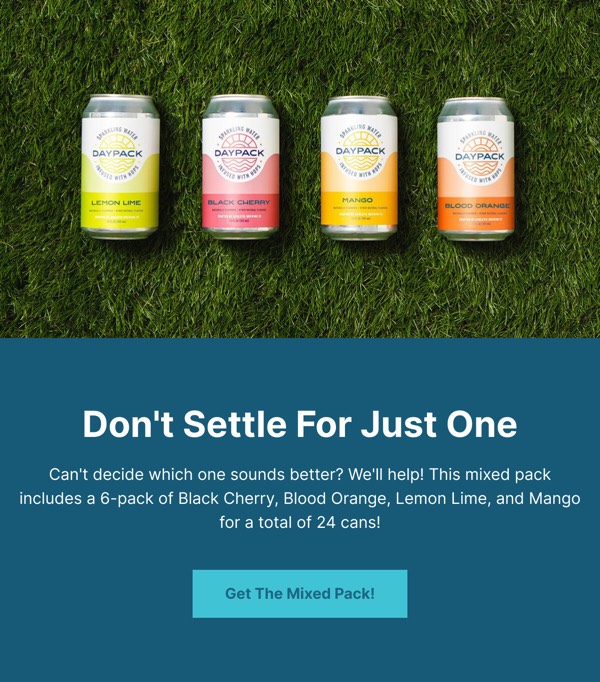
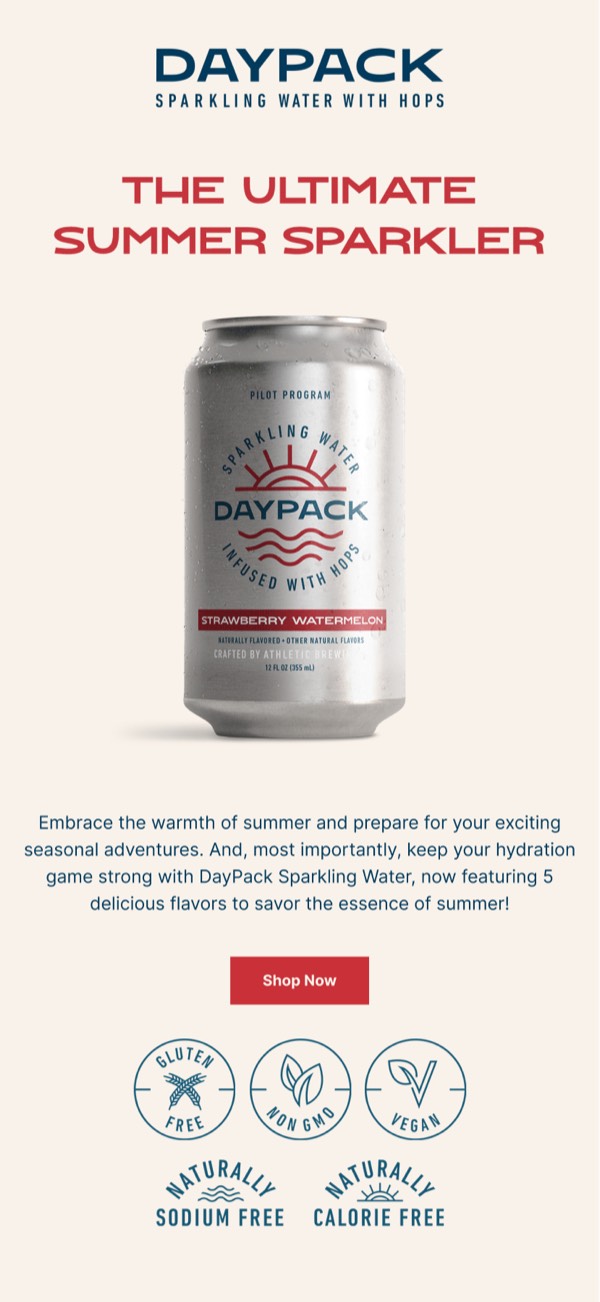
Daypack, the modern backpack and travel gear brand, brings clean minimalism and outdoor-inspired design to email communications with earth tones, lifestyle photography, and functional layouts. Their emails feature products in authentic use contexts, emphasize material quality and sustainability, and maintain a calm, organized aesthetic that reflects thoughtful design. Each communication balances adventure aspiration with everyday practicality.
The brand’s email design prioritizes purpose and quality. Daypack emails showcase durable construction through detailed material shots, highlight organizational features that solve real problems, and communicate environmental responsibility through natural color palettes and transparent storytelling. Their approach reflects a commitment to creating gear that enhances daily life through thoughtful, functional email design.
Browse the collection above to explore material detail sections, organizational feature showcases, lifestyle photography blocks, and purpose-driven CTAs—all inspired by Daypack’s functional email design.
Each component is available in Figma and can be copied directly into your designs. They’re built with email-safe HTML and CSS, ensuring compatibility across all major email clients.
Click the "Copy Figma Component" button on any Daypack component, then paste it directly into your Figma design file using Cmd+V (Mac) or Ctrl+V (Windows). The component will be ready to customize.
Yes, all Daypack email components are fully responsive and work across all major email clients including Gmail, Outlook, Apple Mail, and mobile devices.
Absolutely! Once copied into Figma, you can customize colors, fonts, spacing, images, and all other design elements to match your brand.
These components are designed to work seamlessly with the Emailify Figma plugin, which converts your designs to production-ready HTML email code. You can use them in Figma for free, and use Emailify when you're ready to export.