Eton
Black Friday Sale
single column CTA Image CTA
 Emailify
 Browse our collection of Eton-inspired email components. Each component is fully responsive and ready to use in your email designs.
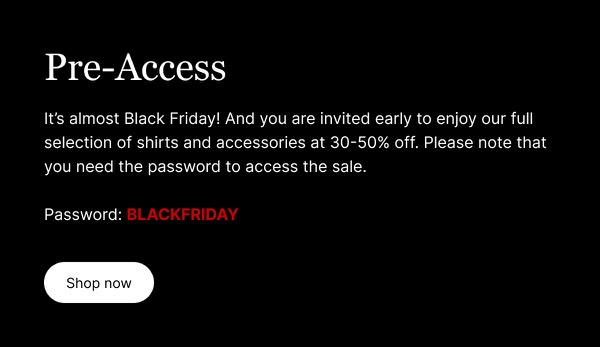
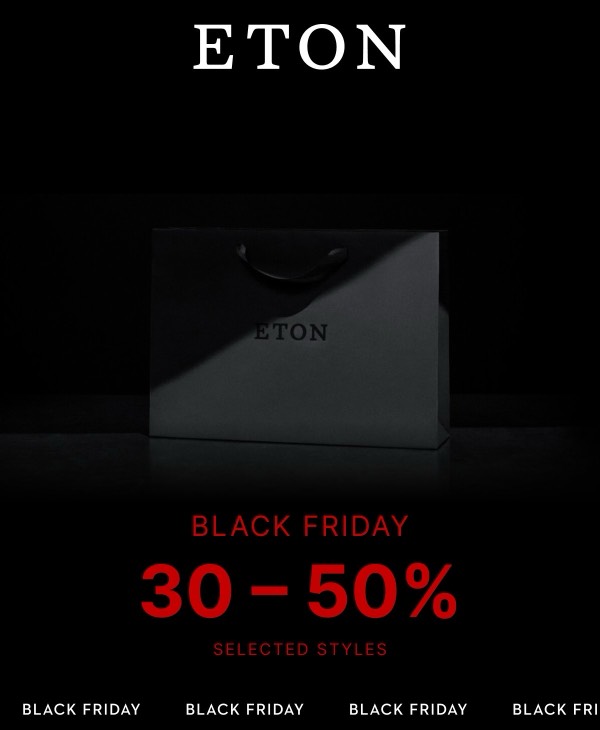
Eton, the Swedish luxury shirtmaker, brings Scandinavian elegance and craftsmanship to email design with refined layouts, sophisticated product photography, and subtle seasonal color palettes. Their emails feature detailed fabric close-ups, styling suggestions for dress shirts, and heritage storytelling that communicates over 90 years of tailoring excellence. Each communication balances traditional quality with contemporary style sensibility.
The brand’s email design prioritizes quality and refinement. Eton emails showcase meticulous construction details through macro photography, present seasonal collections with editorial sophistication, and communicate the artistry of fine shirtmaking through elegant typography and restrained design. Their approach reflects Swedish design values through clean layouts that let premium materials and craftsmanship speak for themselves.
Browse the collection above to explore fabric detail sections, styling suggestion blocks, seasonal collection showcases, and refined CTAs—all inspired by Eton’s luxury shirtmaking email design.
Each component is available in Figma and can be copied directly into your designs. They’re built with email-safe HTML and CSS, ensuring compatibility across all major email clients.
Click the "Copy Figma Component" button on any Eton component, then paste it directly into your Figma design file using Cmd+V (Mac) or Ctrl+V (Windows). The component will be ready to customize.
Yes, all Eton email components are fully responsive and work across all major email clients including Gmail, Outlook, Apple Mail, and mobile devices.
Absolutely! Once copied into Figma, you can customize colors, fonts, spacing, images, and all other design elements to match your brand.
These components are designed to work seamlessly with the Emailify Figma plugin, which converts your designs to production-ready HTML email code. You can use them in Figma for free, and use Emailify when you're ready to export.