Figma
Vibrant Email Newsletter
Colorful Image
 Emailify
 Browse our collection of Figma-inspired email components. Each component is fully responsive and ready to use in your email designs.

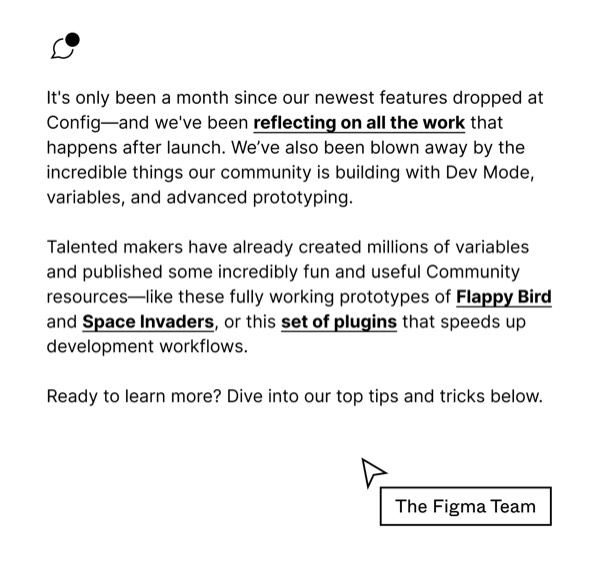
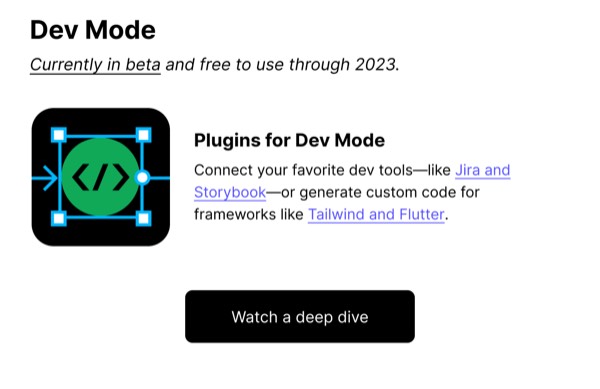
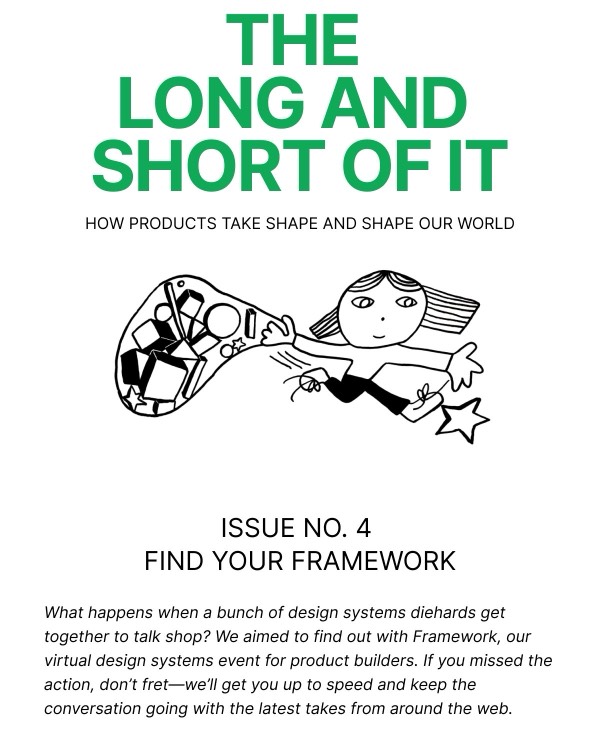
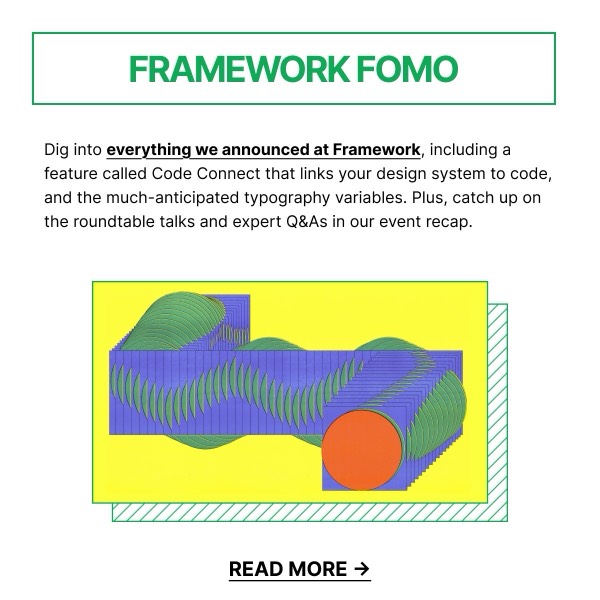
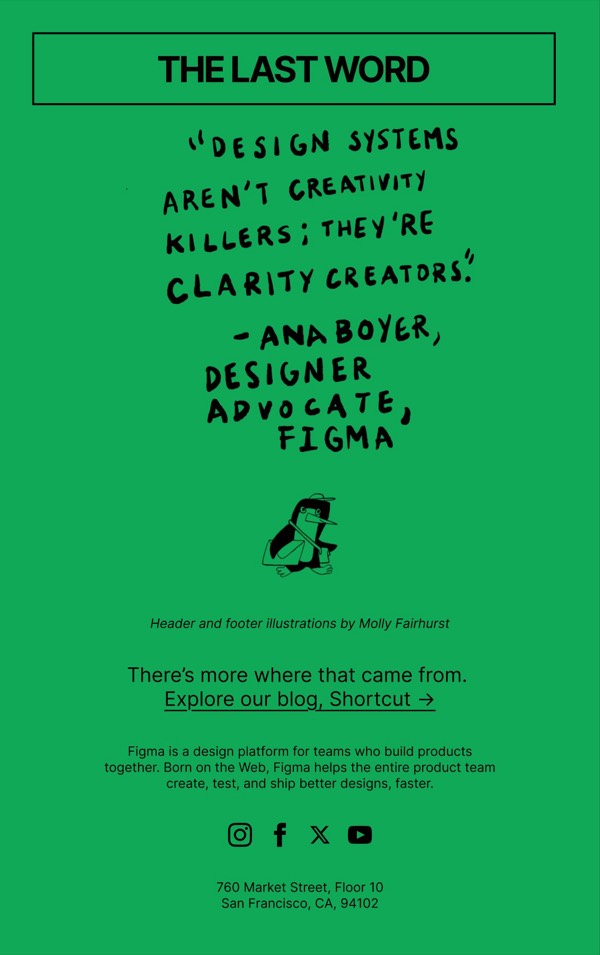
Figma, the collaborative interface design tool, brings playful energy and community celebration to email design with colorful illustrations, animated GIFs, and feature announcements that emphasize collaboration. Their emails showcase new features through interactive demos, highlight community creations, and announce Config updates with vibrant, design-forward layouts. Each communication reflects the creative platform through emails that designers genuinely enjoy receiving.
The brand’s email design prioritizes education and inspiration. Figma emails feature tutorial content, showcase impressive community work, and announce product updates with clear before/after demonstrations. Their approach reflects the tool’s collaborative nature through design that feels accessible, fun, and genuinely helpful rather than purely promotional, building a loyal community of designers who evangelize the product.
Browse the collection above to explore feature announcement sections, community showcase grids, tutorial modules, and collaboration-focused CTAs—all inspired by Figma’s design tool email design.
Each component is available in Figma and can be copied directly into your designs. They’re built with email-safe HTML and CSS, ensuring compatibility across all major email clients.
Click the "Copy Figma Component" button on any Figma component, then paste it directly into your Figma design file using Cmd+V (Mac) or Ctrl+V (Windows). The component will be ready to customize.
Yes, all Figma email components are fully responsive and work across all major email clients including Gmail, Outlook, Apple Mail, and mobile devices.
Absolutely! Once copied into Figma, you can customize colors, fonts, spacing, images, and all other design elements to match your brand.
These components are designed to work seamlessly with the Emailify Figma plugin, which converts your designs to production-ready HTML email code. You can use them in Figma for free, and use Emailify when you're ready to export.