Gmail
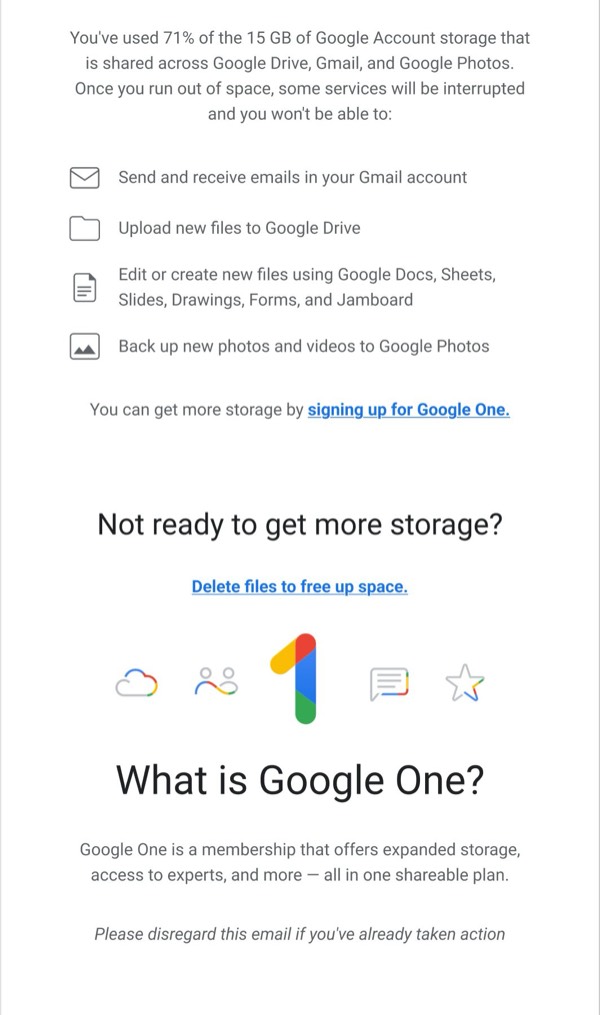
Storage Usage Notification
single column Video CTA
 Emailify
 Browse our collection of Gmail-inspired email components. Each component is fully responsive and ready to use in your email designs.
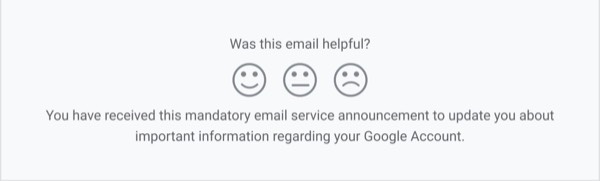

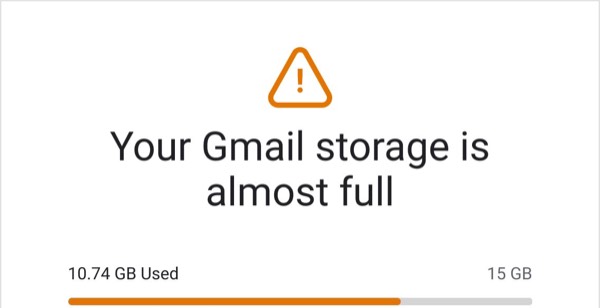
Gmail, Google’s email platform, brings clean functionality and smart features to email design with minimal chrome, intelligent categorization, and user-focused layouts that prioritize inbox zero and productivity. Their own service emails feature clear account notifications, security alerts, and feature announcements with Google’s signature material design aesthetic. Each communication emphasizes clarity, security, and helping users manage their digital communication effectively.
The brand’s email design prioritizes trust and utility. Gmail’s service emails use clear subject lines, straightforward layouts, and prominent action buttons for account management. Their approach reflects Google’s design language through clean typography, strategic use of color for alerts and confirmations, and information hierarchy that helps users quickly understand important account activities and security notifications.
Browse the collection above to explore account notification sections, security alert blocks, feature announcement modules, and action-focused CTAs—all inspired by Gmail’s service email design.
Each component is available in Figma and can be copied directly into your designs. They’re built with email-safe HTML and CSS, ensuring compatibility across all major email clients.
Click the "Copy Figma Component" button on any Gmail component, then paste it directly into your Figma design file using Cmd+V (Mac) or Ctrl+V (Windows). The component will be ready to customize.
Yes, all Gmail email components are fully responsive and work across all major email clients including Gmail, Outlook, Apple Mail, and mobile devices.
Absolutely! Once copied into Figma, you can customize colors, fonts, spacing, images, and all other design elements to match your brand.
These components are designed to work seamlessly with the Emailify Figma plugin, which converts your designs to production-ready HTML email code. You can use them in Figma for free, and use Emailify when you're ready to export.