Jimmy Choo
Main Navigation Links
single column CTALight
 Emailify
 Browse our collection of Jimmy Choo-inspired email components. Each component is fully responsive and ready to use in your email designs.
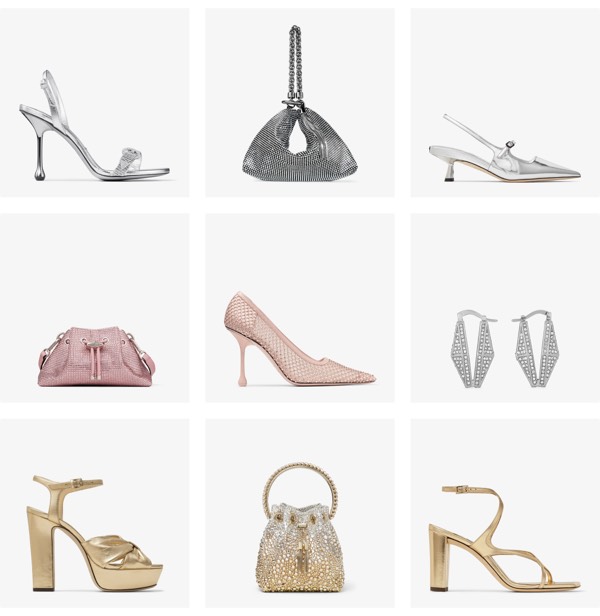

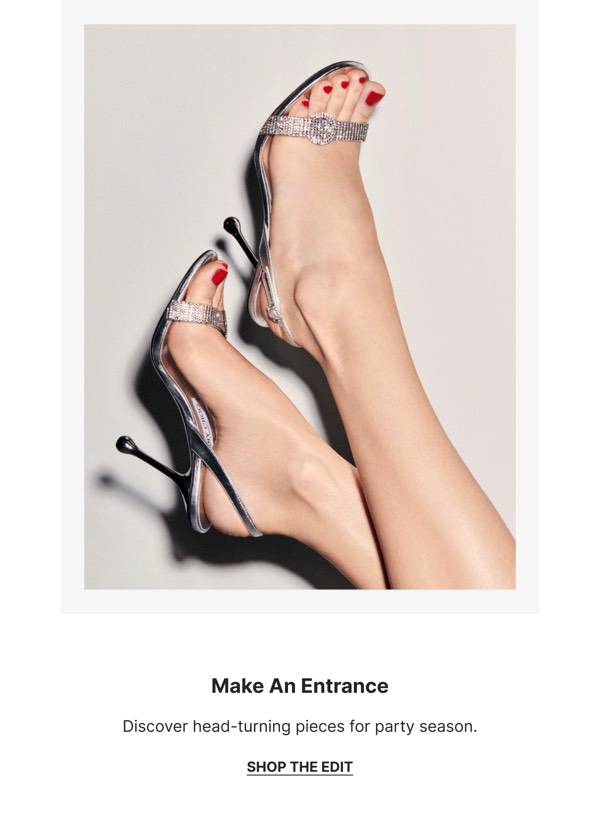
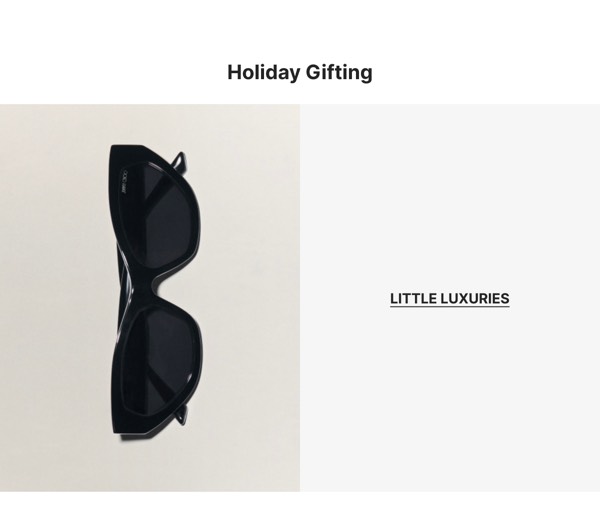
Jimmy Choo, the luxury footwear and accessories brand, brings red carpet glamour and aspirational luxury to email design with sophisticated layouts, editorial-style photography, and seasonal collection presentations. Their emails feature new arrivals, celebrity collaborations, and exclusive event invitations that position shoes and handbags as objects of desire. Each communication embodies the brand’s association with Hollywood elegance and special occasions.
The brand’s email design prioritizes aspiration and exclusivity. Jimmy Choo emails showcase products in luxury lifestyle contexts, highlight celebrity endorsements and red carpet moments, and communicate craftsmanship through detail shots. Their approach reflects luxury fashion through refined design that makes every email feel like an invitation to a glamorous world where the perfect shoe completes any memorable occasion.
Browse the collection above to explore seasonal collection showcases, product detail sections, celebrity moment highlights, and luxury-focused CTAs—all inspired by Jimmy Choo’s footwear email design.
Each component is available in Figma and can be copied directly into your designs. They’re built with email-safe HTML and CSS, ensuring compatibility across all major email clients.
Click the "Copy Figma Component" button on any Jimmy Choo component, then paste it directly into your Figma design file using Cmd+V (Mac) or Ctrl+V (Windows). The component will be ready to customize.
Yes, all Jimmy Choo email components are fully responsive and work across all major email clients including Gmail, Outlook, Apple Mail, and mobile devices.
Absolutely! Once copied into Figma, you can customize colors, fonts, spacing, images, and all other design elements to match your brand.
These components are designed to work seamlessly with the Emailify Figma plugin, which converts your designs to production-ready HTML email code. You can use them in Figma for free, and use Emailify when you're ready to export.