
Kizik
Simple Category Navigation
header
 Emailify
 Browse our collection of Kizik-inspired email components. Each component is fully responsive and ready to use in your email designs.
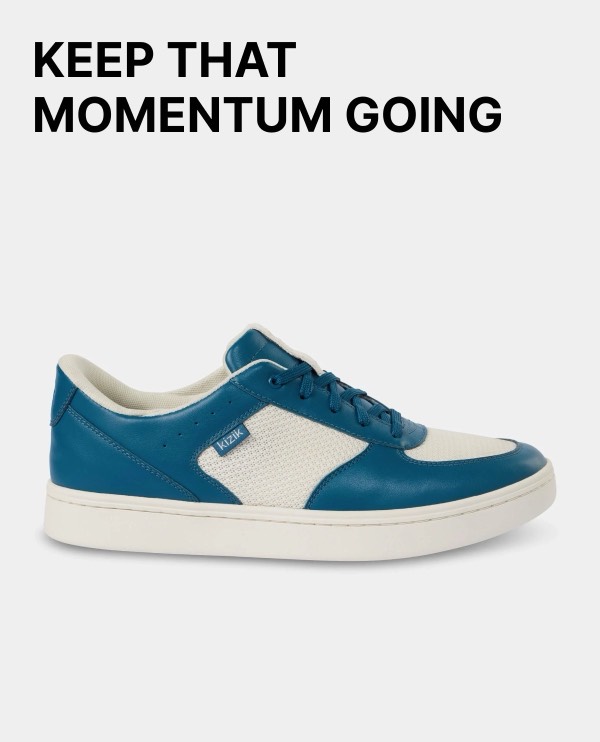
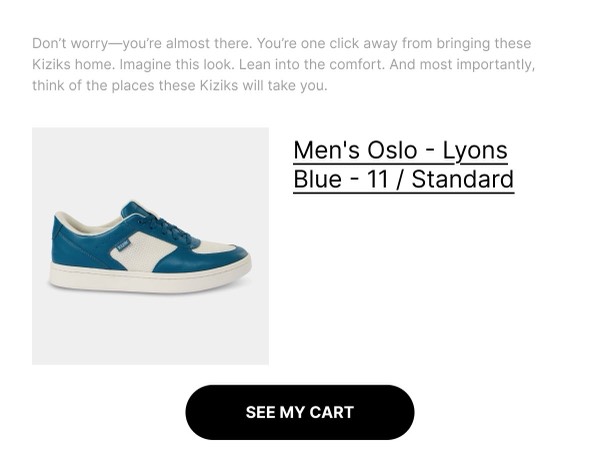
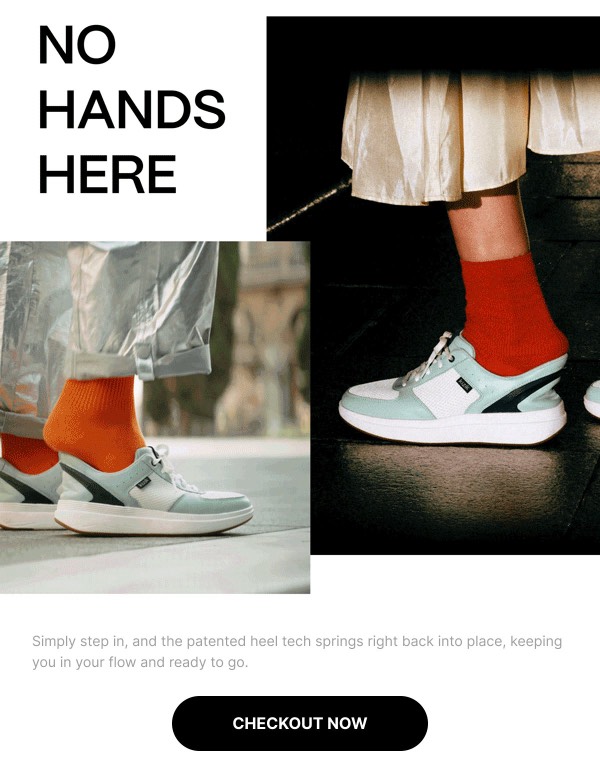
Kizik, the hands-free footwear brand, brings innovative convenience and active lifestyle focus to email design with product demonstration GIFs, mobility-focused messaging, and testimonials from users who value ease. Their emails feature the signature hands-free technology, style variety across casual and active categories, and real-world use cases. Each communication emphasizes the freedom and independence that hands-free shoes provide.
The brand’s email design prioritizes demonstration and accessibility benefits. Kizik emails use animated GIFs showing the hands-free entry system, feature testimonials from seniors and active individuals, and present diverse style options for different life moments. Their approach reflects problem-solving innovation through design that makes the unique technology immediately understandable and the benefits tangible for anyone who struggles with traditional footwear.
Browse the collection above to explore technology demo sections, lifestyle category showcases, testimonial blocks, and convenience-focused CTAs—all inspired by Kizik’s hands-free footwear email design.
Each component is available in Figma and can be copied directly into your designs. They’re built with email-safe HTML and CSS, ensuring compatibility across all major email clients.
Click the "Copy Figma Component" button on any Kizik component, then paste it directly into your Figma design file using Cmd+V (Mac) or Ctrl+V (Windows). The component will be ready to customize.
Yes, all Kizik email components are fully responsive and work across all major email clients including Gmail, Outlook, Apple Mail, and mobile devices.
Absolutely! Once copied into Figma, you can customize colors, fonts, spacing, images, and all other design elements to match your brand.
These components are designed to work seamlessly with the Emailify Figma plugin, which converts your designs to production-ready HTML email code. You can use them in Figma for free, and use Emailify when you're ready to export.