
Klaviyo
Thank You Message
single column Muted
 Emailify
 Browse our collection of Klaviyo-inspired email components. Each component is fully responsive and ready to use in your email designs.

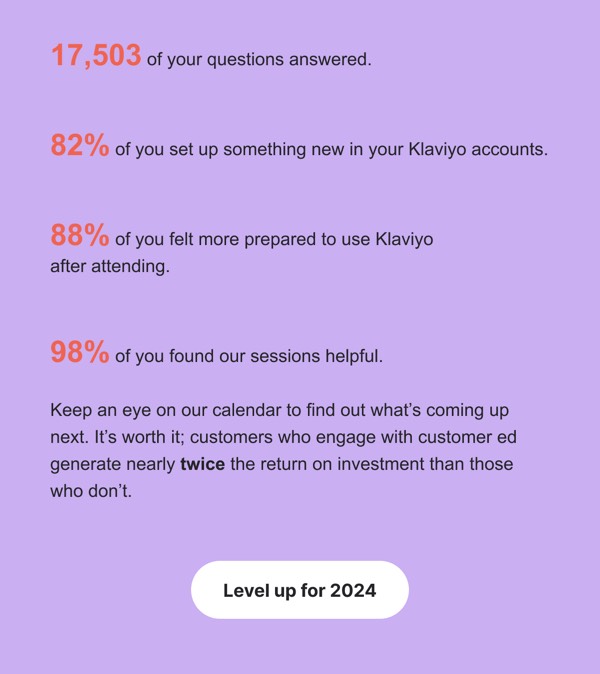
Klaviyo, the e-commerce marketing automation platform, brings data sophistication and personalization power to email design with segmentation visualizations, revenue attribution metrics, and integration showcases. Their emails feature platform updates, e-commerce marketing best practices, and customer success stories with concrete ROI numbers. Each communication demonstrates Klaviyo’s position as the performance marketing platform built specifically for e-commerce growth.
The brand’s email design prioritizes data storytelling and results. Klaviyo emails include detailed analytics visualizations, show segmentation and personalization examples, and communicate platform value through revenue impact metrics. Their approach reflects e-commerce expertise through design that speaks to online retailers’ need for marketing that drives measurable sales, not just engagement, positioning Klaviyo as essential infrastructure for scaling D2C brands.
Browse the collection above to explore analytics dashboard sections, segmentation visualization blocks, ROI showcase modules, and e-commerce CTAs—all inspired by Klaviyo’s marketing automation email design.
Each component is available in Figma and can be copied directly into your designs. They’re built with email-safe HTML and CSS, ensuring compatibility across all major email clients.
Click the "Copy Figma Component" button on any Klaviyo component, then paste it directly into your Figma design file using Cmd+V (Mac) or Ctrl+V (Windows). The component will be ready to customize.
Yes, all Klaviyo email components are fully responsive and work across all major email clients including Gmail, Outlook, Apple Mail, and mobile devices.
Absolutely! Once copied into Figma, you can customize colors, fonts, spacing, images, and all other design elements to match your brand.
These components are designed to work seamlessly with the Emailify Figma plugin, which converts your designs to production-ready HTML email code. You can use them in Figma for free, and use Emailify when you're ready to export.