
Linktree
Email Login Button
single column LightMuted Image CTA
 Emailify
 Browse our collection of Linktree-inspired email components. Each component is fully responsive and ready to use in your email designs.
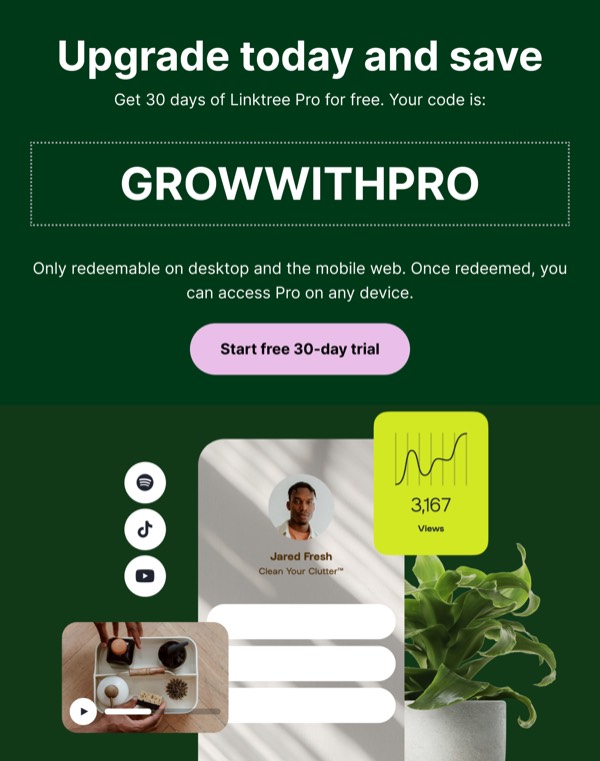

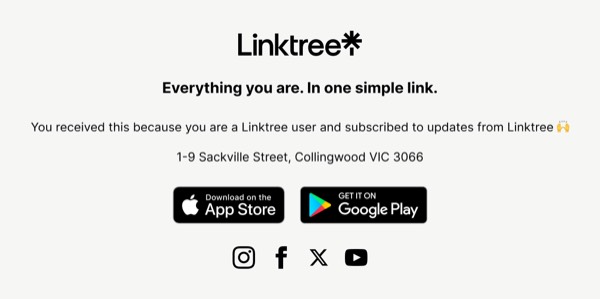
Linktree’s email design mirrors their link-in-bio product with clean, vertical layouts and vibrant brand colors that celebrate creator identity. Their emails feature bold gradients, rounded corners, and a playful yet professional aesthetic that speaks to content creators, influencers, and entrepreneurs. Each email emphasizes personal branding and audience connection.
The brand’s email design balances creativity with clarity. Linktree emails showcase user success stories, feature new customization options, and use their signature green accent color alongside colorful gradients. Their design reflects the diversity of creators using the platform while maintaining a cohesive, modern visual identity that feels fresh and accessible.
Browse the collection above to explore creator showcase sections, feature announcement blocks, profile customization examples, and engagement-focused CTAs—all inspired by Linktree’s creator platform design.
Each component is available in Figma and can be copied directly into your designs. They’re built with email-safe HTML and CSS, ensuring compatibility across all major email clients.
Click the "Copy Figma Component" button on any Linktree component, then paste it directly into your Figma design file using Cmd+V (Mac) or Ctrl+V (Windows). The component will be ready to customize.
Yes, all Linktree email components are fully responsive and work across all major email clients including Gmail, Outlook, Apple Mail, and mobile devices.
Absolutely! Once copied into Figma, you can customize colors, fonts, spacing, images, and all other design elements to match your brand.
These components are designed to work seamlessly with the Emailify Figma plugin, which converts your designs to production-ready HTML email code. You can use them in Figma for free, and use Emailify when you're ready to export.