Paramount
Free Streaming Offer
single column CTAVideo Image CTA
 Emailify
 Browse our collection of Paramount-inspired email components. Each component is fully responsive and ready to use in your email designs.
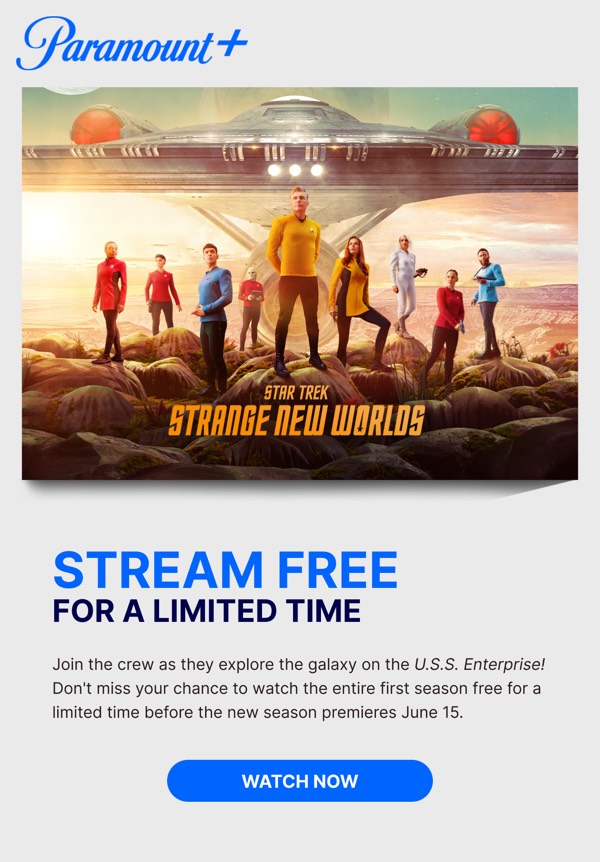
Paramount’s email design reflects their entertainment empire with cinematic imagery, bold typography, and layouts that showcase their diverse content from movies to streaming originals. Their emails feature iconic mountain logo integration, dramatic show and film stills, and their signature blue accent color. Each email promotes Paramount+ streaming alongside theatrical releases and franchise properties like Star Trek and Mission: Impossible.
The brand’s email design balances legacy prestige with modern streaming competition. Paramount emails highlight exclusive streaming content, movie releases, and sports coverage through compelling visuals and clear subscription messaging. Their design communicates entertainment variety and quality while driving both theatrical viewership and streaming subscriptions through a cohesive brand experience.
Browse the collection above to explore cinematic hero headers, content lineup grids, franchise showcase sections, and streaming-focused CTAs—all inspired by Paramount’s entertainment email design.
Each component is available in Figma and can be copied directly into your designs. They’re built with email-safe HTML and CSS, ensuring compatibility across all major email clients.
Click the "Copy Figma Component" button on any Paramount component, then paste it directly into your Figma design file using Cmd+V (Mac) or Ctrl+V (Windows). The component will be ready to customize.
Yes, all Paramount email components are fully responsive and work across all major email clients including Gmail, Outlook, Apple Mail, and mobile devices.
Absolutely! Once copied into Figma, you can customize colors, fonts, spacing, images, and all other design elements to match your brand.
These components are designed to work seamlessly with the Emailify Figma plugin, which converts your designs to production-ready HTML email code. You can use them in Figma for free, and use Emailify when you're ready to export.