
Photoshop
Software Highlight
single column LightMuted Image
 Emailify
 Browse our collection of Photoshop-inspired email components. Each component is fully responsive and ready to use in your email designs.
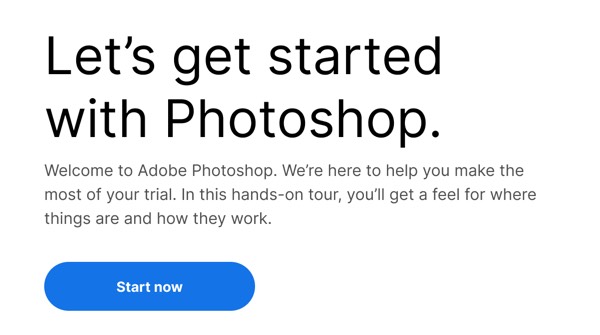
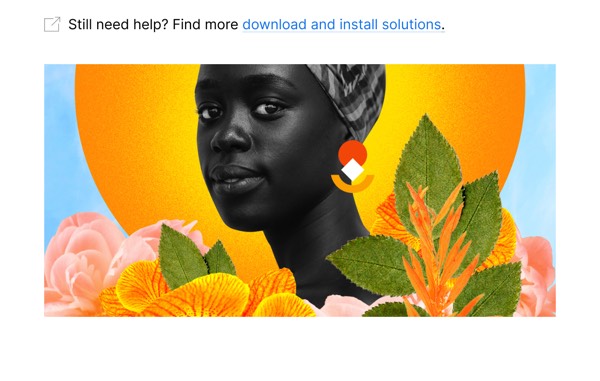
Photoshop’s email design showcases creative power through stunning before-and-after transformations, tutorial highlights, and feature demonstrations that inspire designers and photographers. Their emails feature Adobe’s blue brand color, impressive user-created artwork, and clear pathways to learning new techniques. Each email celebrates creativity while demonstrating why Photoshop remains the industry standard.
The brand’s email design balances technical capability with creative inspiration. Photoshop emails include new feature announcements with practical use cases, community artist spotlights, and tutorial recommendations tailored to skill levels. Their design emphasizes the transformative power of the software through visual examples that make complex editing feel achievable and exciting.
Browse the collection above to explore transformation showcase headers, feature tutorial sections, community artist spotlights, and creativity-focused CTAs—all inspired by Photoshop’s creative software design.
Each component is available in Figma and can be copied directly into your designs. They’re built with email-safe HTML and CSS, ensuring compatibility across all major email clients.
Click the "Copy Figma Component" button on any Photoshop component, then paste it directly into your Figma design file using Cmd+V (Mac) or Ctrl+V (Windows). The component will be ready to customize.
Yes, all Photoshop email components are fully responsive and work across all major email clients including Gmail, Outlook, Apple Mail, and mobile devices.
Absolutely! Once copied into Figma, you can customize colors, fonts, spacing, images, and all other design elements to match your brand.
These components are designed to work seamlessly with the Emailify Figma plugin, which converts your designs to production-ready HTML email code. You can use them in Figma for free, and use Emailify when you're ready to export.