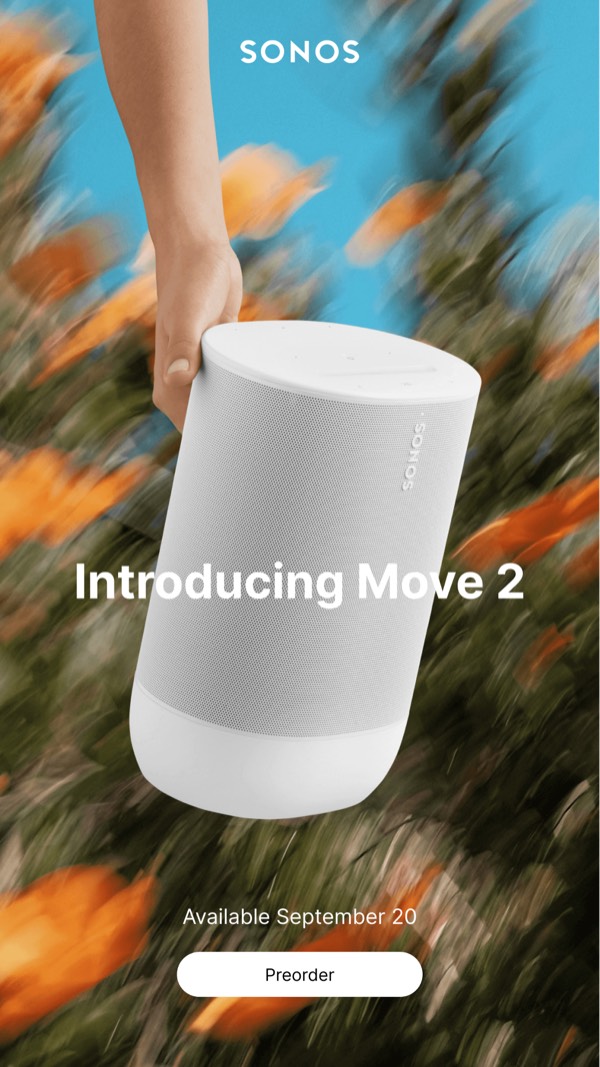
Sonos
Introducing Move 2
hero Image CTA
 Emailify
 Browse our collection of Sonos-inspired email components. Each component is fully responsive and ready to use in your email designs.
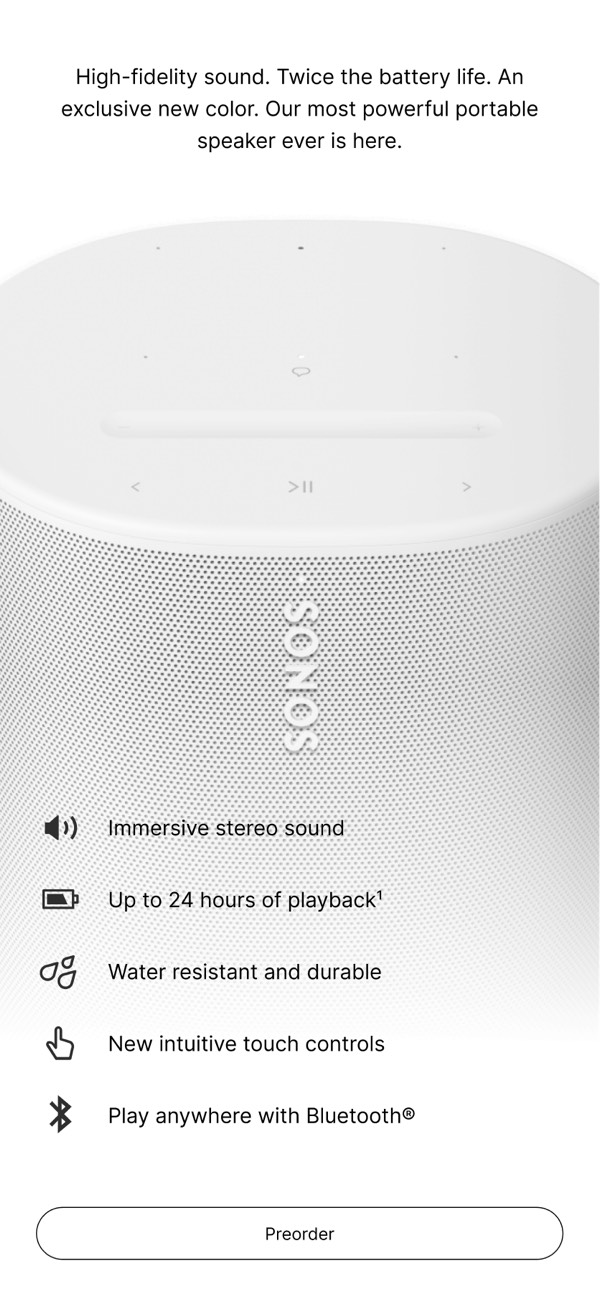
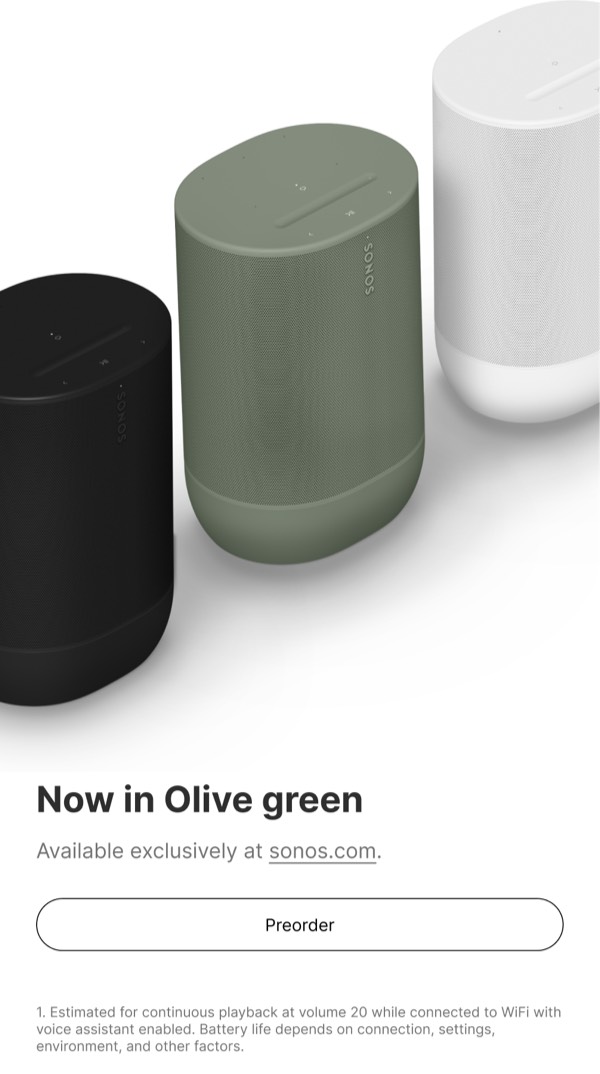
Sonos’s email design reflects their premium audio brand with minimalist aesthetics, lifestyle imagery showing speakers in beautiful homes, and clean product photography that emphasizes industrial design. Their emails feature black-and-white color schemes, sophisticated typography, and seamless multi-room audio benefits. Each email positions Sonos as the choice for discerning listeners who value both sound quality and design.
The brand’s email design balances technical excellence with lifestyle appeal. Sonos emails showcase speaker collections, streaming service integrations, and spatial audio innovations through elegant layouts that feel premium yet accessible. Their design emphasizes that whole-home audio should be both technically superior and beautifully integrated into modern living spaces.
Browse the collection above to explore lifestyle environment headers, product collection grids, multi-room audio demonstrations, and premium audio-focused CTAs—all inspired by Sonos’s home audio design.
Each component is available in Figma and can be copied directly into your designs. They’re built with email-safe HTML and CSS, ensuring compatibility across all major email clients.
Click the "Copy Figma Component" button on any Sonos component, then paste it directly into your Figma design file using Cmd+V (Mac) or Ctrl+V (Windows). The component will be ready to customize.
Yes, all Sonos email components are fully responsive and work across all major email clients including Gmail, Outlook, Apple Mail, and mobile devices.
Absolutely! Once copied into Figma, you can customize colors, fonts, spacing, images, and all other design elements to match your brand.
These components are designed to work seamlessly with the Emailify Figma plugin, which converts your designs to production-ready HTML email code. You can use them in Figma for free, and use Emailify when you're ready to export.