The New York Times
Audio Playlist Offer
single column DarkMuted CTA
 Emailify
 Browse our collection of The New York Times-inspired email components. Each component is fully responsive and ready to use in your email designs.
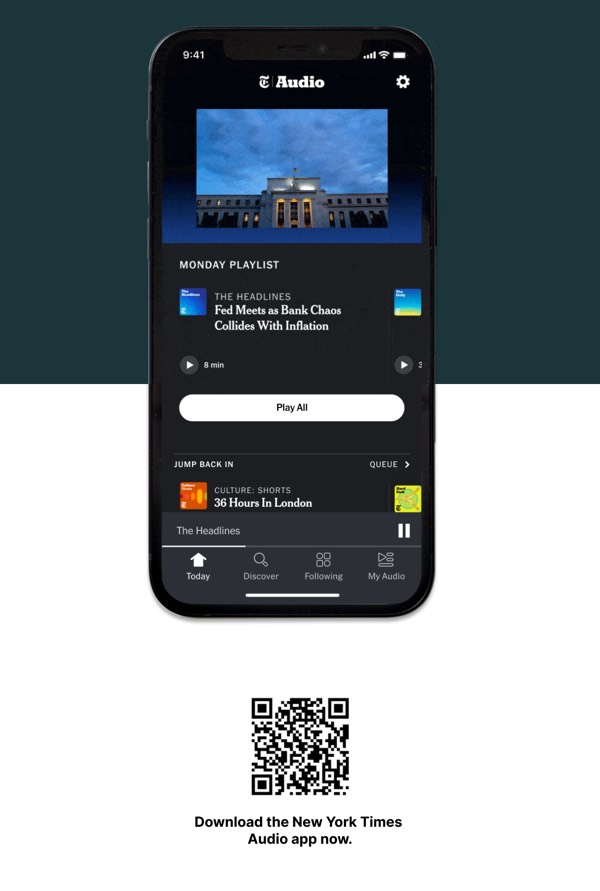
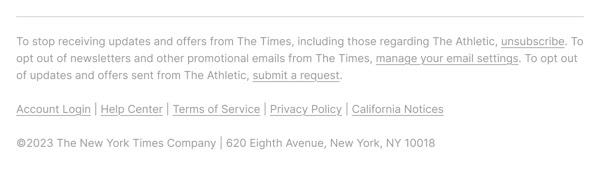
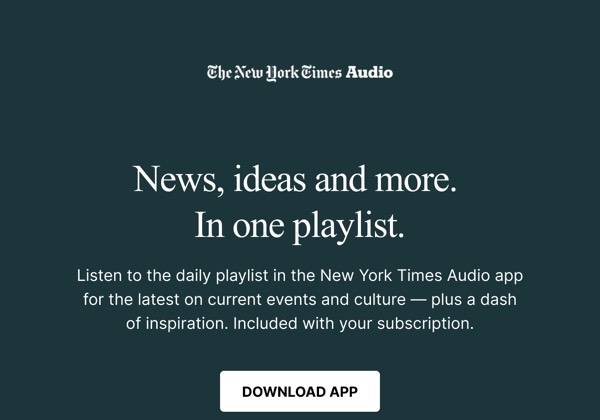
The New York Times’s email design embodies journalistic authority with classic serif typography, organized content hierarchies, and their iconic black nameplate. Their emails feature breaking news alerts, curated story selections, and subscription offerings using traditional newspaper design principles adapted for digital. Each email maintains the gravitas and credibility of America’s newspaper of record.
The brand’s email design balances breaking news urgency with editorial depth. NYT emails include multiple story formats from news alerts to weekend reads, section newsletters, and subscription offerings through layouts that mirror print newspaper structure. Their design emphasizes that quality journalism deserves presentation that honors both immediacy and thoughtfulness.
Browse the collection above to explore news alert headers, story collection sections, subscription offer blocks, and journalism-focused CTAs—all inspired by The New York Times’s editorial design.
Each component is available in Figma and can be copied directly into your designs. They’re built with email-safe HTML and CSS, ensuring compatibility across all major email clients.
Click the "Copy Figma Component" button on any The New York Times component, then paste it directly into your Figma design file using Cmd+V (Mac) or Ctrl+V (Windows). The component will be ready to customize.
Yes, all The New York Times email components are fully responsive and work across all major email clients including Gmail, Outlook, Apple Mail, and mobile devices.
Absolutely! Once copied into Figma, you can customize colors, fonts, spacing, images, and all other design elements to match your brand.
These components are designed to work seamlessly with the Emailify Figma plugin, which converts your designs to production-ready HTML email code. You can use them in Figma for free, and use Emailify when you're ready to export.