
Tripadvisor
Newsletter Header
header LightMuted Image
 Emailify
 Browse our collection of Tripadvisor-inspired email components. Each component is fully responsive and ready to use in your email designs.

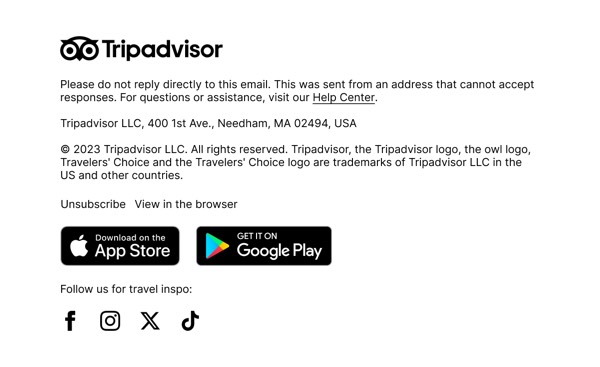
Tripadvisor’s email design captures travel discovery with destination photography, star ratings, and user reviews prominently featured. Their emails include personalized travel recommendations, booking deals, and their signature owl logo using vibrant, wanderlust-inspiring layouts. Each email encourages exploration through social proof, traveler photos, and comprehensive ratings for hotels, restaurants, and attractions worldwide.
The brand’s email design balances inspiration with practical planning. Tripadvisor emails showcase destination guides, hotel deals, and restaurant recommendations through organized, review-driven layouts. Their design emphasizes that travel planning should be informed by real traveler experiences, competitive pricing, and comprehensive ratings that help users make confident decisions.
Browse the collection above to explore destination showcase headers, rating and review sections, deal highlight blocks, and booking-focused CTAs—all inspired by Tripadvisor’s travel platform design.
Each component is available in Figma and can be copied directly into your designs. They’re built with email-safe HTML and CSS, ensuring compatibility across all major email clients.
Click the "Copy Figma Component" button on any Tripadvisor component, then paste it directly into your Figma design file using Cmd+V (Mac) or Ctrl+V (Windows). The component will be ready to customize.
Yes, all Tripadvisor email components are fully responsive and work across all major email clients including Gmail, Outlook, Apple Mail, and mobile devices.
Absolutely! Once copied into Figma, you can customize colors, fonts, spacing, images, and all other design elements to match your brand.
These components are designed to work seamlessly with the Emailify Figma plugin, which converts your designs to production-ready HTML email code. You can use them in Figma for free, and use Emailify when you're ready to export.