Uber
July Recap Email
single column
 Emailify
 Browse our collection of Uber-inspired email components. Each component is fully responsive and ready to use in your email designs.
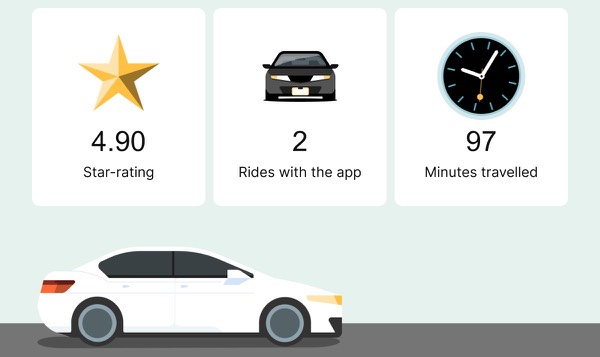
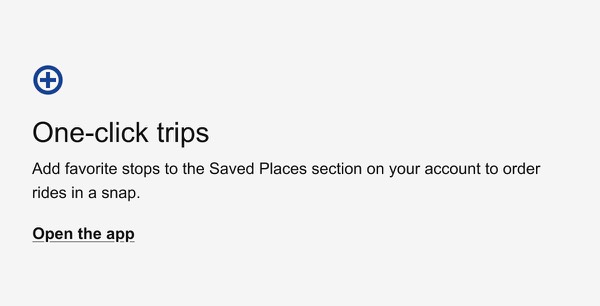
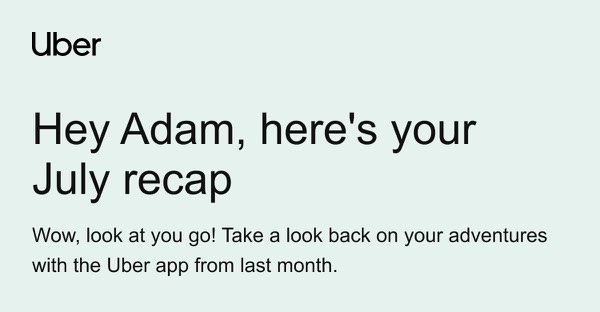
Uber’s email design reflects their ride-sharing platform with clean, map-centric layouts and black-and-white minimalism punctuated by strategic color. Their emails feature trip receipts, promotional offers, and service updates using straightforward, mobile-first design. Each email prioritizes essential information—pickup locations, prices, and times—with the clarity riders need on the go.
The brand’s email design balances transactional efficiency with promotional engagement. Uber emails include detailed ride summaries, driver ratings prompts, and city-specific offers through organized layouts optimized for quick scanning. Their design emphasizes that getting around should be reliable, transparent, and accessible through simple taps and clear communication.
Browse the collection above to explore trip receipt headers, map visualization sections, promotional offer blocks, and action-focused CTAs—all inspired by Uber’s ride-sharing email design.
Each component is available in Figma and can be copied directly into your designs. They’re built with email-safe HTML and CSS, ensuring compatibility across all major email clients.
Click the "Copy Figma Component" button on any Uber component, then paste it directly into your Figma design file using Cmd+V (Mac) or Ctrl+V (Windows). The component will be ready to customize.
Yes, all Uber email components are fully responsive and work across all major email clients including Gmail, Outlook, Apple Mail, and mobile devices.
Absolutely! Once copied into Figma, you can customize colors, fonts, spacing, images, and all other design elements to match your brand.
These components are designed to work seamlessly with the Emailify Figma plugin, which converts your designs to production-ready HTML email code. You can use them in Figma for free, and use Emailify when you're ready to export.