
Warby Parker
Team Introduction
single column Image
 Emailify
 Browse our collection of Warby Parker-inspired email components. Each component is fully responsive and ready to use in your email designs.
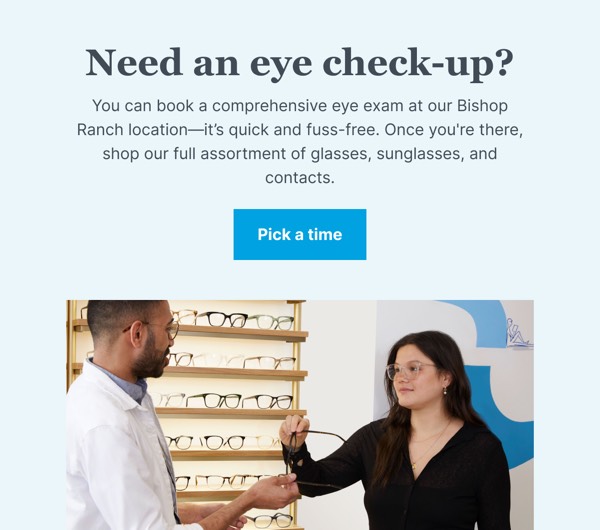
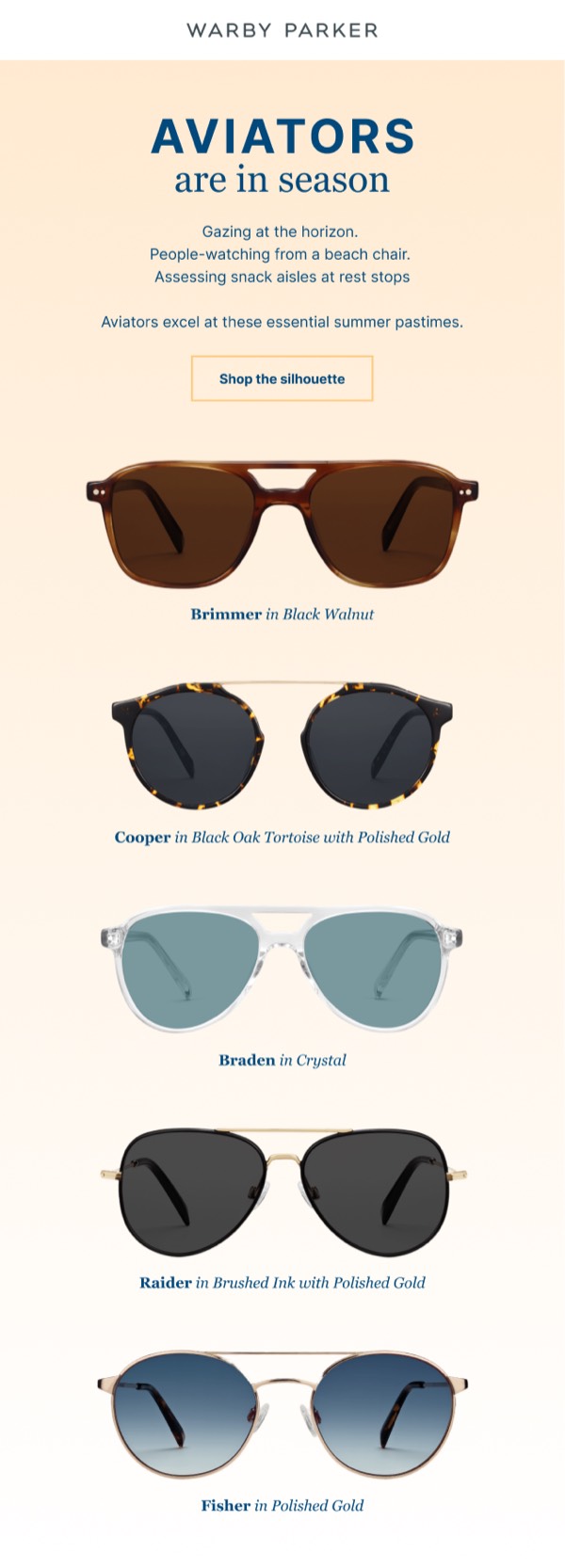
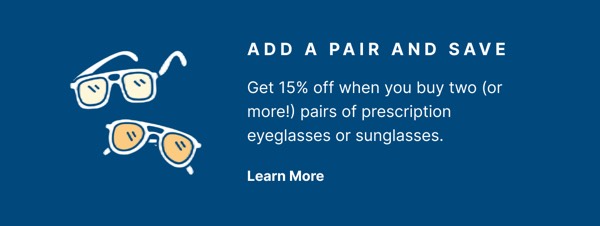
Warby Parker’s email design exemplifies their accessible eyewear brand with clean product photography, friendly copywriting, and home try-on program emphasis. Their emails feature multiple frame styles, virtual try-on technology, and social impact messaging about their buy-a-pair-give-a-pair program. Each email communicates that designer eyewear should be affordable, convenient, and socially conscious.
The brand’s email design balances product discovery with mission-driven messaging. Warby Parker emails showcase new collections, include quiz-based frame finders, and highlight their retail locations through approachable, well-organized layouts. Their design emphasizes that buying glasses can be fun, personal, and support global vision access through simple, transparent pricing and charitable giving.
Browse the collection above to explore frame collection grids, virtual try-on sections, quiz-based finder blocks, and mission-focused CTAs—all inspired by Warby Parker’s eyewear email design.
Each component is available in Figma and can be copied directly into your designs. They’re built with email-safe HTML and CSS, ensuring compatibility across all major email clients.
Click the "Copy Figma Component" button on any Warby Parker component, then paste it directly into your Figma design file using Cmd+V (Mac) or Ctrl+V (Windows). The component will be ready to customize.
Yes, all Warby Parker email components are fully responsive and work across all major email clients including Gmail, Outlook, Apple Mail, and mobile devices.
Absolutely! Once copied into Figma, you can customize colors, fonts, spacing, images, and all other design elements to match your brand.
These components are designed to work seamlessly with the Emailify Figma plugin, which converts your designs to production-ready HTML email code. You can use them in Figma for free, and use Emailify when you're ready to export.