
YouTube
YouTube Premium Banner
banner LightMuted Image
 Emailify
 Browse our collection of YouTube-inspired email components. Each component is fully responsive and ready to use in your email designs.
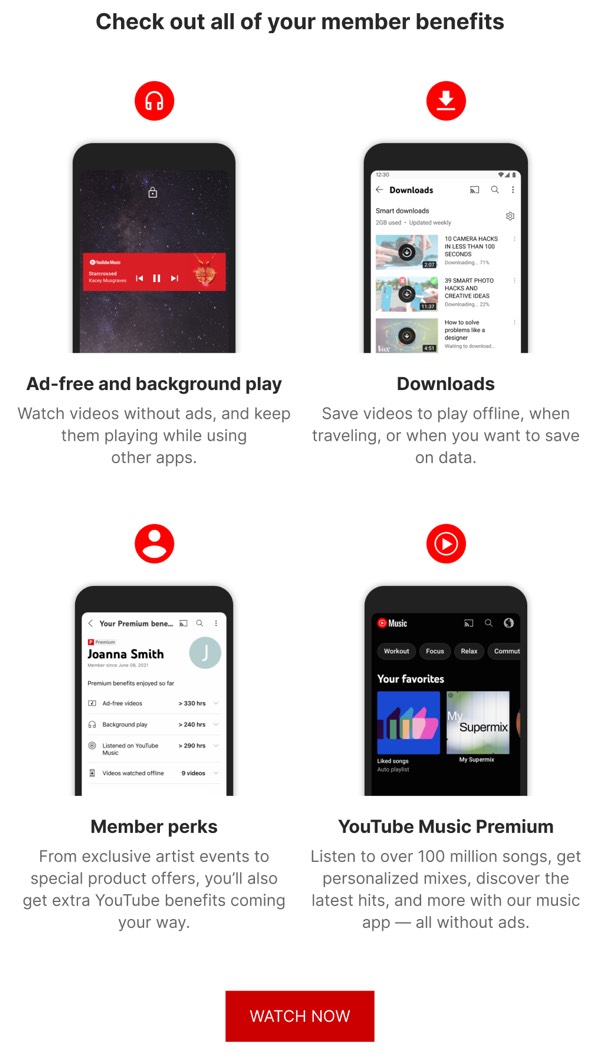
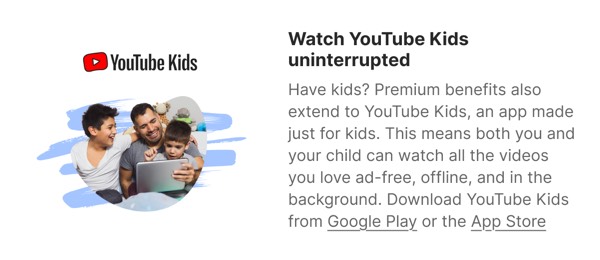
YouTube’s email design captures video discovery with bold thumbnails, channel recommendations, and their signature red play button branding. Their emails feature personalized video suggestions, trending content, and creator updates using layouts optimized for visual browsing. Each email drives viewers back to the platform through compelling previews of videos tailored to their interests and watch history.
The brand’s email design balances content discovery with creator support. YouTube emails include subscription notifications, community posts, and Premium membership benefits through straightforward, mobile-optimized layouts. Their design emphasizes that video consumption should be personalized, endless, and accessible across devices with recommendations that keep viewers engaged.
Browse the collection above to explore video recommendation grids, channel showcase sections, trending content blocks, and watch-focused CTAs—all inspired by YouTube’s video platform design.
Each component is available in Figma and can be copied directly into your designs. They’re built with email-safe HTML and CSS, ensuring compatibility across all major email clients.
Click the "Copy Figma Component" button on any YouTube component, then paste it directly into your Figma design file using Cmd+V (Mac) or Ctrl+V (Windows). The component will be ready to customize.
Yes, all YouTube email components are fully responsive and work across all major email clients including Gmail, Outlook, Apple Mail, and mobile devices.
Absolutely! Once copied into Figma, you can customize colors, fonts, spacing, images, and all other design elements to match your brand.
These components are designed to work seamlessly with the Emailify Figma plugin, which converts your designs to production-ready HTML email code. You can use them in Figma for free, and use Emailify when you're ready to export.