Zencastr
New Products from Zencastr
single column DarkMuted Image
 Emailify
 Browse our collection of Zencastr-inspired email components. Each component is fully responsive and ready to use in your email designs.
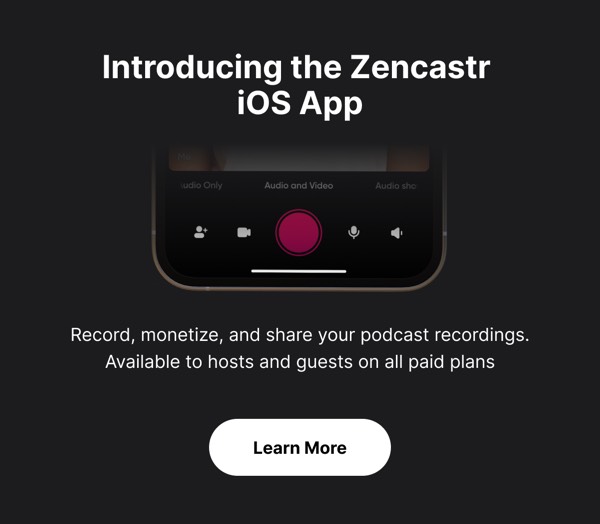

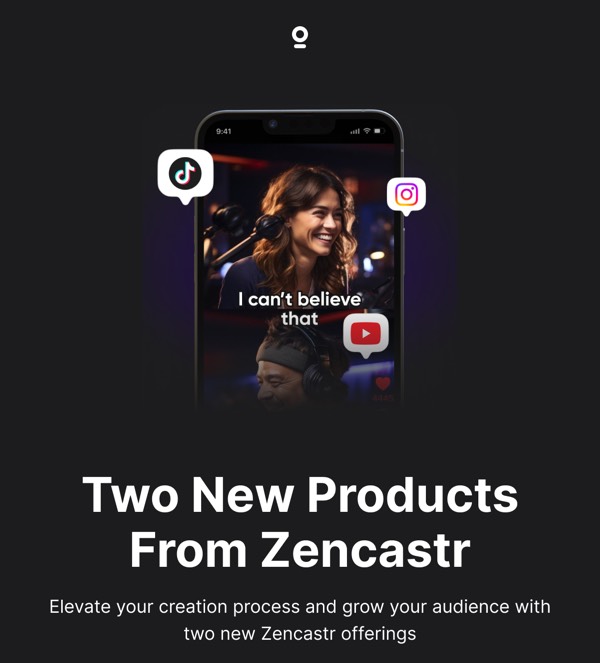
Zencastr’s email design reflects their remote podcast recording platform with clean, professional layouts featuring audio waveforms and podcaster-focused features. Their emails highlight recording quality, post-production tools, and platform updates using straightforward design for content creators. Each email emphasizes that professional podcast production should be accessible through browser-based tools that capture studio-quality audio remotely.
The brand’s email design balances technical audio features with creator empowerment. Zencastr emails include recording tips, feature announcements, and success stories from podcasters through organized, easy-to-scan layouts. Their design communicates that remote podcast recording can deliver professional results without complex software or expensive equipment.
Browse the collection above to explore waveform headers, feature demonstration sections, podcaster success blocks, and recording-focused CTAs—all inspired by Zencastr’s podcast platform design.
Each component is available in Figma and can be copied directly into your designs. They’re built with email-safe HTML and CSS, ensuring compatibility across all major email clients.
Click the "Copy Figma Component" button on any Zencastr component, then paste it directly into your Figma design file using Cmd+V (Mac) or Ctrl+V (Windows). The component will be ready to customize.
Yes, all Zencastr email components are fully responsive and work across all major email clients including Gmail, Outlook, Apple Mail, and mobile devices.
Absolutely! Once copied into Figma, you can customize colors, fonts, spacing, images, and all other design elements to match your brand.
These components are designed to work seamlessly with the Emailify Figma plugin, which converts your designs to production-ready HTML email code. You can use them in Figma for free, and use Emailify when you're ready to export.