Apple
Ultimate Pro Desktop Introduction
single column LightMuted
 Emailify
 Browse our collection of Apple-inspired email components. Each component is fully responsive and ready to use in your email designs.
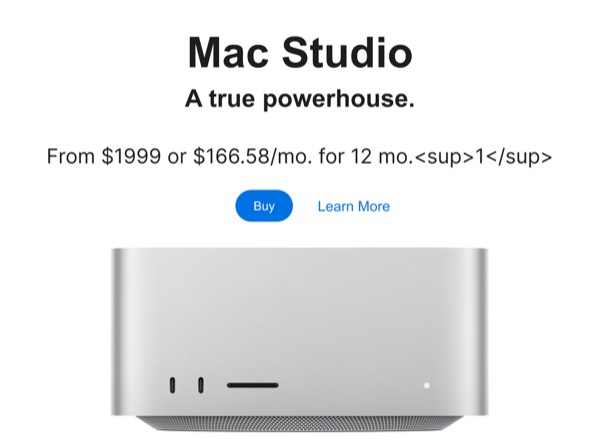
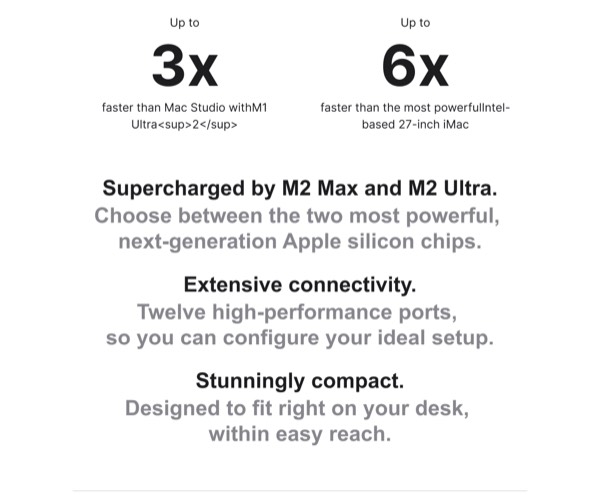
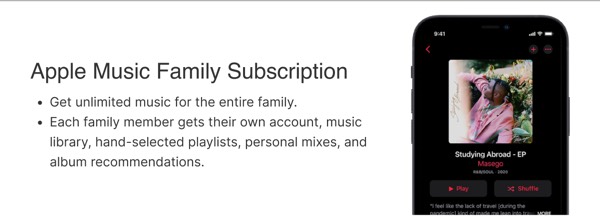
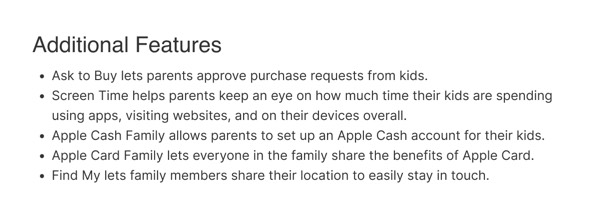

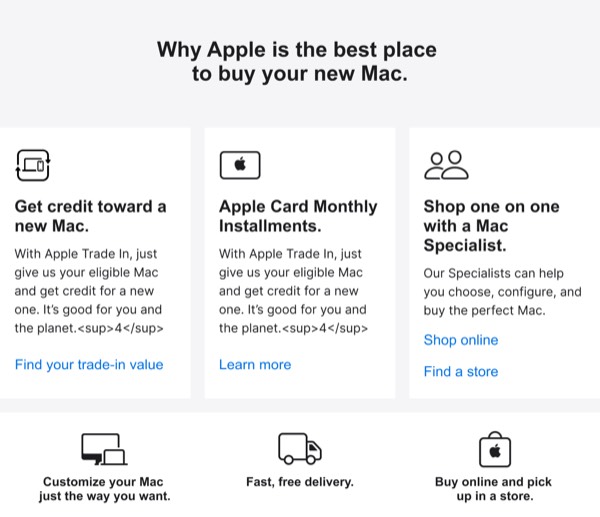
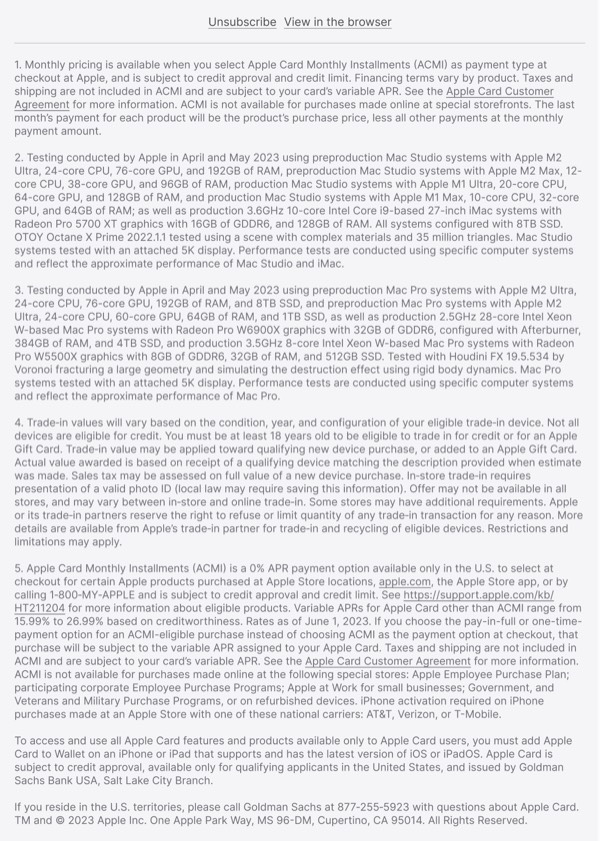
Apple sets the gold standard for premium email design with meticulously crafted communications that embody their brand philosophy of simplicity and excellence. Their emails feature generous white space, stunning product photography, and minimal text that lets the products speak for themselves. Each email demonstrates restraint, precision, and an unwavering commitment to aesthetic perfection that has defined Apple’s visual identity for decades.
Apple’s email design prioritizes product hero moments and emotional connection over feature lists. They use bold, centered layouts with large, high-resolution product images against clean white or black backgrounds. Typography is carefully considered, CTAs are subtle yet clear, and every element serves the singular purpose of showcasing the beauty and desirability of Apple products.
Browse the collection above to explore centered hero layouts, product showcase sections, minimalist CTAs, and premium announcement designs—all inspired by Apple’s iconic email design system.
Each component is available in Figma and can be copied directly into your designs. They’re built with email-safe HTML and CSS, ensuring compatibility across all major email clients while maintaining Apple’s premium aesthetic.
Click the "Copy Figma Component" button on any Apple component, then paste it directly into your Figma design file using Cmd+V (Mac) or Ctrl+V (Windows). The component will be ready to customize.
Yes, all Apple email components are fully responsive and work across all major email clients including Gmail, Outlook, Apple Mail, and mobile devices.
Absolutely! Once copied into Figma, you can customize colors, fonts, spacing, images, and all other design elements to match your brand.
These components are designed to work seamlessly with the Emailify Figma plugin, which converts your designs to production-ready HTML email code. You can use them in Figma for free, and use Emailify when you're ready to export.