
Asana
Email Header with Trial CTA
header Image CTA
 Emailify
 Browse our collection of Asana-inspired email components. Each component is fully responsive and ready to use in your email designs.
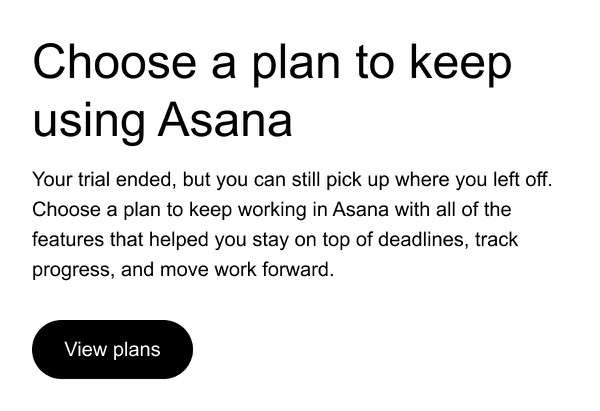
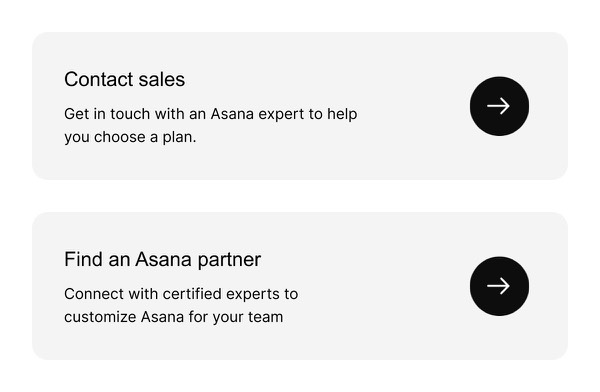

Asana brings clarity and focus to email communications with clean, purposeful layouts that reflect their work management philosophy. Their emails feature the signature coral accent color, organized task-like structures, and clear visual hierarchy that helps teams stay aligned. Each email demonstrates how thoughtful design can make productivity tools feel approachable and empowering rather than overwhelming.
The brand’s email design emphasizes actionability and team collaboration. Asana emails use card-based layouts reminiscent of their task interface, clear progress indicators, and team-focused messaging that reinforces collaborative work. Their design balances professional B2B communication with a friendly, human approach that makes project management feel manageable.
Browse the collection above to explore task card layouts, team progress sections, feature announcement blocks, and collaborative CTAs—all inspired by Asana’s productivity-focused email design.
Each component is available in Figma and can be copied directly into your designs. They’re built with email-safe HTML and CSS, ensuring compatibility across all major email clients while maintaining Asana’s clean aesthetic.
Click the "Copy Figma Component" button on any Asana component, then paste it directly into your Figma design file using Cmd+V (Mac) or Ctrl+V (Windows). The component will be ready to customize.
Yes, all Asana email components are fully responsive and work across all major email clients including Gmail, Outlook, Apple Mail, and mobile devices.
Absolutely! Once copied into Figma, you can customize colors, fonts, spacing, images, and all other design elements to match your brand.
These components are designed to work seamlessly with the Emailify Figma plugin, which converts your designs to production-ready HTML email code. You can use them in Figma for free, and use Emailify when you're ready to export.