Two-Column Components

Discover two-column layouts from top brands. Perfect for newsletters, promotional emails, and transactional messages.

37 components
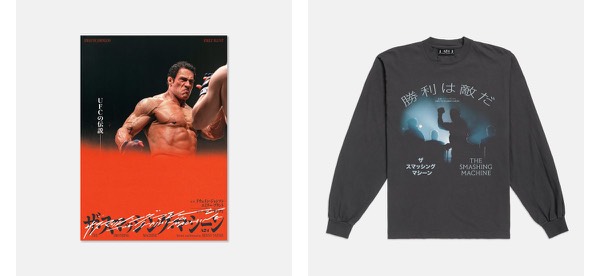
Promotional Email Layout - A24 email component (two column layout)
Join AAA24 Membership - A24 email component (two column layout)
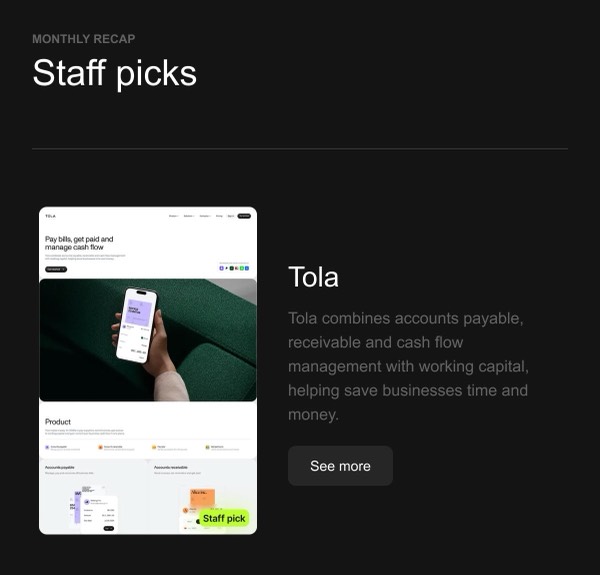
Staff Picks - Afresh email component (two column layout)
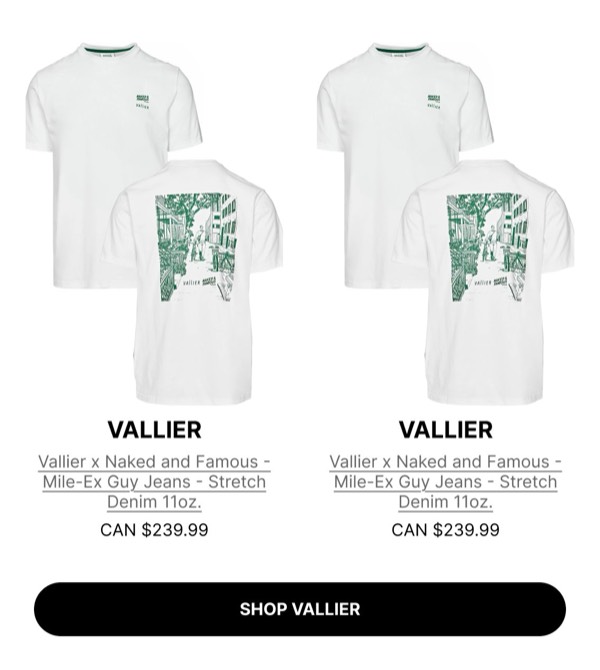
Product Display Section - Altitude email component (two column layout)
Gift Selection Announcement - And Open email component (two column layout)
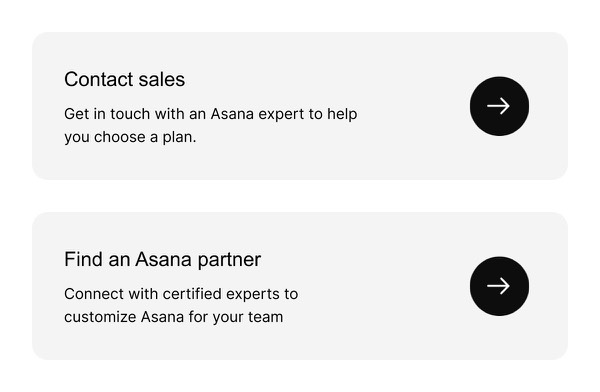
Contact Us Options - Asana email component (two column layout)
New Underwear Collection Launch - Boody email component (two column layout)
Control Back Into Users' Hands - Braze email component (two column layout)
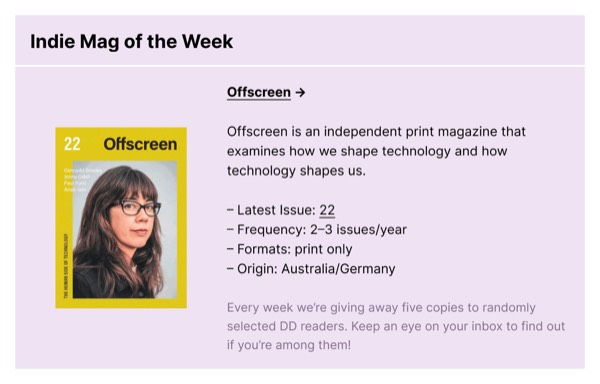
Indie Magazine of the Week - Dense Discovery email component (two column layout)
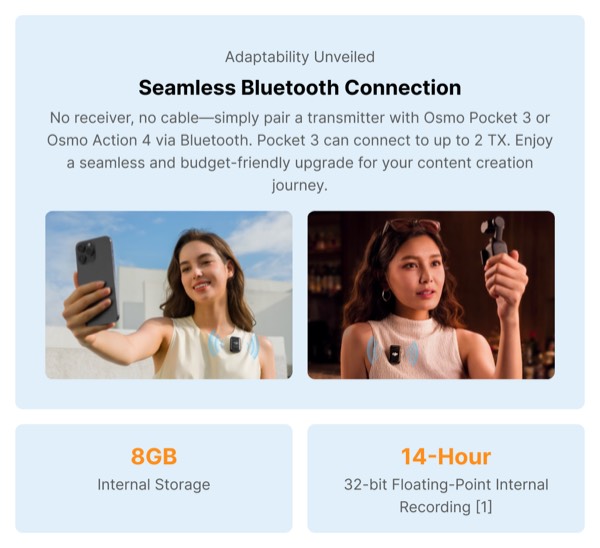
Seamless Bluetooth Connection - DJI email component (two column layout)
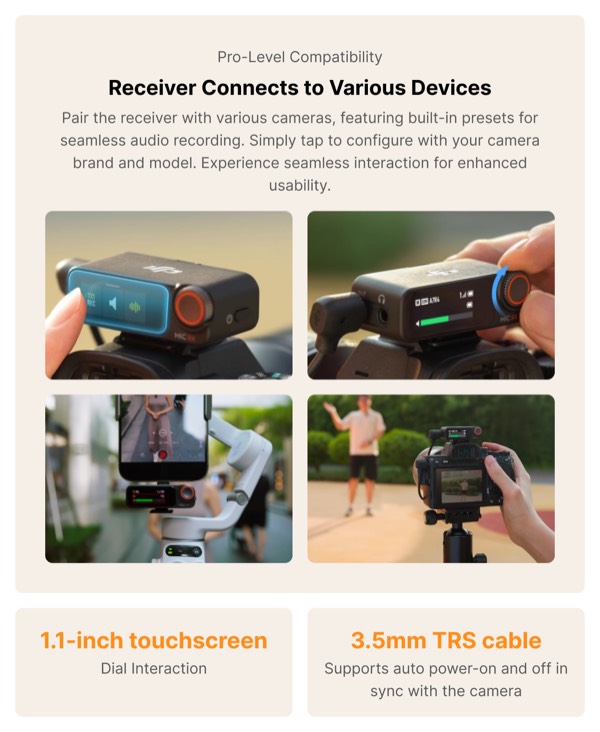
Receiver Connects to Various Devices - DJI email component (two column layout)
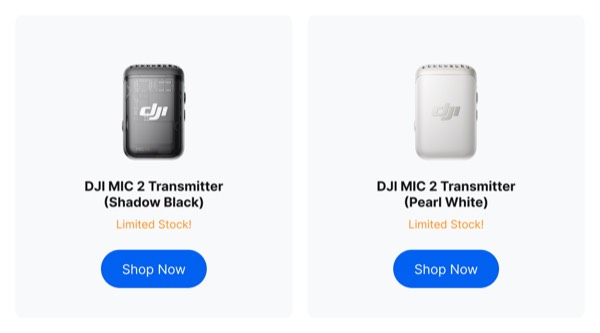
Product Display with Call-to-Action - DJI email component (two column layout)
Drone Experience and Management - DJI email component (two column layout)
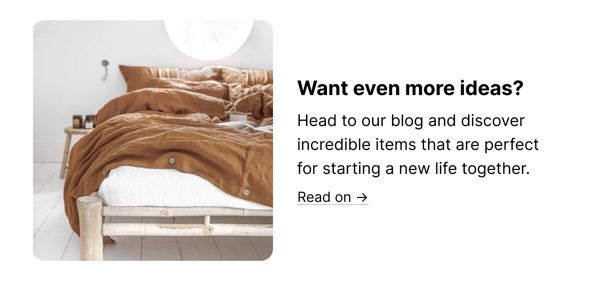
More Ideas Section - Etsy email component (two column layout)
The Team - Ferrari email component (two column layout)
Ecommerce Product Call to Action - Freaks of Nature email component (two column layout)
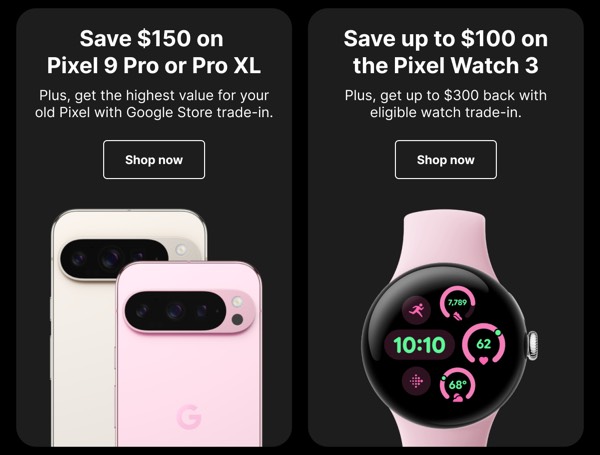
Smartphone and Watch Deals - Google email component (two column layout)
Live Conversation Feature - Google email component (two column layout)
Leadership Team Preview - Google Cloud email component (two column layout)
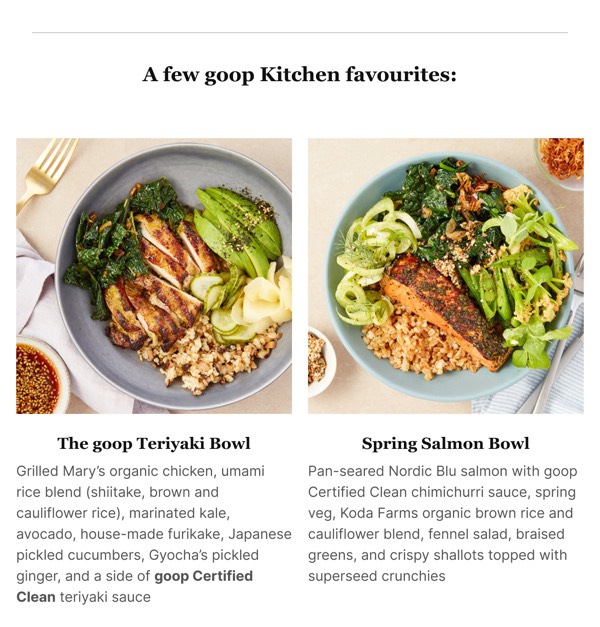
Featured Kitchen Favorites - Goop email component (two column layout)
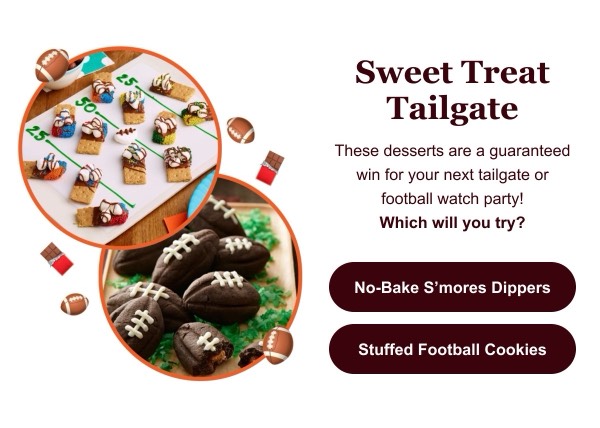
Sweet Treat Tailgate - Hersheyland email component (two column layout)
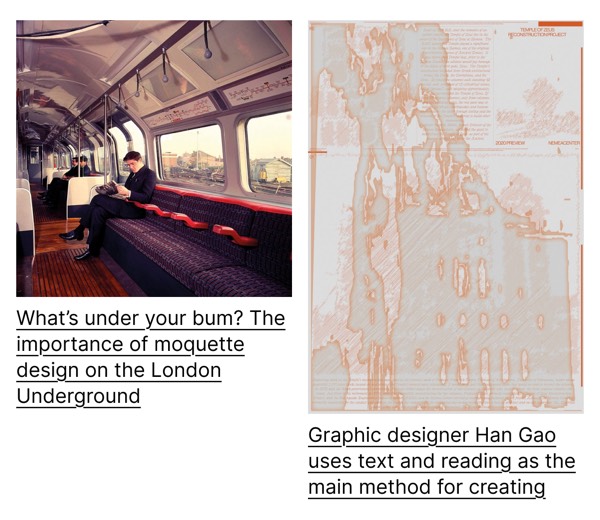
Email Layout Sample - It's Nice That email component (two column layout)
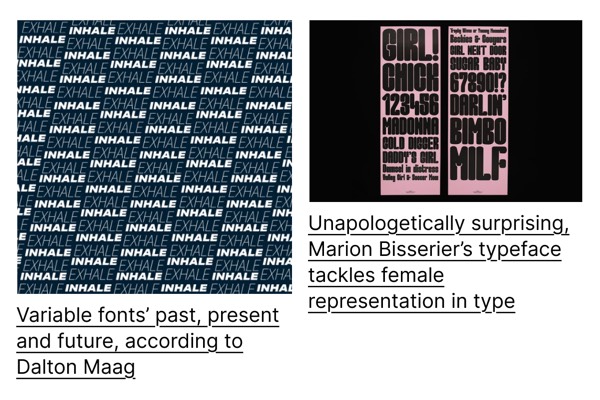
Visual Typography Presentation - It's Nice That email component (two column layout)
Summer Sale Announcement - Kindred email component (two column layout)
Pet Accessory Promotion - Little Beast email component (two column layout)
Luxury Handbags Display - Louis Vuitton email component (two column layout)
New Courses on MasterClass - MasterClass email component (two column layout)
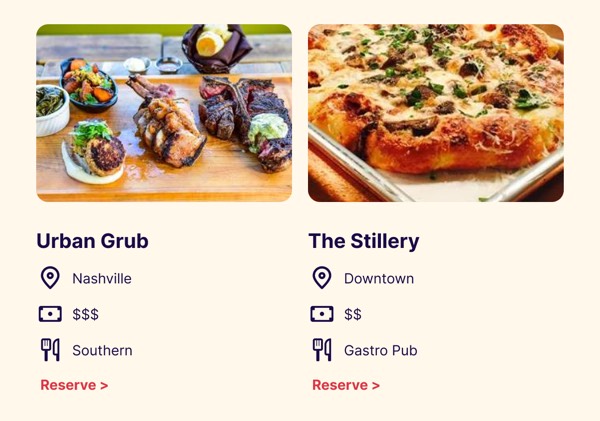
Dining Options Showcase - OpenTable email component (two column layout)
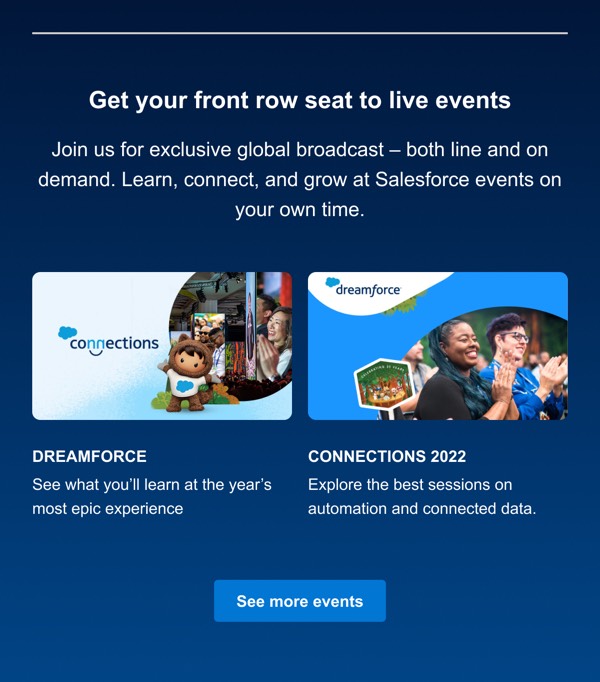
Live Events Announcement - Salesforce email component (two column layout)
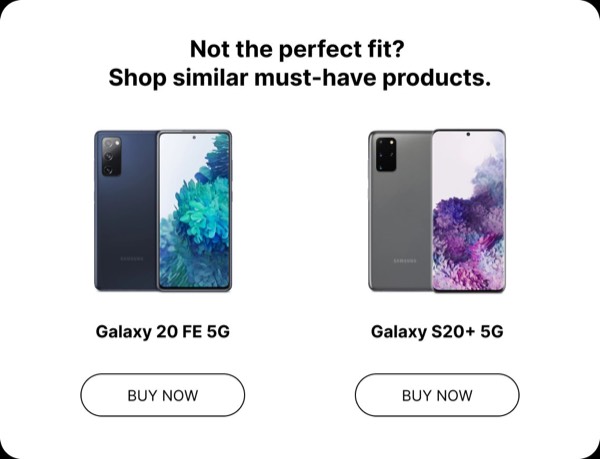
Product Comparison Display - Samsung email component (two column layout)
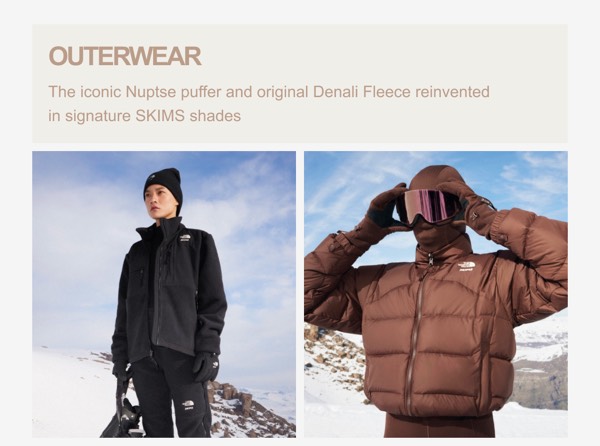
Outerwear Collection Feature - SKIMS email component (two column layout)
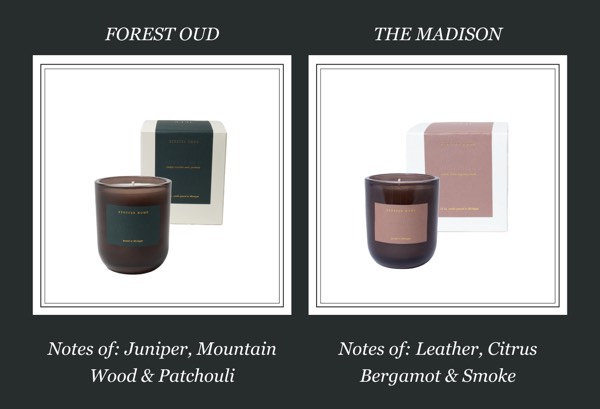
Candle Product Display - Stoffer email component (two column layout)
Signature Scents Promotion - Stoffer email component (two column layout)
Product Benefits Overview - Suds email component (two column layout)
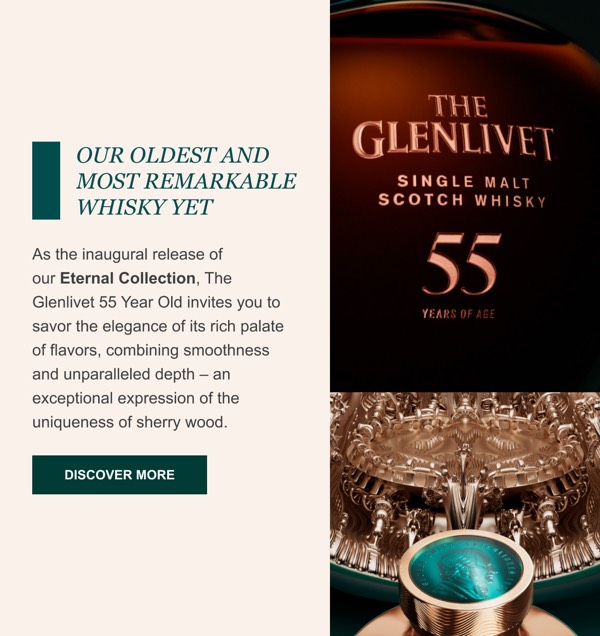
Luxury Whisky Advertisement - The Glenlivet email component (two column layout)
Customer Support Options - Trade email component (two column layout)
Film Recommendations - Vimeo email component (two column layout)

Two-Column Email Design Guide

Two-column layouts offer versatility and visual interest while maintaining good mobile compatibility. This balanced approach allows you to present complementary content side by side or create dynamic split designs.

Essential Elements

  • Balanced layout: Harmonious distribution of content across columns
  • Clear purpose: Each column serves a distinct function
  • Responsive behavior: Stacks gracefully to single column on mobile
  • Visual hierarchy: Typography and spacing guide the reader’s eye

Design Considerations

Mobile Optimization

Two-column layouts must work seamlessly on mobile:

  • Stack columns vertically on smaller screens
  • Consider content priority when determining stack order
  • Maintain readability when columns become full-width
  • Ensure CTAs remain prominent after stacking

Content Strategy

Your two-column email should use the layout purposefully:

  • Image-text splits for product features or announcements
  • Complementary content that benefits from side-by-side comparison
  • Equal columns for showcasing two offerings or categories
  • Asymmetric layouts with primary and secondary content

Two-Column Types

Browse the components above to see different approaches:

  • 50/50 split: Equal columns for balanced content presentation
  • 60/40 split: Emphasis on primary content with supporting sidebar
  • Image-text split: Visual on one side, content on the other
  • Product comparison: Two offerings displayed side by side
  • Feature showcase: Alternating image-text for multiple features

Implementation Tips

  1. Use table-based layouts: Ensures compatibility across email clients
  2. Set appropriate widths: Common splits are 280/280 or 360/200 in 600px email
  3. Include mobile stacking: Use media queries for responsive behavior
  4. Test in Outlook: Desktop Outlook requires special attention for columns
  5. Mind the gutters: 20-30px spacing between columns for breathing room

Frequently Asked Questions

What is a two column email layout?

A two column layout is a structured email design pattern commonly used for organizing content in email marketing. These components provide tested, responsive structures that work across all major email clients.

How do I copy these two column components to Figma?

Simply click the "Copy Figma Component" button on any component card, then paste it into your Figma file using Cmd+V (Mac) or Ctrl+V (Windows). The component will be ready to customize immediately.

Are two column layouts responsive?

Yes, all two column layouts are fully responsive and optimized for desktop, tablet, and mobile email clients including Gmail, Outlook, and Apple Mail.

Can I mix different layout types in one email?

Absolutely! You can combine multiple layout types within a single email design. Mix two column layouts with other patterns to create unique, engaging email experiences.