
Braze
Email Header Component
header LightMuted
 Emailify
 Browse our collection of Braze-inspired email components. Each component is fully responsive and ready to use in your email designs.
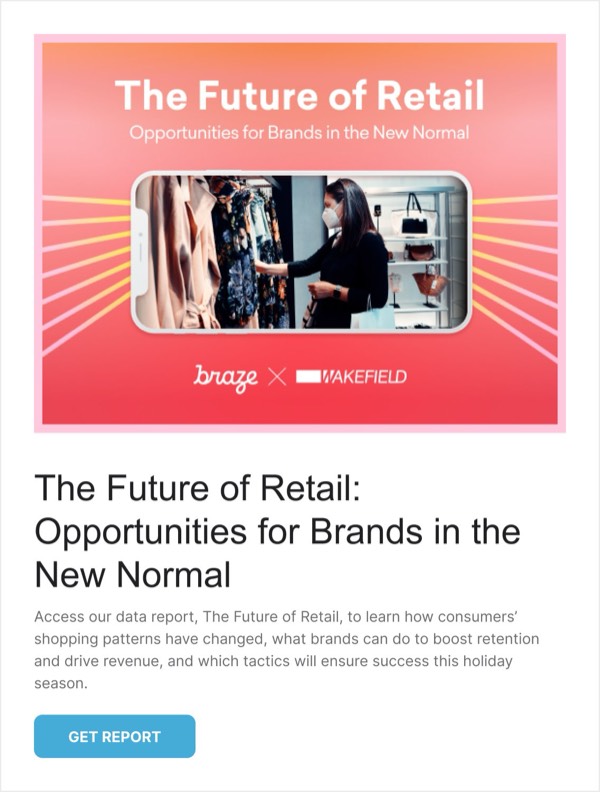

Braze, a leading customer engagement platform, brings data-driven sophistication to email design with layouts that demonstrate personalization capabilities and cross-channel messaging power. Their emails showcase advanced segmentation, dynamic content examples, and strategic use of their signature purple and gradient accents. Each email serves as both communication and demonstration of what’s possible with sophisticated marketing automation.
The brand’s email design emphasizes modern marketing technology and customer-centric approaches. Braze emails feature clean, professional layouts with strategic data visualization, customer journey diagrams, and feature showcases that appeal to marketing leaders and technical implementers alike. Their design balances enterprise credibility with forward-thinking innovation.
Browse the collection above to explore customer journey visualizations, feature announcement blocks, data-driven case studies, and personalization examples—all inspired by Braze’s marketing technology email design.
Each component is available in Figma and can be copied directly into your designs. They’re built with email-safe HTML and CSS, ensuring compatibility across all major email clients and effective for B2B marketing technology communications.
Click the "Copy Figma Component" button on any Braze component, then paste it directly into your Figma design file using Cmd+V (Mac) or Ctrl+V (Windows). The component will be ready to customize.
Yes, all Braze email components are fully responsive and work across all major email clients including Gmail, Outlook, Apple Mail, and mobile devices.
Absolutely! Once copied into Figma, you can customize colors, fonts, spacing, images, and all other design elements to match your brand.
These components are designed to work seamlessly with the Emailify Figma plugin, which converts your designs to production-ready HTML email code. You can use them in Figma for free, and use Emailify when you're ready to export.