
Crocs
Free Shipping Announcement
banner Muted
 Emailify
 Browse our collection of Crocs-inspired email components. Each component is fully responsive and ready to use in your email designs.
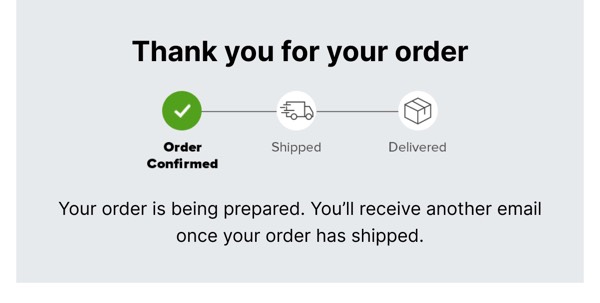
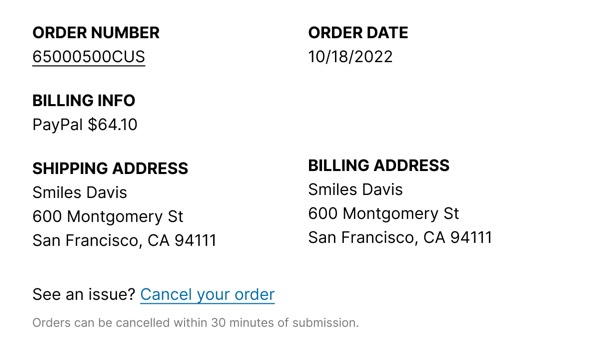
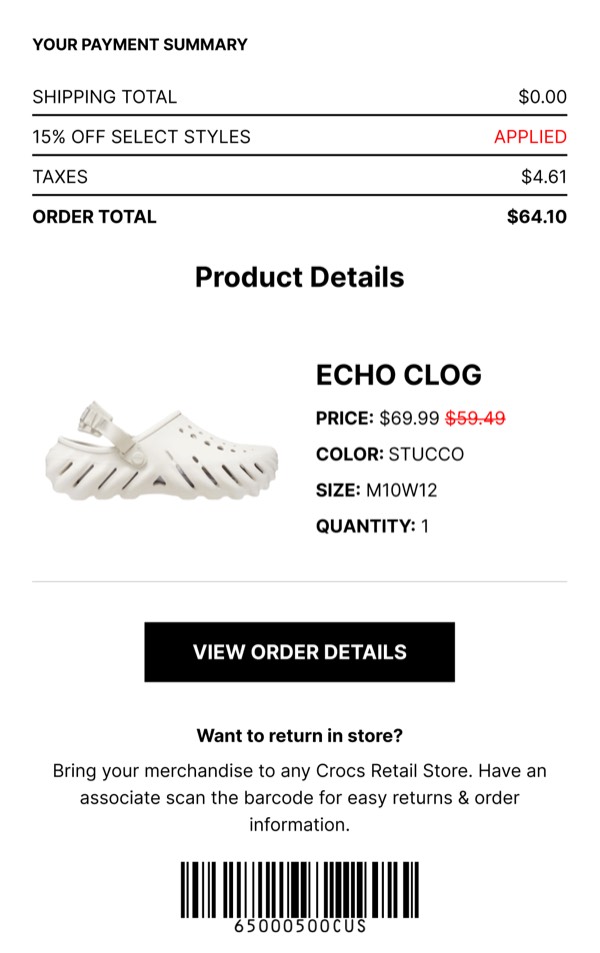
Crocs brings bold, playful energy to email design with vibrant colors, dynamic product presentations, and personality-driven layouts that celebrate comfort and self-expression. Their emails feature eye-catching color combinations, creative Jibbitz customization showcases, and collaboration announcements with unexpected partners. Each communication embraces the brand’s evolution from functional footwear to fashion statement with unapologetic confidence.
The brand’s email design prioritizes fun and individuality. Crocs emails highlight limited-edition releases, feature bold pattern combinations, and showcase celebrity collaborations that drive cultural relevance. Their design reflects the brand’s remarkable transformation into a lifestyle icon through energetic, trend-forward communications that encourage personal style expression.
Browse the collection above to explore colorful product grids, collaboration announcement banners, customization showcases, and bold CTAs—all inspired by Crocs’s playful email design.
Each component is available in Figma and can be copied directly into your designs. They’re built with email-safe HTML and CSS, ensuring compatibility across all major email clients.
Click the "Copy Figma Component" button on any Crocs component, then paste it directly into your Figma design file using Cmd+V (Mac) or Ctrl+V (Windows). The component will be ready to customize.
Yes, all Crocs email components are fully responsive and work across all major email clients including Gmail, Outlook, Apple Mail, and mobile devices.
Absolutely! Once copied into Figma, you can customize colors, fonts, spacing, images, and all other design elements to match your brand.
These components are designed to work seamlessly with the Emailify Figma plugin, which converts your designs to production-ready HTML email code. You can use them in Figma for free, and use Emailify when you're ready to export.