
Etsy
Etsy Email Header
header LightMuted
 Emailify
 Browse our collection of Etsy-inspired email components. Each component is fully responsive and ready to use in your email designs.
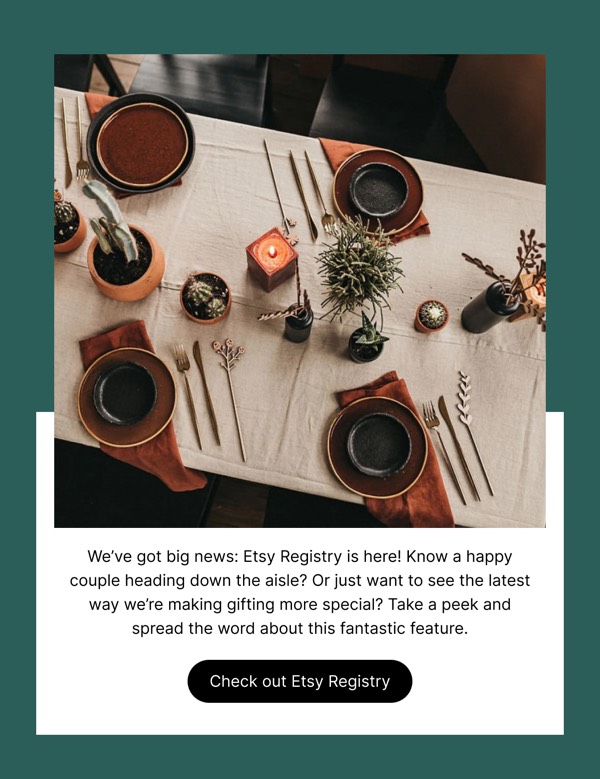
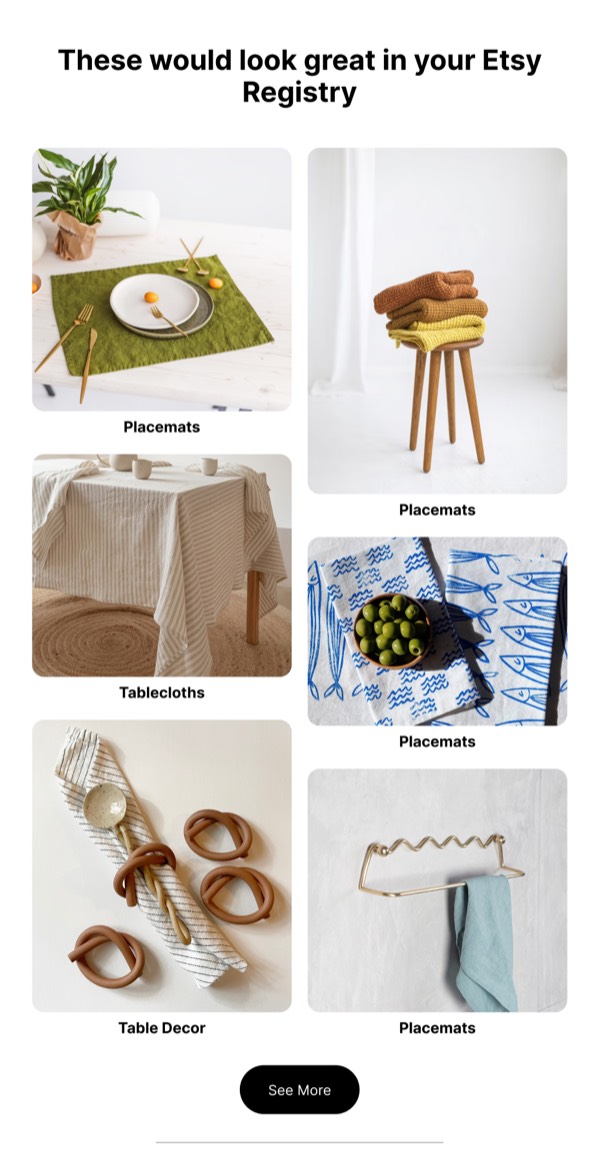
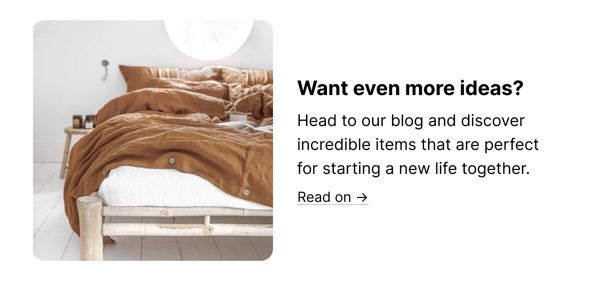
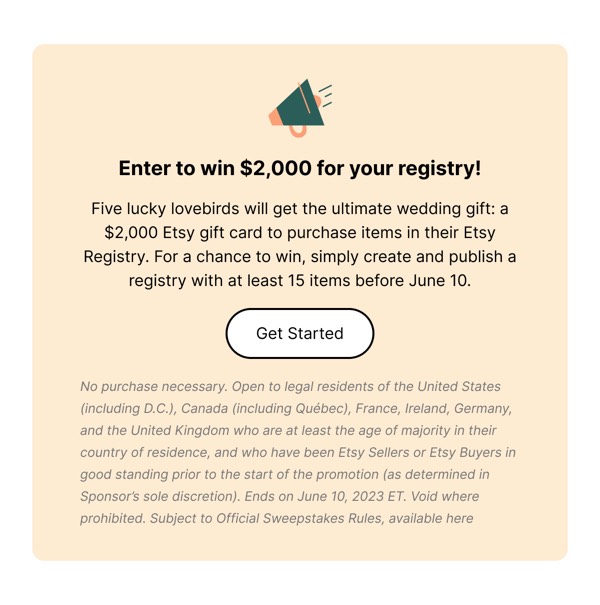
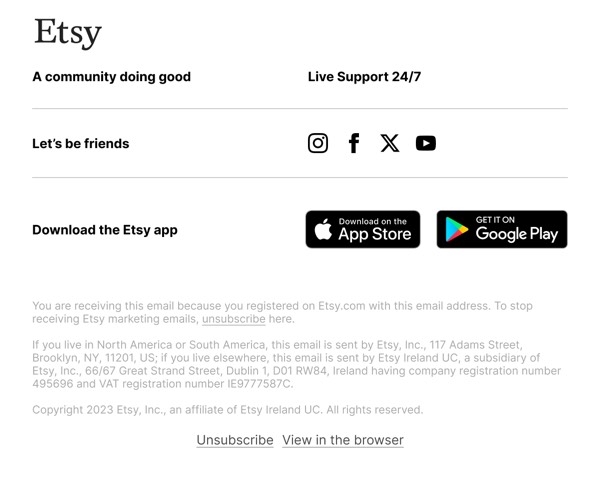
Etsy, the global marketplace for handmade and vintage goods, brings artisanal warmth and curated discovery to email design with personalized product recommendations, maker-focused storytelling, and vibrant imagery celebrating creativity. Their emails feature eclectic product grids, shop spotlight sections, and gift-finding guides organized by occasion and interest. Each communication balances marketplace scale with the intimate feel of discovering unique, human-made items.
The brand’s email design prioritizes personalization and maker connection. Etsy emails showcase items based on browsing history and favorites, highlight independent sellers through shop features, and organize products around life moments and seasonal events. Their design reflects the platform’s values through warm, approachable layouts that celebrate individual creativity and help shoppers find meaningful, one-of-a-kind items.
Browse the collection above to explore personalized product grids, shop spotlight sections, gift guide modules, and discovery-focused CTAs—all inspired by Etsy’s artisanal marketplace email design.
Each component is available in Figma and can be copied directly into your designs. They’re built with email-safe HTML and CSS, ensuring compatibility across all major email clients.
Click the "Copy Figma Component" button on any Etsy component, then paste it directly into your Figma design file using Cmd+V (Mac) or Ctrl+V (Windows). The component will be ready to customize.
Yes, all Etsy email components are fully responsive and work across all major email clients including Gmail, Outlook, Apple Mail, and mobile devices.
Absolutely! Once copied into Figma, you can customize colors, fonts, spacing, images, and all other design elements to match your brand.
These components are designed to work seamlessly with the Emailify Figma plugin, which converts your designs to production-ready HTML email code. You can use them in Figma for free, and use Emailify when you're ready to export.