Fast
Fast Action Button
LightMuted CTA
 Emailify
 Browse our collection of Fast-inspired email components. Each component is fully responsive and ready to use in your email designs.
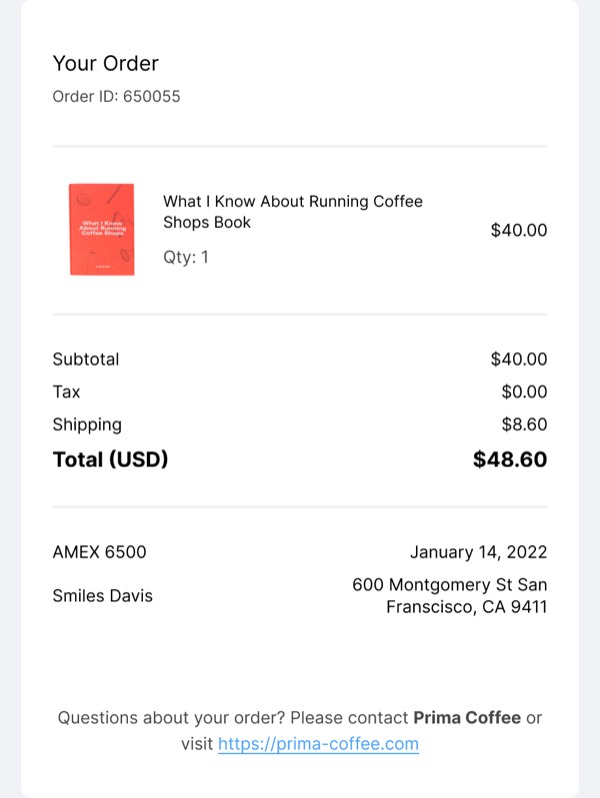
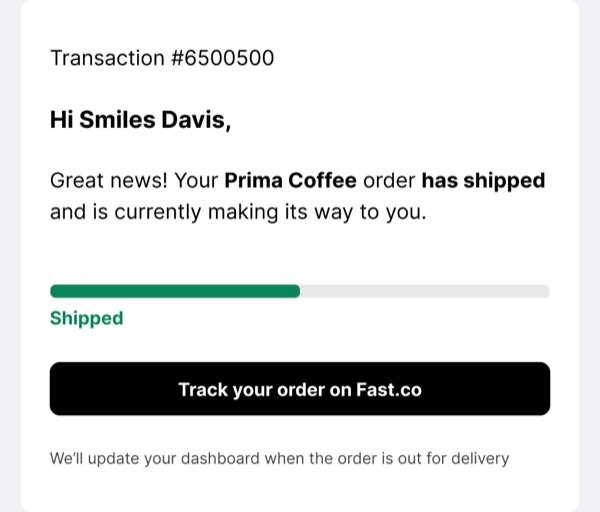
Fast, the one-click checkout platform, brought speed and simplicity to email design with ultra-minimalist layouts, bold typography, and conversion-focused messaging that eliminated friction. Their emails featured clean purple branding, straightforward value propositions, and streamlined design that mirrored their product promise of instant checkout. Each communication emphasized efficiency and immediacy in both form and function.
The brand’s email design prioritized clarity and action. Fast emails used generous white space, prominent CTAs, and concise copy that communicated value in seconds. Their approach reflected the core product philosophy through design that removed unnecessary elements and focused entirely on getting users to take action quickly and confidently.
Browse the collection above to explore minimalist hero sections, value proposition blocks, single-focus CTAs, and speed-optimized layouts—all inspired by Fast’s checkout email design.
Each component is available in Figma and can be copied directly into your designs. They’re built with email-safe HTML and CSS, ensuring compatibility across all major email clients.
Click the "Copy Figma Component" button on any Fast component, then paste it directly into your Figma design file using Cmd+V (Mac) or Ctrl+V (Windows). The component will be ready to customize.
Yes, all Fast email components are fully responsive and work across all major email clients including Gmail, Outlook, Apple Mail, and mobile devices.
Absolutely! Once copied into Figma, you can customize colors, fonts, spacing, images, and all other design elements to match your brand.
These components are designed to work seamlessly with the Emailify Figma plugin, which converts your designs to production-ready HTML email code. You can use them in Figma for free, and use Emailify when you're ready to export.