Hersheyland
Tailgate Season Promotion
header
 Emailify
 Browse our collection of Hersheyland-inspired email components. Each component is fully responsive and ready to use in your email designs.
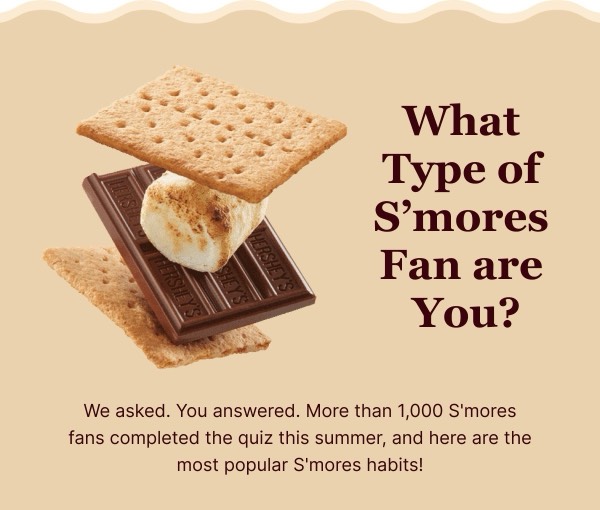
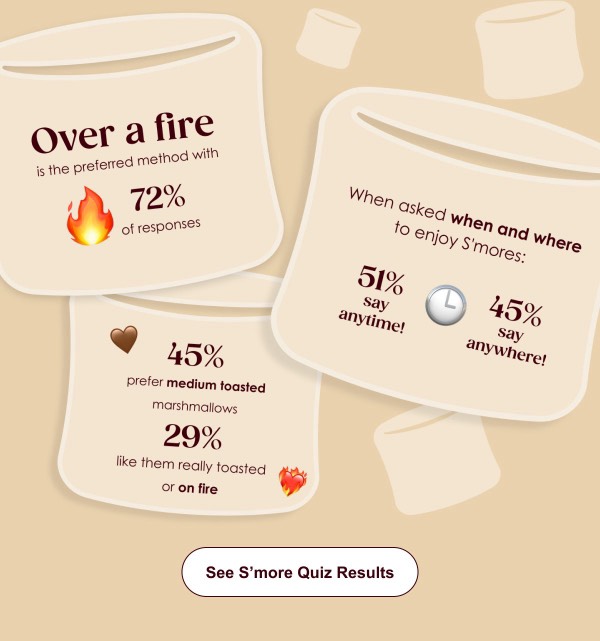
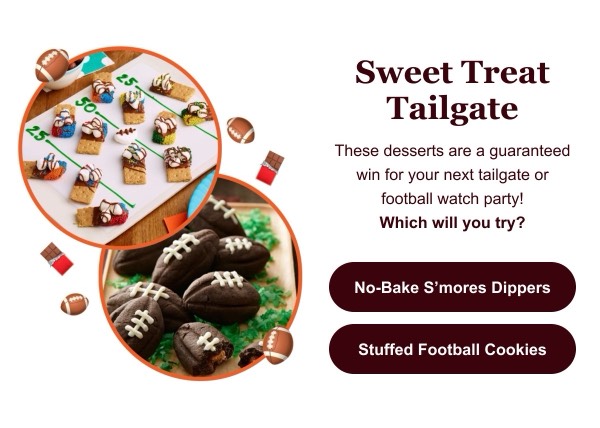
Hersheyland, the iconic American chocolate brand’s digital experience, brings nostalgic joy and sweet indulgence to email design with rich brown tones, playful product photography, and seasonal celebration themes. Their emails feature new product launches, holiday gift guides, and recipe ideas that position chocolate as central to life’s special moments. Each communication balances heritage brand recognition with contemporary digital design that appeals to all ages.
The brand’s email design prioritizes joy and occasion-based marketing. Hersheyland emails showcase chocolate products in gift-giving and celebration contexts, feature limited-edition seasonal varieties, and include recipe inspiration that extends chocolate beyond the bar. Their approach reflects American chocolate heritage through warm, familiar design that triggers nostalgia while remaining fresh and relevant for modern digital consumption.
Browse the collection above to explore seasonal gift guides, product variety grids, recipe inspiration blocks, and celebration-focused CTAs—all inspired by Hersheyland’s chocolate email design.
Each component is available in Figma and can be copied directly into your designs. They’re built with email-safe HTML and CSS, ensuring compatibility across all major email clients.
Click the "Copy Figma Component" button on any Hersheyland component, then paste it directly into your Figma design file using Cmd+V (Mac) or Ctrl+V (Windows). The component will be ready to customize.
Yes, all Hersheyland email components are fully responsive and work across all major email clients including Gmail, Outlook, Apple Mail, and mobile devices.
Absolutely! Once copied into Figma, you can customize colors, fonts, spacing, images, and all other design elements to match your brand.
These components are designed to work seamlessly with the Emailify Figma plugin, which converts your designs to production-ready HTML email code. You can use them in Figma for free, and use Emailify when you're ready to export.