Mailchimp
Engagement Email for Customers
single column Muted Image CTA
 Emailify
 Browse our collection of Mailchimp-inspired email components. Each component is fully responsive and ready to use in your email designs.
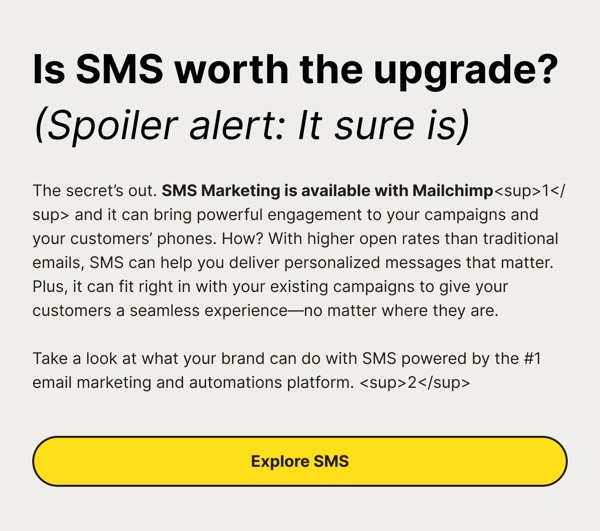
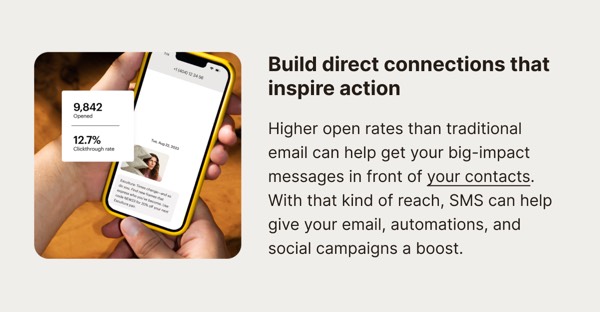
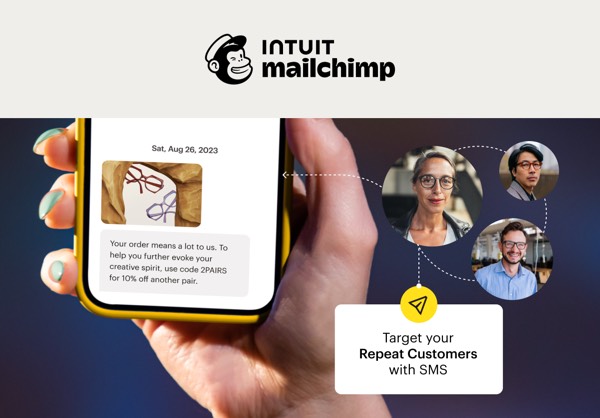
Mailchimp’s email design captures their quirky, approachable brand with bold yellow accents, playful illustrations featuring Freddie the mascot, and friendly typography that makes email marketing feel accessible. Their emails balance professional marketing platform features with a warm, small-business-focused personality that resonates with entrepreneurs and creators. Each email feels helpful rather than corporate.
The brand’s email design emphasizes clarity and encouragement. Mailchimp emails use their signature yellow prominently, include hand-drawn illustrations and icons, and maintain an optimistic, can-do tone throughout. Their design democratizes marketing by making advanced features feel approachable through visual simplicity, helpful tips, and success stories from real small businesses.
Browse the collection above to explore yellow-accented headers, feature tutorial sections, small business success stories, and friendly CTAs—all inspired by Mailchimp’s approachable email marketing design.
Each component is available in Figma and can be copied directly into your designs. They’re built with email-safe HTML and CSS, ensuring compatibility across all major email clients.
Click the "Copy Figma Component" button on any Mailchimp component, then paste it directly into your Figma design file using Cmd+V (Mac) or Ctrl+V (Windows). The component will be ready to customize.
Yes, all Mailchimp email components are fully responsive and work across all major email clients including Gmail, Outlook, Apple Mail, and mobile devices.
Absolutely! Once copied into Figma, you can customize colors, fonts, spacing, images, and all other design elements to match your brand.
These components are designed to work seamlessly with the Emailify Figma plugin, which converts your designs to production-ready HTML email code. You can use them in Figma for free, and use Emailify when you're ready to export.