
Meow Meow
Chat Bubbles
Image
 Emailify
 Browse our collection of Meow Meow-inspired email components. Each component is fully responsive and ready to use in your email designs.
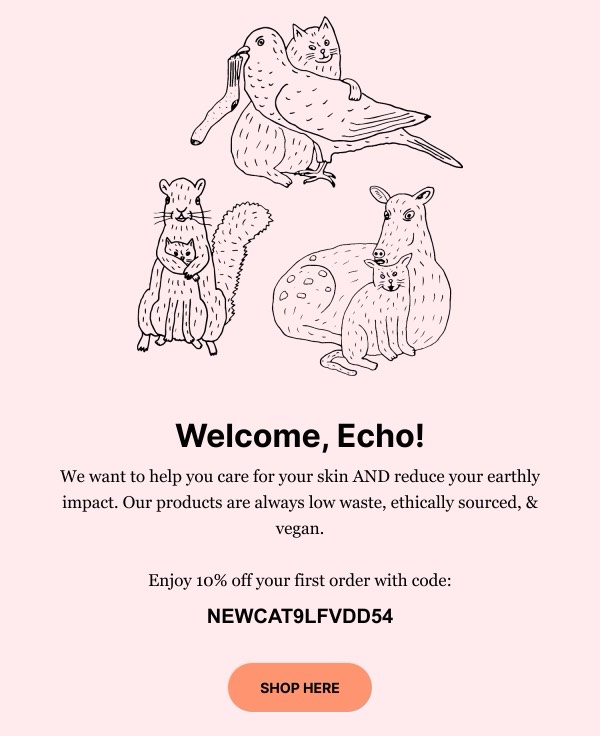
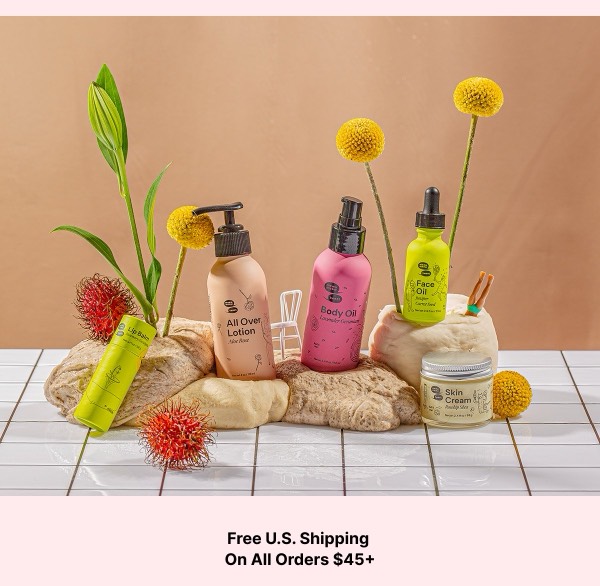
Meow Meow’s email design celebrates playful sophistication with whimsical cat-themed illustrations, bold color choices, and a design aesthetic that’s both cute and contemporary. Their emails for this boutique brand feature charming feline motifs, hand-drawn elements, and a personality that’s quirky without being childish. Each email feels like a delightful surprise from a creative friend.
The brand’s email design balances fun with fashion-forward sensibility. Meow Meow emails use unexpected color combinations, incorporate cat-inspired graphics in clever ways, and maintain a youthful energy that appeals to design-conscious consumers who appreciate humor. Their design proves that playful branding can coexist with quality products and sophisticated layouts.
Browse the collection above to explore illustrated headers, product showcase sections with cat motifs, playful feature blocks, and charming CTAs—all inspired by Meow Meow’s whimsical design.
Each component is available in Figma and can be copied directly into your designs. They’re built with email-safe HTML and CSS, ensuring compatibility across all major email clients.
Click the "Copy Figma Component" button on any Meow Meow component, then paste it directly into your Figma design file using Cmd+V (Mac) or Ctrl+V (Windows). The component will be ready to customize.
Yes, all Meow Meow email components are fully responsive and work across all major email clients including Gmail, Outlook, Apple Mail, and mobile devices.
Absolutely! Once copied into Figma, you can customize colors, fonts, spacing, images, and all other design elements to match your brand.
These components are designed to work seamlessly with the Emailify Figma plugin, which converts your designs to production-ready HTML email code. You can use them in Figma for free, and use Emailify when you're ready to export.