
Opal
Simple Email Header
header DarkMuted Image
 Emailify
 Browse our collection of Opal-inspired email components. Each component is fully responsive and ready to use in your email designs.
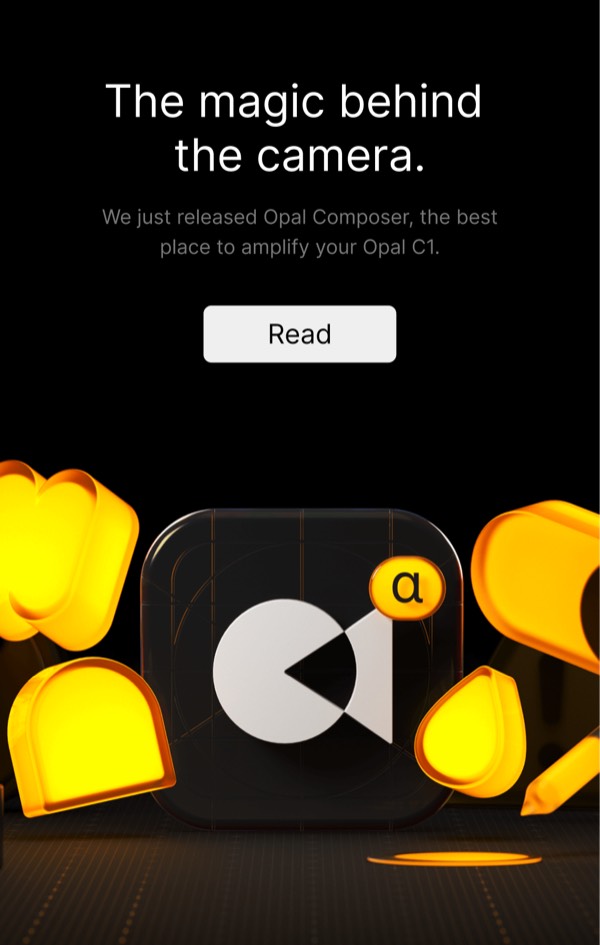
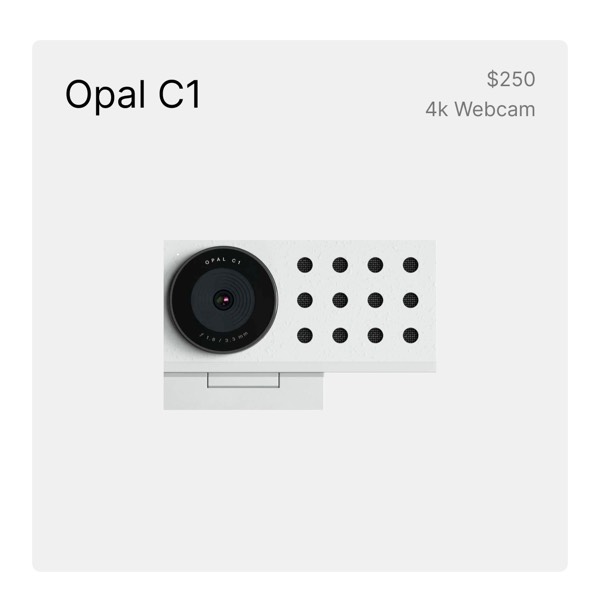
Opal’s email design reflects their screen time management app with calming gradients, mindful messaging, and layouts that emphasize digital wellbeing. Their emails feature soft, iridescent color transitions inspired by their namesake gemstone, clean interface screenshots, and encouraging language about building healthier technology habits. Each email promotes intentional device usage without judgment or shame.
The brand’s email design balances tech product communication with wellness positioning. Opal emails include app usage insights, feature updates that help users stay focused, and gentle reminders about digital boundaries. Their design uses soothing aesthetics to make screen time management feel positive and achievable rather than restrictive or punitive.
Browse the collection above to explore gradient headers, app feature demonstrations, usage insight sections, and mindful CTAs—all inspired by Opal’s screen time management design.
Each component is available in Figma and can be copied directly into your designs. They’re built with email-safe HTML and CSS, ensuring compatibility across all major email clients.
Click the "Copy Figma Component" button on any Opal component, then paste it directly into your Figma design file using Cmd+V (Mac) or Ctrl+V (Windows). The component will be ready to customize.
Yes, all Opal email components are fully responsive and work across all major email clients including Gmail, Outlook, Apple Mail, and mobile devices.
Absolutely! Once copied into Figma, you can customize colors, fonts, spacing, images, and all other design elements to match your brand.
These components are designed to work seamlessly with the Emailify Figma plugin, which converts your designs to production-ready HTML email code. You can use them in Figma for free, and use Emailify when you're ready to export.