
Rains
Simple Navigation Bar
header CTA
 Emailify
 Browse our collection of Rains-inspired email components. Each component is fully responsive and ready to use in your email designs.

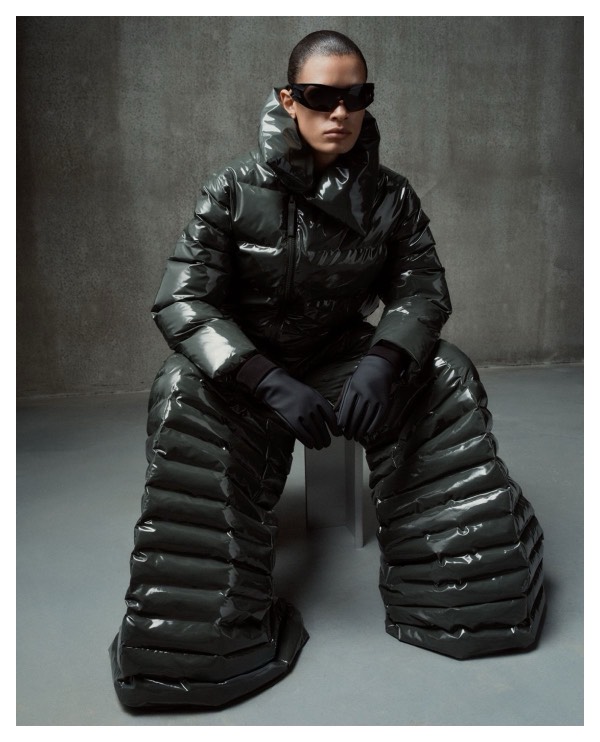
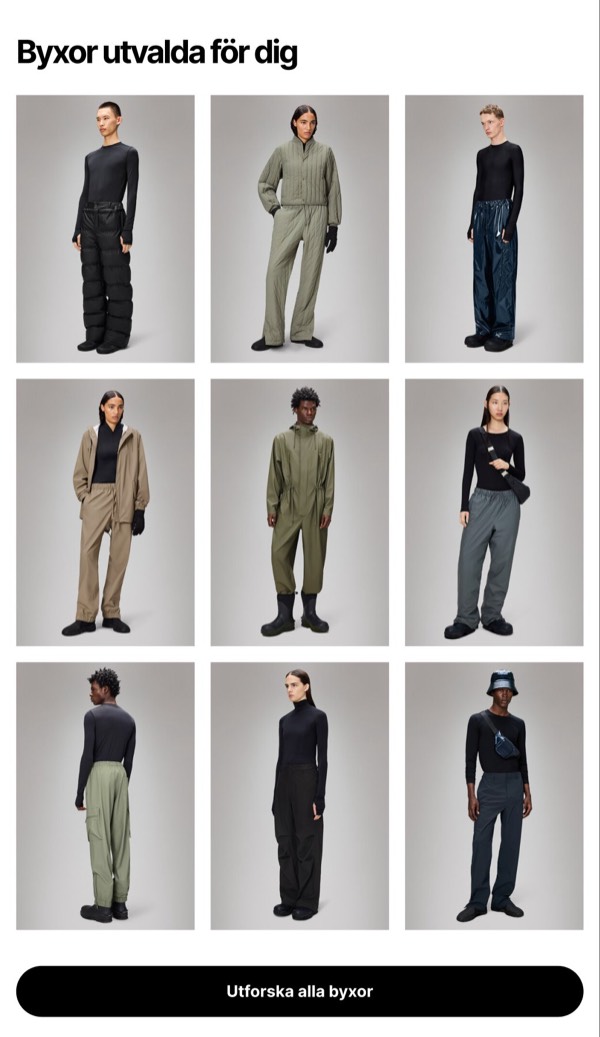
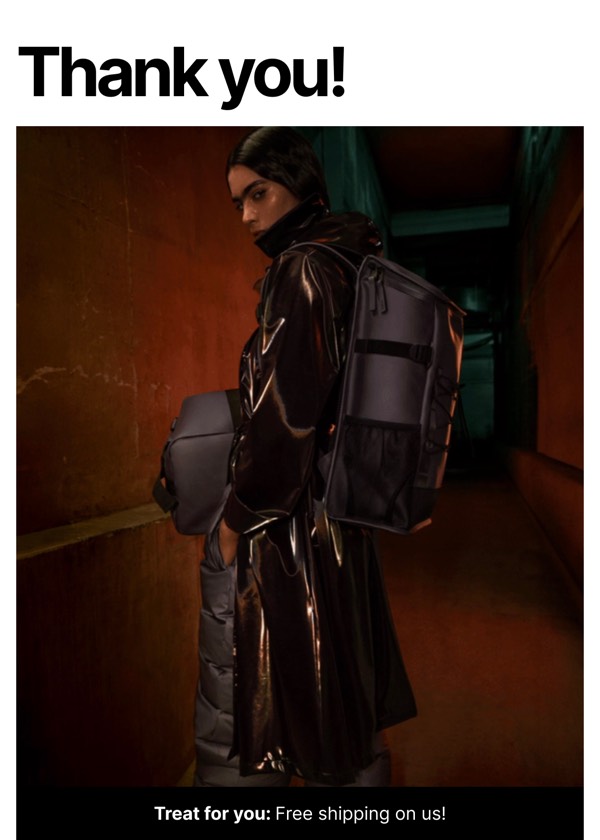
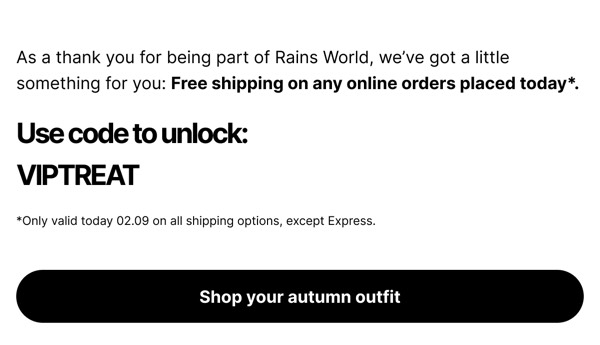
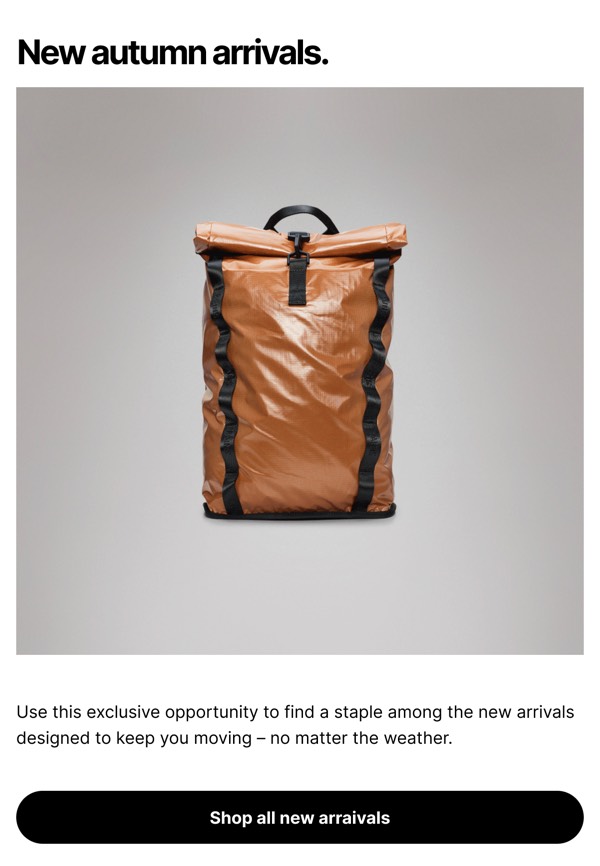
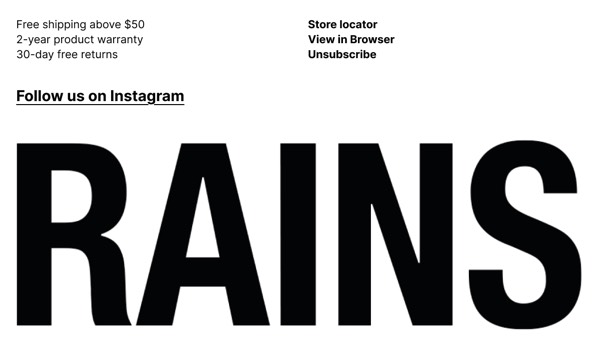
Rains’s email design reflects their Scandinavian rainwear brand with minimalist aesthetics, moody urban photography, and functional design emphasis. Their emails feature clean lines, muted color palettes, and lifestyle imagery shot in rainy city environments. Each email communicates that weatherproof clothing can be stylish, modern, and essential for urban living.
The brand’s email design balances form and function. Rains emails showcase their waterproof jackets, bags, and accessories through simple product photography and atmospheric lifestyle shots. Their design emphasizes Danish design principles—simplicity, functionality, and quality—while making rain gear feel like a fashion statement rather than purely practical necessity.
Browse the collection above to explore atmospheric hero headers, product function showcases, urban lifestyle sections, and design-focused CTAs—all inspired by Rains’s Scandinavian rainwear design.
Each component is available in Figma and can be copied directly into your designs. They’re built with email-safe HTML and CSS, ensuring compatibility across all major email clients.
Click the "Copy Figma Component" button on any Rains component, then paste it directly into your Figma design file using Cmd+V (Mac) or Ctrl+V (Windows). The component will be ready to customize.
Yes, all Rains email components are fully responsive and work across all major email clients including Gmail, Outlook, Apple Mail, and mobile devices.
Absolutely! Once copied into Figma, you can customize colors, fonts, spacing, images, and all other design elements to match your brand.
These components are designed to work seamlessly with the Emailify Figma plugin, which converts your designs to production-ready HTML email code. You can use them in Figma for free, and use Emailify when you're ready to export.