
Shift
Bold Brand Logo Header
header Image
 Emailify
 Browse our collection of Shift-inspired email components. Each component is fully responsive and ready to use in your email designs.
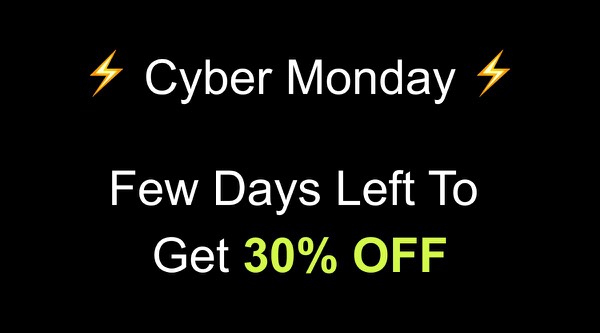
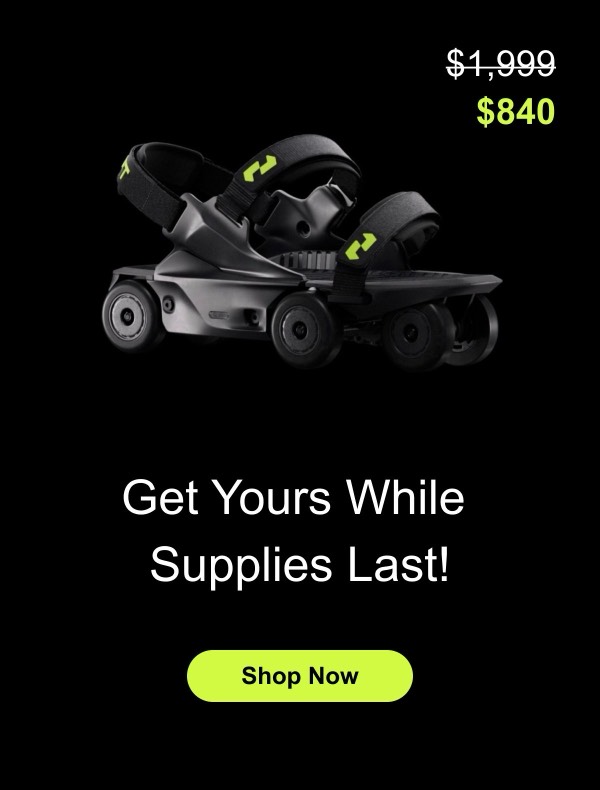

Shift’s email design reflects their desktop workspace app with clean, productivity-focused layouts that emphasize multi-account management and workflow efficiency. Their emails feature clear product screenshots, integration highlights, and organized information architecture that appeals to power users managing multiple apps and accounts. Each email communicates that Shift simplifies digital workspace chaos.
The brand’s email design prioritizes clarity and functionality. Shift emails showcase their unified inbox, app switching capabilities, and workspace organization features through straightforward demonstrations. Their design emphasizes how Shift reduces context switching and improves productivity for users juggling multiple email accounts, messaging apps, and productivity tools.
Browse the collection above to explore workspace showcase headers, integration demonstration sections, productivity comparison blocks, and efficiency-focused CTAs—all inspired by Shift’s desktop workspace design.
Each component is available in Figma and can be copied directly into your designs. They’re built with email-safe HTML and CSS, ensuring compatibility across all major email clients.
Click the "Copy Figma Component" button on any Shift component, then paste it directly into your Figma design file using Cmd+V (Mac) or Ctrl+V (Windows). The component will be ready to customize.
Yes, all Shift email components are fully responsive and work across all major email clients including Gmail, Outlook, Apple Mail, and mobile devices.
Absolutely! Once copied into Figma, you can customize colors, fonts, spacing, images, and all other design elements to match your brand.
These components are designed to work seamlessly with the Emailify Figma plugin, which converts your designs to production-ready HTML email code. You can use them in Figma for free, and use Emailify when you're ready to export.