
Skillshare
Limited Time Discount Offer
banner ColorfulCTA Image CTA
 Emailify
 Browse our collection of Skillshare-inspired email components. Each component is fully responsive and ready to use in your email designs.

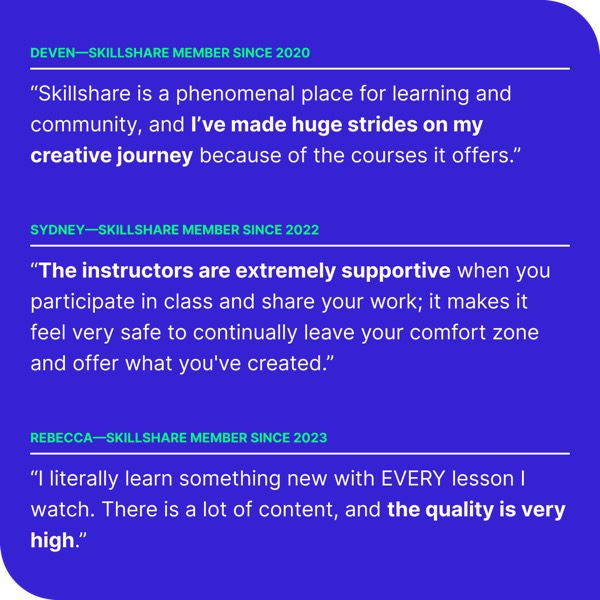

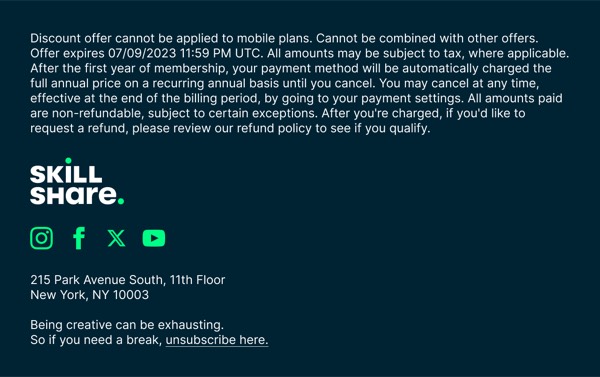
Skillshare’s email design celebrates creative learning with colorful class imagery, teacher spotlights, and personalized course recommendations based on user interests. Their emails feature vibrant thumbnails from classes, encouraging messaging about creative exploration, and their teal-green brand color. Each email positions learning as accessible, inspiring, and community-driven.
The brand’s email design balances course discovery with learning encouragement. Skillshare emails showcase diverse creative topics from illustration to photography, include teacher profiles that humanize instruction, and use playful yet professional design that makes skill-building feel exciting. Their design emphasizes that anyone can learn creative skills through bite-sized, project-based classes.
Browse the collection above to explore class recommendation grids, teacher spotlight sections, category showcase blocks, and creativity-focused CTAs—all inspired by Skillshare’s online learning design.
Each component is available in Figma and can be copied directly into your designs. They’re built with email-safe HTML and CSS, ensuring compatibility across all major email clients.
Click the "Copy Figma Component" button on any Skillshare component, then paste it directly into your Figma design file using Cmd+V (Mac) or Ctrl+V (Windows). The component will be ready to customize.
Yes, all Skillshare email components are fully responsive and work across all major email clients including Gmail, Outlook, Apple Mail, and mobile devices.
Absolutely! Once copied into Figma, you can customize colors, fonts, spacing, images, and all other design elements to match your brand.
These components are designed to work seamlessly with the Emailify Figma plugin, which converts your designs to production-ready HTML email code. You can use them in Figma for free, and use Emailify when you're ready to export.