
Google Cloud
Conference Registration Details
single column CTALight Image CTA
 Emailify
 Browse our collection of Google Cloud-inspired email components. Each component is fully responsive and ready to use in your email designs.

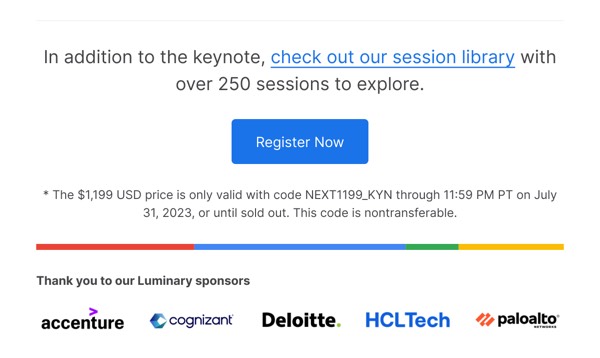
Google Cloud, Google’s enterprise cloud platform, brings technical sophistication and B2B professionalism to email design with data visualizations, service status updates, and developer-focused content layouts. Their emails feature infrastructure announcements, billing notifications, and technical documentation with clean design that appeals to developers and IT decision-makers. Each communication balances enterprise credibility with Google’s approachable design language.
The brand’s email design prioritizes technical clarity and enterprise trust. Google Cloud emails include code snippets, architecture diagrams, and clear service tier comparisons presented with professional polish. Their approach reflects the needs of technical audiences through information-dense layouts that remain scannable, comprehensive billing breakdowns, and educational content that demonstrates platform capabilities effectively.
Browse the collection above to explore service announcement sections, billing breakdown tables, technical documentation blocks, and enterprise-focused CTAs—all inspired by Google Cloud’s B2B email design.
Each component is available in Figma and can be copied directly into your designs. They’re built with email-safe HTML and CSS, ensuring compatibility across all major email clients.
Click the "Copy Figma Component" button on any Google Cloud component, then paste it directly into your Figma design file using Cmd+V (Mac) or Ctrl+V (Windows). The component will be ready to customize.
Yes, all Google Cloud email components are fully responsive and work across all major email clients including Gmail, Outlook, Apple Mail, and mobile devices.
Absolutely! Once copied into Figma, you can customize colors, fonts, spacing, images, and all other design elements to match your brand.
These components are designed to work seamlessly with the Emailify Figma plugin, which converts your designs to production-ready HTML email code. You can use them in Figma for free, and use Emailify when you're ready to export.